
Is Your Air Purifier Working? How to Tell
You can tell if your air purifier is working by checking for a noticeable difference in air quality and a consistent stream of clean air. Many units have indicator lights or fan speeds that change when they’re actively cleaning your air. If your home feels fresher and smells cleaner, that’s a good sign too. It’s all about observing the changes and trusting your senses.
Beyond just feeling cleaner, experts often point to a reduction in airborne allergens and a decrease in lingering odors as key indicators. Many air purifiers are designed to capture particles like dust, pollen, and pet dander. A well-functioning unit will actively work to remove these irritants, making your indoor environment much more comfortable, especially for those with sensitivities.
- Check for indicator lights and fan speed.
- Notice if odors are disappearing.
- Feel for a steady flow of air.
- Observe if allergy symptoms are improving.
- Listen for normal operating sounds.
Let’s walk through the specific signs you should be looking for to confirm your air purifier is doing its job.
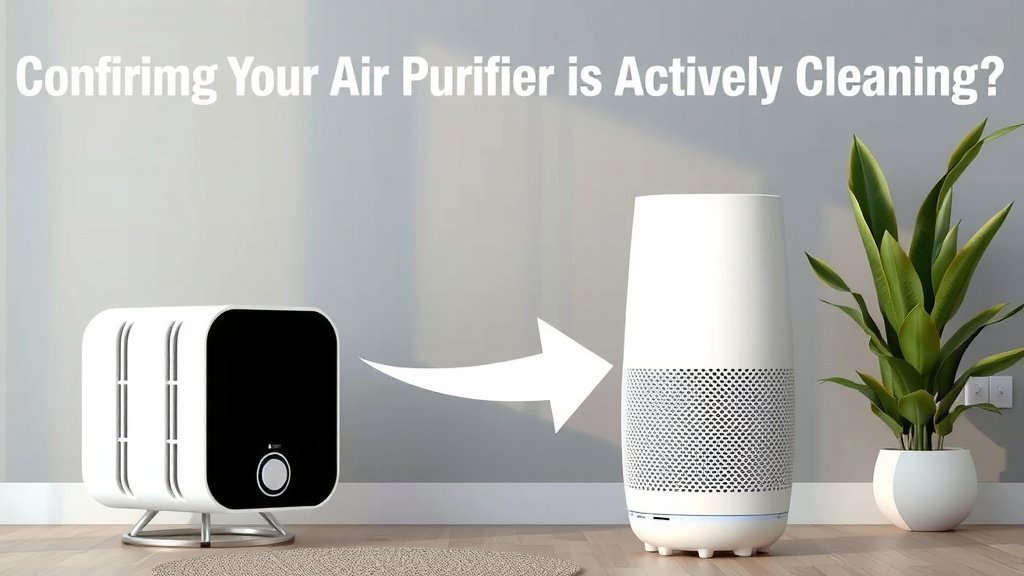
Confirming Your Air Purifier is Actively Cleaning
So, you’ve invested in an air purifier, and now you’re wondering, “Is this thing actually working?” It’s a fair question! You want to be sure you’re getting your money’s worth and breathing healthier air. Fortunately, there are several clear signs to look for. Let’s get them sorted out so you can feel confident about your air quality.
Listen to Your Senses: What You Can Hear, See, and Smell
The Sound of Clean Air
Most air purifiers make some noise. You should hear a gentle hum or a soft whirring sound when it’s on. This is typically the sound of the fan drawing air in and circulating it. If you notice the noise suddenly stops or becomes unusually loud and strained, that might signal an issue. Many units have different fan speeds, so the sound will change accordingly. A quiet unit might mean it’s not running, or it’s set to a very low, barely audible speed.
Visual Cues from Your Device
Many air purifiers come with indicator lights. A green light often means it’s powered on and functioning normally. Some models might have lights that change color to indicate air quality levels. For instance, blue might mean good air, yellow means moderate, and red could signal poor air quality. Check your user manual to understand what each light means for your specific model. If the lights are off, or showing an error code you don’t recognize, it’s time for a closer look.
The Disappearing Act: Tackling Odors
One of the most noticeable signs your air purifier is working is the reduction of unpleasant odors. Think cooking smells, pet odors, or even that musty basement scent. If these smells dissipate faster than usual, your purifier’s filter is likely capturing those odor-causing particles. If you still notice strong smells lingering after a few hours, it might mean the filter is full or the unit isn’t powerful enough for your space.
Observing the Air Quality Around You
Feeling the Airflow
Turn your air purifier on and place your hand near the air outlet. You should feel a steady stream of air being expelled. This airflow is the purifier actively circulating and cleaning your room’s air. If the airflow feels weak or stops intermittently, it could be a sign of a blockage or a problem with the fan motor. Higher fan speeds will produce a stronger airflow, which is normal.
A Noticeable Difference in Dust Levels
It might take a little time, but you should observe less dust settling on your furniture. Air purifiers are designed to capture airborne particles, including dust. If you find yourself dusting less often, it’s a great indicator that your purifier is doing its job. This effect is more pronounced in rooms where the purifier is consistently running, especially on higher settings.
Consistency is Key
Remember that air purification is an ongoing process. You won’t see results instantly. A well-functioning unit needs time to cycle the air in your room multiple times. Most experts recommend running your air purifier at least 8-12 hours a day for optimal results. For areas with higher pollution or more allergens, running it 24/7 is often best.
Health and Allergy Indicators
Breathing Easier: Allergy Symptom Relief
For many people, the primary reason for owning an air purifier is to alleviate allergy symptoms. If you or your family members experience fewer sneezes, less itchy eyes, or reduced coughing when at home, your purifier is likely contributing. This is especially true if your symptoms flare up when you’re indoors. Studies have shown that air purifiers can significantly reduce indoor allergens like pollen, pet dander, and dust mites (National Institutes of Health).
When Symptoms Don’t Improve
If your allergy symptoms persist or worsen indoors, it’s worth investigating why. It could be that the air purifier’s filters need changing, the unit isn’t the right size for your room, or there might be other sources of allergens you haven’t identified. Sometimes, it’s a combination of factors. Don’t get discouraged; it just means a little more troubleshooting is needed.
Maintenance Checks: The Heart of Performance
Filter Status: The Most Important Component
The air filters are the workhorses of your purifier. Over time, they become clogged with the very pollutants you want removed. Most purifiers have a filter indicator light that signals when it’s time for a change. If your unit doesn’t have one, a good rule of thumb is to check and potentially replace filters every 6-12 months, depending on usage and air quality. A dirty filter restricts airflow and reduces the purifier’s effectiveness.
Signs of a Clogged Filter
A clogged filter will often lead to reduced airflow from the unit. You might also notice a decrease in its ability to remove odors or a more frequent need to run it on higher, noisier settings. Sometimes, a visible layer of dust or discoloration on the filter itself is apparent when you open the unit.
Regular Cleaning and Servicing
Beyond filters, other parts need attention. The pre-filter, if your unit has one, often needs cleaning more frequently. Wiping down the exterior and ensuring the air intake vents aren’t blocked is also important. Regular maintenance ensures your air purifier operates at peak efficiency and continues to provide clean air. If you notice unusual sounds or reduced performance, a thorough cleaning might be in order.
A Quick Checklist for Peace of Mind
Here’s a quick way to check if your air purifier is likely working its magic:
- Do you feel a steady airflow coming from the unit?
- Are lingering odors disappearing more quickly?
- Have you noticed a reduction in household dust?
- Are allergy symptoms improving when you’re indoors?
- Are indicator lights showing normal operation (no error codes)?
- Does the unit sound like it’s running smoothly (no strange noises)?
Conclusion
You’ve learned to trust your senses and observe the subtle yet clear signs that your air purifier is actively working. From the gentle hum and steady airflow to the noticeable reduction in odors and dust, these indicators confirm your device is making a difference. Remember to pay attention to your allergy symptoms, as improvement there is a powerful testament to your purifier’s effectiveness. Consistent maintenance, especially checking your filters, is key to ongoing performance. Keep these checks in mind, and you’ll have peace of mind knowing you’re breathing cleaner air every day.
Frequently Asked Questions
How long should it take to notice a difference in air quality?
You might notice a reduction in odors within a few hours. However, seeing a significant decrease in dust or a noticeable improvement in allergy symptoms can take anywhere from a few days to a couple of weeks of consistent use. Air purifiers work by cycling the air, so give your unit time to do its job.
My air purifier is quiet, does that mean it’s not working?
Not necessarily. A quiet operation often means the fan is running on a low setting, which is perfectly normal. If you feel a gentle airflow coming from the unit, it’s likely working. Some modern purifiers are also designed for very quiet operation, even on higher speeds. Check for indicator lights to confirm it’s powered on and functioning.
What if my air purifier’s indicator light shows an error?
An error light usually means something needs attention. This could range from a simple need to reset the device to a more complex issue like a motor problem or a sensor malfunction. Consult your user manual to understand what the specific error code means. Often, troubleshooting involves cleaning the unit or replacing a filter.
Can I tell if my air purifier is working just by looking at it?
While you can’t see the air being cleaned, you can look for visual cues. Many purifiers have indicator lights that show power status, fan speed, or even air quality levels. Check if these lights are on and displaying a normal operational status. If your unit has a visible filter access, you might be able to see if it’s heavily soiled, indicating it’s been working hard.
What are the signs that my air purifier’s filter needs changing?
The most common sign is reduced airflow coming from the unit. You might also notice that odors are no longer being removed effectively, or that you need to run the purifier on a higher, noisier setting constantly. Many models have a filter replacement indicator light that will illuminate when it’s time for a change. Visible dust or discoloration on the filter itself is also a clear indicator.
![5 Best Dyson Air Purifier for Large Room [In 2026]](https://homeunderstandable.com/wp-content/uploads/2025/05/best-dyson-air-purifier-for-large-room-top-models-reviewed-768x384.jpg)


![What Is The Best Air Purifier for NO2 [In 2026]](https://homeunderstandable.com/wp-content/uploads/2025/05/best-air-purifier-for-no2-top-picks-for-clean-air-solutions-768x432.jpg)
