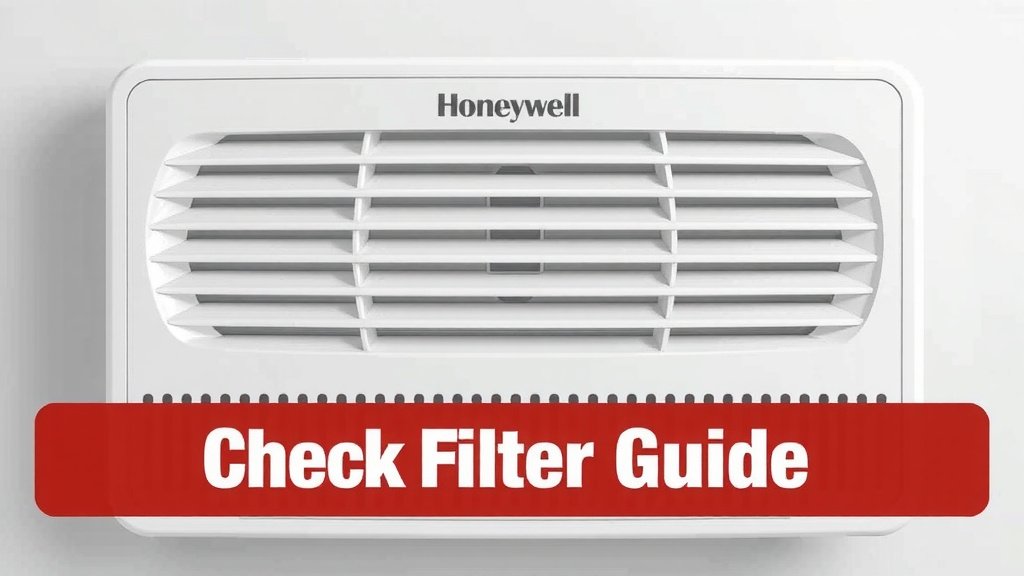
Reset Honeywell Air Purifier Check Filter Light Guide
Resetting the check filter light on your Honeywell air purifier is usually a simple process. You can typically reset it by holding down the filter reset button for a few seconds. This tells your purifier that you’ve changed the filter, and the light will turn off.
This notification light is a helpful reminder for your air purifier’s maintenance. It ensures your Honeywell unit continues to run efficiently and effectively filter your air. Remembering to replace filters is key to maintaining cleaner indoor air.
- Hold the reset button for 3-5 seconds.
- This usually clears the “check filter” alert.
- Change your filter regularly for best air quality.
- Check your manual if unsure about your specific model.
Let’s walk through exactly how to get that pesky filter light turned off step by step.
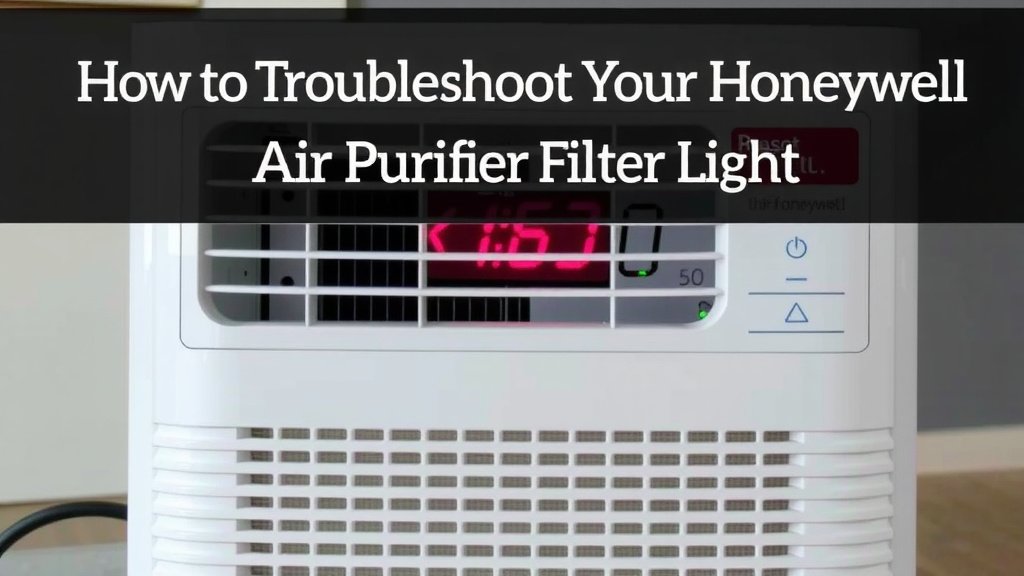
How to Troubleshoot Your Honeywell Air Purifier Filter Light
Is that little red light on your Honeywell air purifier blinking at you? Don’t worry, it’s usually a simple fix! This light is designed to remind you it’s time for some TLC for your machine. Getting it turned off simply means you’ve acknowledged the need for a filter change.
Understanding the “Check Filter” Light
This indicator light is your air purifier’s way of communicating with you. It’s not a sign that something is broken. It’s more like a friendly nudge. Think of it as the “low fuel” light on your car. It’s letting you know a specific part needs attention to keep everything running smoothly.
Honeywell air purifiers use this light to track filter usage. Some models use an hour meter. Others estimate based on run time. Regardless of the specific mechanism, the goal is the same: ensuring you maintain optimal air quality in your home. Replacing filters prevents dust and allergens from recirculating.
Why Filter Changes Matter
A clogged filter can’t do its job effectively. This means your air purifier won’t capture as many pollutants. It might even strain the motor trying to pull air through a blocked path. Research from organizations like the Environmental Protection Agency (EPA) highlights the importance of clean filters for indoor air quality.
When filters become saturated, they can’t absorb odors or trap fine particles like pet dander or pollen. This defeats the whole purpose of having an air purifier in the first place. Keeping filters fresh ensures your Honeywell unit continues to deliver the clean air you expect. It also helps prevent allergens from impacting your health (CDC).
The Standard Filter Reset Procedure
For most Honeywell air purifier models, resetting the “check filter” light involves a straightforward button press. We’ve found this is the most common method across various units.
Locating the Reset Button
The first step is finding the actual button. It’s usually clearly marked. Look for a button labeled “Filter Reset,” “Reset,” or sometimes a filter icon. On many Honeywell models, this button is located directly on the control panel. It might be a physical button you press or a touch-sensitive area.
Sometimes, the button might be subtly integrated into another control. For example, it could be part of a dial or a larger button. If you’re having trouble finding it, a quick glance at your model’s user manual is always a good idea. We’ll cover that more later.
Performing the Reset
Once you’ve located the reset button, here’s what you typically do:
- Ensure the unit is plugged in and turned on. Some reset functions only work when the purifier has power.
- Locate the “Filter Reset” button. As we discussed, this is usually on the front panel.
- Press and hold the button. You’ll need to keep your finger on it for a specific duration. Most Honeywell units require about 3 to 5 seconds of continuous pressure.
- Listen for a confirmation. You might hear a beep or notice the light turn off. This confirms the reset was successful.
That’s it! The “check filter” light should now be off. This signals to your purifier that you’ve handled the filter maintenance. It will then start counting down to the next reminder.
What to Do If the Light Doesn’t Turn Off
Sometimes, things don’t go exactly as planned. If you’ve performed the reset and the light stays on, don’t panic. There are a few troubleshooting steps you can take.
Double-Checking the Filter Installation
Did you actually replace the filter? The reset button only tells the machine you’ve done it. It doesn’t check if you actually did it! Make sure you’ve removed the old filter and correctly inserted a new, compatible one.
Sometimes, filters can be inserted incorrectly. They might be upside down or not seated properly. This can prevent the unit from recognizing the new filter, even after a reset attempt. Take a moment to ensure the filter is snug and in the correct position within the housing.
Trying the Reset Again
It’s possible you didn’t hold the button down long enough. Or perhaps your finger slipped off slightly. Try the reset procedure again, being very deliberate about holding the button for the full 3-5 seconds. Pay attention to any auditory cues or light changes.
Consulting Your User Manual
Every Honeywell model is a little different. While the general reset process is similar, there can be variations. Your user manual is the definitive guide for your specific air purifier. It will detail the exact location of the reset button and the precise steps required.
If you don’t have a physical copy, don’t worry! You can usually find a PDF version online. Just search for your Honeywell air purifier’s model number followed by “user manual.” We found that searching the Honeywell website directly often yields the best results.
Where to Find Your Model Number
The model number is typically found on a label on the back or bottom of your air purifier. Once you have it, you can easily search for the correct manual online.
Considering Other Indicator Lights
Some Honeywell models have multiple indicator lights. Is it definitely the “check filter” light that’s on? Or could it be another alert? Make sure you’re addressing the correct notification. A different light might indicate a different issue, like a need for cleaning or a more serious malfunction.
Key Takeaways for Filter Maintenance
Keeping your Honeywell air purifier running efficiently boils down to a few simple habits. These aren’t complicated; they just require a little attention.
Here’s a quick checklist to help you stay on top of things:
- Know your filter type. Ensure you’re using the correct replacement filters for your specific Honeywell model.
- Note filter replacement schedule. Mark your calendar or set a digital reminder.
- Check filters periodically. Even before the light comes on, visually inspect your filter.
- Keep the manual handy. Save a digital copy for easy reference.
- Perform the reset immediately after changing. Don’t forget this crucial step!
- Clean exterior parts. Dusting the outside of your unit also helps it run better.
Conclusion
You’ve learned that resetting the check filter light on your Honeywell air purifier is a straightforward task, usually just a matter of holding down a button. Remember, this light is your purifier’s way of helping you maintain the best possible air quality. By addressing this reminder promptly, you ensure your unit continues to effectively capture dust, allergens, and other airborne particles.
Don’t forget to consult your user manual if you encounter any unique model-specific steps. Your Honeywell air purifier is an investment in your home’s air quality, and a little regular maintenance goes a long way. Make a habit of checking and replacing your filters on schedule for a cleaner, healthier living space.
Frequently Asked Questions
How long do I need to hold the filter reset button?
For most Honeywell air purifier models, you’ll need to press and hold the filter reset button for approximately 3 to 5 seconds. You should notice the light turn off or hear a beep to confirm the reset has been successful.
What if the “check filter” light stays on after resetting?
If the light persists after you’ve tried the reset, first double-check that the new filter is installed correctly and is the right model. Then, try performing the reset procedure again, ensuring you hold the button down for the full duration.
Where is the filter reset button usually located on a Honeywell air purifier?
The filter reset button is typically found directly on the control panel of your Honeywell air purifier. It’s often labeled “Filter Reset,” “Reset,” or may have a filter icon next to it.
Can I reset the filter light without changing the filter?
While you can press the reset button without changing the filter, this is not recommended. The light is a reminder that the filter is dirty or nearing the end of its life. Resetting it without a filter change means you’re not addressing the actual need for maintenance, which can impact air quality.
My Honeywell air purifier model is different; where can I find specific instructions?
If your model differs, your user manual is the best resource. You can usually find a digital (PDF) version by searching online for your Honeywell air purifier’s model number followed by “user manual.” The Honeywell website is a good place to start your search.
![5 Best Filterless Air Purifier for Allergies [In 2026]](https://homeunderstandable.com/wp-content/uploads/2025/05/best-filterless-air-purifier-for-allergies.jpg)
![5 Best Air Purifier for Headaches [In 2026]](https://homeunderstandable.com/wp-content/uploads/2025/05/best-air-purifier-for-headaches-top-choices-for-home-comfort-768x768.jpg)