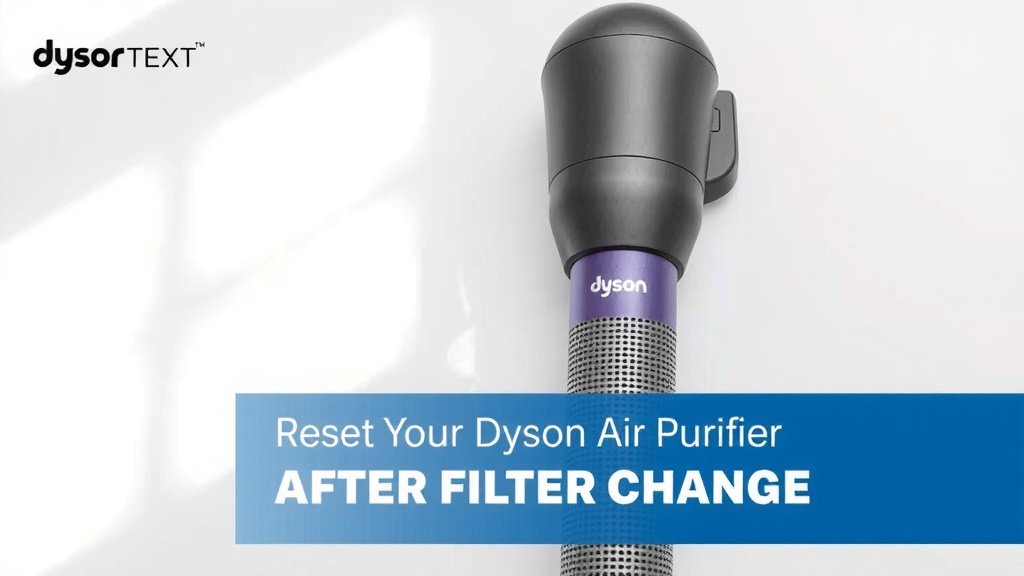
Reset Your Dyson Air Purifier After Filter Change
Resetting your Dyson air purifier after a filter change is surprisingly simple. You can usually reset it by pressing and holding the specific button for about 5-10 seconds until the indicator light changes. This tells your purifier it’s ready for a new filter and stops that annoying reminder.
This simple step ensures your Dyson continues to monitor air quality accurately. Without the reset, the machine might think it still has an old filter. This is a key part of its effective performance and keeping your air clean. Many users find this process straightforward once they know which button to press.
- Quickly reset your Dyson air purifier.
- Press and hold the correct button.
- Watch for the indicator light.
- It signals the filter replacement is registered.
Let’s walk through exactly how to do this step-by-step so you can get your Dyson back to peak performance without any guesswork.
Resetting Your Dyson Air Purifier’s Filter Light
You’ve successfully replaced the filter in your Dyson air purifier. Great job! Now, your machine needs to know about this change. This simple step tells the purifier it’s time to start fresh with a new filter. It also stops that persistent filter reminder. We’ll guide you through the quick process to get your Dyson back to its best.
Why Resetting the Filter Light is Important
Think of the filter light as your purifier’s way of keeping track of time. It counts down the hours the old filter has been in use. When it’s time for a change, it alerts you. But after you install a new filter, the machine doesn’t automatically know. You need to perform a simple reset. This reset action tells the purifier to reset its internal timer.
Without this reset, your Dyson might continue to display the filter change warning. This is less than ideal for a few reasons. Firstly, it can be annoying. Secondly, and more importantly, it can impact performance. Some advanced features rely on accurate filter life tracking. Ensuring this is reset means your purifier continues to monitor air quality accurately. This helps maintain optimal purification. Many air quality experts suggest regular maintenance for peak performance (CDC).
Finding the Right Button for Your Dyson Model
The exact button you need to press can vary slightly between Dyson models. However, the principle remains the same. You’re looking for a button that controls settings or information display.
Dyson Purifiers with a Single Button Control
Some of the simpler Dyson models have just one main button. This button often serves multiple purposes. For these units, you’ll typically press and hold this primary button.
Dyson Purifiers with Multiple Buttons
More advanced Dyson models might have a few buttons. You’ll usually find buttons for power, fan speed, oscillation, and sometimes a mode button. For filter resets on these models, you’re generally looking for the information display button or sometimes the oscillation button. Check your user manual if you’re unsure.
Common Button Locations
Most Dyson air purifiers have their control buttons located on the top or front panel of the machine. They are usually clearly marked. You might see a small icon indicating information or settings.
The Step-by-Step Filter Reset Process
Once you’ve identified the correct button, the reset itself is quick. This process usually takes less than a minute. Let’s break it down.
Step 1: Ensure the Air Purifier is On
This might seem obvious, but it’s important. For the reset command to register, your Dyson air purifier typically needs to be powered on and in its normal operating mode. Don’t try to reset it while it’s off or in standby mode.
Step 2: Locate and Press the Correct Button
As we discussed, find the specific button for your model. It might be the sole button on top or a dedicated information button. Once you’ve found it, prepare to press and hold it. Make sure you have a firm press. You’ll be holding it for several seconds.
Step 3: Hold the Button Down
Now, press and hold the identified button. You need to keep it pressed continuously. The recommended holding time is usually between 5 to 10 seconds. Don’t release it too early. Patience is key here.
Step 4: Watch for Confirmation
This is the most exciting part! While you’re holding the button, keep an eye on the purifier’s display or indicator lights. You’re looking for a specific change. This could be:
- A chime or beep sound.
- A change in the light color.
- An animation on the screen.
- The filter life indicator resetting to 100%.
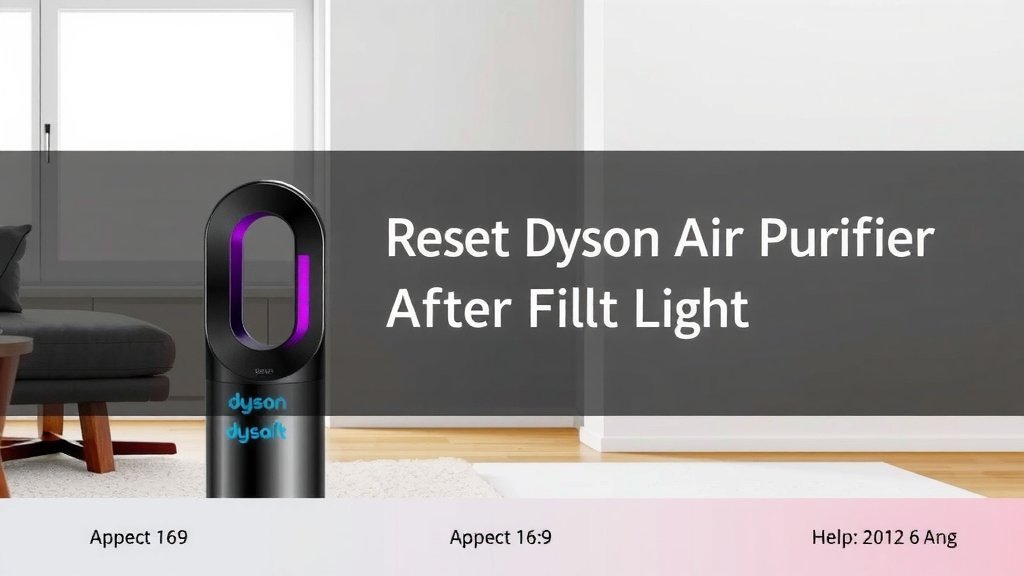
Once you see or hear this confirmation, you can release the button. You’ve successfully told your Dyson it’s time for a new filter. This confirms the filter replacement is registered.
Troubleshooting Common Reset Issues
What if the reset doesn’t seem to work? Don’t worry, it happens sometimes. A few things could be at play.
Was the Button Held Long Enough?
The most common reason for a failed reset is not holding the button for the required duration. Try again and count to at least 10 seconds while holding it down. Ensure you don’t accidentally press it multiple times; it needs to be a continuous hold.
Is it the Right Button?
Double-check your Dyson model’s user manual. Sometimes, the button for oscillation or mode might look similar to an information button. If you’re unsure, a quick look at the manual will clear things up. You can usually find these manuals online on the Dyson website.
Is the Machine in the Correct Mode?
Remember, the purifier should be powered on and actively running, not in standby. If it’s off, the button press won’t register. Try turning it on and then attempting the reset.
Did You Use a Genuine Dyson Filter?
While Dyson purifiers are designed to be user-friendly, using non-genuine filters can sometimes cause unexpected issues. For optimal performance and accurate tracking, it’s always best to use genuine Dyson replacement filters. This can help ensure the reset process works as intended (Dyson recommends using genuine parts).
Your Dyson Air Purifier Maintenance Checklist
To keep your Dyson air purifier running smoothly after a filter change, consider these simple steps:
- Confirm the new filter is seated correctly.
- Perform the filter reset after installation.
- Check the filter life indicator on the display.
- Wipe down the exterior of the purifier.
- Ensure the unit has good airflow around it.
- Schedule your next filter replacement reminder.
Conclusion
You’ve successfully replaced your Dyson air purifier’s filter and are ready to reset that indicator light. Remember, it’s a simple process of pressing and holding the correct button for about 5 to 10 seconds. This confirms the change to your purifier, ensuring it keeps monitoring your air quality accurately. By performing this small reset, you’re helping your Dyson maintain peak performance and keep your home’s air as clean as possible. Now you can enjoy fresh air with confidence, knowing your purifier is working optimally.
Frequently Asked Questions
How long do I need to hold the button down to reset the filter light?
You generally need to press and hold the correct button for about 5 to 10 seconds. Keep holding it down until you see a confirmation, like a chime or a change in the display. Releasing it too early might mean the reset doesn’t register.
What if my Dyson model doesn’t have a clear information button?
If your model has only one button, that’s likely the one you need to press and hold. For models with multiple buttons, it’s often the power or oscillation button. Checking your user manual online is the best way to be sure about the exact button for your specific Dyson model.
Can I reset the filter light without a new filter installed?
It’s best to perform the reset only after you’ve installed a new, genuine Dyson filter. The purifier’s system expects a new filter to be present when you initiate the reset. Doing it without a new filter might confuse the system or not work at all.
What does it mean if the filter light is still on after I reset it?
If the filter light remains on after attempting the reset, try the process again. Ensure you held the button down long enough and that the purifier was powered on. Also, confirm you used the correct button for your model and that the new filter is seated properly.
Does resetting the filter light affect other settings on my Dyson?
No, resetting the filter light is a specific function that only acknowledges the filter change. It doesn’t alter your purifier’s fan speed, oscillation settings, or any other operational preferences you may have set.
![5 Best Air Purifier for Pets Large Room [In 2026]](https://homeunderstandable.com/wp-content/uploads/2025/05/best-air-purifier-for-pets-large-room-top-picks-for-fresh-air-768x384.jpg)