
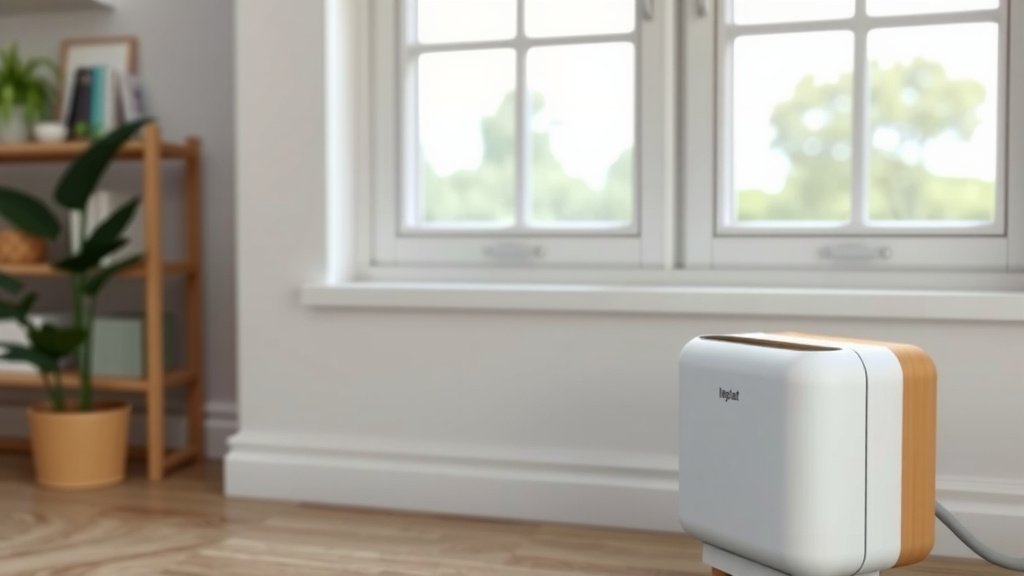
How to Reset Your Air Purifier Filter: A Quick Guide
Resetting your air purifier filter is usually quite simple. Most models have a reset button you can press and hold to signal the purifier that a new filter is installed. You can typically do this after physically swapping out the old filter for a new one. This process clears the filter indicator light.
Knowing when to reset and replace your filter is key to keeping your air clean. A clogged filter can make your air purifier less effective. It can also strain the motor, potentially shortening its lifespan. Regularly checking your manual ensures you’re following the correct procedure for your specific air purifier model.
- Check your air purifier’s manual for specific reset instructions.
- Usually, you press and hold a dedicated button.
- Do this after you’ve installed a new filter.
- This turns off the filter replacement reminder light.
Below, we’ll walk you through the common steps and some helpful tips for resetting your air purifier filter, so you can breathe easier.
Keeping Your Air Purifier Running Smoothly: Resetting the Filter Light
You’ve replaced your air purifier’s filter. Great job! Now, that pesky reminder light is still on. This is where resetting the filter indicator comes in. It’s a small step that makes a big difference. Resetting tells your purifier that fresh filtration is in place. This allows it to keep working effectively to clean your air. We’ll show you how to do it.
Why Resetting Your Air Purifier Filter is Important
Understanding the Filter Indicator
That blinking or solid light isn’t just for show. It’s a **smart indicator** designed to help you maintain optimal air quality. Your air purifier’s motor tracks how long the filter has been in use. Once it reaches a certain point, the light turns on. This is your cue to check or replace the filter. It’s a helpful reminder.
Ensuring Peak Performance
A dirty filter can’t do its job well. It becomes clogged with dust, pollen, and other particles. This makes it harder for air to pass through. Your purifier has to work harder. This can lead to **reduced air flow** and less effective air cleaning. Resetting after a filter change confirms a new filter is installed, allowing the system to track time from a clean slate.
Protecting Your Air Purifier’s Lifespan
Forcing air through a blocked filter puts a strain on the motor. Think of it like trying to breathe through a stuffy nose all day. Over time, this can lead to premature wear and tear. Regularly replacing and resetting the filter can help **prevent motor damage**. This keeps your appliance running efficiently for longer.
Common Methods for Resetting Your Air Purifier Filter
The “Press and Hold” Technique
Most air purifiers use a very straightforward method. You’ll typically find a dedicated button. This might be labeled “Filter Reset,” “Reset,” or have a filter icon. You usually need to **press and hold this button** for a few seconds. This action acknowledges the filter change. The indicator light should then turn off or change color.
Sometimes, you need to perform this action with the unit plugged in and turned on. Other times, it might be recommended to do it while the unit is off. Always consult your owner’s manual. It’s the best source for your specific model’s needs. We found that for many popular brands, holding the button for 3-5 seconds is the magic number.
Button Combinations
A few models might require a slightly more complex button sequence. For instance, you might need to press and hold two buttons simultaneously. Or, you might need to press a button a specific number of times. This is less common but still a possibility.
Again, your **user manual** is your best friend here. It will detail any unique button combinations required. These steps are usually clearly laid out. They ensure you don’t accidentally reset other functions.
Using the Control Panel or App
Some newer, more advanced air purifiers offer digital control panels or smartphone apps. In these cases, the reset function might be accessible through the unit’s menu settings. You might navigate to a “Maintenance” or “Filter Status” section. From there, you can select an option to reset the filter life indicator.
Using an app can be very convenient. You might get a notification when it’s time to change the filter. Then, you can often reset the indicator right from your phone. This offers a truly **modern approach** to air purifier maintenance.
Step-by-Step Guide to Resetting Your Filter
Step 1: Ensure the New Filter is Installed Correctly
Before you even think about resetting the light, make sure your new filter is properly seated. Open the air purifier according to the manufacturer’s instructions. Remove the old filter. Insert the new filter, ensuring it’s oriented correctly. Close up the unit securely. This step is **absolutely essential**. Without a new filter, resetting the light is pointless.
Step 2: Locate the Reset Button or Function
With the air purifier reassembled, find the filter reset button. Look for labels like “Reset,” “Filter Reset,” or a filter icon. If your model has a digital display or app, navigate to the filter status menu. Double-check your manual if you’re unsure.
Step 3: Perform the Reset Action
Press and hold the designated button for the required duration (usually 3-5 seconds). If using a digital interface or app, follow the on-screen prompts to confirm the reset. You should see the filter indicator light **go off or change status**. Some units might make a beep to confirm the reset.
Step 4: Test the Air Purifier
Turn your air purifier back on if it wasn’t already running. The filter indicator light should now be off. Allow the unit to run for a few minutes. This confirms that everything is functioning as expected. You’ve successfully reset your filter indicator!
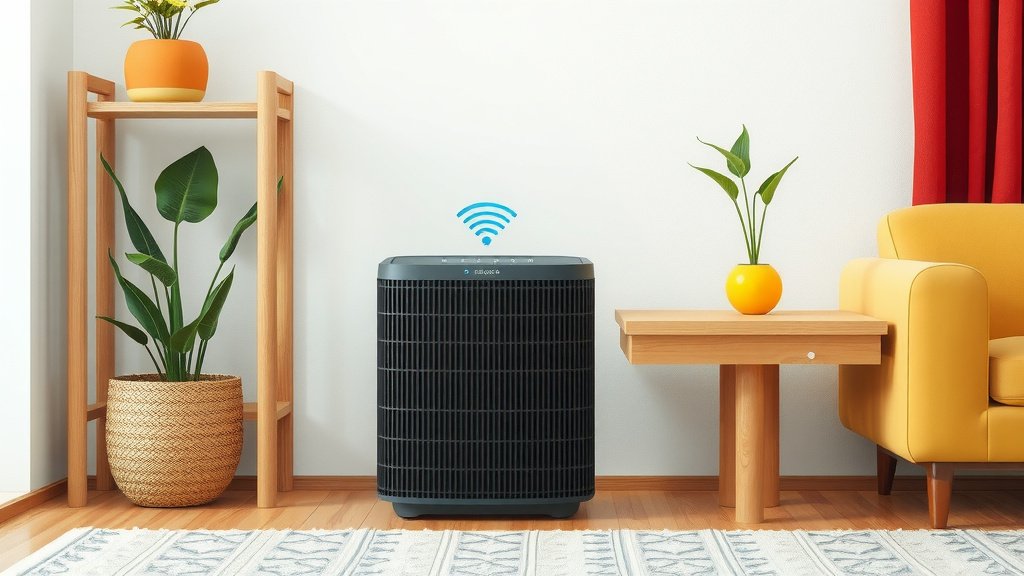
Troubleshooting Common Reset Issues
Light Won’t Turn Off?
If the light remains on after attempting the reset, don’t panic. First, try the reset process again. Make sure you’re holding the button long enough. If it still doesn’t work, check if the filter is correctly installed. Sometimes, a slightly misaligned filter can prevent the reset from registering. Many experts suggest waiting a few minutes after installation before attempting the reset.
Incorrect Button Pressed?
It’s easy to accidentally press the wrong button. If you think you might have, simply turn the unit off and on again. Then, locate the correct reset button and try the process once more. Referencing your manual can help prevent this in the future.
Filter is Not Brand New?
If you’ve cleaned and reinstalled a washable filter, some units may still require a reset. However, many manufacturers recommend using new, genuine filters for the best results. Always check if your filter is designed to be washable and reusable. If it’s a disposable filter, it must be replaced. Resetting a dirty filter isn’t recommended.
When in Doubt, Consult Your Manual
We know it can be frustrating when things don’t work as expected. Air purifier models vary greatly. What works for one might not work for another. Your air purifier’s manual is the **definitive guide**. It contains specific instructions tailored to your device. It often includes troubleshooting tips for common issues. If you’ve lost yours, most manufacturers offer digital copies on their websites. Finding and reading this will save you time and hassle.
Your Air Quality Checklist: Filter Reset Edition
- Confirm new filter is installed.
- Locate the correct reset button/function.
- Press and hold for the specified time.
- Observe the indicator light.
- Verify light turns off.
- Test the unit by running it.
Conclusion
You’ve now got the know-how to reset your air purifier’s filter indicator. This simple step is vital for maintaining clean air and ensuring your purifier runs efficiently. Remember, a clean filter means a healthier home environment for you and your family. Don’t let that reminder light stress you out!
The next time your filter light comes on, you’ll know exactly what to do. Just follow the steps we’ve outlined. You can do this!
Frequently Asked Questions
How long do I need to hold the reset button?
Typically, you’ll need to press and hold the reset button for about 3 to 5 seconds. This action signals to the air purifier that you’ve replaced the filter. Always check your specific model’s manual, as this duration can vary slightly between brands.
What should I do if the reset light doesn’t turn off?
If the filter indicator light stays on after your reset attempt, try the process again, ensuring you hold the button for the correct duration. Double-check that the new filter is installed correctly and that the unit is properly reassembled. Sometimes, a brief pause after installation before resetting helps.
Can I reset the filter light without replacing the filter?
No, you should never reset the filter indicator without actually replacing the filter. The light is designed to alert you when the filter is dirty and needs changing to maintain air quality. Resetting it without a new filter will mean your purifier continues to operate with a clogged, ineffective filter.
What if my air purifier doesn’t have a dedicated “reset” button?
Some modern air purifiers use a digital control panel or a smartphone app to manage filter status. In these cases, you’ll typically find the reset function within the device’s menu settings, often under a “Maintenance” or “Filter Life” section. Refer to your user manual for exact instructions.
Is it okay to use a generic or off-brand filter, and does it affect the reset?
While generic filters might fit, manufacturers generally recommend using their genuine replacement filters for optimal performance and to ensure the reset function works correctly. Some air purifiers may have internal checks that are designed for brand-specific filters, potentially causing reset issues with third-party options.
![What Is The Best Mattress for 250 Pounds [In 2026]](https://homeunderstandable.com/wp-content/uploads/2025/11/Best-Mattress-for-250-Pounds.jpg)

![What Is The Best Air Purifier for Benzene [In 2026]](https://homeunderstandable.com/wp-content/uploads/2025/06/best-air-purifier-for-benzene-top-picks-for-clean-indoor-air-768x768.jpg)