How to Reset Your Filtrete Air Purifier Filter
Resetting the filter light on your Filtrete air purifier is a simple process. You just need to hold the filter reset button for about 5 seconds. This action will confirm the new filter is installed and silence that blinking reminder. It’s a quick fix to keep your air clean.
Knowing when to replace your filter is key to your air purifier’s effectiveness. A dirty filter can reduce airflow and struggle to capture pollutants. Resetting the light after a replacement ensures your purifier knows it’s working with a fresh, clean filter. This helps maintain optimal air quality in your home.
TL;DR:
- Press and hold the filter reset button for 5 seconds.
- This tells your purifier the filter is new.
- A blinking light means it’s time for a change.
- Resetting clears the reminder after replacement.
Ready to make sure your air purifier is working its best? Let’s walk through exactly how to reset that filter light step by step.
Clearing Your Filtrete Air Purifier Filter Indicator
So, you’ve bravely tackled the filter change on your Filtrete air purifier. You’ve swapped out the old, likely dusty, filter for a sparkling new one. Now, that blinking light is still taunting you, right? Don’t worry, this is completely normal. The purifier doesn’t magically know a new filter is in place. You need to tell it. This guide will show you precisely how to reset that filter indicator light on your Filtrete unit. It’s a simple step that keeps your air purifier running efficiently.
Why Resetting the Filter Light Matters
Think of the filter light as your air purifier’s way of saying, “Psst, I need some TLC!” It’s a gentle nudge to ensure you’re getting the best possible air quality. When the light blinks, it means the filter has likely reached its maximum capacity for trapping pollutants. Continuing to run your purifier with a clogged filter can actually do more harm than good.
Impact of a Clogged Filter
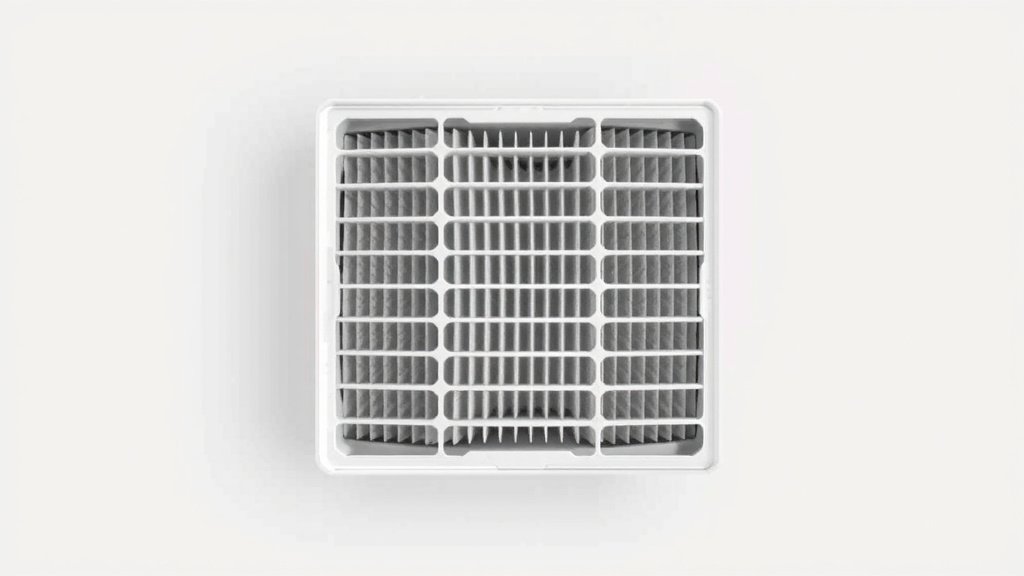
A filter that’s past its prime becomes less effective. Airflow can be significantly reduced. This means your purifier struggles to pull air through and clean it. It’s like trying to breathe through a wet paper towel. Furthermore, the pollutants that the filter *couldn’t* capture might even get pushed back into your air. This is why replacing and then resetting the indicator is so important. Keeping it clean is about maintaining optimal air quality.
Understanding Your Purifier’s Signals
Filtrete air purifiers are designed to be user-friendly. The filter indicator light is a key part of this. It’s a visual cue that takes the guesswork out of filter maintenance. Many experts recommend following the manufacturer’s guidelines for filter changes to ensure peak performance (American Lung Association). Resetting the light confirms you’ve completed this vital step. It tells the machine, “Okay, we’re starting fresh!”
Locating the Filter Reset Button
The exact location of the filter reset button can vary slightly between different Filtrete air purifier models. However, it’s almost always found on the main control panel of your unit. You’re looking for a button that is specifically labeled “Filter Reset,” “Reset,” or sometimes has a filter icon on it.
Common Button Placements
On most common Filtrete models, you’ll find this button either directly on the top surface of the purifier or on the front control panel. It might be a physical button you press, or it could be a touch-sensitive area. If you’re having trouble finding it, take a quick look at your air purifier’s user manual. It will pinpoint the exact location for your specific model.
What If You Can’t Find It?
Don’t panic if the button isn’t immediately obvious. Some newer models might integrate the reset function differently. You might need to press and hold another button, like the power button, for a longer duration. Again, the user manual is your best friend here. It’s the definitive source for your model’s unique operating instructions. If all else fails, a quick search on the Filtrete website for your model number will likely bring up a digital manual.
The Step-by-Step Reset Process
Resetting the filter light is designed to be quick and straightforward. You don’t need any special tools or complicated procedures. Here’s how you’ll do it, generally speaking. Always double-check your manual for any model-specific nuances, but this core method works for most Filtrete units.
Performing the Reset Action
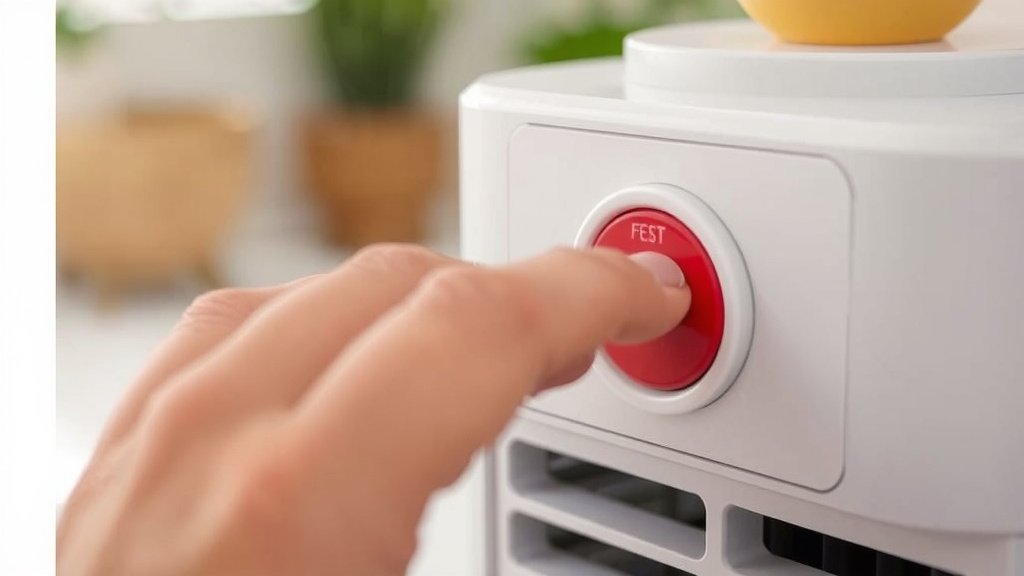
Once you’ve located the filter reset button, the action is simple: press and hold it. For the vast majority of Filtrete air purifiers, you’ll need to keep your finger on this button for approximately 5 seconds. You might feel a slight click or hear a soft beep. This is usually the signal that the reset command has been received and processed by the unit.
Confirming the Reset
After holding the button for the required time, release it. The blinking filter light should now be off. If the light was solid before, it might stay off or change to indicate normal operation. If it continues to blink, you might not have held the button long enough, or there could be another issue. Try the process again, ensuring you hold the button firmly for the full 5 seconds.
Troubleshooting Common Issues
Occasionally, the reset might not take effect immediately. If the light remains on, first ensure you replaced the filter correctly. Sometimes, the filter needs to be seated properly for the unit to register it. Then, try the reset procedure again. Make sure the air purifier is powered on when you attempt the reset. Some models require the unit to be in an “on” state for the button to function.
Model-Specific Variations to Be Aware Of
While the 5-second press-and-hold method is common, it’s always wise to be aware that your specific Filtrete model might have a slight variation. It’s like different car models having their hazard light button in slightly different spots. We found that some older or very basic models might have a simpler single-press reset, while more advanced units could have a slightly longer hold time or a combination of button presses.
A Quick Comparison of Reset Methods
Here’s a general idea of what you might encounter, based on typical designs:
| Typical Action | Expected Result |
|---|---|
| Press and hold “Filter Reset” for 5 seconds | Filter light turns off or changes status. |
| Press and hold “Power” button for 10 seconds | May reset all settings or just the filter light on some models. |
| Single quick press of “Filter Reset” | Less common, but possible on very basic units. |
When to Consult Your Manual
If the standard 5-second hold doesn’t seem to work, or if you’re unsure about your model, checking the user manual is the best course of action. It’s your personal instruction booklet for your specific appliance. You can usually find a PDF version online by searching for your model number. This ensures you’re performing the reset exactly as the manufacturer intended.
Maintaining Your Filtrete Air Purifier After Reset
Resetting the filter light is just one part of keeping your air purifier happy. Consistent maintenance ensures it continues to perform optimally and keep your home’s air clean and fresh. It’s a partnership between you and your machine!
Filter Replacement Schedule
Remember that the indicator light is a guide, not a strict rule. Depending on your air quality and how often you run the purifier, you might need to replace filters sooner or later than the recommended schedule. We found that tracking filter life can also be done by observing the airflow. If it seems weaker, it’s probably time for a change, regardless of the light.
Regular Cleaning and Checks
Beyond filter changes, occasionally wipe down the exterior of your air purifier with a soft, damp cloth. Ensure the air intake and outlet vents are free from dust and obstructions. This simple upkeep helps maintain good airflow and prevents the unit from overheating. Following these steps ensures your air purifier runs smoothly for a long time.
Your Filter Reset Checklist
To make sure you’ve got it all covered, here’s a quick checklist for your filter reset:
- Confirm you have the correct replacement filter for your Filtrete model.
- Ensure the new filter is properly seated in the purifier.
- Locate the “Filter Reset” button on the control panel.
- Press and hold the reset button for approximately 5 seconds.
- Verify that the filter indicator light turns off or changes.
- If the light remains, try the reset again or consult your user manual.
Conclusion
You’ve successfully learned how to reset your Filtrete air purifier’s filter light, ensuring your machine keeps working efficiently. Remember, this simple step after a filter change is key to maintaining healthy air quality in your home. It tells your purifier it’s ready to capture new pollutants with a clean filter. Don’t let that blinking light stress you out; it’s just a reminder to keep your air fresh. Now that you’ve mastered the reset, make sure to stay on top of your filter replacement schedule. Check your manual if you encounter any unusual behavior with your unit.
Frequently Asked Questions
How do I know if I need to reset the filter light on my Filtrete air purifier?
You’ll know it’s time to reset the filter light after you have physically replaced the air filter. The light typically blinks to indicate the filter needs changing. Once the new filter is installed, the reset action confirms the change to the unit.
Can I reset the filter light without replacing the filter?
No, you should not reset the filter light without replacing the filter. The indicator is there to help you maintain optimal air quality. Resetting it without a new filter means your purifier will continue to run with a clogged filter, reducing its effectiveness.
What happens if I hold the filter reset button for too long?
Holding the filter reset button for too long on most Filtrete models won’t cause damage, but it also won’t do anything extra. The system is designed to recognize the 5-second press. If it doesn’t reset, try again and ensure you release the button after about 5 seconds.
My Filtrete air purifier doesn’t have a button labeled “Filter Reset.” What should I do?
Check your user manual for your specific model. Some units might have a combined button, like the power button, that needs to be held for a longer duration to reset the filter indicator. You can usually find a digital copy of your manual online.
How often should I expect to reset the filter light?
You should expect to reset the filter light every time you replace the air filter. The frequency of filter replacement depends on your model, usage, and home environment. Typically, filters need changing every 3 to 6 months, but always refer to your air purifier’s manual for guidance.