Winix Air Purifier Filter Reset Guide: Easy Steps
Resetting your Winix air purifier filter is pretty simple! You’ll usually just need to press and hold a specific button for a few seconds. This tells the purifier you’ve replaced the filter and resets the indicator light.
Keeping your Winix air purifier running smoothly means replacing its filters regularly. The indicator light is a helpful reminder. Knowing how to reset it after a change ensures your purifier keeps working efficiently and purifying your air effectively.
- Filter reset is usually a button press.
- Hold it for a few seconds.
- This clears the filter indicator.
- It ensures your purifier stays effective.
Ready to get that indicator light off? Let’s walk through how to reset your Winix air purifier filter step by step.
So, you’ve replaced the filter in your trusty Winix air purifier. Great job! But now that little indicator light is still on, reminding you it’s time for a reset. Don’t worry, it’s not a trick. It’s just your purifier’s way of saying “Thanks for the new lungs!” Let’s get that light off.
Resetting Your Winix Air Purifier Filter Indicator
Clearing the filter indicator on your Winix air purifier is a straightforward process. It tells the machine that you’ve performed maintenance. This ensures the air purifier continues to monitor air quality accurately. Most Winix models use a simple button press to reset. We’ll walk you through the common methods.
Understanding the Filter Indicator Light
Your Winix air purifier has a built-in system. It tracks filter usage based on run time. When the filter reaches the end of its expected lifespan, the indicator light illuminates. This is a helpful nudge to replace the filters. It’s not about the purifier suddenly stopping. It’s about maintaining optimal performance.
Think of it like your car’s oil change light. It doesn’t mean your engine will explode tomorrow. It’s a reminder to perform a necessary task. For your air purifier, this task is changing the filter. This keeps the air you breathe clean and fresh.
Finding the Reset Button
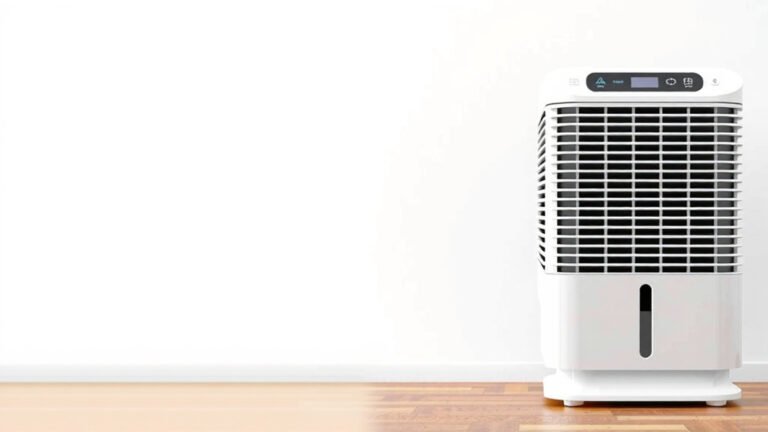
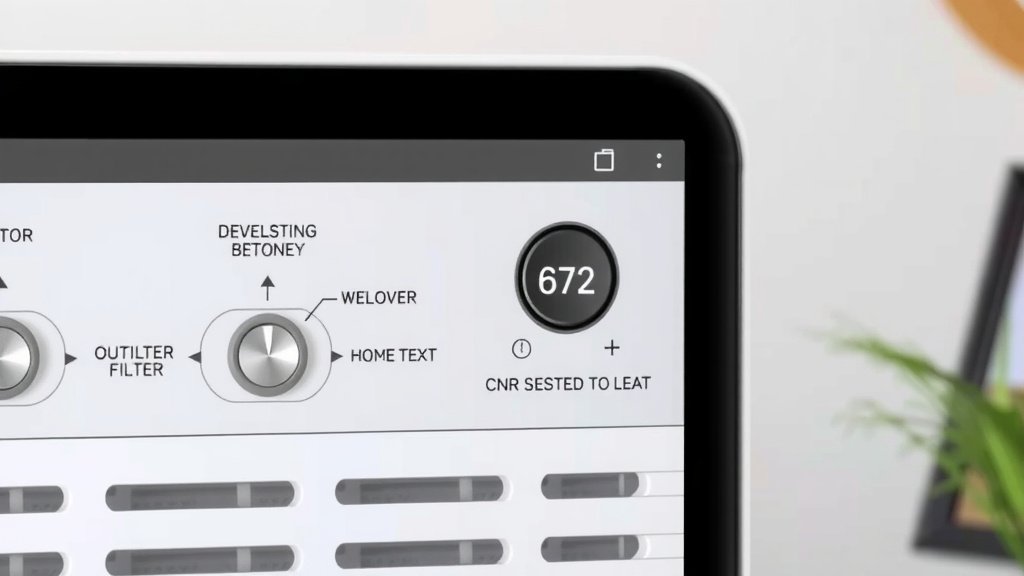
The location of the reset button can vary slightly by model. However, it’s almost always clearly marked. You’ll typically find it on the main control panel of your unit. Sometimes, it’s integrated with another button.
Look for a button labeled “Filter Reset,” “Reset,” or perhaps a symbol that looks like a filter with a circular arrow. If you’re having trouble locating it, your owner’s manual is your best friend. It will have a diagram of the control panel.
The Standard Filter Reset Procedure
For many Winix models, the reset process involves pressing and holding a button. This is usually the same button that controls the unit’s power or a dedicated filter reset button. You’ll need to press and hold it for a specific duration.
Typically, you’ll press and hold the button for about 5 to 10 seconds. You might hear a beep or see the indicator light flash briefly. This confirms the reset was successful. Make sure the air purifier is plugged in and powered on before you attempt the reset.
Resetting Specific Winix Models (Examples)
While the general principle is the same, different Winix models might have slight variations. For example, on some units, you might press and hold the “Filter Reset” button directly. On others, it might be a combination of buttons or a longer press on the “Power” button.
We found that units with a dedicated “Filter Reset” button are often the most straightforward. Simply press and hold that specific button. If your model doesn’t have a dedicated button, check if holding the “Mode” or “Timer” button for an extended period accomplishes the reset. Always consult your manual if you’re unsure.
What If the Reset Doesn’t Work?
It’s rare, but sometimes the reset might not seem to take. First, double-check that you held the button down for the correct amount of time. Manufacturers often specify a range, like 5-10 seconds. Holding it for too short or too long can sometimes prevent the reset.
Another common reason is ensuring the unit is fully powered on. Some reset functions require the purifier to be in an active state, not just plugged in. If the light remains on after a couple of attempts, try unplugging the unit for a minute. Then plug it back in and try the reset sequence again. This simple power cycle can often resolve minor glitches.
When Should You Replace Your Winix Filters?
Knowing how to reset the filter light is only half the battle. You also need to know when to replace those filters. This ensures your purifier is actually doing its job effectively.
Understanding Filter Lifespan
Winix filters are designed to last. However, their lifespan depends heavily on your environment and usage. Factors like air quality, pet dander, smoke, and how often you run the purifier all play a role. A general guideline is that HEPA filters can last anywhere from 6 months to 1 year. The activated carbon pre-filters often need replacing more frequently, sometimes every 3 months.
The indicator light is your primary guide. But if you notice a decline in air quality or unusual odors, it might be time for a change sooner. Research from the Environmental Protection Agency (EPA) highlights the importance of regular air filter maintenance for optimal air quality indoors.
Signs Your Filters Need Replacing (Beyond the Light)
While the indicator light is a good reminder, other signs can tell you it’s time. Is your purifier running constantly but you don’t feel the air is as fresh? That’s a clue. Have you noticed an increase in dust settling around your home, even with the purifier running?
Another tell-tale sign is if you start to smell odors that the purifier used to eliminate. This often indicates the activated carbon filter is saturated and can no longer absorb smells. The HEPA filter might also be clogged, reducing airflow. Your nose and your home’s cleanliness are great indicators.
The Importance of Genuine Winix Filters
For the best performance and to ensure your reset function works correctly, we recommend using genuine Winix replacement filters. Aftermarket filters might fit, but they may not offer the same level of filtration. They could also cause the reset function to malfunction or not register properly.
Using authentic parts ensures compatibility. It also helps maintain the efficiency and longevity of your Winix air purifier. Think of it like buying the right tires for your car; using the correct ones ensures everything functions as it should.
Troubleshooting Checklist for Filter Resets
Here’s a quick checklist to help you through the filter reset process:
- Confirm Filter Replacement: Did you actually replace both the HEPA and carbon filters?
- Check Power: Is your Winix air purifier plugged in and powered ON?
- Locate the Button: Have you identified the correct “Filter Reset” button on your model?
- Press and Hold Duration: Did you hold the button for the recommended time (usually 5-10 seconds)?
- Listen for Confirmation: Did you hear a beep or see a light flash to confirm the reset?
- Consult Your Manual: If still stuck, refer to your specific Winix model’s user manual.
Conclusion
You’ve now learned the simple steps to reset your Winix air purifier’s filter indicator. Remember, this little light is just a helpful reminder. By correctly resetting it after changing your filters, you ensure your purifier continues to operate at peak efficiency. This keeps your home’s air clean and healthy for you and your family. Don’t forget to use genuine Winix filters for the best results. Your next step is to enjoy cleaner air, knowing your purifier is working as it should!
Frequently Asked Questions
How long do I need to hold the reset button on my Winix air purifier?
Typically, you’ll need to press and hold the reset button for about 5 to 10 seconds. Some models might require a slightly longer press. You should hear a beep or see the indicator light flash to confirm the reset was successful.
What if the filter reset light stays on after I reset it?
If the light persists, double-check that you held the button for the correct duration. Ensure your purifier is plugged in and powered on. You can also try unplugging the unit for a minute and then attempting the reset again. Always refer to your owner’s manual for model-specific instructions.
Do I need to reset the filter indicator every time I clean the pre-filter?
No, the filter reset is specifically for when you replace the main HEPA and activated carbon filters. Routine cleaning of the washable pre-filter does not require a reset of the indicator light.
Can I use third-party filters and still reset the indicator?
While third-party filters might fit, they aren’t always recognized correctly by the purifier. Using genuine Winix filters is recommended to ensure compatibility and proper function of the reset mechanism. Aftermarket filters may sometimes prevent the reset from working.
Where can I find the filter reset button on my Winix air purifier?
The filter reset button is usually located on the main control panel of your unit. Look for a label that says “Filter Reset” or a symbol resembling a filter with a circular arrow. If you can’t find it, your owner’s manual will provide a clear diagram of the control panel.