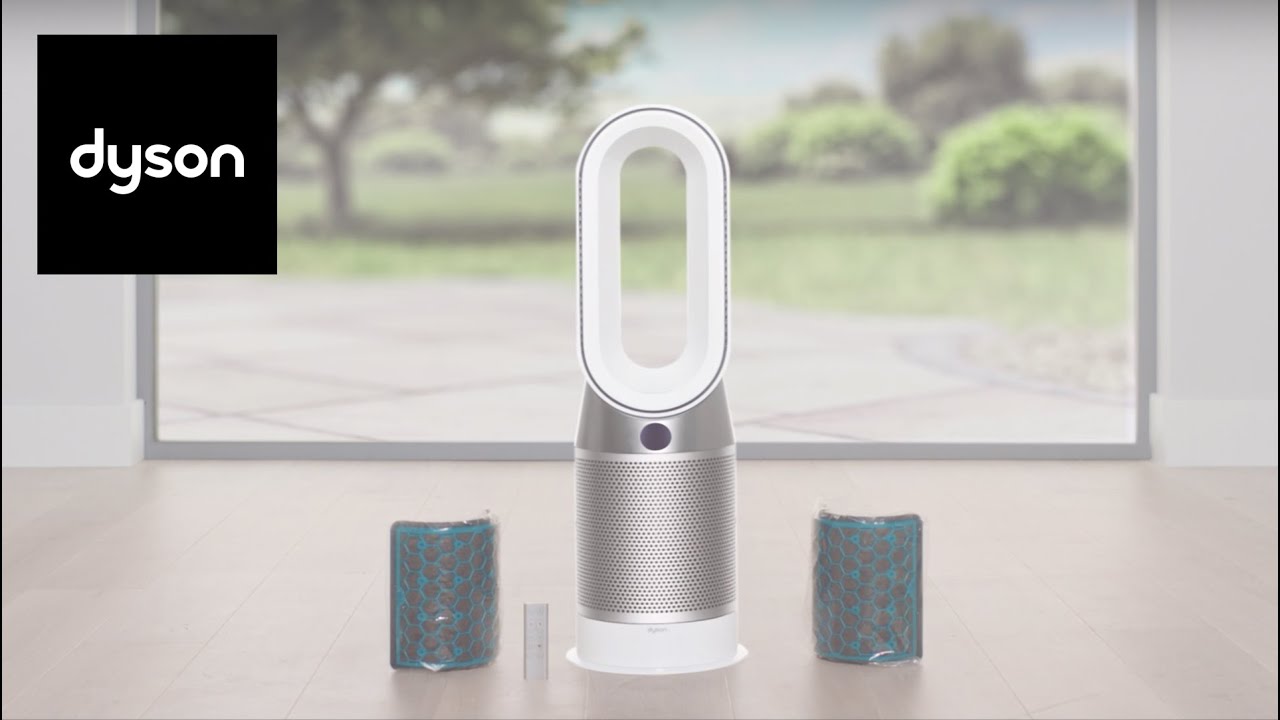
Dyson Air Purifier Hot And Cool How to Use: Expert Guide
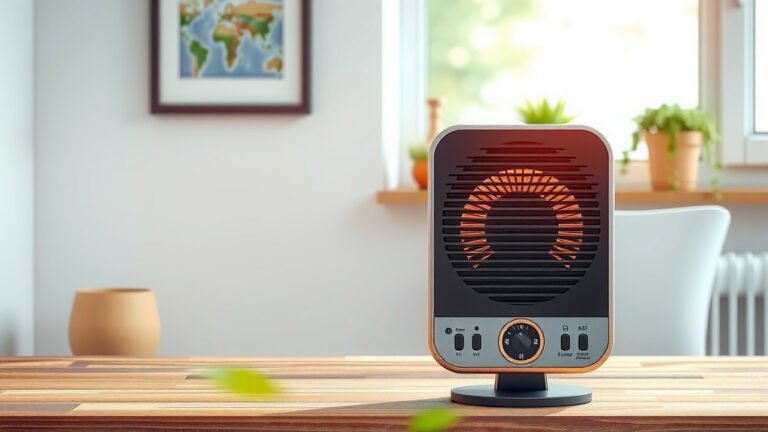
The Dyson Air Purifier Hot and Cool is a great device. It cleans the air and keeps you comfy. It can heat or cool your room. Let’s learn how to use it.
What is Dyson Air Purifier Hot and Cool?
This device is special. It does two things. It purifies the air. It also heats and cools the room. So, you can use it in all seasons. It is good for your health. Clean air is important.
Why Use an Air Purifier?
Air purifiers clean the air. They remove dust and smoke. They also get rid of pollen. Clean air helps you breathe better. It is good for people with allergies. It can make you feel better.
Unpacking Your Dyson Air Purifier
The first step is unpacking. Open the box carefully. Take out the device. Remove all packing materials. Check for the remote. You will need it to operate the device. Read the manual. It has important information.
Setting Up Your Device
Find a good spot for your purifier. Place it on a flat surface. Make sure there is space around it. This helps air flow better. Plug it into a power outlet. Now, you are ready to go.
Using the Remote Control
The remote is easy to use. It has many buttons. These buttons control different functions.
| Button | Function |
|---|---|
| Power | Turns the device on or off |
| Auto | Adjusts settings automatically |
| Fan Speed | Changes how fast the fan spins |
| Temperature | Sets the room temperature |
| Oscillation | Makes the device turn side to side |
| Night Mode | Quieter operation at night |
Turning On the Air Purifier
Press the power button. The device will turn on. You will hear a soft sound. This means it is working. The display will light up. Now, you can adjust the settings.
Choosing the Right Mode
There are many modes to choose from. Each mode is useful for different times.
- Auto Mode: This is the easiest mode. The device sets everything for you. It is good for most days.
- Fan Mode: Use this when you need fresh air. It cools the room.
- Heat Mode: Use this mode in winter. It makes the room warm.
- Night Mode: This mode is quiet. Use it when you sleep.
Adjusting the Temperature
You can set the temperature. Use the remote to do this. Press the temperature button. Then, set the temperature you like. The display will show the temperature. Adjust it until you feel comfortable.
Changing Fan Speed
Fan speed is important. It decides how fast air moves. Use the fan speed button on the remote. There are many levels. Choose the speed you like. Faster speed cools or heats the room quicker.
Using Oscillation
Oscillation moves the device. It turns side to side. This spreads air all around the room. Press the oscillation button. You can stop it anytime. This makes air distribution even.
Keeping it Clean
Clean your purifier regularly. Dust can block it. Turn off the device first. Use a soft cloth. Wipe the surface gently. Do not use water. Clean the filters too. Follow the manual for filter cleaning.
Credit: www.businessinsider.com
Replacing Filters
Filters need changing. This keeps the device working well. Check the display. It will tell you when to change. Follow the instructions in the manual. Always use genuine Dyson filters.
Safety Tips
Follow these safety tips. They keep you and your device safe.
- Do not cover the device.
- Keep it away from water.
- Do not use it in damp places.
- Unplug it when not in use.
- Keep it away from children.

Credit: www.amazon.com
Benefits of Using Dyson Air Purifier Hot and Cool
This device has many benefits. It gives you clean air. It also heats and cools your room. It is good for people with allergies. It is easy to use. The remote makes it convenient. It works quietly. So, it won’t disturb you at night.
Frequently Asked Questions
How Do I Set Up My Dyson Air Purifier Hot And Cool?
Place the purifier in a central spot. Plug it in. Follow the on-screen setup instructions.
What Are The Modes On Dyson Air Purifier?
It offers cooling, heating, and auto modes. Each mode adjusts air flow and temperature.
How Often Should I Change The Filter?
Change the filter every 12 months. It ensures clean air and optimal performance.
Can The Dyson Purifier Cool A Room?
Yes, it cools small to medium rooms effectively. Adjust the fan speed for better cooling.
Is The Dyson Air Purifier Energy Efficient?
Yes, it uses energy efficiently. It adjusts power based on the room’s needs.
How Do I Clean My Dyson Air Purifier?
Use a damp cloth to wipe the surface. Avoid water on electrical parts. Clean regularly.
Conclusion
The Dyson Air Purifier Hot and Cool is a helpful device. It keeps your air clean and your room comfortable. Follow these steps to use it well. Enjoy clean air and a cozy room. Stay healthy and breathe easy.