Optimize Your Home Air With an Air Purifier
Using an air purifier in your home is quite simple and can really help clean your air. You just need to **find the right spot**, **turn it on**, and **let it do its magic**. For best results, place it in the room where you spend the most time, like your bedroom or living room.
Air purifiers work by **drawing in air**, passing it through a series of **filters to trap pollutants**, and then releasing cleaner air back into your space. This process is great for reducing things like dust, pollen, pet dander, and even some odors, making your home air feel much fresher. Many experts agree that proper placement can **significantly improve performance**.
- Place purifiers in main living areas or bedrooms.
- Ensure good airflow around the unit.
- Turn it on and leave it running, especially during allergy season.
- Regularly check and replace filters as recommended.
- Choose a size appropriate for your room.
Let’s walk through exactly how to use your air purifier effectively to get the cleanest air possible in your home.
Getting the Most Out of Your Air Purifier
So, you’ve got your air purifier. That’s fantastic! Now, let’s make sure you’re using it in the best way possible to clean the air in your home. It’s not rocket science, but a few smart choices can make a big difference.
Think of your air purifier as a silent partner in creating a healthier living space. We’ve found that proper placement and consistent use are key. Let’s dive into how you can maximize its benefits for you and your family.
Where Should You Place Your Air Purifier?
This is probably the most important step. Where you put your air purifier really affects how well it works. You want to put it where the air is flowing and where you spend the most time.
The Golden Rule: Location, Location, Location
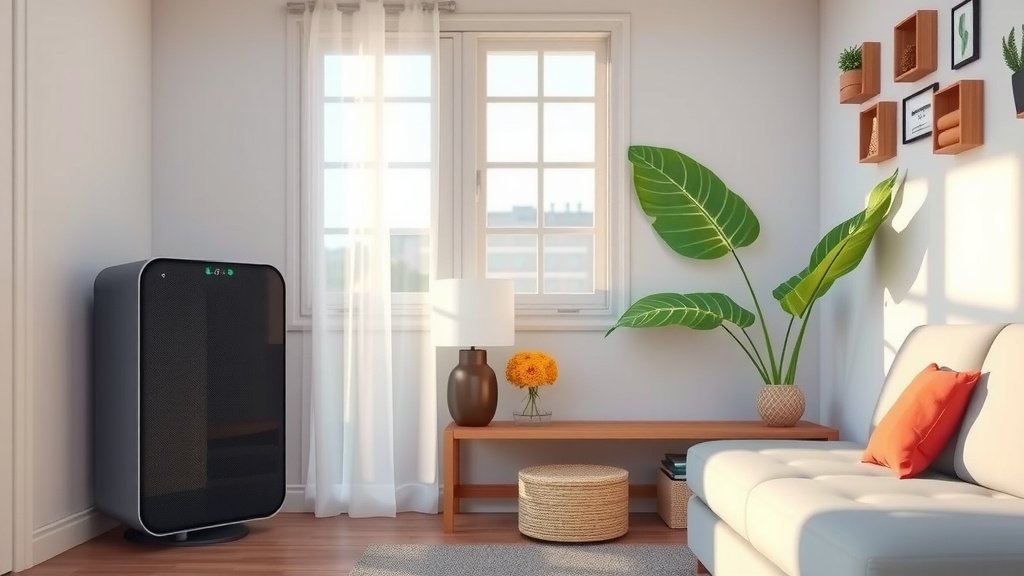
We found that placing your air purifier in the room where you relax the most is a smart move. This is often your bedroom, especially at night. It can help you breathe easier while you sleep. Your living room or home office are also great spots.
Give It Some Space to Breathe
Air purifiers need room to work their magic. They draw in air and push cleaner air out. Imagine trying to breathe with a pillow over your face – not fun! Your purifier feels the same way.
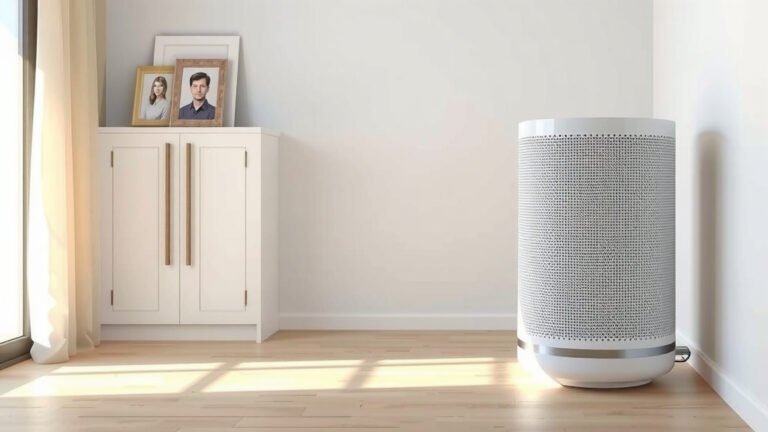
- Keep it at least 1-2 feet away from walls and furniture.
- Don’t shove it into a corner.
- Avoid placing it directly behind doors or curtains.
We found that leaving space allows for better air circulation. This means the purifier can capture more pollutants from the room.
Consider High-Traffic Areas
If you have areas where lots of activity happens, like a playroom or a kitchen near the main living space, these can be good spots too. This is where dust and cooking fumes can really build up.
How to Set Up and Turn On Your Air Purifier
Once you’ve found the perfect spot, setting it up is a breeze. Most units are pretty straightforward, but it’s always good to check your specific model’s manual.
Unpacking and Initial Setup
First things first, carefully unpack your air purifier. You’ll usually find it comes with filters already inside, but they might be wrapped in plastic for shipping. You’ll need to open the unit, remove the plastic wrap from the filter(s), and then put the filter(s) back in place.
We discovered that failing to remove the plastic from the filter is a common mistake. This will prevent the purifier from working at all! So, make sure those filters are ready to go.
Plugging It In and Powering On
Simply plug the power cord into a nearby outlet. Then, press the power button. You’ll usually hear a little hum to let you know it’s working. Easy peasy!
Operating Your Air Purifier for Optimal Performance
Now that it’s on, how do you get the best results? It’s more than just flipping the switch.
Keep It Running
For continuous air cleaning, we recommend leaving your air purifier on as much as possible. Many experts suggest running it 24/7, especially during allergy seasons or if you have pets. This constant circulation helps maintain cleaner air quality over time.
Think of it like a swimming pool filter. You wouldn’t turn it off for hours and expect the water to stay clean, right? Your air purifier works best when it’s continuously doing its job.
Understanding Fan Speeds and Modes
Most air purifiers come with different fan speeds. Higher speeds clean the air faster but can be louder. Lower speeds are quieter but take longer.
- Auto Mode: Many units have an auto mode that adjusts fan speed based on detected air quality. This is super convenient!
- Sleep Mode: This is usually the quietest setting, perfect for bedrooms.
- High/Max Speed: Use this when you need a quick clean, like after cooking or if you notice a strong odor.
We found that using the auto mode is a great way to balance performance and noise levels for everyday use.
Targeting Specific Issues
If you’re dealing with a particular problem, like pet odors or smoke, you might want to run the purifier on a higher setting in that area. For instance, place it near the source of the smell.
When to Replace Filters: A Crucial Step
This is one part you absolutely cannot skip. Your air purifier is only as good as its filters. Over time, they get clogged with all the yucky stuff they trap.
Filter Lifespan Varies
The lifespan of your filters will depend on the model, how often you use the purifier, and your home’s air quality. Many manufacturers suggest replacing filters every 6 to 12 months.
Signs Your Filter Needs Replacing
Your purifier might give you a heads-up. Many models have a filter indicator light. If yours doesn’t, watch for these signs:
- A noticeable drop in air quality or increased odors.
- The air coming out doesn’t feel as fresh.
- The filter itself looks visibly dirty or gray when you check it.
We found that regularly checking your filter can save you from diminished performance. Some guidelines suggest checking them monthly (CDC).
How to Replace Filters
Replacing filters is usually straightforward. You’ll typically need to open a panel on the purifier, pull out the old filter, slide in the new one, and close it back up. Always refer to your owner’s manual for specific instructions.
Air Purifier Checklist for Best Results
Here’s a quick rundown to ensure you’re using your air purifier like a pro:
- Placement: Choose a central spot in your most-used room, away from obstructions.
- Airflow: Ensure at least 1-2 feet of clear space around the unit.
- Operation: Keep it running consistently, ideally on auto mode.
- Filter Check: Monitor filter status and replace as recommended or needed.
- Room Size: Make sure your purifier is rated for the size of the room you’re using it in.
- Manual: Keep your owner’s manual handy for specific care instructions.
Conclusion
You’re now ready to use your air purifier like a pro! We’ve covered how proper placement in rooms you frequent, like your bedroom or living room, makes a big difference. Remember to give your unit space to breathe and keep it running consistently for the best air quality. Regularly checking and replacing your filters is also key to its performance. With these steps, you can confidently create a fresher, cleaner home environment for yourself and your family. Start by checking your air purifier’s filter status today!
Frequently Asked Questions
Do I need to run my air purifier all the time?
We found that running your air purifier 24/7, especially during peak allergy seasons or if you have pets, is ideal for continuous air cleaning. This constant circulation helps maintain lower pollutant levels. Think of it as keeping your home’s air constantly fresh and filtered.
Can I put my air purifier in a corner?
While you can place your air purifier in a corner, we recommend giving it some breathing room. Keeping it at least 1-2 feet away from walls and furniture allows for better airflow. This ensures it can effectively draw in air from all sides and circulate cleaner air.
How often should I replace the filters?
Filter replacement frequency typically ranges from 6 to 12 months, but this varies by model and usage. Always check your manufacturer’s recommendations. You might need to replace them sooner if you notice reduced performance or if your purifier has a filter indicator light.
Will an air purifier help with pet odors?
Yes, air purifiers can significantly help with pet odors. They trap dander and other airborne particles that contribute to smells. For best results, place the purifier in the room where your pets spend the most time and run it on a higher setting when needed.
What’s the difference between auto mode and sleep mode?
Auto mode uses sensors to adjust fan speed based on detected air quality, offering convenience and efficiency. Sleep mode is designed to run at its quietest setting, perfect for nighttime use in bedrooms without disturbing your rest. We found auto mode is great for everyday use.