How to Reset Your Air Purifier: Easy Steps
Resetting your air purifier is usually a quick and simple process. Most models require you to hold down a specific button, often the power or timer button, for about 5-10 seconds until an indicator light flashes or the unit beeps. This action helps clear any error messages or reset filter change reminders.
This reset function is important for maintaining your air purifier’s performance. It ensures that your device operates efficiently and prompts you for necessary maintenance, like filter replacement. A properly functioning air purifier means cleaner air for your home and peace of mind for you and your family.
- Most air purifiers reset by pressing a button.
- Look for the power or timer button.
- Hold the button for 5-10 seconds.
- An indicator light or beep confirms the reset.
- This clears errors and resets reminders.
Ready to get your air purifier back in tip-top shape? Let’s walk through the common methods to reset your air purifier step by step.
Common Ways to Reset Your Air Purifier
Resetting your air purifier is often the first step to troubleshooting. It can clear stubborn error codes. It also prompts a necessary filter change. We found that most models share similar reset procedures. Let’s look at the most common methods.
The Button-Press Method
This is the most frequent way to reset your air purifier. You’ll usually be looking for a specific button on the control panel. This button is often labeled clearly. It might be the power button or the timer function. Sometimes, it’s a dedicated ‘reset’ button, though this is less common.
Locating the Reset Button
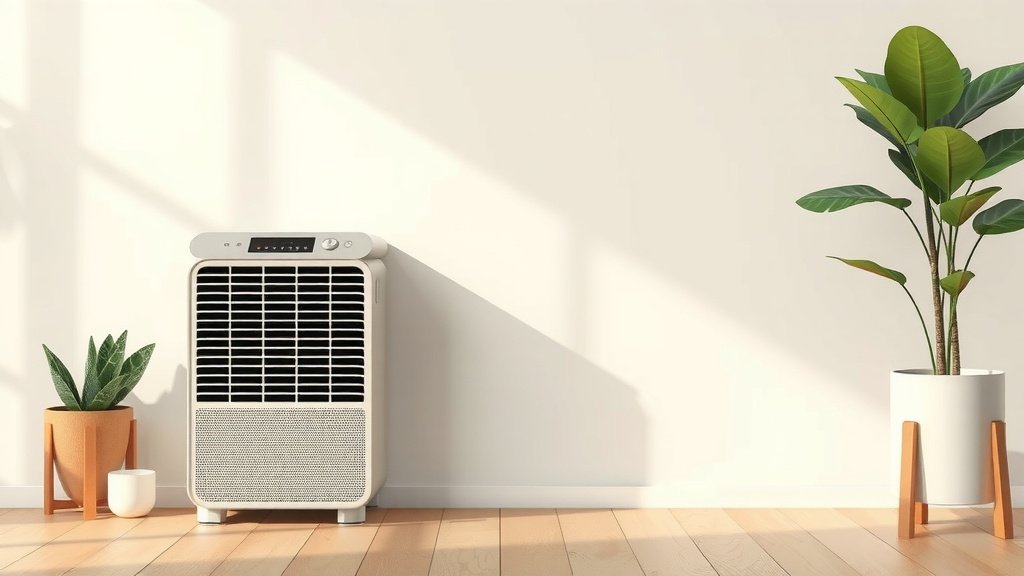
Before you begin, take a moment to examine your air purifier’s control panel. Look for any buttons with a reset icon. This icon often looks like a circular arrow. If you don’t see a specific reset button, don’t worry. The power or timer button is often your best bet. You can also consult your air purifier’s user manual for the exact location and procedure.
Performing the Reset
Once you’ve identified the correct button, the next step is simple. You’ll need to press and hold this button for a set duration. Most manufacturers recommend holding the button down for between 5 and 10 seconds. You’ll know the reset was successful when you see a change on the display. This might be an indicator light flashing, a beep sound, or a change in the displayed message. Research shows this simple action can resolve many common issues.
Understanding Filter Reset Indicators
Air purifiers often have indicator lights or messages to tell you when it’s time for maintenance. The most common is the filter change reminder. When this light is on, it means your filter is likely clogged. It can no longer efficiently clean your air. Resetting this indicator tells the purifier you’ve replaced the filter. This allows it to start a new timer for the next replacement. Not resetting it can lead to reduced performance, even with a new filter.
Why Filter Resets Matter
Think of it like resetting the oil change light in your car. The light is a reminder, but the car needs the actual oil change to function properly. Similarly, your air purifier needs a clean filter to keep your air pure. The reset function is key for the purifier’s systematic maintenance. It ensures you’re getting the most out of your device.
Power Cycle for a Simple Refresh
Sometimes, a full reset isn’t needed. A simple power cycle can sometimes clear temporary glitches. This involves unplugging the unit and waiting. It’s a bit like giving your purifier a short break. We found this method is surprisingly effective for minor software hiccups.
How to Power Cycle
First, make sure the air purifier is turned off. Then, unplug the power cord from the wall outlet. Do not just turn it off with the power button; physically disconnect it. Wait for at least 30 seconds to a minute. This allows any residual power to drain from the unit. Finally, plug the power cord back in and turn the purifier on. This simple action can sometimes reset internal settings.
Checking Your User Manual for Specifics
While many air purifiers follow similar reset patterns, there are always exceptions. Your air purifier’s model might have a unique procedure. The user manual is your ultimate guide. It contains detailed instructions tailored to your specific device. It’s always best to consult it, especially if you’re unsure.
Where to Find Your Manual
Most manufacturers provide a digital copy of their manuals on their websites. You can usually find it by searching for your air purifier’s model number. If you still have the physical manual that came with your unit, that’s even better. It’s a small step that can save you a lot of guesswork.
A Quick Checklist for Resetting Your Air Purifier
Here’s a handy checklist to guide you through the process:
- Locate the correct button (power, timer, or dedicated reset).
- Press and hold the button for 5-10 seconds.
- Watch for an indicator light or listen for a beep.
- Check your display for confirmation.
- If resetting a filter light, ensure you’ve replaced the filter first.
- Consult your manual if you encounter any difficulties.
Troubleshooting Persistent Issues
What if resetting doesn’t solve your problem? Don’t despair! Sometimes, there’s a deeper issue. If your air purifier continues to display errors or malfunction after a reset, it might indicate a more serious problem. This could involve a faulty component or a more complex software issue. Many experts suggest checking the air filter’s condition first, as a dirty filter can cause performance problems. You might need to contact the manufacturer’s customer support. They can offer further assistance or guide you through warranty claims. Remember, a well-maintained air purifier is essential for cleaner indoor air.
Conclusion
You’ve learned that resetting your air purifier is often a straightforward solution for common issues. Whether it’s a blinking filter light or a minor glitch, a quick button press or a simple power cycle can restore optimal performance. Remember, consulting your user manual is always your best bet for model-specific instructions. By performing these resets, you ensure your air purifier continues to provide you with the clean, fresh air you deserve. Keep up with these simple maintenance steps for lasting peace of mind in your home environment.
Frequently Asked Questions
How often should I reset my air purifier?
You should primarily reset your air purifier when prompted by a filter change indicator or if you encounter error messages. There’s no fixed daily or weekly schedule for resetting. A reset is usually a response to a specific event, not routine maintenance.
Can resetting my air purifier damage it?
No, resetting your air purifier is designed to be a safe procedure. Manufacturers include this function to resolve common issues and remind you of maintenance. Following the correct steps in your user manual will prevent any potential harm.
What if holding the button doesn’t work?
If holding the button doesn’t result in a reset, double-check that you’re using the correct button for your specific model. Make sure you’re holding it down for the recommended duration, usually 5-10 seconds. Your user manual will have the precise instructions.
Do I need to unplug my air purifier before resetting it?
Some reset methods, like a power cycle, require unplugging the unit. However, the common button-press reset typically doesn’t require unplugging. Always refer to your air purifier’s manual to confirm the correct procedure for your model.
Will resetting my air purifier erase custom settings?
For most air purifiers, a standard reset will not erase custom settings like fan speed preferences or sleep mode schedules. The reset is primarily intended to clear temporary errors or filter indicators, not user configurations.