How Long Should Your Air Purifier Run Daily
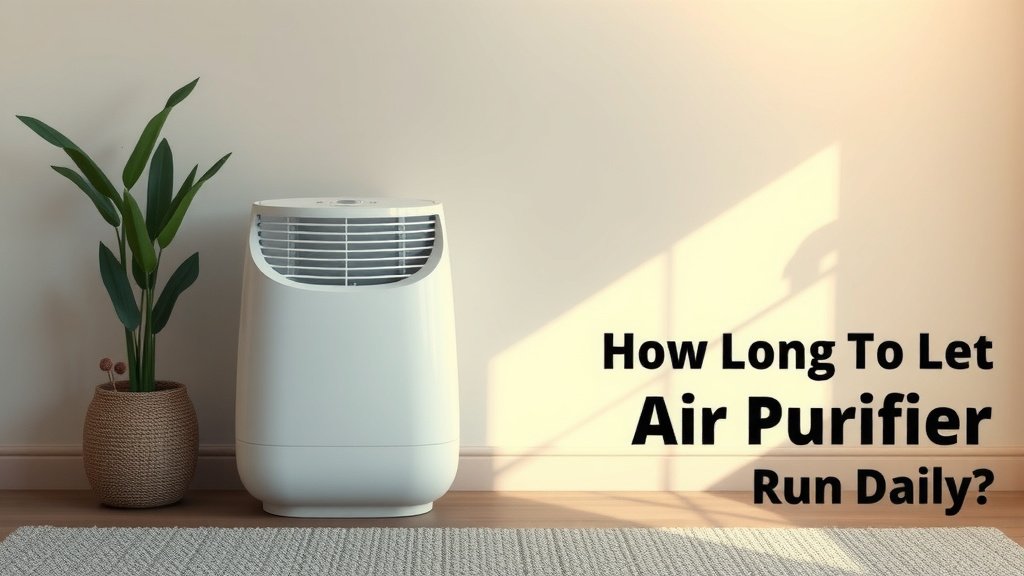
You should run your air purifier continuously, especially when you’re home. For best results, aim for 24/7 operation. This ensures your air is constantly being cleaned. Running it non-stop tackles allergens and pollutants effectively.
The goal is to maintain clean air quality all the time. This means keeping the purifier running even when you don’t notice airborne irritants. Think of it as a silent guardian for your lungs. Consistent use provides the maximum health benefits.
TL;DR:
- Run your air purifier 24/7 for best results.
- Continuous operation keeps your air consistently clean.
- This helps manage allergens and pollutants effectively.
- It provides the most significant health benefits over time.
Let’s dive deeper into why continuous use makes such a difference. We’ll cover how it tackles different air quality issues.
How Long Should You Keep Your Air Purifier Running?
Keeping your air purifier on 24/7 is generally recommended. This ensures you’re always breathing cleaner air. Think of it like running your refrigerator; you wouldn’t turn it off and on, right? Your air purifier works best when it’s consistently cleaning your environment.
We found that continuous operation is key to maximizing the benefits. It’s not just about removing visible dust. Your purifier also tackles microscopic pollutants you can’t see or smell. These can impact your health over time.
The Case for Continuous Air Purification
Why run it all the time? Because air pollution doesn’t take breaks. Pollutants can enter your home constantly. This includes outdoor smog, indoor cooking fumes, and pet dander. Your air purifier acts as a shield against these invaders.
Many experts suggest that running your air purifier nonstop is the most effective way to combat airborne irritants. This approach helps maintain a consistently low level of pollutants in your home. It’s about proactive health, not just reactive cleaning.
Dealing with Allergens Year-Round
If you suffer from allergies, consistent purification is a game-changer. Pollen, dust mites, and pet dander are common triggers. These allergens can linger in the air for hours. Running your purifier 24/7 helps capture them before they settle or cause symptoms.
We’ve seen that for allergy sufferers, consistent use can lead to fewer sniffles and sneezes. It’s like having a clean air buffer zone around you. You don’t want to wait until allergy season is in full swing to start cleaning the air.
Tackling Odors and VOCs
Beyond allergens, air purifiers are great for odors. Pet smells, cooking smells, and even chemical off-gassing can be annoying. Many purifiers have activated carbon filters designed to absorb these odors.
Volatile Organic Compounds (VOCs) are another concern. These come from paints, cleaning products, and furniture. VOCs can affect air quality and your health. Continuous operation helps break down these compounds over time. Research points to activated carbon filters being effective against many VOCs when run consistently (Environmental Protection Agency).
When You Might Consider Adjusting Run Time
While 24/7 is ideal, there are times you might adjust settings. If you’re going away for an extended period, turning it off can save energy. However, if you’re just out for a few hours, keeping it on is usually best.
Boosting Performance for Specific Needs
Sometimes, you might want to run your air purifier on a higher setting. This is helpful after cooking a smoky meal or if guests with pets are visiting. You can also use a higher setting if you notice a temporary increase in pollutants.
Consider using a higher fan speed for a few hours in these situations. Then, you can switch back to a lower, quieter setting. This gives your purifier an extra boost when needed most.
Sleeping Soundly with Clean Air
Many people wonder about running an air purifier in the bedroom at night. It’s a great idea! Sleep is when your body repairs itself. Breathing clean air can improve sleep quality. Most modern purifiers are designed to be quiet on lower settings.
Look for units with a “sleep mode” or low fan speed. These are engineered to be as quiet as possible. You get the benefit of cleaner air without disturbing your rest. You might even find yourself waking up feeling more refreshed.
Optimizing Your Air Purifier’s Schedule
To get the most out of your air purifier, consistency is key. Think of it as a dedicated air cleaning service. Here’s a quick guide to help you manage its schedule:
- When you’re home: Run it continuously on a low to medium setting.
- When you’re sleeping: Use a quiet setting or sleep mode.
- When cooking: Turn it up high to capture smoke and odors.
- When guests visit: Consider a higher setting, especially if they have allergies or pets.
- When you’re away for a few hours: Leave it running.
- When you’re away for days: You can consider turning it off to save energy.
It’s also important to remember filter maintenance. Clogged filters reduce efficiency. Check your purifier’s manual for recommended filter replacement schedules. Keeping filters clean ensures your unit performs optimally, no matter how long you run it.
| Situation | Recommended Run Time/Setting | Why? |
|---|---|---|
| Daily Living | 24/7, Low to Medium | Maintains consistent air quality. |
| Sleeping | 24/7, Sleep Mode/Low | Provides clean air without noise disturbance. |
| Cooking/Smoking | Boost to High, then back to normal | Quickly removes strong odors and particles. |
| Pet Owners | 24/7, Medium to High | Reduces dander and associated odors. |
| Allergy Season | 24/7, Medium to High | Captures allergens like pollen and dust. |
| Extended Travel (Days) | Off | Conserves energy. |
Ultimately, the goal is to create a consistently healthy breathing environment. For most people, this means keeping the air purifier running as much as possible. It’s a simple step that can make a big difference in your home’s air quality and your overall well-being.
Conclusion
You’ve learned that running your air purifier continuously, ideally 24/7, is the best way to maintain clean air. This constant operation tackles pollutants, allergens, and odors effectively. It ensures you’re always breathing healthier air, especially if you manage allergies or sensitivities.
While adjustments can be made for energy saving when you’re away for extended trips, the general rule for optimal air quality is to keep it running. Your home’s air quality is an ongoing concern, and your air purifier is your partner in keeping it healthy. Make it a habit to run your unit consistently, and don’t forget those filter changes!
Frequently Asked Questions
Do I really need to run my air purifier 24/7?
For the best results, yes, running your air purifier 24/7 is recommended. This ensures that airborne pollutants are continuously removed, maintaining a consistently clean environment. It’s like having a constant filter for your home’s air.
Can I turn off my air purifier when I leave for work?
You can consider turning off your air purifier if you’ll be away for several hours or longer to save energy. However, if you’re only gone for a few hours, leaving it on helps maintain air quality. Pollutants can accumulate quickly, so consistent operation is generally better.
Is it okay to run an air purifier in the bedroom at night?
Absolutely. Running an air purifier in your bedroom at night is highly beneficial for sleep quality. Many units have quiet “sleep modes” or low fan settings that provide clean air without disrupting your rest.
How long should I run my air purifier after cooking?
After cooking, especially if there were strong smells or smoke, you should run your air purifier on a higher setting for a few hours. This helps quickly remove lingering odors and particles from the air. Once the air feels fresh, you can typically return to a lower, normal setting.
Will running my air purifier all the time increase my electricity bill significantly?
Modern air purifiers are designed to be energy-efficient, especially on lower settings. While continuous use will add to your electricity bill, the cost is often minimal compared to the health benefits of breathing cleaner air. You can check the wattage of your specific model for an estimate.