Master Your Dyson Air Purifier Screen Guide
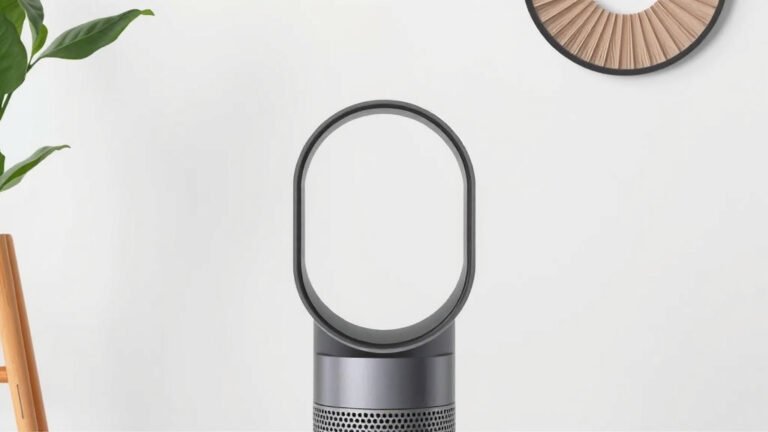
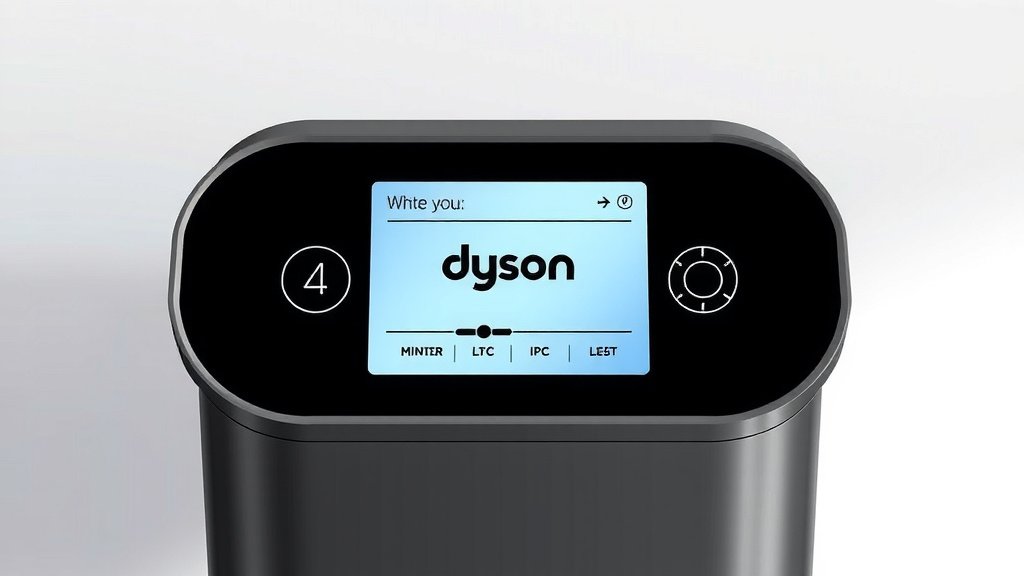
Reading your Dyson air purifier screen is simple once you know what the icons mean. You can quickly understand your air quality and machine status by looking at the display. It helps you keep your home’s air clean and your purifier running smoothly.
Your Dyson air purifier’s screen shows key information at a glance. You’ll see your indoor air quality levels and pollutant types. It also lets you know when it’s time for maintenance or filter changes. This display is your purifier’s way of talking to you.
- Understand air quality levels instantly.
- Know what pollutants your purifier is detecting.
- See filter life and maintenance needs.
- Control basic settings directly from the screen.
Let’s walk through exactly what each part of your Dyson air purifier screen is telling you, so you can get the most out of it.
“`htmlDecoding Your Dyson Air Purifier’s Display
Your Dyson air purifier screen is designed to be your guide. It shows you important information about your home’s air quality and the purifier’s own health. We found that understanding these simple icons can make a big difference in how you use and maintain your device.
Understanding Air Quality Readings
The main focus of your Dyson’s screen is to report on the air you’re breathing. You’ll see a number and a color code. This tells you how clean or polluted your air is in real-time. Think of it as a quick health check for your indoor environment.
The Air Quality Index (AQI) Number
This is a numerical value representing the overall air quality. Lower numbers mean better air quality. Higher numbers indicate more pollution is present. Dyson models typically simplify this, showing a clear, easy-to-understand reading.
Color-Coded Air Quality Bars
Your purifier uses a color bar or ring to visually represent the air quality. We found this to be a very intuitive feature. It allows you to gauge your air quality at a glance, even from across the room. This system helps you quickly see if conditions are improving or worsening.
- Blue/Green: Indicates good to moderate air quality. Your purifier is likely running at a lower setting.
- Yellow/Orange: Suggests air quality is declining. It might be time for the purifier to work a bit harder.
- Red/Purple: Signals poor air quality. This means the purifier has detected significant pollutants and is working to clear them.
Identifying Specific Pollutants
Beyond a general air quality score, your Dyson screen can tell you about specific types of pollutants it’s detecting. This is incredibly useful for understanding what’s affecting your air. Many health guidelines recommend being aware of these common indoor air contaminants.
Common Pollutants Your Dyson Detects
Most Dyson purifiers are designed to identify and report on several key pollutant categories. We found that knowing these helps you take targeted action if needed.
- PM2.5: These are fine particles, smaller than 2.5 micrometers. They can come from cooking, burning candles, or outdoor pollution. They are a major concern for respiratory health (CDC).
- PM10: These are larger particles, up to 10 micrometers. Dust, pollen, and mold spores fall into this category.
- VOCs: Volatile Organic Compounds are gases emitted from many household products. Think paints, cleaning supplies, and even furniture. Some VOCs can cause health issues (NIH).
- NO2: Nitrogen Dioxide is often associated with combustion. Burning gas in stoves or outdoor traffic can be sources.
- CO2: Carbon Dioxide levels can indicate ventilation effectiveness. High CO2 often means less fresh air is circulating.
Your Dyson screen will likely display a number and a color code for each pollutant detected. Similar to the overall AQI, green is good, and red indicates a higher concentration. This detailed breakdown helps you understand the source of your air quality issues.
Understanding Filter Status and Maintenance
Your Dyson air purifier relies on its filters to do its job effectively. The screen will keep you informed about their condition. This prevents you from using an purifier with compromised filtration.
Filter Life Indicator
You’ll see a clear indicator showing the remaining life of your filters. This is often represented as a percentage or a bar. Many experts suggest replacing filters when they reach a certain low percentage or after a specific period, whichever comes first.
When the filter life gets low, you’ll typically see a notification on the screen. This is your cue to order a replacement. Running your purifier with expired filters means it can’t capture pollutants as well. This is a critical step for maintaining clean air.
When to Replace Filters
Dyson provides guidance on filter lifespan, usually measured in months or hours of use. However, your actual usage and the pollution levels in your home can affect this. The screen’s indicator is the most accurate guide for your specific situation.
We found that keeping a spare filter on hand is a good idea. This way, you can replace it immediately when the screen alerts you. It avoids any downtime in your air purification efforts.
Navigating Basic Controls on the Screen
While full control is often managed through the Dyson Link app or a remote, your purifier’s screen allows for some direct interaction. You can usually adjust core functions without needing to find another device.
Powering On and Off
Look for a clear power icon. You can typically tap or press a button on the screen or the unit itself to turn the purifier on or off. It’s the most basic, yet essential, function.
Adjusting Fan Speed
You might find controls to cycle through different fan speeds directly on the display. This allows you to manually increase or decrease the purification intensity. Auto mode, which is often the default, uses sensors to adjust speed automatically.
Night Mode or Display Off
Many models include a way to dim the screen or enter a quieter ‘Night Mode’ directly from the display. This is perfect for bedrooms when you don’t want any light or noise distractions. We found this to be a thoughtful feature for sensitive sleepers.
What to Do When You See Error Codes
Occasionally, your Dyson screen might display an error code. These codes are designed to alert you to a specific issue that requires attention. They are usually a combination of letters and numbers.
The best approach when you see an error code is to consult your user manual. It will have a section detailing what each code means and the recommended steps to resolve the problem. Sometimes it’s a simple fix, like ensuring a filter is seated correctly. Other times, it might indicate a more technical issue requiring support.
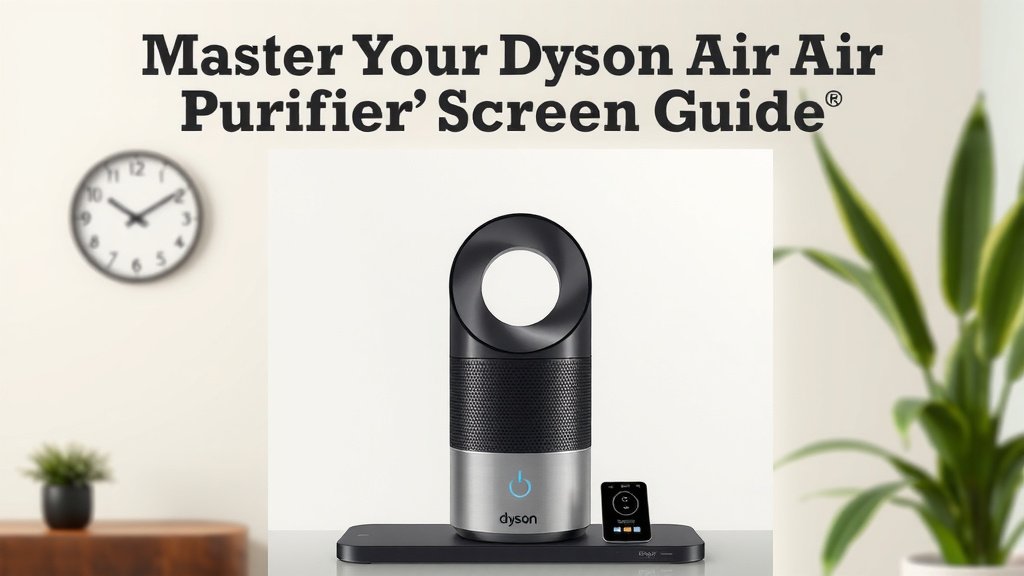
Quick Guide: Your Dyson Screen at a Glance
Here’s a quick rundown of what to look for:
- Air Quality Number & Bar: Check for overall air purity.
- Pollutant Icons: See what specific particles are being detected.
- Filter Life Indicator: Monitor when your filters need replacing.
- Power Button: Easily turn the unit on or off.
- Fan Speed Control: Adjust purification intensity manually.
- Error Codes: Note these and check your manual for solutions.
By taking a moment to understand these elements, you’re ensuring your Dyson air purifier works optimally. You’re actively managing your home’s air quality for a healthier environment. It’s like having a personal air quality assistant right there on the display!
“`
Conclusion
You’ve now learned how to easily understand your Dyson air purifier’s screen. You know how to check your indoor air quality at a glance. You can also identify specific pollutants and track your filter life. This knowledge helps you keep your home’s air cleaner. It ensures your Dyson purifier runs at its best. Take a moment today to look at your purifier’s display. Adjust settings if needed, and note your filter’s status. Your next step is to make sure you have a replacement filter ready.
Frequently Asked Questions
What’s the difference between PM2.5 and PM10 readings?
PM2.5 refers to very fine particles, smaller than 2.5 micrometers, that can deeply affect respiratory health. PM10 includes larger particles like dust and pollen, up to 10 micrometers in size. Your Dyson screen shows you which type of particle is present in higher amounts.
My screen shows a red bar. What does that mean?
A red color on your Dyson air purifier screen signals poor air quality. This means the purifier has detected a high level of pollutants. It is likely working harder to clean your air. You might want to check for potential sources of pollution in your home.
How often should I replace my Dyson air purifier filters?
Dyson provides guidance, but your screen’s filter life indicator is the most accurate for your situation. It takes into account your usage and local air quality. When the indicator shows low life, it’s time for a replacement.
Can I control my Dyson purifier directly from the screen?
Yes, you can typically perform basic functions directly on the screen. This includes powering the unit on or off and adjusting fan speeds. Some models also offer controls for night mode or display brightness.
What should I do if I see an error code on the screen?
If you see an error code, the best first step is to check your user manual. The manual will explain what the specific code means and offer troubleshooting steps. Often, it’s a simple fix like reseating a filter or ensuring proper ventilation.