Coway Air Purifier: Your Ultimate Guide to Setup and Use
Using your Coway air purifier is simpler than you might think, and getting it set up right is the first step to breathing cleaner air. You’ll primarily be interacting with its control panel to manage settings like fan speed and modes. It’s designed for ease, so don’t stress if it seems intimidating at first!
Coway air purifiers are known for their multi-stage filtration systems. This means they capture a wide range of particles, from large dust bunnies to tiny allergens and odors. Understanding these filters helps you appreciate just how much cleaner your air can become. Many users find the quiet operation a major benefit, especially in bedrooms.
- Quickly set up your Coway.
- Understand the main control panel buttons.
- Learn how to select fan speeds and modes.
- Know when and how to check your filter status.
- Discover the eco mode for energy savings.
Let’s walk through exactly how to get your Coway air purifier running efficiently. We’ll cover the basic operations so you can start enjoying fresher air right away.
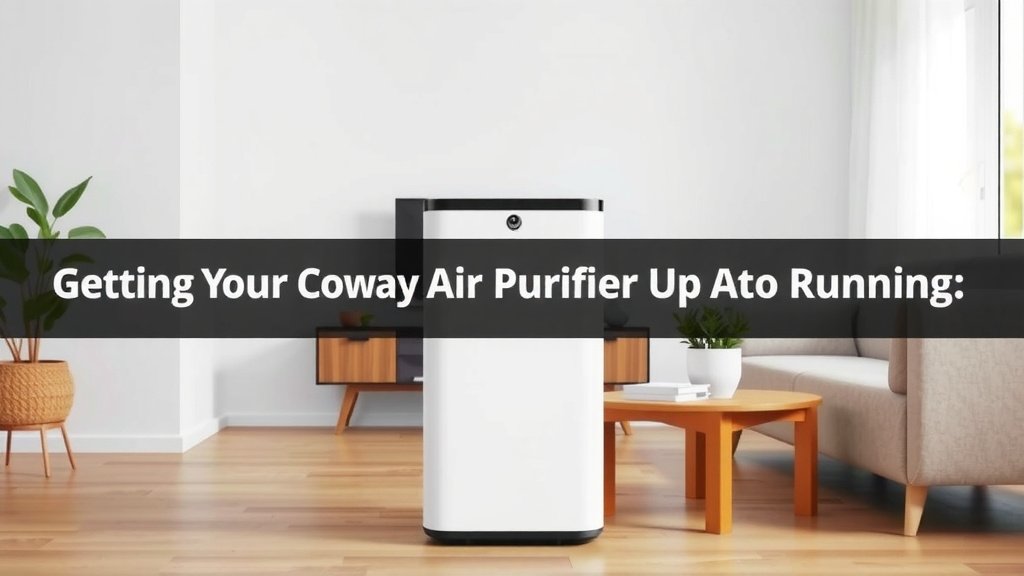
Getting Your Coway Air Purifier Up and Running
So, you’ve got a new Coway air purifier, and you’re ready to breathe easier. That’s fantastic! Let’s get this machine working its magic in your home. It’s designed to be pretty straightforward, so you’ll be enjoying cleaner air in no time.
Unboxing and Initial Setup
First things first, carefully unbox your Coway. Make sure you have all the parts. You’ll typically find the main unit and its power cord. Some models might come with a remote control, too.
Removing Protective Packaging
This is a really important step. Before you plug it in, you absolutely *must* remove any protective plastic or cardboard from the filters inside the unit. Open the back cover – usually by pressing latches or pulling tabs. Take out each filter and peel off the plastic. Without doing this, the purifier won’t work correctly and could even be damaged.
Placing Your Air Purifier
Where you put your Coway matters. You want to place it in a location where air can circulate freely around it. Avoid tucking it into tight corners or behind furniture. Giving it about 12-18 inches of space on all sides helps it do its best job. Many guidelines suggest placing it on a hard, level surface, away from direct heat or moisture sources (National Institutes of Health).
Understanding Your Coway’s Control Panel
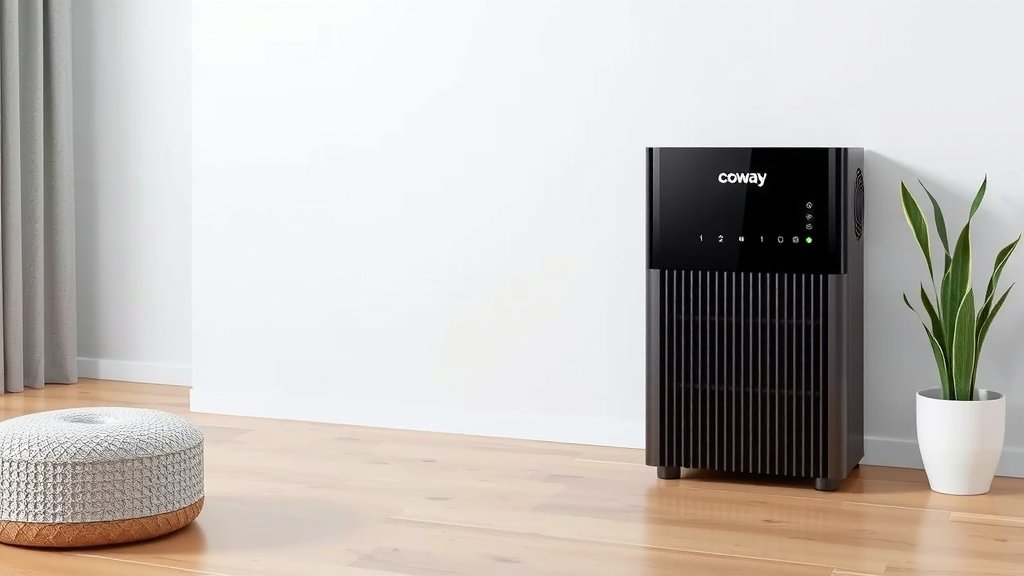
The control panel is your command center. It might look a little busy at first, but most Coway models have similar, intuitive buttons. Let’s break down the common ones so you know exactly what each one does.
Power Button
This one’s easy! The power button turns your air purifier on and off. A simple press is all it takes to get started or to shut it down when you’re done using it.
Fan Speed Settings
You’ll see buttons for controlling the fan speed. These are usually labeled with numbers (1, 2, 3, 4) or icons like a fan with increasing blades. This lets you choose how much air the purifier processes. A low setting is great for quiet operation, while a higher setting cleans the air more quickly.
Mode Selection
Many Coway models offer different modes.
- Auto Mode: This is a smart feature. The air purifier uses sensors to detect air quality and adjusts the fan speed automatically. It’s like having a little air quality expert looking after your home!
- Sleep Mode: When you want peace and quiet, especially at night, this mode is your friend. It runs the fan at its quietest setting and often dims or turns off the display lights. Perfect for bedrooms.
- Eco Mode: Want to save a little energy? Eco mode is designed for that. It typically runs the fan at a lower speed and will automatically turn off if it detects good air quality for a set period, like 30 minutes. It’s a nice way to be energy-conscious.
Filter Indicator Lights
Your Coway has indicator lights that tell you about its filters. These lights are super helpful. They’ll let you know when it’s time to check or replace a specific filter. Pay attention to these; they’re your Coway’s way of telling you it needs a little TLC to keep performing at its best.
Filter Maintenance: Keeping Your Coway Effective
The heart of your air purifier is its filtration system. For it to work properly, you need to keep those filters clean and replace them when needed. Coway purifiers typically have multiple filters, often including a pre-filter, an activated carbon filter, and a HEPA filter. These work together to capture different types of pollutants.
Checking Filter Status
As mentioned, the control panel will usually have lights to signal filter replacement. Some advanced models might even have a filter life indicator on a display. We found that paying attention to these indicators is the easiest way to stay on top of maintenance.
When to Replace Filters
Replacement times can vary based on your usage and air quality. However, manufacturers often provide general guidelines. For example, the activated carbon filter might need replacement every 6-12 months, and the HEPA filter every 12-24 months. Always check your specific model’s manual for the most accurate recommendations.
Quick Checklist for Smooth Operation
To make sure you’re using your Coway air purifier like a pro, keep this simple checklist in mind:
- Did you remove all plastic from the filters?
- Is the purifier placed where air can circulate freely?
- Do you know which buttons control fan speed and modes?
- Are you watching the filter indicator lights?
- Do you have your manual handy for specific questions?
Following these steps ensures your Coway air purifier gets off to a great start and continues to provide you with cleaner, fresher air day after day.
Conclusion
You’ve now learned the essential steps to get your Coway air purifier up and running smoothly. Remember to always remove filter packaging, place your unit in a spot with good airflow, and understand your control panel’s functions. Keeping an eye on filter indicator lights is key to maintaining peak performance. By following these simple guidelines, you’ll ensure your Coway consistently delivers cleaner air. Your next step? Make sure you’ve got your manual handy for any specific model questions and enjoy the fresh air!
Frequently Asked Questions
How do I know when to replace my Coway air filters?
Your Coway air purifier will typically have indicator lights on the control panel that signal when it’s time to check or replace your filters. These lights are designed to be your primary guide for filter maintenance. Always refer to your specific model’s manual for the recommended replacement schedule.
Can I run my Coway air purifier 24/7?
Yes, you can run your Coway air purifier continuously. Many models are designed for 24/7 operation to maintain optimal air quality in your home. Using the Eco Mode can help save energy if you don’t need maximum purification all the time.
What is the ‘Auto Mode’ on my Coway air purifier?
Auto Mode uses sensors to detect the current air quality in your room. The purifier will then automatically adjust the fan speed based on the detected pollution levels. This mode is convenient as it manages purification for you.
How do I clean the exterior of my Coway air purifier?
To clean the exterior, simply unplug the unit. Use a soft, dry cloth to wipe down the casing. For tougher spots, you can use a slightly damp cloth, but be sure to avoid getting moisture into any vents or openings.
Is it okay to place my Coway air purifier in a corner?
It’s best to avoid placing your Coway air purifier in tight corners. For optimal performance, you should ensure there’s at least 12-18 inches of clear space around the unit. This allows for proper air circulation, helping it clean your air more effectively.

![How to Clean Charcoal Filter for Air Purifier [Easy Guide]](https://homeunderstandable.com/wp-content/uploads/2025/05/how-to-clean-charcoal-filter-for-air-purifier-easy-guide-768x512.jpg)