How to Tell If Your Air Purifier Is Working Effectively
You can tell if your air purifier is working by looking for a few key signs. The most obvious is a noticeable improvement in air quality, like less dust and fewer smells. You should also feel the machine running and hear its fan, indicating it’s actively filtering air. Many models also feature indicator lights or display readings that confirm operation and air cleanliness.
It’s essential to understand that air purifiers work subtly, but their effects are real. You might not see visible air particles disappearing instantly. However, over time, you’ll likely experience fewer allergy symptoms and a generally fresher home environment. We found that consistent use is the best way to appreciate your purifier’s effectiveness, and proper maintenance keeps it running strong.
- Air quality improves noticeably.
- You can hear and feel the unit working.
- Indicator lights or displays confirm operation.
- Fewer allergy symptoms or stale odors are common signs.
Let’s walk through the easiest ways to check if your air purifier is doing its job and breathing cleaner air into your home.
Verifying Your Air Purifier’s Performance
It’s smart to check if your air purifier is actually working as it should. You want to make sure you’re breathing cleaner air. We’ve found there are several straightforward ways to confirm its operation. You don’t need to be an expert to tell if it’s doing its job effectively.
Signs Your Air Purifier is Actively Cleaning the Air
Feel the Airflow
One of the most immediate checks is to simply feel the airflow. Turn your air purifier on and place your hand near the **air outlet**. You should feel a gentle, steady stream of air being released. This airflow indicates the fan is running and pushing air through the filters. If you feel nothing or just a faint puff, the unit might not be on, or there could be a problem with the fan.
Listen to the Fan
Most air purifiers make some noise when they’re on. It’s usually a soft hum or whirring sound from the **fan**. This is a good sign! It means the motor is working to pull air into the machine and circulate it. If you hear a loud grinding, rattling, or an unusual clunking sound, it’s worth investigating further. This could mean something is loose inside or the fan motor is struggling.
Observe Indicator Lights and Displays
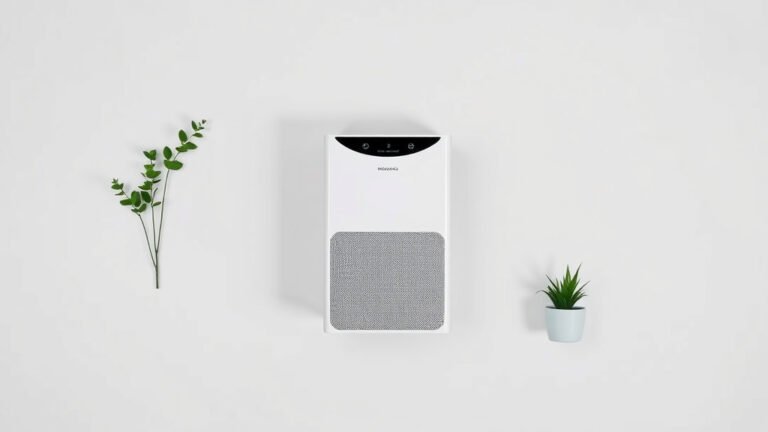
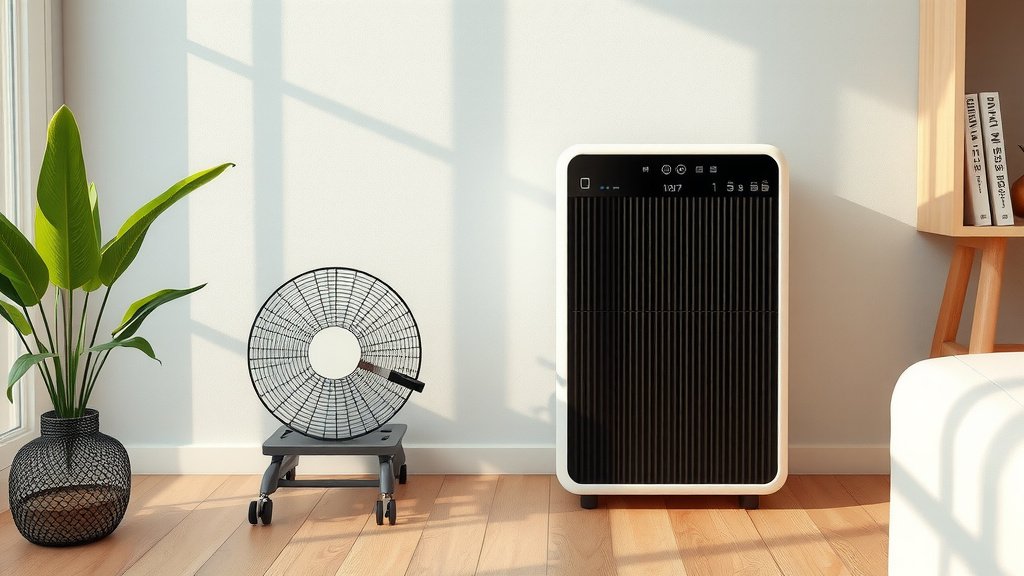
Many modern air purifiers come with **indicator lights** or digital displays. These are designed to give you quick feedback. A green light often signals that everything is functioning normally and the air quality is good. Some units have lights that change color (e.g., blue for good, yellow for fair, red for poor) to show you the real-time air quality. A running display showing fan speed or air quality readings also confirms the unit is actively working.
Check for Filter Status Indicators
Air purifiers rely on their filters to clean the air. Most models have a **filter replacement indicator**. This light or message on the display will alert you when the filters are getting clogged or have reached the end of their lifespan. If this indicator hasn’t come on after a long period, it’s a good sign the filters are still capturing particles and the unit is operating as intended. However, if it’s been a very long time and it *hasn’t* come on, it could also mean the unit isn’t running enough to warrant a change.
Assessing Air Quality Changes
Noticeable Reduction in Odors
One of the most satisfying ways to know your air purifier is working is by noticing a **reduction in household odors**. This includes cooking smells, pet odors, or stale air. If your home smells fresher and cleaner, especially in rooms where the purifier is running, it’s a strong indicator that the activated carbon filter is doing its job. We found that consistent use dramatically reduces lingering smells.
Less Dust Buildup
Have you noticed less dust settling on your furniture? Air purifiers with HEPA filters are very effective at capturing **airborne dust particles**. If you’re dusting less frequently, this is a clear sign that the purifier is actively removing dust before it can settle. This effect might be more subtle at first, but over weeks and months, you should see a difference. Many sources suggest HEPA filters capture at least 99.97% of particles 0.3 microns in size (CDC).
Fewer Allergy Symptoms
For allergy sufferers, a working air purifier can be a game-changer. If you’re experiencing fewer sniffles, itchy eyes, or breathing difficulties indoors, your purifier is likely removing allergens like pollen, pet dander, and mold spores from the air. Many allergy experts recommend air purifiers as a key tool for managing indoor allergies. You might find yourself needing your allergy medication less often when the purifier is in use.
Understanding Your Air Purifier’s Features
Smart Features and App Connectivity
If your air purifier is a “smart” model, it likely connects to a mobile app. These apps often provide detailed **real-time air quality data**. You can check PM2.5 levels, VOCs (volatile organic compounds), and humidity. The app will also show you the purifier’s current operating status, fan speed, and filter life. If the app shows your air quality improving after the purifier has been running for a while, that’s excellent confirmation.
CADR Ratings and Room Size
Remember the Clean Air Delivery Rate (CADR) for your purifier? This rating tells you how quickly it can filter a room of a certain size. A higher CADR means faster cleaning. To check if it’s working effectively for your space, ensure the **CADR rating** is appropriate for the square footage of your room. If you have a 500 sq ft room and a purifier rated for 300 sq ft, it will struggle to keep up. We found that matching the purifier to your room size is key for performance.
The Role of Filter Maintenance
Even the best air purifier won’t work well if its filters are clogged or dirty. **Regular filter maintenance** is non-negotiable. If you haven’t changed or cleaned your filters according to the manufacturer’s instructions, the purifier’s effectiveness will drop significantly. A dirty filter restricts airflow, making the fan work harder and less efficiently. So, checking your filter status is a direct way to ensure your unit is performing optimally.
Quick Checklist: Is Your Air Purifier Working?
- Can you feel a steady **airflow** coming from the unit?
- Do you hear the normal **fan sound** without any alarming noises?
- Are the **indicator lights** on and showing a normal operating status?
- Have you noticed fewer **odors** or less **dust** in the room?
- Are your **allergy symptoms** improving when the purifier is running?
Conclusion
You’ve learned how to tell if your air purifier is actively cleaning your home’s air. Feeling the steady airflow and hearing the quiet hum of the fan are great signs. Watching for visual cues like indicator lights and observing a real improvement in air quality—like fewer odors and less dust—confirms its effectiveness. Remember, consistent filter maintenance is key to sustained performance. Now that you know what to look for, take a moment to check your air purifier and ensure it’s working its best for your health and comfort.
Frequently Asked Questions
How often should I check if my air purifier is working?
You can do a quick check weekly or bi-weekly. Simply feel the airflow and listen to the fan. This helps you catch any potential issues early on before they impact air quality. Your senses are your best tools for immediate feedback.
What if my air purifier makes a loud noise?
An unusual loud noise, like grinding or rattling, indicates a problem. It could mean something is loose or the motor is damaged. Check the user manual for troubleshooting steps or contact the manufacturer for support. Don’t ignore these sounds, as they can lead to further damage.
Can I tell if it’s working just by how my allergies feel?
Yes, a reduction in allergy symptoms is a strong indicator. If you’re sneezing less, your eyes are less itchy, and you’re breathing easier indoors, your purifier is likely removing allergens. This improvement often happens gradually as the purifier runs.
My air purifier has a light that stays red. What does that mean?
A red indicator light often signals poor air quality or a problem with the unit. Consult your air purifier’s manual to understand the specific meaning of the red light. It might mean it needs to work harder, or it could indicate a filter issue.
Is it normal for my air purifier to not make much noise?
It depends on the model and fan speed. Many modern air purifiers are designed to be quiet, especially on lower settings. If you feel airflow, even if it’s quiet, it’s likely working. Compare the noise level to when you first got it or check your manual for expected sound levels.