How to Use an Air Purifier Effectively for Cleaner Air
Using an air purifier is pretty straightforward! You basically plug it in, turn it on, and let it work its magic to clean your indoor air. For best results, place it in the room where you spend the most time, like your bedroom or living room, and keep doors and windows closed while it’s running to let it work efficiently. Remember to replace the filters regularly as recommended by the manufacturer.
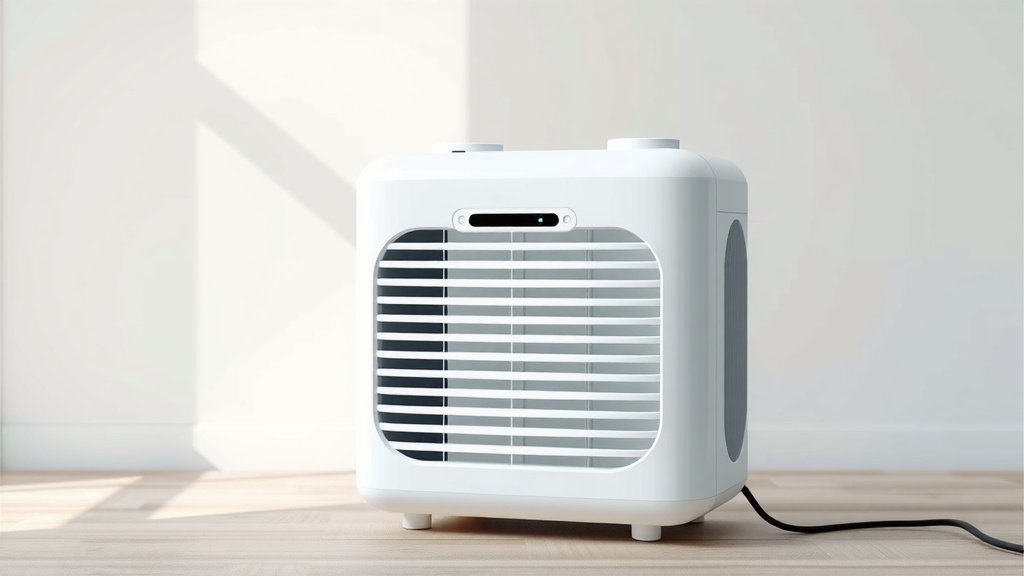
Air purifiers are designed to capture airborne particles like dust, pollen, pet dander, and smoke. They work by drawing air through a series of filters. Think of it like a fancy fan with a built-in air cleaning system. Different models offer various features, but the core function remains the same: improving your home’s air quality. Many people find them helpful for allergies and general respiratory comfort.
- Place your purifier in the room you use most often.
- Keep doors and windows closed while it’s on.
- Check and replace filters according to the manual.
- Don’t expect miracles overnight; give it time to work.
- Clean the exterior periodically to keep it looking nice.
Ready to breathe easier? Let’s walk through exactly how to set up and use your air purifier to get the most benefit.
Getting Your Air Purifier Up and Running
So, you’ve got your new air purifier. Exciting! Now, let’s figure out the best way to use it. It’s simpler than you might think. Think of it as a new appliance that needs a prime spot in your home. Placement is key to getting the most clean air possible.
Finding the Perfect Spot
Where you put your air purifier matters a lot. For maximum effectiveness, it needs to circulate air properly. We found that placing it directly against a wall can hinder its performance. It needs room to breathe, so to speak.
Living Areas and Bedrooms
Most experts recommend placing your air purifier in the room where you spend the most time. This is often your bedroom at night or your living room during the day. This ensures you’re breathing the cleanest air where it counts. Many guidelines point to bedrooms as a priority (Cleveland Clinic). This is especially true if you suffer from allergies or asthma. You want to breathe clean air while you sleep.
Considering Room Size
Always check the manufacturer’s recommendations for room size. Air purifiers are rated for specific square footage. Using one in a room that’s too large won’t clean the air effectively. It’s like trying to cool a whole house with a tiny fan. It just won’t get the job done.
Clearance is Crucial
We found that giving your air purifier about 12 to 24 inches of clear space around it is ideal. Avoid placing it in tight corners or behind large furniture. This allows the air intake and outflow to work without obstruction. Think of it like giving it space to do its job without being crowded.
Setting It Up for the First Time
Once you’ve picked the spot, setup is usually a breeze. Most units come with minimal assembly. You’ll likely need to remove any packaging from the filters inside. Some models might require you to attach the base or the cord. Always refer to your specific model’s manual for detailed instructions.
Unpacking and Filter Check
When you first open the box, carefully take out the purifier and all its parts. Locate the filter compartment. This is usually on the back or side of the unit. Open it up and ensure the filter is properly seated. Some filters come wrapped in plastic for protection during shipping. You MUST remove this plastic before operating the unit. Failing to do so can damage the purifier and won’t clean your air.
Connecting to Power
Connect the power cord to the unit and then plug it into a standard electrical outlet. It’s best to plug it directly into the wall, rather than an extension cord or power strip if possible. This ensures a stable power supply. Some manufacturers suggest this for safety and optimal performance.
Operating Your Air Purifier Effectively
Now that it’s set up, let’s talk about using it day-to-day. Running your air purifier correctly can make a big difference in your home’s air quality. It’s not just about plugging it in and forgetting about it.
Choosing the Right Setting
Most air purifiers have multiple fan speed settings. Higher settings clean the air more quickly but can be louder. Lower settings are quieter but take longer to purify the air.
Automatic Mode
Many newer models feature an “auto” mode. This uses sensors to detect air quality and adjust the fan speed accordingly. This is a great hands-off option. We found this feature helpful for maintaining consistent air quality without constant adjustments.
Manual Settings for Specific Needs
If you don’t have an auto mode, or prefer manual control, consider these tips. Use a higher setting when you first turn it on, especially if cooking odors or smoke are present. Once the air feels cleaner, you can often switch to a lower, quieter setting. For sleeping, a low setting or “sleep mode” is usually best to minimize noise. Many sources suggest running it on a medium to high setting for at least 30 minutes to an hour in a room for noticeable improvement (NIH).
When to Run Your Air Purifier
For the best results, you’ll want to run your air purifier consistently. Continuous operation is key to maintaining clean air. Think of it like a swimming pool filter; it works best when running regularly.
All Day, Every Day?
If your goal is to minimize allergens and pollutants year-round, running it 24/7 is ideal. Newer models are quite energy-efficient, so the electricity cost is often minimal. This constant filtration helps prevent pollutants from accumulating in the first place. It’s like regularly sweeping your floors to prevent a big mess.
Targeted Use
However, you can also use it more selectively. Running it for several hours a day in rooms you use most often can still be effective. For example, run it in your bedroom overnight and in your living room during the day. If you have guests coming over or have been cooking, run it on a higher setting for a few hours afterward. This offers flexibility based on your needs and concerns.
Maximizing Efficiency: Doors and Windows
Here’s a simple but crucial tip: keep doors and windows closed while your air purifier is running. When you have them open, you’re letting in the very pollutants you’re trying to remove. It’s counterproductive. This is especially important if you live in a high-traffic area or during allergy season.
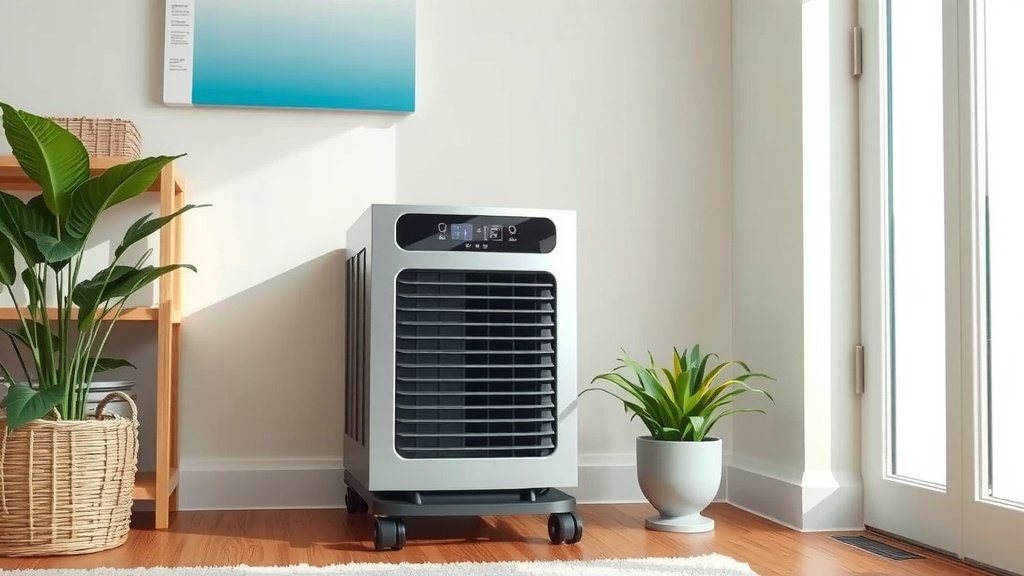
Maintaining Your Air Purifier for Peak Performance
Your air purifier is only as good as its filters. Regular maintenance is essential. Neglecting this step can render your purifier ineffective and even cause it to work harder.
Filter Replacement: The Most Important Task
Air purifiers rely on filters to trap particles. These filters get clogged over time. Most manufacturers have a recommended replacement schedule, often every 6-12 months. However, this can vary based on usage and air quality. If you notice a decrease in airflow or increased odors, it might be time for a change sooner.
HEPA Filters
If your unit has a HEPA filter, these are designed to capture 99.97% of particles 0.3 microns in size. They cannot be washed and must be replaced. We found that using genuine replacement filters from the manufacturer is best for optimal performance.
Activated Carbon Filters
These filters are great for absorbing odors and VOCs (volatile organic compounds). Like HEPA filters, they also have a limited lifespan and need regular replacement. Some units have combined HEPA and carbon filters.
Pre-filters
Many air purifiers have a washable pre-filter. This captures larger particles like hair and dust bunnies. Washing this regularly can extend the life of your main filters. Check your manual for washing instructions; usually, a gentle rinse is all that’s needed.
Cleaning the Exterior
Don’t forget the outside! Dust can accumulate on the unit itself. Gently wipe down the exterior with a soft, dry cloth periodically. This keeps it looking nice and prevents dust from being pulled into the unit through the casing. A slightly damp cloth can be used if needed, but ensure the unit is unplugged and completely dry before plugging it back in.
Monitoring Indicator Lights
Many air purifiers come with a “filter replacement” indicator light. This is a helpful reminder. However, don’t rely on it solely. Pay attention to the performance of your unit as well. A sudden increase in noise or a noticeable drop in airflow are also signs that filters might need checking.
Quick Maintenance Checklist
- Check your filter replacement schedule in the manual.
- Inspect pre-filters for dust and debris weekly.
- Wash pre-filters as recommended (usually monthly).
- Wipe down the exterior of the unit regularly.
- Listen for changes in fan noise or airflow.
- Replace main filters when airflow decreases or odors appear.
Conclusion
You’ve learned how to get your air purifier set up and running for cleaner indoor air. Remember, placement in your most-used rooms and keeping doors and windows closed are key. Consistent use, especially on lower settings for quiet operation and higher settings for quick purification, makes a difference. Don’t forget that regular filter replacement is the most vital maintenance task to ensure your unit performs optimally. Start by checking your air purifier’s manual today for its specific filter schedule and make it a part of your routine.
Frequently Asked Questions
How often should I run my air purifier?
For the best results, running your air purifier 24/7 is ideal. This ensures continuous filtration and prevents pollutants from accumulating. However, you can also run it for several hours a day in your most-used rooms for effective air cleaning.
Can I leave my air purifier on all the time?
Yes, most modern air purifiers are designed for continuous operation. They are also quite energy-efficient, so leaving them on all day often has a minimal impact on your electricity bill.
What’s the best place to put an air purifier in a bedroom?
Place your air purifier on a nightstand or a dresser in your bedroom, ensuring it has about 12-24 inches of clear space around it. This allows for optimal air circulation while you sleep.
How do I know when to replace the air filters?
Your air purifier’s manual will suggest a replacement schedule, usually every 6-12 months. You may need to replace them sooner if you notice reduced airflow or persistent odors, or if a filter indicator light turns on.
Can I wash the main filters in my air purifier?
No, main filters like HEPA and activated carbon filters cannot be washed. They must be replaced according to the manufacturer’s recommendations. Washable pre-filters are common and should be cleaned regularly.
![5 Best Air Purifier for Flatulence [In 2026]](https://homeunderstandable.com/wp-content/uploads/2025/05/best-air-purifier-for-flatulence-top-picks-for-odor-free-homes-768x432.jpg)