How to Operate Your Air Purifier for Cleaner Air
Operating an air purifier is straightforward! You typically just need to plug it in, select your desired fan speed, and ensure it’s placed in the room where you want cleaner air. Most models have simple controls for ease of use.
Understanding your air purifier’s functions can help you get the most out of it. Different settings can target specific air quality concerns, like allergies or odors. Following a few basic steps ensures you’re breathing fresher, healthier air effectively.
- Plug it in and turn it on.
- Choose the right fan speed for your needs.
- Place it in the room you want to purify.
- Understand filter indicator lights.
- Know when to replace the filters.
Ready to get your air purifier running smoothly? Let’s walk through exactly how this works step by step.
Getting Your Air Purifier Up and Running
So you’ve got your new air purifier, and you’re eager to breathe easier. That’s fantastic! Operating one is generally quite simple, designed to be user-friendly right out of the box. We’ll walk you through the essential steps to get it working its magic.
The First Steps: Setup and Power
Before you even think about fan speeds, let’s get the basics right. Your air purifier needs a good spot and a power source to do its job. Think of it like giving your purifier a comfortable home where it can work best.
Choosing the Ideal Location
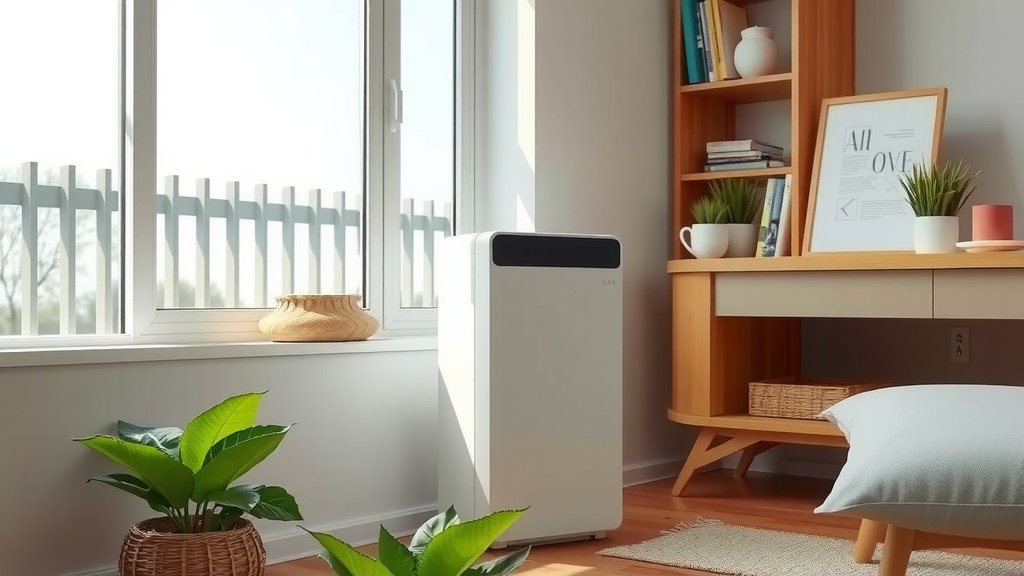
Where you place your air purifier really matters. You want to put it in the room where you spend the most time. Bedrooms, living rooms, and home offices are common choices. Make sure it has a few inches of space around it. This allows for proper airflow, which is key to efficient purification. Avoid placing it directly against a wall or furniture. Good airflow means better air cleaning!
Plugging It In and Turning It On
This might seem obvious, but it’s the very first physical action. Find a convenient electrical outlet near your chosen spot. Plug the power cord firmly into the outlet and then into the back of your air purifier. Once plugged in, locate the power button – it’s usually clearly marked. Press it to turn your unit on. You might hear a gentle hum as it starts up. That’s the sound of cleaner air beginning!
Understanding the Controls: Fan Speed and Modes
Most air purifiers have a few simple controls to customize your air cleaning experience. The fan speed is the most common setting you’ll interact with. Adjusting this lets you control how quickly the air is filtered.
Fan Speed Settings Explained
You’ll typically find several fan speed options. These might be labeled as Low, Medium, High, or Turbo. They could also be represented by numbers, like 1, 2, 3, or 4.
- Low speed: Great for quiet operation, like overnight in a bedroom. It’s energy-efficient and still works to clean the air.
- Medium speed: A good balance between cleaning power and noise. It’s suitable for general daily use.
- High or Turbo speed: Use this when you need to clean the air quickly. Think after cooking, during allergy season, or if you have pets shedding a lot. It will be a bit louder.
Exploring Different Modes (If Available)
Some advanced models come with special modes. These are designed for specific situations. An “Auto” mode often uses sensors to detect air quality and adjust the fan speed automatically. An “Allergy” mode might run at a higher speed during peak allergy times. A “Sleep” mode usually operates at the lowest fan speed for minimal noise and dimmed lights. Check your user manual to see what modes your purifier offers.
Monitoring and Maintenance for Optimal Performance
Your air purifier works hard for you. To keep it running at its best, you need to pay attention to its indicators and perform regular filter maintenance. This is where you get the most bang for your buck.
Interpreting Filter Indicator Lights
Many air purifiers have a light that tells you when it’s time to check or change the filter. This is super helpful because you don’t have to guess. This light might be labeled “Filter,” “Replace Filter,” or show a filter icon. When it illuminates, it’s a gentle nudge from your machine. Don’t ignore it – your purifier is telling you it’s getting tired!
When and How to Replace Filters
The lifespan of your filters depends on usage, air quality, and the filter type. Pre-filters might need cleaning every month or so. HEPA and activated carbon filters typically need replacing every 6 to 12 months. Your user manual is the best guide here. It will specify the recommended replacement schedule for your model. Running your purifier with a clogged filter drastically reduces its effectiveness. It’s like trying to run with a mask on – it’s just harder!
Cleaning the Exterior and Pre-filters
Don’t forget the outside! Wipe down the exterior of your air purifier with a soft, damp cloth periodically. This keeps it looking nice and prevents dust buildup. If your unit has a washable pre-filter, gently rinse it under cool water and let it air dry completely before putting it back. This simple step can extend the life of your main filters.
A Quick Checklist for Daily Use
Here’s a simple rundown to keep your air purifier running smoothly:
- Place it wisely: Ensure good airflow around the unit.
- Select a fan speed: Choose one that fits your current needs.
- Check indicator lights: Note any lights that signal filter changes.
- Keep it clean: Wipe down the exterior regularly.
- Listen to it: Unusual noises might mean something needs attention.
Conclusion
You’ve learned that operating your air purifier is simple and rewarding. By understanding placement, controls, and maintenance, you can ensure your unit works effectively for you. Remember to give it space to breathe, select the right fan speed for the moment, and heed those filter change indicators. Taking these steps means you’re actively creating a healthier indoor environment for yourself and your loved ones. The best next step? Check your purifier’s manual, identify your filter replacement schedule, and mark it on your calendar so you never miss a change.
Frequently Asked Questions
How often should I run my air purifier?
For optimal air quality, many experts recommend running your air purifier 24/7. This ensures continuous filtration of airborne particles and pollutants. If you’re concerned about energy use, you can opt to run it during the times you’re home most or when air quality is a concern, like during allergy season.
Can I leave my air purifier on when I’m not home?
Yes, you can generally leave your air purifier on when you’re not home. Modern air purifiers are designed for continuous operation and are energy-efficient, especially on lower settings. This allows them to consistently clean the air, so you return to a fresher environment.
What’s the best fan speed to use all the time?
The best fan speed often depends on your current needs. A medium setting is a good balance for daily use, offering effective purification without excessive noise. However, for quiet operation, especially overnight, low speed is ideal. Use high or turbo settings for quick air cleaning after cooking or during high pollen days.
Do air purifiers actually make a difference for allergies?
Yes, air purifiers can significantly help reduce allergy symptoms. They effectively capture common allergens like pollen, dust mites, pet dander, and mold spores from the air. By removing these triggers, they can lead to a noticeable improvement in indoor air quality for allergy sufferers.
How do I know if my air purifier is working correctly?
You can tell your air purifier is working by listening for the fan and feeling the airflow from the top. Also, pay attention to indicator lights; if they’re off and the unit is running, it suggests normal operation. If you notice a decrease in air freshness or the filter indicator light comes on, it may be time for maintenance.
![How Long Should Air Purifier Stay On [In 202]](https://homeunderstandable.com/wp-content/uploads/2025/06/how-long-should-air-purifier-stay-on-expert-advice-768x432.jpg)