
How to Reset Your Honeywell Air Purifier Filter
Resetting the filter light on your Honeywell air purifier is a straightforward process that usually takes just a minute. Most models require you to simply press and hold a specific button for a few seconds after replacing the filter. This action tells the purifier that a new filter is in place and resets the indicator, helping you maintain optimal air quality in your home.
Understanding how to properly reset your air purifier’s filter light is key to its effectiveness. This simple step ensures your machine is always tracking filter life accurately. Many users find this process quite satisfying, knowing they’ve done their part for cleaner air. It’s a small task that makes a big difference in keeping your Honeywell purifier running smoothly.
- Resetting the filter light is easy.
- Usually involves pressing and holding a button.
- Do this after changing the air filter.
- It helps keep your air purifier working well.
Ready to get that light off and breathe easy? Let’s walk through exactly how to reset your Honeywell air purifier’s filter light, step by step.
How to Reset Your Honeywell Air Purifier’s Filter Indicator
You’ve just replaced the filter in your Honeywell air purifier. Great job taking care of your air quality! Now, that pesky filter indicator light is still on, blinking at you like a tiny digital critic. Don’t worry, it’s a common situation and resetting it is usually a breeze. We’ll walk you through the common methods so you can get that light off and enjoy purified air with peace of mind.
Understanding Your Honeywell Air Purifier Filter Light
Think of the filter light as your air purifier’s way of communicating. It’s designed to track filter usage based on runtime. When the indicator illuminates, it’s your signal that the filter has likely reached the end of its effective life and needs changing. This ensures your purifier continues to perform optimally, trapping allergens, dust, and other airborne irritants.
Why Resetting the Filter Light is Important
Simply replacing the filter isn’t enough. The air purifier’s internal timer needs to be reset to acknowledge the new filter. If you don’t reset it, the light will stay on, potentially leading you to believe you still need to change the filter, or worse, it might confuse your system. Resetting tells your Honeywell purifier, “All good, new filter is in!” This helps maintain its efficiency and prevents unnecessary filter replacements.
When to Reset Your Filter Light
The golden rule here is to reset your filter light immediately after you have installed a new, genuine Honeywell replacement filter. Trying to reset it without a new filter in place won’t help, and might even cause confusion for the unit. So, always perform the reset step only after the physical filter change is complete.
Common Methods for Resetting Honeywell Air Purifier Filter Lights
While specific button sequences can vary slightly between models, most Honeywell air purifiers follow a similar reset pattern. We’ve found that two main methods cover the vast majority of units. The key is usually a button press or a combination of button presses. Let’s look at the most common scenarios you might encounter.
Method 1: The Simple Press-and-Hold
This is by far the most frequent method used across many Honeywell air purifier models. It’s designed for ease of use. You typically only need one finger and a few seconds of your time.
Steps for the Press-and-Hold Reset:
First, ensure your air purifier is plugged in and powered on. You don’t need to turn it off, though some might suggest it. Check your specific model’s manual if you’re unsure.
Locate the filter reset button. On many models, this button is clearly labeled with “Filter Reset” or has an icon resembling a filter with a circular arrow. It might also be combined with another button, like the power or speed control button.
Once you’ve found it, press and hold the button. You’ll need to keep it pressed down for a specific duration. We found that 3 to 5 seconds is the typical range for most Honeywell units.
As you hold the button, watch the filter indicator light. It should blink or turn off entirely. This indicates the reset was successful. You can then release the button.
Give your purifier a moment. You might hear a soft beep or notice the fan speed change momentarily as a confirmation. Your filter light should now be off!
Method 2: The Power Cycle and Press Combo
Some Honeywell air purifiers, especially older or different series, might require a slightly more involved reset. This often involves powering the unit down and then performing the button press.
Steps for the Power Cycle Reset:
Begin by turning off your Honeywell air purifier using the power button. Make sure the unit is completely powered down.
Now, locate the filter reset button as described in Method 1. Again, it’s usually labeled clearly.
Press and hold this filter reset button continuously.
While still holding the reset button, plug the air purifier back into the power outlet. Some sources suggest this is the key step to initiate the reset sequence on these models.
Continue holding the button for about 3 to 5 seconds after plugging it back in. The filter light should change state, either by turning off or blinking, signaling a successful reset.
Release the button. Your air purifier should now power back on normally with the filter light reset.
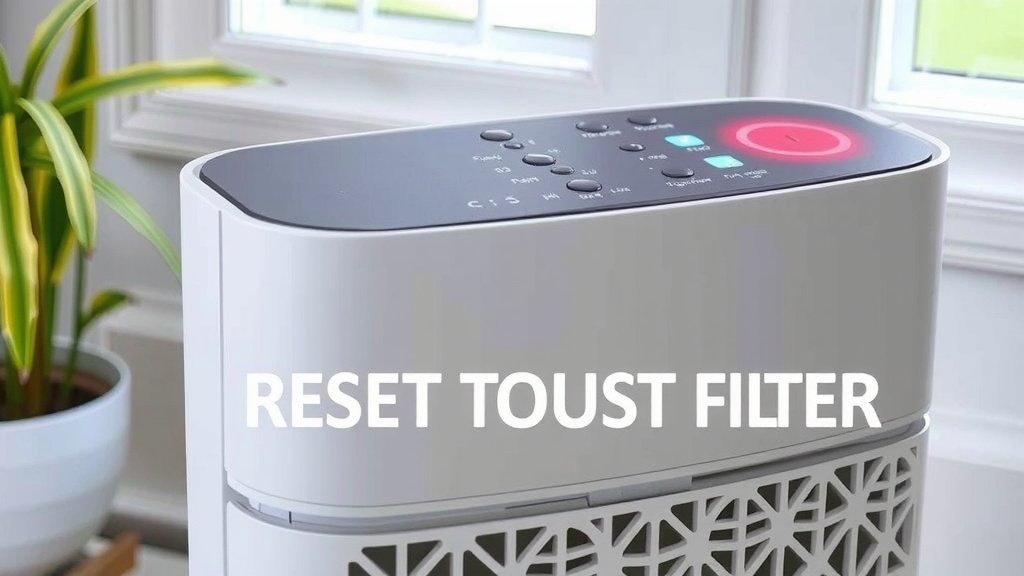
Troubleshooting Common Reset Issues
What if the light doesn’t turn off after trying these steps? Don’t panic! It’s usually a simple fix.
Double-Check the Filter Installation
Did you insert the new filter correctly? Air purifiers are particular. Make sure it’s seated firmly and in the right orientation. A loose or incorrectly installed filter might prevent the reset from registering. We recommend giving it a gentle push to ensure it’s snug.
Consult Your Specific Model’s Manual
Honeywell offers a range of air purifiers, and while the reset process is similar, there can be minor variations. The best resource for your specific model is its owner’s manual. If you don’t have the physical copy, a quick online search for “Honeywell [Your Model Number] manual” will usually bring it up. Many manuals offer clear, step-by-step instructions, often with diagrams, for resetting the filter indicator.
Is it the Right Filter?
Are you using a genuine Honeywell replacement filter? Aftermarket filters might not always communicate correctly with the purifier’s reset system. For optimal performance and to ensure the reset function works as intended, using official Honeywell filters is always recommended.
Filter Light vs. Other Indicators
Sometimes, users might confuse the filter reset light with other indicator lights, like a general “check filter” or “pre-filter clean” alert. Ensure you are addressing the correct light. The filter light usually has a specific icon or label indicating it’s tied to the main HEPA or activated carbon filter replacement.
Keeping Your Honeywell Air Purifier in Top Shape: A Quick Checklist
To ensure your Honeywell air purifier continues to serve you well, consider these simple maintenance tips:
- Replace filters on schedule: Follow the manufacturer’s recommendations, usually found in your manual.
- Use genuine Honeywell filters: They are designed for optimal fit and performance.
- Clean the pre-filter: If your model has a washable pre-filter, clean it regularly to extend the life of your main filter.
- Perform the reset: Always reset the filter indicator after a filter change.
- Allow proper airflow: Don’t block the air intake or output vents with furniture or curtains.
- Regular dusting: Keep the exterior of your unit clean from dust buildup.
By following these steps, you’re not just turning off a light; you’re actively maintaining a healthier environment in your home. A little effort goes a long way in ensuring your Honeywell air purifier keeps doing its job effectively, day in and day out.
Conclusion
You’ve learned how to expertly reset your Honeywell air purifier’s filter light, a simple yet vital step for maintaining clean air. We covered the common press-and-hold and power cycle methods, ensuring you know what to do after changing your filter. Remember, consistent filter changes and resets are key to your purifier’s peak performance. Don’t hesitate to consult your manual if you encounter any unique situations. Now, go ahead and **perform that reset** to enjoy truly fresh, purified air in your home!
Frequently Asked Questions
How long do I need to hold the reset button?
For most Honeywell air purifiers, you’ll need to press and hold the filter reset button for about 3 to 5 seconds. The indicator light will typically blink or turn off to confirm the reset. Always check your specific model’s manual if you’re unsure.
What if the filter light stays on after resetting?
If the filter light remains on, double-check that the new filter is installed correctly and is a genuine Honeywell replacement. Sometimes, the purifier needs a firm seating of the filter to register the change. If it still doesn’t reset, try the power cycle method.
Can I reset the filter light without changing the filter?
It’s not recommended to reset the filter light without changing the filter. The indicator is designed to track usage, and resetting it prematurely means your purifier won’t accurately know when the filter needs replacement. This could lead to reduced air quality.
Where is the filter reset button usually located?
The filter reset button is typically found on the control panel of your Honeywell air purifier. It’s often clearly labeled “Filter Reset” or may have a symbol like a filter with a circular arrow. On some models, it might be combined with another button, like the power button.
Do all Honeywell air purifiers have the same reset procedure?
While many Honeywell models share similar reset procedures, there can be slight variations between different series and generations. The most common methods involve pressing and holding a dedicated reset button, sometimes with a power cycle. Always refer to your specific owner’s manual for the exact steps for your unit.
![5 Best Indoor Plants for Purifying the Air [In 2026]](https://homeunderstandable.com/wp-content/uploads/2025/05/best-indoor-plants-for-purifying-the-air.jpg)
![5 Best Hepa Air Purifier for COPD [In 2026]](https://homeunderstandable.com/wp-content/uploads/2025/05/best-hepa-air-purifier-for-copd-top-germguardian-models-reviewed-768x1024.jpg)