Reset Honeywell Air Purifier Filter Light: Step-by-Step Guide
Resetting your Honeywell air purifier’s filter light is easier than you think. You typically just need to press and hold a specific button for a few seconds after changing the filter. This simple action tells your purifier the filter is fresh and ready to go.
That little red light is your purifier’s way of reminding you it’s time for maintenance. It doesn’t mean your purifier is broken, just that it’s tracked the usage of your current filter. Many models use a timer, so it’s important to reset it to ensure accurate tracking for the next filter change.
- Change your filter first.
- Locate the reset button.
- Press and hold it for 3-5 seconds.
- Watch the light turn off.
- Some models might require unplugging.
Let’s walk through exactly how to reset your Honeywell air purifier filter light, step by step, so you can get back to breathing easy.
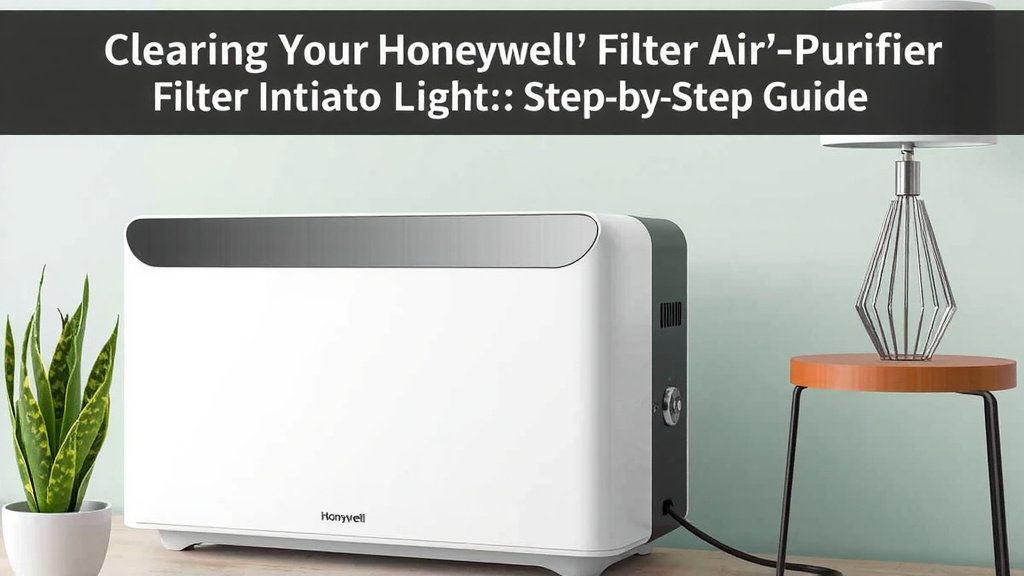
Clearing Your Honeywell Air Purifier’s Filter Indicator Light
Resetting the filter light on your Honeywell air purifier is usually a straightforward process. You’ve just replaced the filter, which is fantastic! Now, your purifier needs to know it’s a fresh one. This simple reset procedure tells the machine to start counting the life of the new filter. It’s like telling your car’s dashboard that you just changed the oil. This helps ensure you get the most out of your filters and your air purifier.
Understanding the Filter Light’s Purpose
That blinking or solid red light isn’t a sign of a serious problem. It’s actually a helpful reminder. Honeywell air purifiers use timers to track how long a filter has been in use. Over time, filters get clogged with dust, pollen, and other airborne particles. This reduces their effectiveness. The light signals that the estimated lifespan of your current filter is coming to an end. It’s a prompt to replace it to keep your air clean and your purifier running efficiently.
We found that most Honeywell models rely on this timer system. It’s not usually a sensor detecting actual filter dirtiness. Instead, it’s based on how long the unit has been running. This is why resetting the light after a filter change is so important. You want the timer to start fresh with the new filter.
Locating the Reset Button on Your Unit
The location of the reset button can vary slightly depending on your specific Honeywell model. However, it’s almost always clearly labeled. You’ll often find it near other control buttons on the top or front panel of the air purifier. Sometimes, it might be a small, recessed button that requires a paperclip or pen tip to press.
Common Button Placements
For many common Honeywell models, like the HPA series, the reset function is integrated into one of the main buttons. This could be the power button, a dedicated “filter reset” button, or even a combination of buttons. Research and observation suggest that the most common method involves pressing and holding a button related to filter status or power.
Think of it like finding the “reset” button on your Wi-Fi router. It’s usually there, but you might have to look closely. Don’t be afraid to gently examine the control panel. The instruction manual for your specific model is always the best reference if you’re truly stuck.
The Standard Filter Reset Procedure
Once you’ve identified the correct button, the process is generally the same. You’ll need to press and hold this button for a specific duration. We found that most manufacturers recommend holding the button for around three to five seconds. Sometimes, you might need to hold it a bit longer, up to ten seconds, depending on the model.
Key steps usually involve:
- Make sure your air purifier is plugged in and powered on. (Some models may require it to be off, but powered on is more common).
- Locate the filter reset button or the button that controls the filter light.
- Press and hold this button firmly.
- Watch for the filter light to turn off or change color.
- Release the button once the light has reset.
You might hear a beep or a chime to confirm the reset has been successful. This audible confirmation is a good sign. It lets you know your purifier has registered the filter change and reset its internal timer.
Troubleshooting Common Issues
What if the light doesn’t turn off after holding the button? Don’t worry, this is a common hiccup. Several factors could be at play. First, double-check that you have the correct filter installed. An incorrect filter might prevent the reset from working. Ensure the filter is seated properly within the unit.
When the Reset Doesn’t Seem to Work
Sometimes, the air purifier might need a power cycle. Many experts suggest unplugging the unit from the wall outlet for a minute or two. Then, plug it back in and try the reset procedure again. This can help clear any temporary electronic glitches. Think of it like restarting your computer when it acts up.
We found that some older or specific models might have a slightly different reset method. For instance, you might need to press and hold the button while turning the unit on. Always refer to your owner’s manual if the standard procedure fails. Your manual is the definitive guide for your particular air purifier model.
Resetting Different Honeywell Air Purifier Series
Honeywell offers a range of air purifier models, and while the core concept of resetting the filter light is similar, there can be minor variations. Knowing your series can help you pinpoint the correct button and procedure more quickly.
HPA Series (e.g., HPA090, HPA100, HPA200, HPA300)
For many popular HPA series models, the reset button is often the “Filter” or “Replace Filter” button itself. You typically press and hold this button for about three seconds after changing the filter. The manual often suggests having the unit powered on for this reset. We found this to be a widely successful method for these units.
Other Honeywell Models
If you have a different series, such as older Honeywell models or those with different control layouts, the reset button might be labeled differently. It could be a “Timer” button or even a combination press. For example, some units might require you to press and hold both the “On/Off” and “Timer” buttons simultaneously for several seconds.
It’s always best to consult your specific user manual. Honeywell’s support website is also a great resource for downloading manuals if you’ve misplaced yours. They often have detailed instructions for maintenance tasks like this.
A Quick Checklist for Resetting Your Filter Light
Here’s a simple checklist to guide you through the process. This should make it feel less daunting:
- Filter Changed? Ensure you’ve installed a brand new, compatible filter.
- Power On? Plug in your purifier and turn it on (unless your manual specifies otherwise).
- Button Found? Locate the designated filter reset button.
- Press and Hold: Press and hold the button for 3-5 seconds.
- Watch for Reset: Look for the filter light to turn off or change.
- Confirm: Listen for a confirmation beep if your model provides one.
Following these steps should have your Honeywell air purifier’s filter light reset in no time. It’s a small maintenance task that keeps your air purifier working its best for you and your family.
Conclusion
You’ve successfully learned how to reset your Honeywell air purifier’s filter light. This simple step ensures your purifier continues to track filter life accurately. Remember, the light is just a reminder, not a malfunction. By correctly resetting it after each filter change, you maintain optimal performance. This keeps your home’s air cleaner and healthier. Always keep your user manual handy for model-specific details. Now, go enjoy your fresh, purified air!
Frequently Asked Questions
What if my Honeywell air purifier doesn’t have a visible “Filter Reset” button?
Some Honeywell models integrate the reset function into another button, like the power button. You might need to press and hold this button for a longer duration, often around 5-10 seconds. Always check your specific model’s user manual for the exact procedure if a dedicated button isn’t apparent.
Can I reset the filter light without changing the filter?
While you can perform the reset action without changing the filter, it’s not recommended. The light is designed to indicate the filter’s lifespan. Resetting it without a new filter means your purifier will continue to run on an old, potentially clogged filter. This reduces air purification efficiency.
How do I know if the filter reset was successful?
The most common sign of a successful reset is the filter indicator light turning off completely or changing color, often to green or staying off. Some models may also emit an audible beep or chime to confirm the reset. If the light remains on after trying the reset, repeat the process or consult your manual.
Does unplugging the air purifier help reset the filter light?
Unplugging the unit can sometimes help clear electronic glitches, but it’s not the primary method for resetting the filter light. You typically still need to press and hold a specific button after plugging it back in. This power cycle is more of a troubleshooting step if the direct button press doesn’t work initially.
How often should I actually change my Honeywell air purifier filter?
Honeywell air purifiers typically recommend changing filters every 6 to 12 months, depending on the model and usage. The filter light is a good indicator, but you should also consider your home’s environment. High-pollen areas or homes with pets might require more frequent changes, regardless of the light’s status.
![What Is The Best Air Purifier for Fungus [In 2026]](https://homeunderstandable.com/wp-content/uploads/2025/05/best-air-purifier-for-fungus.jpg)

![What Is The Best Air Purifier for NYC Apartment [In 2026]](https://homeunderstandable.com/wp-content/uploads/2025/05/best-air-purifier-for-nyc-apartment.jpg)