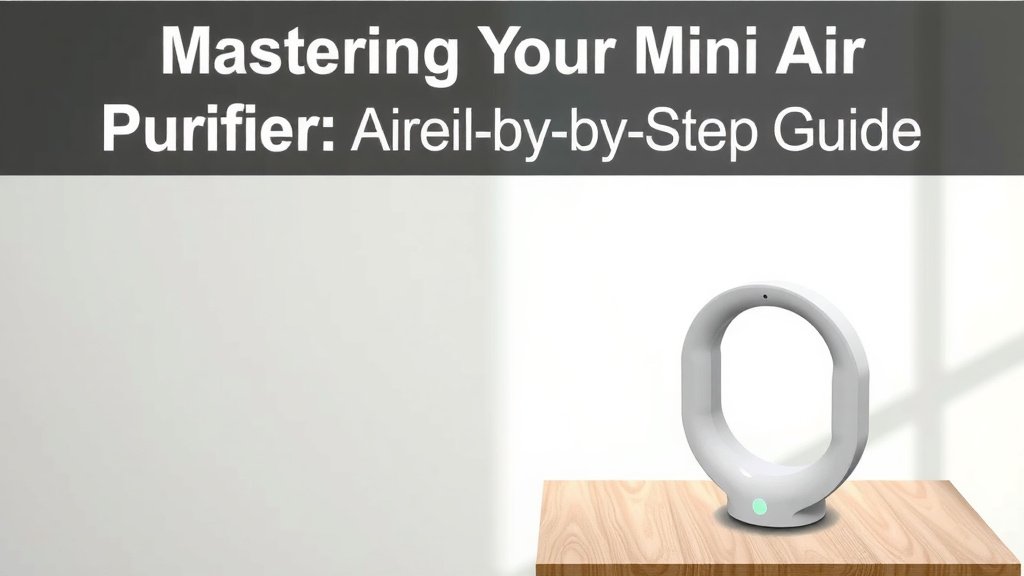
Mastering Your Mini Air Purifier: A Step-by-Step Guide
Using a mini air purifier is quite simple; you just need to plug it in and turn it on, typically near where you spend the most time. These compact devices are designed for personal spaces like your desk, bedside table, or even your car to help you breathe cleaner air by filtering out common irritants like dust and pollen. They work by drawing in surrounding air, passing it through one or more filters, and then releasing the cleaner air back into your immediate environment, making them a convenient way to improve air quality in small areas.
While they won’t purify an entire room, mini air purifiers are surprisingly effective for your personal breathing zone. We found that they can help reduce allergens and odors in your workspace or bedroom, contributing to a more comfortable atmosphere. Think of it as your own personal bubble of fresher air, especially useful if you’re sensitive to air quality or just want that extra bit of reassurance while you work or sleep. They are a great starting point for anyone curious about air purification.
- Plug it in and turn it on.
- Place it in your personal space (desk, bedside).
- Change filters regularly as recommended.
- Enjoy cleaner air nearby.
Ready to get started? We’ll walk you through the simple steps to get your mini air purifier up and running so you can start enjoying cleaner air right away.
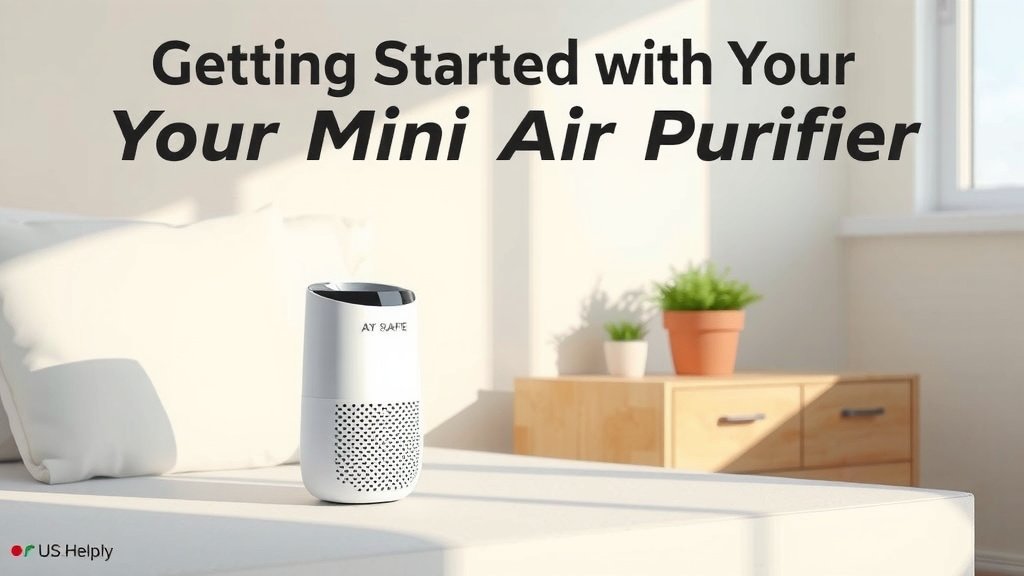
Getting Started with Your Mini Air Purifier
So, you’ve got your new mini air purifier. Exciting! It’s like getting a tiny, personal air assistant. We’ll guide you through setting it up. It’s really quite straightforward, and you’ll be breathing a little easier before you know it. Let’s get this little gadget working for you.
Unboxing and Initial Setup
First things first, let’s carefully unbox your new air purifier. Make sure you have everything the manufacturer listed in the box. This usually includes the unit itself, a power cord, and perhaps an extra filter. We recommend keeping the packaging for a short while, just in case you need to return it.
Once everything is accounted for, remove any protective plastic or cardboard from the unit. Often, the filter inside will have a plastic wrap that needs to be removed before you use it. It’s a common step many forget, leading to reduced performance. Check the filter compartment, usually found at the back or bottom, and unwrap the filter if necessary.
Finding the Perfect Spot
Where you place your mini air purifier makes a difference. Think about where you spend most of your time. Is it your office desk? Your bedside table? Maybe even the cup holder in your car?
These purifiers are designed for personal spaces. They work best when they can draw in air from your immediate vicinity. Avoid placing them directly against a wall or too close to curtains, as this can block airflow. We found that about 6-12 inches of clearance on all sides is usually optimal for good air circulation.
Desk Placement for Focus
If your goal is cleaner air while you work, your desk is a prime location. Placing it within your personal breathing zone can help filter out dust and airborne particles. This can make your workspace feel fresher and more conducive to concentration. Many users report a subtle but noticeable improvement in air quality right around their desk.
Bedside Buddy for Better Sleep
For a more restful night, consider placing your mini air purifier on your nightstand. It can help remove allergens and odors from your bedroom air. This could potentially lead to fewer disturbances during sleep. Research from organizations like the Asthma and Allergy Foundation of America suggests that clean air can benefit individuals with respiratory sensitivities.
On-the-Go Air Quality
Some mini air purifiers are specifically designed for cars. They often plug into a USB port or a car’s accessory outlet. They can help reduce odors from the car itself or external pollutants. Just ensure it’s placed securely and doesn’t interfere with your driving.
Operating Your Mini Air Purifier
Now that your purifier is in place, let’s turn it on. This is where the magic happens. It’s incredibly simple, and you’ll quickly get the hang of it.
Powering Up
Connect the power adapter to the unit and then plug it into a suitable electrical outlet or USB port. Most mini air purifiers have a single power button. Press it to turn the unit on. You might hear a gentle hum as it starts working its magic.
Many models come with different fan speeds. A single press might turn it on to a low setting, while subsequent presses might increase the speed. Some even have an auto mode that adjusts based on air quality. Check your model’s manual to understand its specific controls.
Understanding the Lights and Sounds
Don’t be alarmed by the lights or sounds. The gentle hum is normal; it’s the sound of the fan circulating air. Indicator lights usually show the power status or fan speed. Some advanced models might have an air quality sensor that displays different colors to represent the air purity level.
If you notice any unusual noises, like grinding or loud rattling, it’s worth checking if the filter is installed correctly or if there’s anything obstructing the fan. Your user manual will be your best friend here.
Filter Maintenance: The Key to Performance
This is perhaps the most important part of keeping your mini air purifier effective. Filters don’t last forever. They capture all those tiny particles, and eventually, they get clogged.
When to change your filter depends on usage and the air quality in your environment. Most manufacturers recommend changing filters every 3 to 6 months. However, if you live in a dusty area or have pets, you might need to change them more frequently.
When to Replace the Filter
Your purifier might have a filter replacement indicator light. This is a handy reminder! If not, pay attention to performance. If you notice a decrease in airflow or if the air doesn’t seem as fresh, it’s likely time for a new filter. Some research indicates that dirty filters can actually reduce the unit’s efficiency and even become a source of odors themselves (National Air Filtration Association).
How to Change the Filter
Changing the filter is usually as simple as opening the compartment, removing the old filter, inserting the new one (making sure it’s oriented correctly), and closing the compartment. Always refer to your specific model’s instructions. It typically takes only a few minutes.
Tips for Maximizing Your Mini Purifier’s Effectiveness
Want to get the absolute most out of your little air cleaner? Here are a few extra tips we’ve gathered.
Regular Cleaning of the Exterior
Don’t forget the outside! Dust can accumulate on the unit’s exterior, potentially being drawn into the filter. Wipe down the unit regularly with a soft, dry cloth. This keeps it looking good and functioning well.
Consider Your Environment
While a mini air purifier is great for your personal space, it’s not meant to purify an entire room. For larger areas, you’ll need a larger unit. Think of your mini purifier as a personal bubble of clean air.
Use it Consistently
For the best results, try to keep your mini air purifier running when you’re in its vicinity. Consistent use helps maintain a cleaner breathing zone over time. It’s like wearing a mask for your personal air space!
Quick Checklist for Success
Here’s a quick rundown to ensure you’re using your mini air purifier like a pro:
- Unpack and remove all protective plastic.
- Place it in your personal space with good airflow.
- Plug it in and power it on.
- Note your filter replacement schedule.
- Wipe down the exterior periodically.
- Enjoy your cleaner personal air!
Conclusion
You’re now well-equipped to get the most from your mini air purifier! Remember, these compact devices are fantastic for creating your personal clean air zone. By following the simple steps for setup, placement, and filter maintenance, you can significantly improve the air you breathe right where you spend your time. Consistent use and regular filter changes are key. Ready to enjoy fresher air? Your mini air purifier is just a plug-in away!
Frequently Asked Questions
How often should I change the filter in my mini air purifier?
Most manufacturers suggest changing the filter every 3 to 6 months. If you live in a particularly dusty area or have pets, you might find yourself needing to replace it more often. Watch for a drop in airflow or reduced effectiveness.
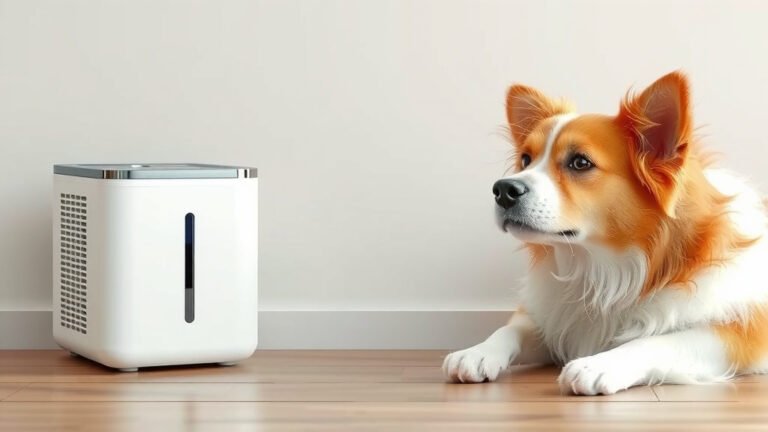
Can a mini air purifier help with pet dander and odors?
Yes, mini air purifiers can help reduce pet dander and common household odors within your personal breathing space. They capture airborne particles and filter out smells. For larger spaces or heavy odors, a bigger unit might be necessary.
Is it okay to leave my mini air purifier running all the time?
For continuous benefits, you can leave your mini air purifier running consistently, especially when you are in its vicinity. Most units are designed for continuous operation and use minimal electricity. Just ensure good airflow around the unit.
What should I do if my mini air purifier is making a loud noise?
Unusual noises like rattling or grinding often mean something is obstructing the fan or the filter isn’t seated correctly. First, unplug the unit. Then, check for any obstructions and ensure the filter is properly installed according to your model’s instructions.
Do mini air purifiers need to be placed close to me to work?
Mini air purifiers are most effective when placed within your personal breathing zone, such as on your desk or nightstand. They work by filtering the air directly around you, so proximity is important for noticeable improvements.