
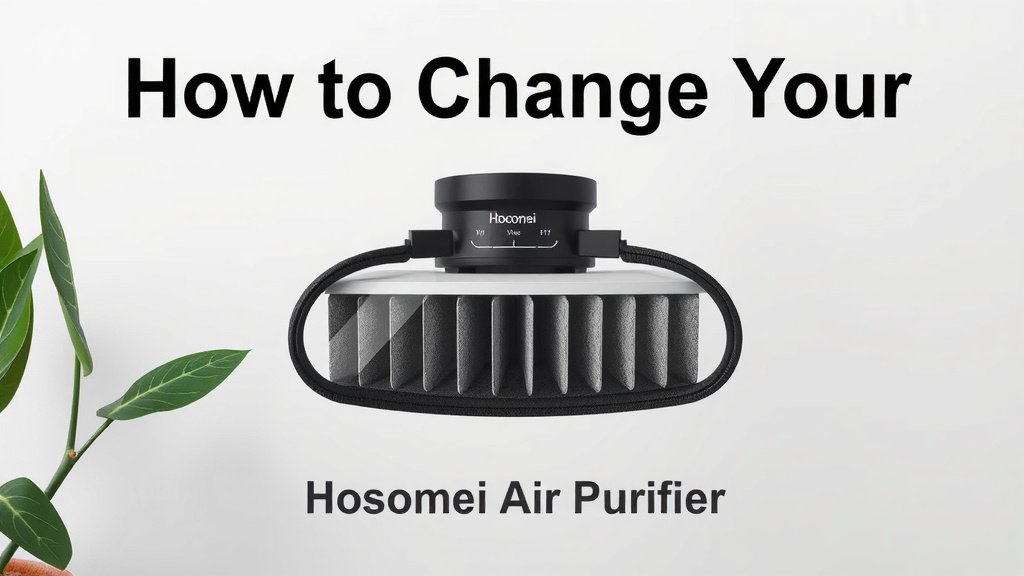
How to Change Your Hosomei Air Purifier Filter
Changing your Hosome air purifier filter is a straightforward process that typically takes just a few minutes. You’ll want to do this regularly to ensure your purifier keeps your air clean and fresh. It’s a key part of maintaining your appliance’s performance.
Regular filter changes are essential for your Hosome air purifier. They help capture airborne pollutants like dust, pollen, and pet dander. Neglecting this can lead to reduced air quality and strain on your machine. We found that consistent maintenance leads to longer purifier life.
- Locate the filter compartment.
- Gently remove the old filter.
- Insert the new filter correctly.
- Close and secure the compartment.
- Reset the filter indicator light.
Let’s walk through exactly how to swap out that filter step by step. It’s easier than you might think!
Swapping Out Your Hosome Air Purifier Filter: A Simple Guide
Ready to give your Hosome air purifier a fresh breath of life? Changing the filter is a super important maintenance task. It ensures your machine continues to work its best. Think of it like changing the oil in your car. You wouldn’t skip that, right? Your air purifier deserves the same TLC.
We’ve found that keeping your Hosome air purifier’s filter clean makes a huge difference in air quality. It’s not just about reducing dust. It’s about capturing those tiny particles that can affect your health. This guide will make the filter swap so easy, you’ll wonder why you ever put it off.
When Should You Change Your Hosome Air Purifier Filter?
Knowing when to change your filter is key. Most Hosome air purifiers have a built-in indicator light. This light usually turns red or blinks when it’s time for a change. Pay attention to this handy alert. It’s your purifier’s way of saying, “Hey, I need a new filter!”
Beyond the indicator, consider your usage. If you run your purifier 24/7, you’ll need to change filters more often. Also, if you live in an area with high pollen counts or have pets that shed a lot, these factors can shorten filter life. We found that many users benefit from checking their filter visually every few months, even if the light hasn’t come on yet.
Understanding Filter Lifespan
The typical lifespan for a Hosome air purifier filter can range from 6 to 12 months. This really depends on the model and how much you use the device. Some HEPA filters might last longer, while activated carbon filters might need replacement sooner, especially if you’re dealing with strong odors. Many manufacturers recommend a specific replacement schedule in your user manual. It’s always best to consult that for precise details.
We found that using genuine Hosome replacement filters often ensures optimal performance. While third-party options might seem cheaper, they may not fit perfectly or offer the same level of filtration. This can put extra strain on your purifier’s motor and fan, potentially shortening its lifespan. Think of it as an investment in your machine’s health and longevity.
Your Step-by-Step Filter Replacement Process
Getting ready to swap out that old filter? It’s a pretty simple job. You won’t need any special tools or advanced skills. Just a few minutes of your time will do the trick. Let’s get started!
Step 1: Power Down and Prepare
Safety first! Before you do anything, unplug your Hosome air purifier. You don’t want any accidental startups while you’re working. Find a clear space around the unit. Make sure you have your new replacement filter ready to go. It’s also a good idea to have a trash can nearby for the old filter.
We also recommend having a slightly damp cloth handy. You might want to wipe down the inside of the filter compartment once the old filter is out. This can help remove any accumulated dust or debris. It’s a quick way to give your purifier a little extra clean while you’re in there.
Step 2: Locate and Open the Filter Compartment
Most Hosome air purifiers have their filter located at the back or bottom of the unit. Look for a panel that seems removable. It might have small clips, latches, or a discreet seam. You may need to gently push or pull on this panel to release it. Some models might require you to lay the unit on its side to access the compartment.
Consult your user manual if you’re having trouble finding the compartment. Every model is a little different. Once you find it, carefully remove the cover. Take note of how it comes off. This will help you put it back on correctly later.
Step 3: Remove the Old Filter
With the compartment open, you’ll see the old filter. It might look quite dirty or discolored, which is a good sign it’s been doing its job! Gently pull the filter out. It usually slides out smoothly. If it feels stuck, don’t force it. Wiggle it slightly or check for any hidden clips you might have missed.
Many filters are designed with a tab or handle to make them easier to grip. Use this if available. Once removed, place the old filter directly into your trash bag. You don’t want to spread any dust around your home.
Step 4: Insert the New Filter
Now, take your brand-new Hosome replacement filter. Check for any plastic packaging that needs to be removed. You’ll also want to ensure you’re inserting it the correct way. Filters often have arrows or labels indicating airflow direction or which side faces out. These are crucial for proper function.
Align the new filter with the compartment and slide it in. It should fit snugly, similar to how the old one came out. If it’s not going in easily, double-check that you have it oriented correctly. Forcing it could damage the filter or the unit. We found that a smooth, gentle insertion is usually the sign of a proper fit.
Step 5: Close and Secure the Compartment
Once the new filter is in place, it’s time to put the cover back on. Align the panel you removed earlier. Make sure it snaps or clips back into position securely. You should hear a click or feel it lock into place. Ensure there are no gaps where air could leak around the filter.
A tight seal is important for your air purifier’s efficiency. It directs all the air through the filter as intended. If the cover doesn’t seem to fit quite right, re-check your filter placement. Sometimes, a slightly crooked filter can prevent the cover from seating properly. A stable, secure cover is your cue that you’re ready for the next step.
Step 6: Reset the Filter Indicator Light
This is a vital step! After replacing the filter, you need to reset the indicator light. If you don’t, the purifier will continue to think it needs a new filter, or worse, it won’t function correctly. The method for resetting varies by model.
Typically, you’ll need to press and hold a specific button on the control panel for a few seconds. Common buttons to try are the “Power” button, “Filter Reset” button, or a combination of buttons. Your Hosome user manual will have the exact instructions. We found that holding the button for 3-5 seconds usually does the trick. Once reset, the indicator light should turn off or change color, signaling a successful change.
Quick Checklist for Your Filter Change
Here’s a handy checklist to make sure you’ve got everything covered:
- Unplugged the air purifier? Check.
- New filter ready and unpacked? Check.
- Old filter removed cleanly? Check.
- New filter inserted correctly (check arrows)? Check.
- Compartment cover secured properly? Check.
- Filter indicator light reset? Check.
Conclusion
You’ve successfully navigated the filter change for your Hosome air purifier! Remember, this simple maintenance task is key to keeping your air clean and your purifier running efficiently. By paying attention to the indicator light and following these steps, you ensure your device continues to capture dust, pollen, and other allergens effectively. Don’t forget to consult your user manual for model-specific details.
Your next step? Schedule your filter changes in your calendar. Making this a routine habit will guarantee you always enjoy the freshest air possible in your home. Happy purifying!
Frequently Asked Questions
How often should I really replace my Hosome air purifier filter?
We recommend checking your Hosome air purifier’s indicator light as your primary guide. For most homes, replacing the filter every 6 to 12 months is typical. However, if you live in a high-pollen area or have pets, you might need to change it sooner. Heavily polluted environments can also shorten filter life.
Can I clean my Hosome air purifier filter instead of replacing it?
Generally, no. Hosome air purifier filters, especially HEPA and activated carbon types, are designed for single use. While some pre-filters might be washable, the main filtration layers trap microscopic particles that cannot be effectively removed by cleaning. Replacing the filter ensures optimal performance and air quality.
What happens if I don’t replace my Hosome air purifier filter on time?
If you neglect to replace your filter, your air purifier’s effectiveness will decrease significantly. It will struggle to capture pollutants, leading to poorer indoor air quality. We’ve also found that a clogged filter can strain the motor, potentially reducing the lifespan of your appliance.
Where can I buy genuine Hosome replacement filters?
You can typically purchase genuine Hosome replacement filters directly from the Hosome official website or authorized online retailers. We always suggest buying directly from the manufacturer or a trusted seller to ensure you get the correct filter for your model and to guarantee its quality and performance.
My Hosome air purifier filter indicator light is still on after changing the filter. What should I do?
This usually means the filter reset procedure wasn’t completed correctly. Refer back to Step 6 in our guide or your user manual for the exact steps to reset the indicator. It often involves pressing and holding a specific button for a few seconds. If it still doesn’t turn off, double-check that the new filter is seated properly and consult your manual for troubleshooting.
![5 Best Air Purifiers for Dust Mite Allergies [In 2026]](https://homeunderstandable.com/wp-content/uploads/2025/04/best-air-purifiers-for-dust-mite-allergies.jpg)

![5 Best Air Purifier for Headaches [In 2026]](https://homeunderstandable.com/wp-content/uploads/2025/05/best-air-purifier-for-headaches-top-choices-for-home-comfort-768x768.jpg)