How to Clean Your Dyson Air Purifier Fan
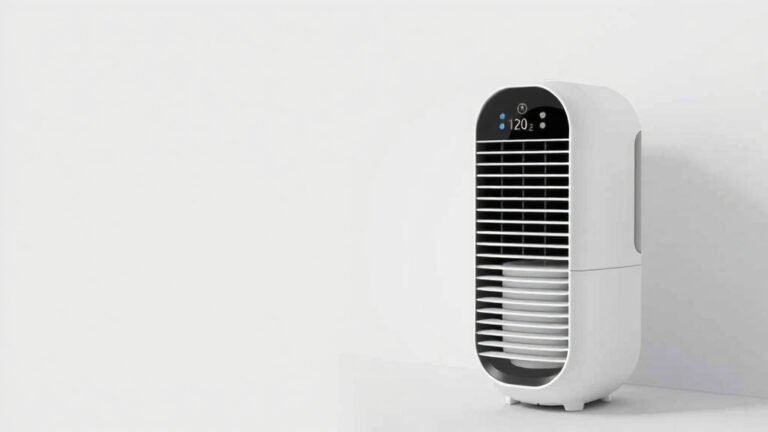
The easiest way to clean your Dyson air purifier fan is by unplugging it first and then wiping down the outer casing and fan blades with a damp, lint-free cloth. For stubborn dust, a soft brush attachment on your vacuum can be very effective. Regular cleaning helps maintain optimal air quality in your home.
Keeping your Dyson air purifier clean is essential for its performance. Dust buildup can clog filters and reduce airflow, meaning your purifier works harder without delivering the best results. Many experts recommend a routine cleaning schedule to ensure your machine runs efficiently and your air stays fresh. This simple maintenance will help your Dyson last longer and perform at its best.
- Always unplug your Dyson air purifier before cleaning.
- Wipe the exterior and fan blades with a damp cloth.
- Use a soft brush for any tough dust spots.
- Don’t forget to clean the sensor to ensure accurate readings.
- Regular cleaning improves air quality and purifier efficiency.
Let’s walk through exactly how to get your Dyson air purifier fan sparkling clean, step by step.
Keeping Your Dyson Air Purifier Fan Sparkling
Your Dyson air purifier is a workhorse for cleaner air. But like any machine, it needs a little TLC. Dust bunnies don’t just look bad; they can actually hinder performance. Cleaning your Dyson fan regularly is straightforward. It ensures you get the best air quality possible from your device. Let’s get your Dyson fan looking and working like new!
Essential First Steps Before You Clean
Before you even think about grabbing a cloth, there are a couple of non-negotiable steps. These keep you safe and protect your purifier. It’s like preparing your kitchen before cooking a big meal – setting yourself up for success.
Always Unplug Your Machine
This is the most important step. Always, always unplug your Dyson air purifier from the wall outlet. You don’t want any accidental power surges or unexpected motor spins while your hands are inside. Safety first, always!
Gather Your Cleaning Supplies
Having everything ready makes the process smooth. You’ll want a few simple items. Think of it as packing your “cleaning toolkit” for this specific job. You’ll likely need:
- A soft, lint-free cloth (microfiber is great).
- A slightly damp cloth (water is usually enough).
- A soft brush attachment for your vacuum cleaner.
- A dry cloth for finishing.
Cleaning the Exterior Casing
The main body of your Dyson air purifier can gather dust quickly. This is the part you see every day. Keeping it clean is the easiest part of the whole process. A quick wipe-down makes a big difference.
Wiping Down the Surfaces
Take your slightly damp, lint-free cloth. Gently wipe down the entire outer casing of your Dyson. This includes the base, the column, and any control panels. For plastic surfaces, avoid harsh chemicals. They can damage the finish over time. Stick to a simple damp cloth; it’s usually all you need.
Dealing with Stubborn Marks
Sometimes, you might find a smudge or mark that won’t budge. For these tougher spots, don’t scrub aggressively. Try using a little more pressure with your damp cloth. If that doesn’t work, a tiny amount of mild, non-abrasive soap on the damp cloth can help. Always wipe it clean with a fresh damp cloth afterward to remove any soap residue.
Tackling the Fan Blades and Grill
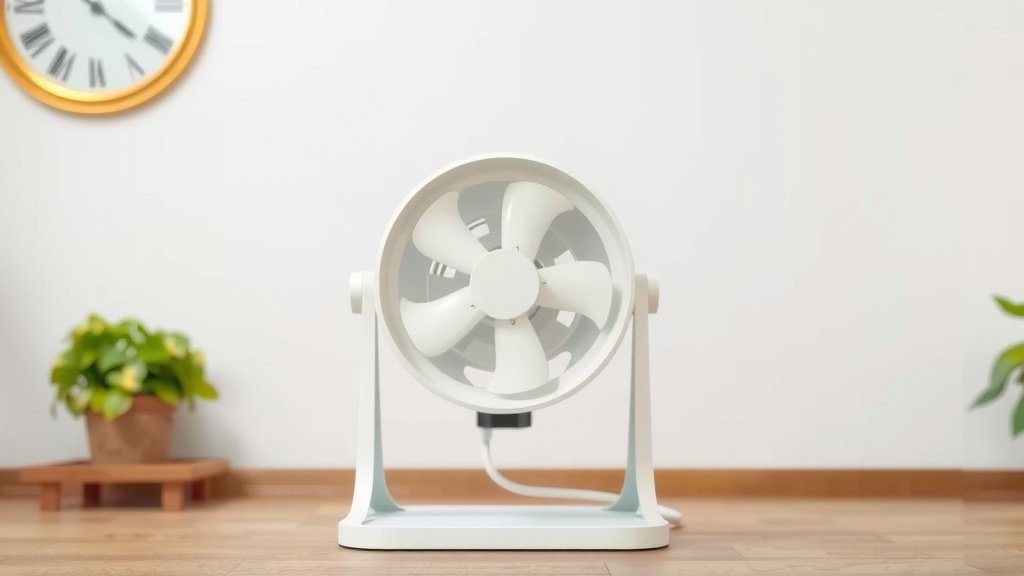
This is where the air actually comes through, so it’s prone to dust. Dyson bladeless technology makes this part easier to access. You can usually see right into the core of the fan.
Using the Vacuum Brush Attachment
Your vacuum cleaner’s soft brush attachment is a secret weapon here. Gently run the brush attachment over the fan blades and around the internal grill. This will help dislodge and suck up loose dust and debris. Work slowly and methodically around the entire inner surface. This is much gentler than using a cloth inside the delicate fan area.
Reaching Tricky Spots
For dust that’s a bit more stubborn or stuck in tight corners, a dry, soft toothbrush can be useful. You can also try a slightly damp cotton swab for very specific areas. Just be careful not to leave any cotton fibers behind. After using any dry tools, give it another quick pass with the vacuum brush attachment to catch anything you’ve loosened.
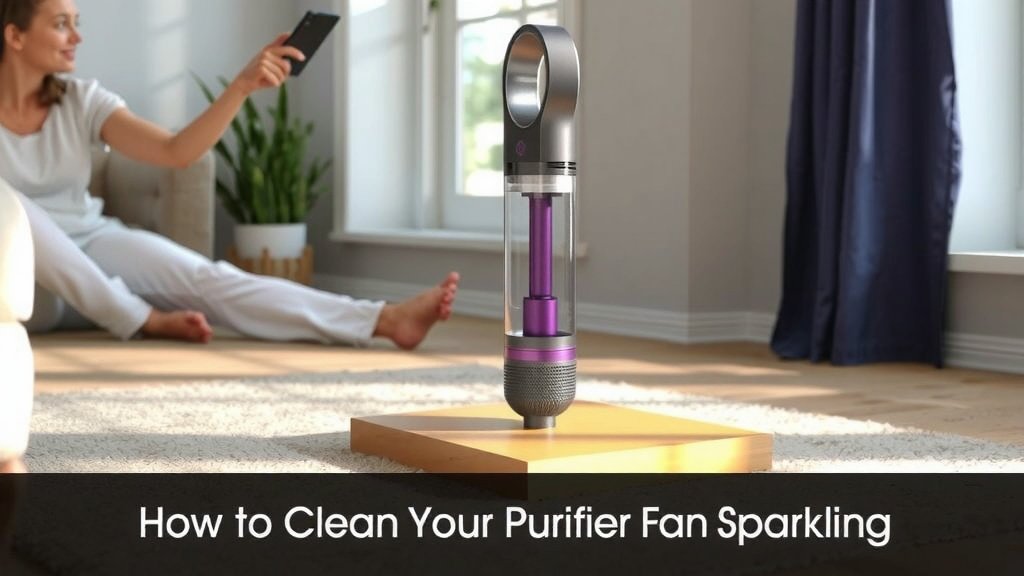
Don’t Forget the Sensor!
Your Dyson air purifier has sensors. These sensors tell it about the air quality in your room. If they get covered in dust, they can’t do their job accurately. This means your purifier might not run as effectively as it should.
Locating and Cleaning the Sensor
The air quality sensor is usually a small opening located on the purifier’s casing. Consult your Dyson manual if you’re unsure of its exact location. Carefully wipe the sensor’s opening with a dry, lint-free cloth. You can also use a dry cotton swab. A gentle puff of air from a can of compressed air can sometimes help clear dust from the sensor port too. This simple step ensures your purifier is always giving you accurate feedback.
A Quick Checklist for Easy Maintenance
Here’s a handy checklist to make sure you don’t miss a step. Think of this as your Dyson fan cleaning to-do list!
- Unplug the purifier.
- Gather your cleaning tools.
- Wipe down the exterior casing.
- Vacuum dust from fan blades and grill.
- Gently clean the air quality sensor.
- Allow to air dry completely before plugging in.
When to Clean Your Dyson Fan
Consistency is key for keeping your Dyson purifier running at its best. Many experts recommend a regular cleaning schedule to prevent significant dust buildup.
General Cleaning Frequency
A good rule of thumb is to give your Dyson fan a quick clean once a month. This usually involves wiping down the exterior and checking the filter (though filter cleaning is a separate topic!). More frequent cleaning might be necessary if you live in a particularly dusty environment or have pets that shed a lot.
Signs Your Purifier Needs Cleaning
Your Dyson might give you clues that it needs attention. If you notice decreased airflow, more dust settling around the purifier, or if the air quality readings seem off, it’s probably time for a clean. Listening to your machine and observing your environment will tell you when it’s time for a spruce-up. For instance, if you start seeing dust on surfaces near the purifier, it’s a good indicator that the purifier itself might be dusty and less efficient.
Conclusion
You’ve now got the rundown on keeping your Dyson air purifier fan in top shape. Remember, a clean purifier means cleaner air for your home. We’ve covered the simple steps of unplugging, gathering supplies, wiping down the exterior, tackling the fan blades with a brush, and giving the sensor a gentle clean. By following these easy maintenance tips, you ensure your Dyson works efficiently and effectively. Your next step? Make cleaning your Dyson fan a regular part of your routine, aiming for once a month. You’ll breathe easier knowing your air is as fresh as it can be.
Frequently Asked Questions
Can I use household cleaners on my Dyson air purifier?
It’s best to avoid harsh household cleaners on your Dyson air purifier. Stick to a slightly damp, lint-free cloth for the exterior. For tougher spots, a tiny amount of mild, non-abrasive soap can be used sparingly, followed by a thorough wipe with a clean damp cloth to remove any residue. Using the wrong cleaners can damage the plastic surfaces.
How often should I clean the Dyson air purifier fan blades?
For optimal performance, a general cleaning of your Dyson air purifier fan blades, along with the exterior, is recommended about once a month. If you have pets, live in a very dusty area, or notice reduced airflow sooner, you might need to clean it more frequently. Regular attention prevents buildup.
Is it safe to put parts of my Dyson air purifier in the dishwasher?
No, you should never put any part of your Dyson air purifier, including the fan components or casing, into a dishwasher. The high heat and strong detergents can cause permanent damage to the machine. All cleaning should be done by hand with damp cloths and soft brushes.
What should I do if the sensor seems blocked or dirty?
If your Dyson air purifier’s sensor appears dirty or blocked, gently clean its opening with a dry, lint-free cloth or a dry cotton swab. You can also try using a can of compressed air for a gentle puff of air to clear dust from the sensor port. Ensuring the sensor is clear helps maintain accurate air quality readings.
My Dyson air purifier still seems dusty after cleaning. What am I missing?
If dust seems to reappear quickly, ensure you’re cleaning all accessible areas thoroughly, including the fan blades and around the grill with your vacuum’s brush attachment. Also, check if your Dyson has a separate pre-filter that needs cleaning or if it’s time to replace the main HEPA filter, as clogged filters can cause dust to settle more readily on the unit.