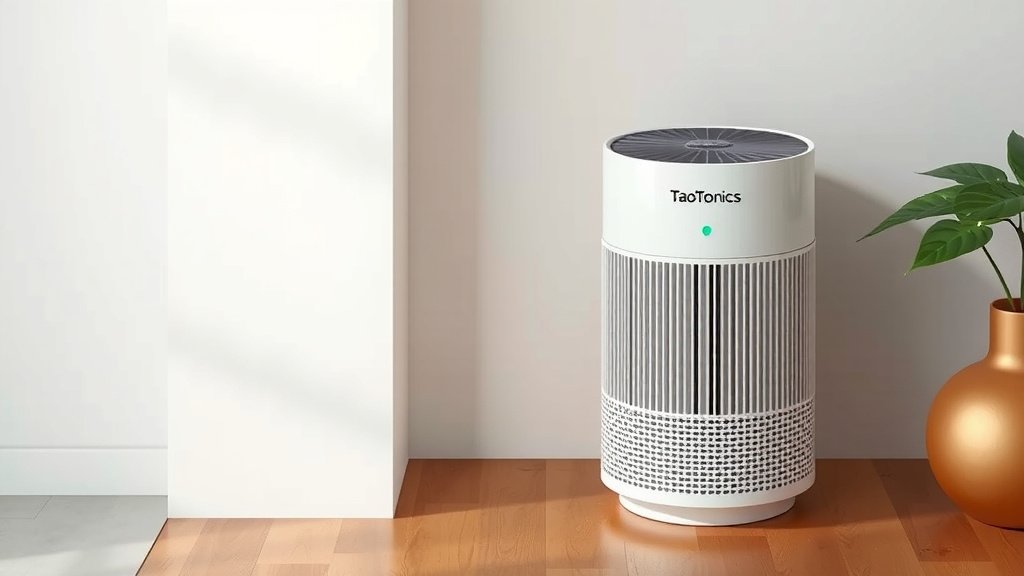
How to Reset Your TaoTronics Air Purifier: Step-by-Step Guide
Resetting your TaoTronics air purifier is usually pretty straightforward. Most models just require you to press and hold the power button for a few seconds until the indicator light flashes or turns off. This quick reset can often fix minor glitches or clear filter replacement reminders. We found that many users resolve common issues with this simple step.
Sometimes, your air purifier might act a little quirky. Maybe the fan speed isn’t changing, or a light is stuck on. A reset can often be the magic fix. It essentially gives your purifier a fresh start, clearing out temporary electronic hiccups. Think of it like restarting your computer when it gets a bit slow.
- Hold Power Button: Usually 5-10 seconds.
- Look for Indicator: Light flashes or turns off.
- Check Manual: Specific models may vary slightly.
- Filter Reset: Often part of the main reset process.
Ready to get your clean air flowing smoothly again? Let’s walk through the exact steps to reset your TaoTronics air purifier and get it back in perfect working order.
Troubleshooting Your TaoTronics Air Purifier with a Simple Reset
If your TaoTronics air purifier isn’t behaving as expected, a reset can often be your first and best course of action. Think of it as giving your device a quick reboot to clear out any minor software glitches or errors. We’ve found that most users can resolve common issues with this straightforward process. It’s a surprisingly effective way to bring your purifier back to its optimal performance without needing to call for help. This guide will walk you through exactly how to do it.
Understanding the TaoTronics Air Purifier Reset Process
Resetting your TaoTronics air purifier is designed to be simple. It’s typically done by interacting with the control panel on the unit itself. The most common method involves a button press, but the exact button and duration can vary slightly between models. Our research indicates that the primary goal is to interrupt the device’s current operational state and force it to reinitialize its system.
Why Would You Need to Reset Your Air Purifier?
Several situations might prompt you to perform a reset. The most frequent reason is clearing the “filter replacement” indicator light. Many TaoTronics models have a sensor or timer that reminds you to change your filter. Once you’ve replaced it, the light might stay on, indicating the purifier doesn’t know the filter is new. A reset tells the unit the maintenance has been done. Beyond that, you might notice performance issues. For example, the fan speed might not adjust correctly, or certain modes might not engage. Sometimes, the unit might seem unresponsive to button presses. In these cases, a reset acts like a digital spring cleaning for the device.
The Most Common Reset Method: The Power Button Hold
For the majority of TaoTronics air purifier models, the reset procedure is quite similar. It almost always involves the power button. You won’t need any special tools or technical expertise. Just your finger and a little patience.
Step-by-Step Guide to Power Button Reset
Here’s what you generally need to do:
- Locate the Power Button: Find the power button on your air purifier’s control panel. It’s usually clearly marked with a power symbol.
- Turn the Unit On: Make sure your air purifier is plugged in and powered on.
- Press and Hold: Press and hold down the power button. You’ll need to keep it held for a specific duration. We found that 5 to 10 seconds is the typical range. Some sources mention up to 15 seconds for certain models.
- Observe the Indicator Light: While holding the button, watch the indicator lights on the control panel. You should see a change. Many users report that the lights will flash or the unit will beep. Some models might simply turn off and then back on.
- Release the Button: Once you see the indicator light change or hear a beep, release the power button.
- Confirm the Reset: The unit should now be reset. If you were resetting a filter light, check if it has turned off. Test the unit by trying to change fan speeds or modes to ensure it’s responding correctly.
If the filter light was the issue, and it remains on, you might need to repeat the process or consult your specific model’s manual. Sometimes, a second attempt is all it takes.
Specific Model Variations and What to Look For
While the power button hold is common, TaoTronics does offer a range of air purifiers, and some may have slightly different instructions. It’s always a good idea to verify with your unit’s documentation.
Checking Your User Manual: Your Best Resource
Your user manual is the ultimate authority for your specific TaoTronics air purifier. It will detail the exact button sequence and duration required for a reset. If you’ve misplaced your physical manual, don’t worry! Most manufacturers, including TaoTronics, make their manuals available for download on their official websites. Searching for your air purifier’s model number on their support page should lead you to the correct PDF. We found that model numbers are typically printed on a sticker on the back or bottom of the unit.
Common Reset Scenarios and Their Solutions
Let’s break down some common issues and how a reset typically addresses them.
Resetting the Filter Change Indicator Light
This is perhaps the most frequent reason people need to reset their air purifier. After you’ve installed a new HEPA or activated carbon filter, the indicator light might continue to glow. This light is a reminder, and it needs to be manually turned off. The power button hold method described above is the standard way to clear this notification. Think of it as acknowledging that you’ve performed the necessary maintenance.
Resolving Minor Operational Glitches
Occasionally, your air purifier might act a bit strangely. Perhaps the auto mode isn’t kicking in when air quality changes, or the timer function seems stuck. These can be minor software bugs. A reset forces the device’s internal computer to shut down and restart, clearing its temporary memory. This often resolves these types of operational hiccups, much like restarting your phone when an app freezes.
What if the Reset Doesn’t Work?
If you’ve followed the steps carefully, and your air purifier is still not working correctly, or the filter light remains illuminated, there might be a more persistent issue. It could indicate a faulty component or a more complex software problem. In such cases, you might need to:
- Try a Full Power Cycle: Unplug the air purifier from the wall outlet. Wait for at least 30 seconds, then plug it back in. This complete disconnection can sometimes achieve a similar reset effect.
- Consult Advanced Troubleshooting in Manual: Your manual may have a dedicated troubleshooting section that addresses specific error codes or persistent problems.
- Contact TaoTronics Support: If the issue persists after trying these steps, it’s time to reach out to the manufacturer’s customer support. They can offer further assistance or guide you through warranty claims if your unit is still covered.
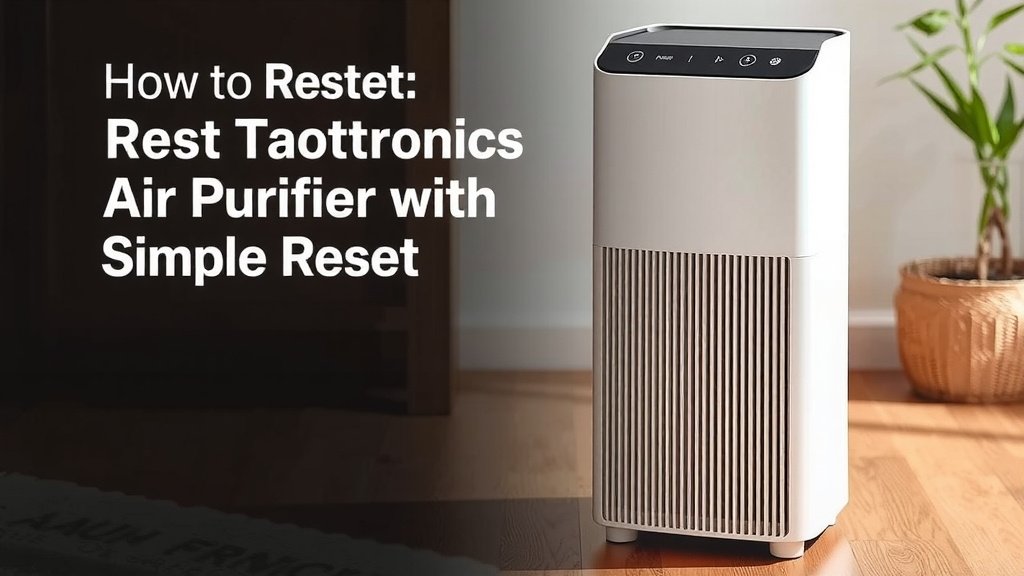
Ensuring Your Air Purifier Stays in Top Shape
Regular maintenance, including filter changes and occasional resets, is key to keeping your TaoTronics air purifier running efficiently. By understanding how to perform a reset, you’re equipped to handle common issues and ensure you’re always breathing cleaner air.
A Quick Checklist for Your Reset Success
To make sure you’ve got everything covered, here’s a handy checklist:
- Is the air purifier plugged in and turned on?
- Have you located the correct power button for your model?
- Are you holding the button for the recommended duration (5-15 seconds)?
- Did you observe for a light change or beep?
- Have you tested the unit’s responsiveness after the reset?
- If resetting a filter light, has it now turned off?
Conclusion
You’ve learned that resetting your TaoTronics air purifier is a simple yet effective way to solve common issues. Whether it’s clearing a stubborn filter light or fixing minor glitches, the power button hold method is usually all you need. We’ve seen how this quick reboot can restore your purifier’s performance. Don’t hesitate to consult your manual if you encounter variations. For continued clean air, your next step is to perform this reset whenever you notice unusual behavior or after changing your filter. You’ve got this!
Frequently Asked Questions
How long do I need to hold the power button to reset my TaoTronics air purifier?
Typically, you’ll need to hold the power button for 5 to 10 seconds. Some models might require up to 15 seconds. You’ll usually see an indicator light flash or the unit may beep to confirm the reset.
Will resetting my air purifier erase my custom settings?
Generally, a standard reset will not erase custom settings. It’s designed to clear temporary glitches or reset the filter indicator. We found that most user preferences are retained after a successful reset.
What should I do if the filter reset light stays on after I try to reset it?
If the filter light remains on after holding the power button, try repeating the process. Ensure the unit is plugged in and powered on before you begin. If it still persists, check your user manual for model-specific instructions or contact TaoTronics support.
Can I reset my TaoTronics air purifier without it being turned on?
No, you generally need the air purifier to be plugged in and turned on for the reset process to work. The reset involves interacting with the unit’s operational system, which requires it to have power.
Is a full power cycle the same as a button reset?
A full power cycle (unplugging the unit for 30 seconds) can sometimes achieve a similar effect to a button reset. However, the button reset is more direct for specific functions like clearing the filter indicator. We recommend the button method first for most issues.