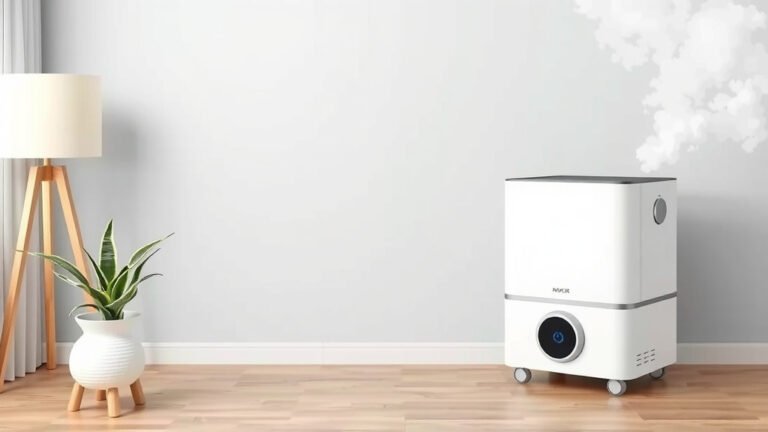
How to Use Your Rainbow Air Purifier Effectively
Using your Rainbow Air Purifier is simpler than you might think! Just fill the water tank, add your favorite essential oils (if you’re using that feature), and turn it on. This handy device can help freshen your home’s air and add a touch of aromatherapy.
We found that many users love how a Rainbow Air Purifier can improve indoor air quality. It works by using water to trap dust and allergens. Plus, you can often add a few drops of essential oils for a pleasant scent. It’s a great way to create a more comfortable living space for you and your family.
- Fill the water tank.
- Add essential oils if desired.
- Plug in and turn on.
- Enjoy cleaner, fresher air!
Ready to breathe easier? Let’s walk through exactly how to get your Rainbow Air Purifier set up and running in just a few easy steps.
Getting Started with Your Rainbow Air Purifier
So, you’ve got a Rainbow Air Purifier and you’re ready to breathe a little easier. That’s fantastic! We understand that setting up a new gadget can sometimes feel a bit daunting. But honestly, using your Rainbow Air Purifier is quite straightforward. Think of it like making a simple cup of tea – a few key steps, and you’re on your way to a fresher environment.
We’ve found that the most important steps involve ensuring your purifier has what it needs to do its job effectively. This means having the right amount of water and knowing where to place it for optimal performance. Let’s break down exactly how to get your unit humming.
Filling the Water Tank: The Foundation of Freshness
This is perhaps the **most critical step** in using your Rainbow Air Purifier. The water acts as the filter, trapping all sorts of unwanted particles from your air.
How Much Water Do You Need?
Check your Rainbow Air Purifier’s manual for the exact fill line. Generally, you’ll want to fill the basin to the marked level. Overfilling can cause water to spill, which nobody wants! Underfilling means your purifier won’t be as effective.
You’ll usually see a minimum and maximum fill line. Aim for somewhere in the middle. This ensures the water is deep enough to effectively capture dust and allergens but not so full that it risks splashing out during operation.
What Kind of Water to Use
For best results and to prevent mineral buildup, we recommend using **distilled or demineralized water**. Tap water can contain minerals that may leave residue over time. This residue can affect the purifier’s performance and potentially lead to odors. While regular tap water might work in a pinch, distilled water is the smart long-term choice for your appliance.
Think of it like this: using distilled water is like giving your purifier a clean slate every time you refill it. It helps keep everything running smoothly and quietly.
Adding Essential Oils (Optional)
One of the delightful features of many Rainbow Air Purifiers is the ability to add a touch of aromatherapy. If you enjoy pleasant scents, this step is for you!
When to Add Oils
It’s best to add essential oils **after you’ve filled the water tank**. This ensures the oils disperse properly in the water. Don’t add them before filling, as they might stick to the sides of the dry basin.
How Many Drops?
Start with just a **few drops – typically 3 to 5**. Too much oil can be overwhelming and may even affect the purifier’s components over time. You can always add another drop or two if you desire a stronger scent, but it’s wise to go light initially.
We found that some users love a calming lavender for the bedroom, while others prefer an invigorating citrus for their home office. Experiment to find what makes your space feel most comfortable for you!
Important Note: Always use 100% pure essential oils. Synthetic fragrance oils may contain chemicals that aren’t ideal for purifying the air.
Placement Matters: Where to Put Your Purifier
Where you set up your Rainbow Air Purifier can make a big difference in its effectiveness. You want to give it the best chance to circulate air.
Optimal Room Locations
Place your purifier on a **flat, stable surface**. Avoid placing it directly on carpet, as this can obstruct airflow from the bottom. A table, desk, or stand works well. Ensure there’s plenty of space around the unit – we suggest at least **12 inches of clearance** on all sides.
Don’t tuck it away in a tight corner or behind furniture. The goal is to allow air to flow freely into and out of the purifier. Think of it like needing space to breathe – your purifier needs that too!
Avoiding Problematic Spots
Keep your purifier away from heat sources like radiators or direct sunlight. Also, avoid placing it near electronics that generate heat. Damp areas, like directly next to a humidifier or in a steamy bathroom, are also not ideal.
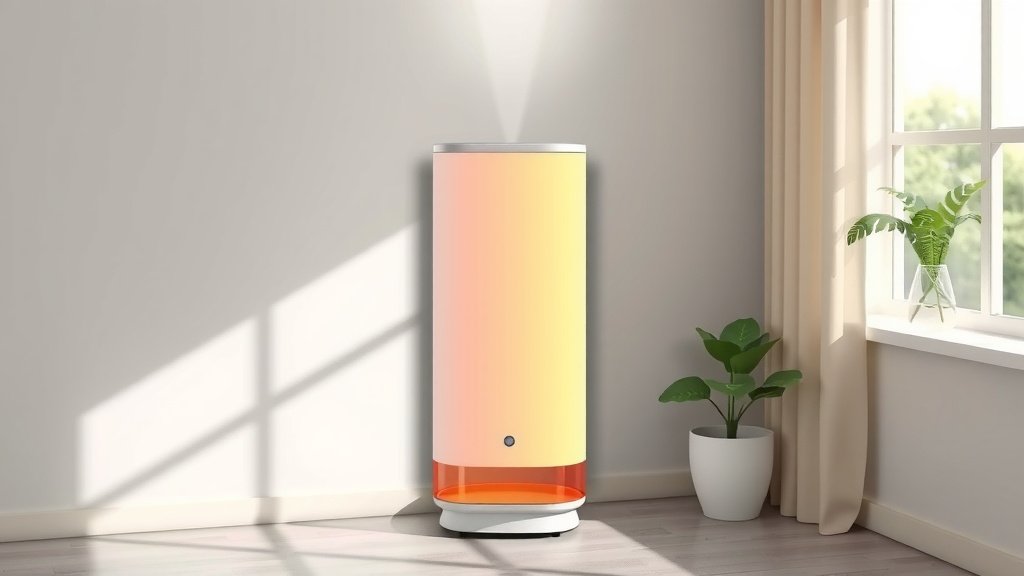
Operating Your Rainbow Air Purifier
Once your unit is filled and placed correctly, it’s time to power it on. It’s usually a very simple process.
Plugging In and Powering On
Find a suitable outlet and plug in your air purifier. Locate the power button. It’s often on the top or front of the unit. Press it to turn the device on.
Most models have different speed settings. You might see options for low, medium, and high. A lower setting is quieter and great for overnight use, while a higher setting will purify the air more quickly. Many people find the medium setting to be a good balance.
Understanding Indicator Lights
Pay attention to any indicator lights on your purifier. Some lights might show the current fan speed, while others could signal when it’s time to clean or refill the water. Your user manual will be the best resource for understanding what each light means.
Regular Maintenance for Peak Performance
To keep your Rainbow Air Purifier working its best, a little regular maintenance goes a long way. It’s not complicated, and your lungs will thank you!
Water Refills and Basin Cleaning
You’ll need to **refill the water regularly**, typically every day or two, depending on how often you use it and the humidity levels in your home. You’ll notice the water level dropping as it purifies the air.
It’s also a good idea to **clean the water basin weekly**. This prevents any potential buildup and ensures your water remains fresh. You can usually just rinse it with mild soap and water. Always unplug the unit before cleaning!
Replacing Filters (If Applicable)
Some Rainbow Air Purifier models might have additional filters, such as HEPA or carbon filters. Check your specific model’s requirements. These filters typically need replacing every 6-12 months. Your manual will provide specific details on filter types and replacement schedules. Learn when to replace filters to keep your Rainbow Air Purifier working optimally.
Replacing filters on schedule is crucial for maintaining air quality. A clogged filter can’t do its job effectively, much like a dirty sponge can’t clean properly. Many experts agree that regular filter replacement is key to optimal air purification (CDC).
Quick Checklist for Success
Here’s a quick recap to ensure you’re all set:
- Confirm water level is between the minimum and maximum lines.
- Use distilled or demineralized water for best results.
- Add only a few drops of pure essential oil, if desired.
- Place the purifier in an open area with good air circulation.
- Plug it in and select your preferred fan speed.
- Enjoy the cleaner air!
By following these simple steps, you’ll be well on your way to enjoying the benefits of your Rainbow Air Purifier. It’s a straightforward process that leads to a more comfortable and breathable home environment for everyone.
Conclusion
You’re now equipped to make the most of your Rainbow Air Purifier! We’ve covered the essentials, from properly filling the water tank with distilled water to placing your unit for optimal airflow. Remember, a little regular maintenance, like weekly basin cleaning, keeps it running smoothly. Adding a few drops of pure essential oil can transform your space into an aromatherapy haven. So go ahead, plug it in, select your setting, and start enjoying fresher, cleaner air in your home. Your next step is simple: make refilling the water tank a part of your daily routine!
Frequently Asked Questions
How often should I change the water in my Rainbow Air Purifier?
We recommend changing the water daily or every other day. This keeps the water fresh and ensures your purifier works effectively. You’ll notice the water level drop, which is a good reminder to refill.
Can I use tap water instead of distilled water?
While tap water can work in a pinch, using distilled or demineralized water is best. Tap water contains minerals that can build up inside the purifier over time. This buildup can affect performance and may cause odors.
What happens if I overfill the water tank?
Overfilling the water tank can lead to water splashing out during operation. This can make a mess and potentially damage the unit or surrounding surfaces. Always check for the minimum and maximum fill lines before adding water.
Are there any safety precautions I should take when cleaning the unit?
Yes, always unplug your Rainbow Air Purifier before cleaning it. This is a vital safety step to prevent any electrical hazards. Ensure the unit is completely dry before plugging it back in.
My purifier smells a bit musty. What should I do?
A musty smell often indicates it’s time for a thorough cleaning. Make sure you are changing the water regularly and cleaning the basin weekly. Using distilled water also helps prevent odors. If the smell persists, check if your model has replaceable filters that might need attention.
![5 Best Air Purifiers for Dust Allergy [In 2026]](https://homeunderstandable.com/wp-content/uploads/2025/04/best-air-purifiers-for-dust-allergy.jpg)