Aroeve Air Purifier Red Light: How to Turn It Off
A blinking red light on your Aroeve air purifier usually means it’s time for a filter change. This is the most common reason and a simple fix! You can turn off the red light by replacing the filter and then resetting the indicator.
Don’t worry, this isn’t a sign of doom or that your air purifier is broken. It’s a helpful reminder designed to keep your air clean. Many users find this light a bit alarming at first, but it’s actually a good thing for your home’s air quality. We’ll show you exactly how to handle it.
TL;DR:
- The red light means it’s time for a new filter.
- You need to physically replace the old filter.
- After changing the filter, you must reset the indicator.
- Follow the reset steps for your specific Aroeve model.
Let’s walk through exactly how to get that red light off and your Aroeve purifier running smoothly again. It’s easier than you might think!
Resolving the Red Light on Your Aroeve Air Purifier
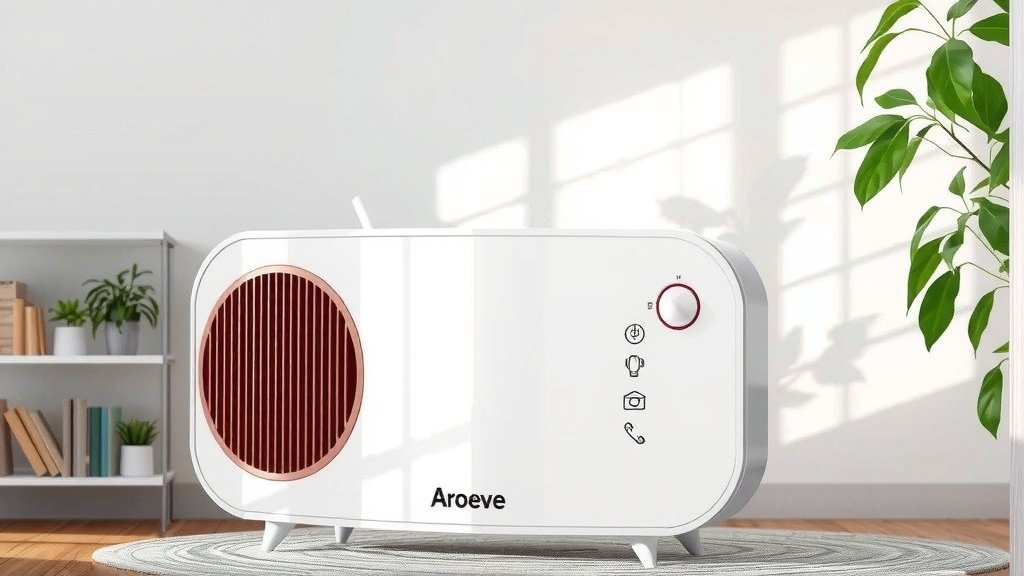
Seeing a red light blinking on your Aroeve air purifier can certainly be a bit startling. You might be wondering if something is wrong. But don’t fret! This light is a helpful indicator, not a sign of malfunction. It’s primarily there to tell you that it’s time to take a common maintenance step.
The most frequent reason for this illuminated signal is that the filter needs replacing. Air purifiers work by pulling air through a filter to trap pollutants. Over time, these filters get saturated and can no longer perform their job effectively. Think of it like a vacuum cleaner bag; once it’s full, the vacuum doesn’t suck up dirt as well.
This guide will walk you through the simple process of addressing that red light. We’ll cover understanding what it means and, more importantly, how to turn it off so your Aroeve can continue delivering clean air.
Understanding the Red Light: A Simple Reminder
Your Aroeve air purifier is designed to be user-friendly. The red light is part of its smart system. It’s programmed to alert you after a certain amount of usage time. This is based on the manufacturer’s recommendations for optimal performance. It’s a way to ensure you’re always breathing the freshest air possible.
This indicator is not about detecting a problem with the machine itself. Instead, it’s about the consumable part – the filter. Without a clean filter, the purifier can’t clean your air effectively. In fact, a clogged filter can even reduce airflow, making the unit work harder than it needs to.
When you see that red light, consider it a friendly nudge from your purifier. It’s saying, “Hey, I’ve been working hard for you, and it’s time for a little refresh!” So, before you panic, remember this is a routine maintenance task.
Step-by-Step: Replacing Your Aroeve Air Purifier Filter
The first and most critical step to turning off the red light is to actually replace the old filter. You’ll need to purchase a replacement filter specifically designed for your Aroeve model. Using the wrong filter can affect performance and potentially damage the unit.
Gathering Your Supplies
Before you begin, make sure you have everything ready. You will need:
- A new, compatible Aroeve air purifier filter.
- A clean, flat surface to work on.
- A soft cloth, if you want to wipe down the inside compartment.
Locating and Accessing the Filter Compartment
The filter compartment on Aroeve air purifiers is typically located at the back or the bottom of the unit. Consult your Aroeve user manual if you’re unsure about your specific model. You might need to lay the unit on its side or back.
Once you’ve found the compartment, look for latches, clips, or screws that secure the cover. Gently release these to open the panel. Sometimes, the unit simply has a base that twists off.
Removing the Old Filter
With the compartment open, you should see the current filter. It might look dusty or discolored, which is a good sign that it was doing its job. Carefully pull the old filter straight out. Avoid shaking it, as this could release trapped dust into the air.
Dispose of the old filter properly. Many communities have specific recycling programs for air filters, or you can simply place it in your regular household trash.
Installing the New Filter
Take your new filter out of its packaging. Make sure to remove any protective plastic wrap before installation. Note any directional arrows on the filter; they usually indicate the correct way it should be placed inside the purifier for proper airflow.
Slide the new filter into the compartment, ensuring it fits snugly and is seated correctly. It should slide in easily without force. If it feels like you’re jamming it, double-check the orientation and make sure no packaging is obstructing it.
Closing the Compartment
Once the new filter is in place, reattach the cover or base. Make sure all clips, latches, or screws are secured. The unit should look just as it did before you started, minus the old filter inside.
Resetting the Filter Indicator Light
Replacing the filter is only half the battle. You also need to tell your Aroeve air purifier that you’ve performed this maintenance. This is done by resetting the filter indicator light. The method for resetting varies slightly between Aroeve models, but the principle is the same.
Common Reset Procedures for Aroeve Models
Many Aroeve air purifiers use a button-press combination to reset the indicator. The most common method involves pressing and holding a specific button for a set duration.
The “Filter Reset” Button Method
Some models have a dedicated “Filter Reset” button, often labeled with a filter icon or the word “Reset.” If yours has this, locate it. With the air purifier plugged in and powered on, press and hold this button for approximately 3 to 5 seconds. You should hear a beep or see the red light turn off, often followed by a green light indicating it’s reset.
The “Power” or “Speed” Button Method
If there isn’t a dedicated reset button, you’ll typically use the power or speed control button. For these models, you’ll usually need to turn the unit off first. Then, press and hold the power or speed button while simultaneously plugging the unit back into the power outlet. Continue holding the button for 3-5 seconds. Once the red light goes off, you can release the button.
Consulting Your User Manual
It’s always best to refer to your specific Aroeve air purifier’s user manual. It will provide the precise instructions for your model. You can usually find the manual on the Aroeve website if you’ve misplaced your physical copy. They often have downloadable PDFs.
Verifying the Reset
After attempting the reset procedure, check the control panel. The red light should now be off. It might be replaced by a green light, or simply no indicator light at all, signifying that the filter reminder has been successfully reset. If the red light remains on, try the reset process again, ensuring you’re following the steps precisely for your model.
When to Consider Other Issues (Rarely)
While the red light almost always signifies a filter change, in very rare instances, other factors could be at play. If you’ve replaced the filter, reset the indicator, and the red light persists, it might warrant a closer look. This is highly uncommon, but worth mentioning.
One possibility is a faulty sensor. If the purifier can’t correctly detect the filter status, it might continue to display the red light. Another potential cause could be an issue with the control board itself. These are typically manufacturing defects.
If you encounter this unusual situation, your best course of action is to contact Aroeve customer support. They can help diagnose the problem and guide you through any warranty options or further troubleshooting steps. However, for the vast majority of users, simply changing the filter and resetting the indicator will resolve the red light.
Keeping Your Aroeve Running Smoothly: A Checklist
To make sure you stay on top of your air purifier’s maintenance and keep that red light at bay, keep this simple checklist handy:
- Purchase the correct replacement filter for your Aroeve model before the old one is completely used up.
- Schedule regular filter checks (e.g., every 3-4 months) to gauge its condition.
- Follow the instructions carefully when removing the old filter and installing the new one.
- Perform the filter reset procedure immediately after replacing the filter.
- Verify that the red light has turned off after the reset.
- Keep your user manual handy for model-specific troubleshooting or reset instructions.
Conclusion
You’ve successfully navigated the blinking red light on your Aroeve air purifier! Remember, this alert is a friendly reminder that your unit is working hard and needs a fresh filter. By simply replacing the filter and performing a quick reset, you ensure your purifier continues to deliver clean, healthy air to your home. It’s a straightforward maintenance task that makes a big difference.
Now that you know the steps, you can confidently handle this common alert. Keep your Aroeve running efficiently by staying on top of filter changes. Your next step is to ensure you have a compatible replacement filter ready for the next time that red light makes an appearance.
Frequently Asked Questions
How often should I replace the filter on my Aroeve air purifier?
Aroeve air purifiers typically recommend filter replacement every 6 to 12 months, depending on usage and air quality. The red light indicator is your best guide; it will alert you when it’s time, usually after a set number of operating hours.
Can I just ignore the red light and keep using my Aroeve?
While you technically could, it’s not recommended. An old, clogged filter won’t effectively capture pollutants, reducing your air quality. It can also make the purifier work harder, potentially shortening its lifespan.
What if I can’t find the reset button on my Aroeve model?
If your model doesn’t have a dedicated reset button, check your user manual for alternative methods. Often, it involves holding the power or speed button while plugging the unit back in. You can usually find a digital copy of your manual on the Aroeve website.
Is it safe to use a generic or third-party filter instead of an official Aroeve filter?
It’s best to stick with official Aroeve replacement filters. Generic filters might not fit correctly or offer the same level of filtration. Using a non-compatible filter could affect performance and potentially damage your air purifier.
My red light is still on after changing the filter and trying the reset. What should I do?
If the red light persists, try the reset procedure again, ensuring you’re following the exact steps for your specific model. If it still remains on, there might be a rare sensor issue, and you should contact Aroeve customer support for assistance.