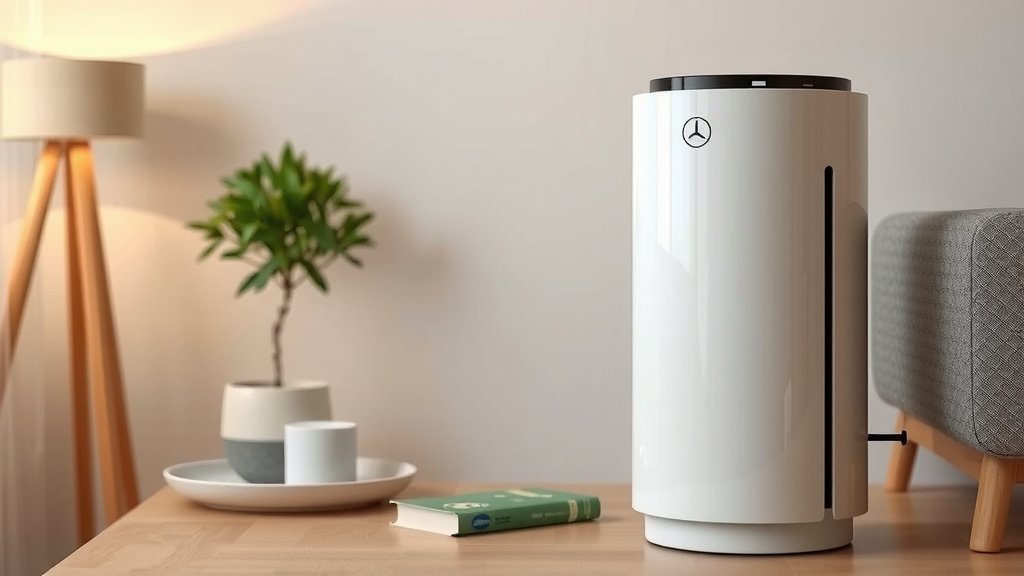
Holmes Aer1 Air Purifier: Your Easy User Guide
Using your Holmes aer1 air purifier is pretty straightforward once you know the basic steps. Simply plug it in, select your desired fan speed, and let it work its magic purifying your air. For optimal performance, remember to replace the aer1 filter regularly, typically every 6-12 months depending on usage and air quality.
An aer1 air purifier, like other HEPA-type models, works by drawing air through a series of filters. These filters capture common airborne irritants such as dust, pollen, and pet dander. Understanding how to operate and maintain your unit ensures you get the cleanest air possible. It’s a simple yet effective way to improve indoor air quality.
- Plug in and choose fan speed.
- Replace aer1 filter every 6-12 months.
- Ensure proper filter placement.
- Keep unit clear of obstructions.
Ready to get your Holmes aer1 air purifier set up and running? Let’s walk through exactly how to use it, step by step, so you can start breathing easier right away.
“`htmlGetting Your Holmes aer1 Air Purifier Set Up and Running
So, you’ve unboxed your new Holmes aer1 air purifier and are ready to enjoy cleaner air. That’s fantastic! Let’s get it set up and working its magic. It’s designed to be super simple, so you’ll be breathing easier in no time.
We’ll walk you through every step, from finding the perfect spot to understanding its settings. You’ll feel like a pro in just a few minutes. Let’s start with the most important part: where to place your purifier for the best results.
Finding the Ideal Location for Your Air Purifier
Where you put your Holmes aer1 makes a big difference. Think of it like placing a fan; you want it where it can do its best work. The goal is to allow air to flow freely into and out of the unit.
Allowing for Proper Airflow
Your purifier needs space to breathe. Research suggests keeping it at least 12 inches away from walls and furniture. This ensures the air intake and exhaust aren’t blocked. A clear path means more air gets filtered.
Imagine trying to breathe through a pillow. Your air purifier feels the same way if it’s tucked away in a corner or behind something. Giving it open space is key to its performance.
Considering Room Usage and Size
Think about the room where you’ll use it most. Is it a bedroom, a living room, or an office? Placing it in the room where you spend the most time makes the most sense. This targets the air you’re breathing daily.
Also, consider the size of the room. Your Holmes aer1 has a specific coverage area. Make sure the room isn’t too large for the unit’s capacity. You want it to be effective, not overwhelmed. Many models list their recommended room size on the packaging or in the manual.
Understanding Your Holmes aer1 Controls and Settings
Your Holmes aer1 air purifier likely has a simple control panel. You won’t need a degree in engineering to figure it out!
Fan Speed Options
Most models offer multiple fan speeds. You’ll typically see settings like Low, Medium, and High. Some might even have an ‘Auto’ mode.
- Low Speed: Great for quiet operation, like at night. It’s still filtering, just more gently.
- Medium Speed: A good balance between air cleaning power and noise level.
- High Speed: Use this when you need to clean the air quickly. Perhaps after cooking or if someone in the house is feeling under the weather.
- Auto Mode (if available): This mode uses sensors to adjust the fan speed automatically based on air quality. It’s a convenient set-it-and-forget-it option.
Filter Change Indicator
A common feature is a filter change indicator light. This little light is your best friend! It will illuminate when it’s time to replace the aer1 filter. Don’t ignore it; a clogged filter can’t do its job well.
We found that paying attention to this indicator ensures your purifier always operates at its peak. It’s a gentle nudge to keep your air fresh and clean.
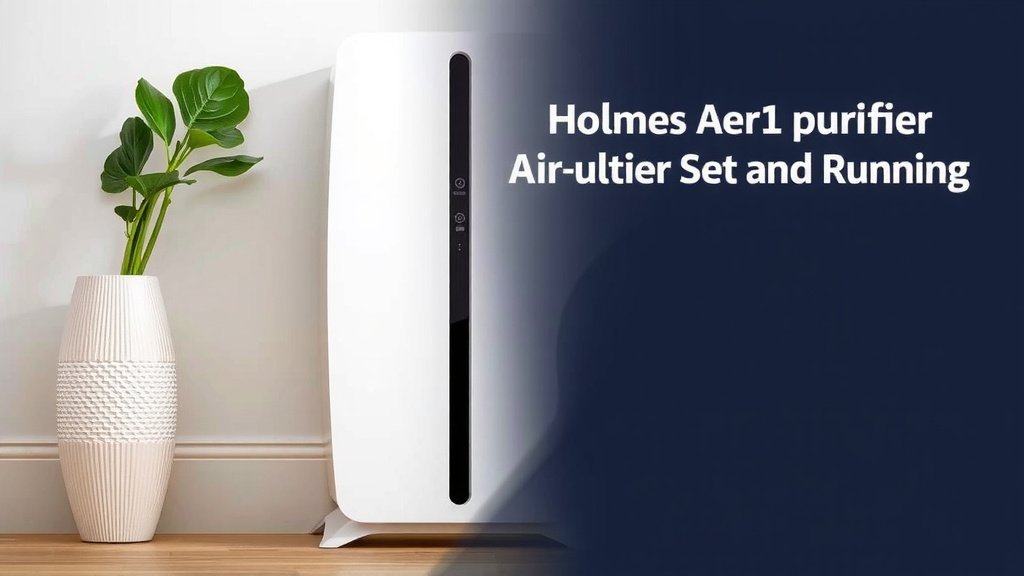
How to Replace the aer1 Filter: A Step-by-Step Guide
Replacing the filter is perhaps the most important maintenance task. It’s not hard at all, and doing it regularly is essential.
Preparing for Filter Replacement
First, unplug your air purifier. Safety first, always! Then, identify how to access the filter compartment. This is usually on the back or side of the unit.
Removing the Old Filter
Gently remove the cover or panel to expose the filter. You might need to press clips or slide a piece. Once you see the old filter, carefully slide it out. You may want to have a trash bag ready, as filters can accumulate a lot of dust.
Installing the New aer1 Filter
Take your new, genuine aer1 filter. Make sure it’s the correct model for your purifier. You’ll notice a specific way it fits. Align it according to any markings or instructions on the filter or the unit. Slide the new filter into place.
Replace the cover or panel, ensuring it clicks or secures properly. You’ve done it! Many units have a reset button for the filter indicator light. Check your manual for specific instructions on how to reset it.
Maintaining Your Holmes aer1 for Longevity
Beyond filter changes, a little care keeps your purifier running smoothly for years.
Regular Cleaning of the Exterior
Wipe down the outside of your air purifier with a soft, dry cloth every so often. This removes dust and keeps it looking nice. Avoid using harsh chemicals or abrasive cleaners, as they can damage the plastic.
Checking the Pre-filter (if applicable)
Some models have a washable pre-filter that catches larger particles. If yours does, check it monthly. A gentle vacuuming or a quick rinse with water can refresh it. Always ensure it’s completely dry before putting it back.
A Simple Checklist for Ongoing Care
Here’s a quick rundown to keep your Holmes aer1 in top shape:
- Confirm 12 inches of clearance around the unit.
- Check the filter indicator light monthly.
- Replace the aer1 filter every 6-12 months as needed.
- Wipe down the exterior with a soft cloth.
- Listen for unusual noises that might indicate a problem.
- Ensure it’s unplugged before any cleaning or maintenance.
Conclusion
You’ve now seen how simple it is to set up and use your Holmes aer1 air purifier. By finding the right spot and understanding the fan settings, you’re already on your way to cleaner air. Remember that consistent maintenance, especially replacing the aer1 filter when prompted, is key to keeping your unit working its best. Follow these steps, and you’ll enjoy a fresher, more comfortable home environment. Ready to start breathing easier? Make sure your filter is fresh and power it on!
Frequently Asked Questions
How often should I really change the aer1 filter?
We recommend changing your aer1 filter every 6 to 12 months. This range depends on how much you use the purifier and the air quality in your home. If you notice it’s visibly dirty or your air quality doesn’t seem to improve, it’s likely time for a change.
Can I run my Holmes aer1 purifier 24/7?
Yes, you can run your Holmes aer1 air purifier continuously. Most units are designed for 24/7 operation to maintain consistent air purification. Just ensure it has proper ventilation and isn’t covered.
What does the filter change indicator light mean?
The filter change indicator light is a helpful reminder that your aer1 filter is likely clogged and needs replacement. It means the filter can no longer capture airborne particles effectively. Ignoring it will reduce the purifier’s performance.
Is it okay to place my air purifier in a corner?
While it might seem convenient, placing your air purifier directly in a corner might not be ideal. We found that keeping at least 12 inches of clearance around the unit ensures proper airflow. This allows it to draw in and expel air more efficiently.
How do I clean the exterior of my Holmes aer1?
You can easily clean the exterior with a soft, dry cloth. Just wipe down the surfaces to remove any dust buildup. Avoid using liquid cleaners or abrasive materials, as they could damage the unit’s finish.