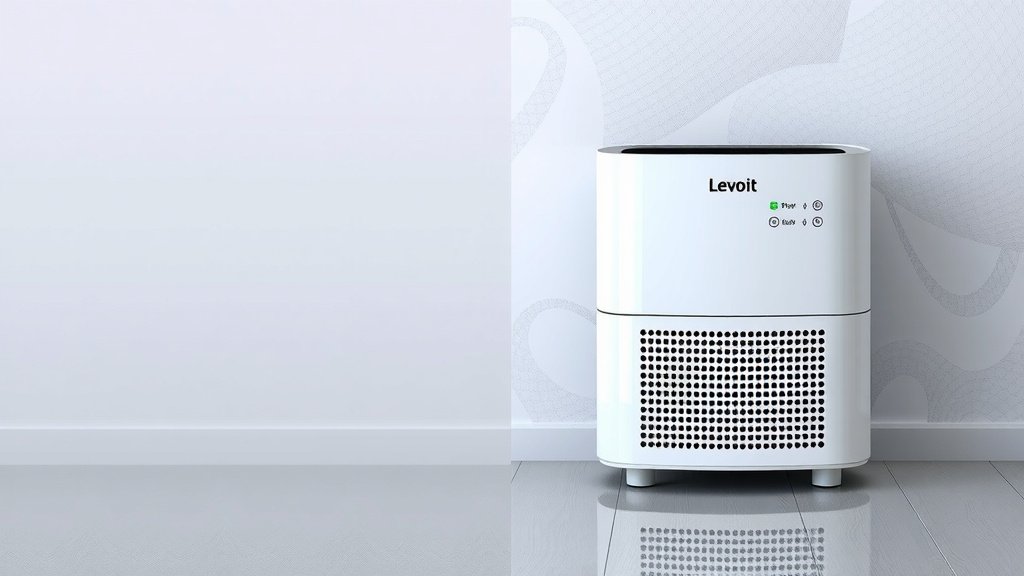
Levoit Air Purifier Run Time: How Long Should It Be On
You should run your Levoit air purifier continuously, 24/7, especially when you’re home, to ensure the best air quality. While you can turn it off, keeping it running helps remove airborne pollutants like dust, allergens, and odors consistently. Think of it as a silent guardian for your breathing air.
Running your Levoit air purifier constantly is the most effective way to maintain cleaner air throughout your home. Many users find that continuous operation makes a noticeable difference in reducing sneezing and improving overall comfort. It’s designed for this kind of everyday, long-term use.
- Run your Levoit air purifier all day, every day.
- This ensures constant removal of dust and allergens.
- It’s most effective when you’re actively using the room.
- Turning it off means pollutants can start to build up again.
So, how long should you *really* keep that Levoit humming? Let’s get into the details on how to get the most out of your air purifier.
You’re curious about getting the most out of your Levoit air purifier. That’s smart! These devices are great helpers for cleaner air. Let’s break down the best way to run yours so you can breathe easier.
Optimal Running Times for Your Levoit Air Purifier
The short answer is: all the time. Running your Levoit air purifier continuously, 24 hours a day, 7 days a week, is the most effective way to keep your indoor air quality high. Think of it like a thermostat for your air. You set it and forget it, and it works to maintain a comfortable environment.
Your Levoit is designed for this kind of constant use. It’s built with durable components that can handle running 24/7. This continuous operation ensures that it’s always working to capture pollutants. It prevents them from accumulating in your home in the first place.
Why Continuous Operation Makes a Difference
Airborne particles like dust, pollen, pet dander, and smoke don’t take breaks. They are constantly being released into your home. Turning your air purifier off and on means you’re only cleaning the air intermittently. During the “off” periods, those particles are free to circulate and settle.
We found that many users notice a big difference in symptoms like sneezing and congestion when they switch to continuous operation. For allergy sufferers, this can be a real game-changer. It helps maintain a consistently low level of allergens in the air you breathe.
When to Prioritize Running Your Air Purifier
While running it 24/7 is ideal, there are times when it’s especially important to have your Levoit purifier on.
During Allergy Season
When pollen counts are high outdoors, you want your purifier working hard. It acts as a barrier, trapping pollen that might drift inside. This is especially true if you open windows.
When Cooking or During Odor-Producing Activities
Certain cooking smells or activities like painting can release VOCs (volatile organic compounds) and strong odors. Running your purifier during these times helps to quickly remove these airborne irritants. You’ll notice a fresher-smelling home much faster.
When You Have Guests or Pets
More people and pets in the home mean more dander and potential allergens. Extra activity also stirs up settled dust. Running your Levoit ensures that the air stays as clean as possible for everyone.
When Someone is Sick
If someone in your household is unwell, an air purifier can help capture airborne viruses and bacteria. While it’s not a substitute for medical care, it can contribute to a healthier environment. Many experts suggest that air purification can play a role in reducing the transmission of airborne illnesses (CDC).
Understanding Your Levoit’s Energy Consumption
A common question is about electricity use. Modern air purifiers, like those from Levoit, are generally quite energy-efficient. They use much less electricity than many people might think.
Most Levoit models consume power comparable to a light bulb. The actual wattage varies by model and fan speed. You can usually find the power consumption listed in your user manual or on the Levoit website. Running it on lower settings uses even less energy.
Consider the benefits of continuous clean air versus the minimal cost of electricity. For most people, the health and comfort benefits far outweigh the slight increase in their energy bill. It’s a small price for better indoor air.
How to Maximize Your Air Purifier’s Effectiveness
Beyond just running it, there are a few other things you can do to ensure your Levoit air purifier is working at its best.
Proper Placement is Key
Where you put your air purifier matters. For optimal performance, place it on a flat, stable surface. Keep it at least a foot or two away from walls and furniture.
This allows for good airflow. Your purifier needs space around it to draw in air effectively. Placing it in a corner or too close to other objects can restrict its ability to clean the air in the room. Think of it needing “breathing room.”
Regular Filter Maintenance
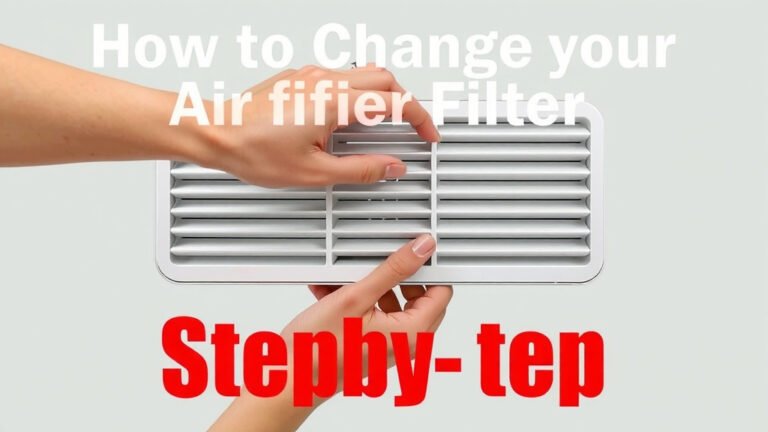
This is perhaps the most important aspect after continuous operation. Your Levoit air purifier has filters that capture pollutants. These filters get clogged over time and need to be replaced or cleaned.
Consult your specific Levoit model’s manual for recommended filter replacement schedules. Typically, this is every 6-12 months, depending on usage and air quality. A clogged filter can’t clean the air efficiently and can even put strain on the motor.
Some Levoit models have a filter life indicator light. This is a handy reminder that your filter needs attention. Cleaning pre-filters (if your model has them) regularly can extend the life of the main filters.
Choosing the Right Speed Setting
Your Levoit air purifier likely has multiple fan speed settings.
- Low Speed: Quieter operation, uses less energy. Good for maintaining air quality when you’re in the room or sleeping.
- Medium Speed: A good balance between air cleaning and noise. Suitable for general daytime use.
- High Speed: Maximum air cleaning power. Best for quickly clearing out strong odors, smoke, or dust after an event.
Many users find that running their purifier on an auto mode, if available, is a good option. This allows the purifier to adjust its fan speed based on the air quality it detects. For silent nights, the sleep mode is a wonderful feature. It reduces fan speed and dims the display lights.
Know When to Turn It Off (Rarely!)
Are there any times you *should* turn it off? Honestly, very few. If you’re going away for an extended period, like a vacation, turning it off can save energy. When you return, you’ll want to run it continuously again to clear any accumulated dust.
Some people choose to turn off their air purifier if they are opening windows for a prolonged period on a day with low outdoor pollution. However, even then, the indoor air might have pollutants your purifier could be removing. It’s usually best to just let it run.
Here’s a quick checklist to ensure you’re getting the most from your Levoit:
- Run your Levoit 24/7 for best results.
- Place it in a central location with good airflow.
- Replace or clean filters on schedule.
- Use appropriate fan speeds for different situations.
- Check the filter life indicator regularly.
- Keep it at least a foot from walls and furniture.
Conclusion
Running your Levoit air purifier 24/7 is the most effective strategy for maintaining consistently clean indoor air. This continuous operation ensures pollutants are captured as they enter your space, which is especially beneficial for allergy sufferers and overall comfort. Remember to also give your purifier proper placement and perform regular filter maintenance for peak performance. By following these tips, you’re actively creating a healthier breathing environment for yourself and your loved ones. Your next step? Check your filter’s status and plan its replacement if it’s due!
Frequently Asked Questions
Do I need to run my Levoit air purifier all day?
Yes, running your Levoit air purifier 24/7 is recommended for the best air quality. Continuous operation prevents pollutants from accumulating in your home, offering constant protection. It’s designed for this type of long-term, everyday use.
Will running my Levoit purifier 24/7 increase my electricity bill significantly?
Most Levoit air purifiers are very energy-efficient, often consuming power comparable to a standard light bulb. Running it on lower settings or in auto mode further minimizes energy use. The cost is typically quite low for the benefit of cleaner air.
When is it okay to turn my Levoit air purifier off?
You can turn off your Levoit air purifier if you’re away from home for an extended period, like a vacation. It’s also rare, but you might consider turning it off if opening windows for hours on a day with exceptionally clean outdoor air. Otherwise, keeping it running is best.
Should I run my Levoit air purifier on high speed all the time?
Running on high speed is best for quickly clearing the air during strong odors or heavy dust. For daily use, lower or medium settings are usually sufficient and quieter. Many Levoit models have an auto mode that adjusts speed automatically for optimal efficiency.
How often should I check my Levoit air purifier’s filters?
You should check your Levoit air purifier’s filters according to the manufacturer’s recommendations, typically every 6-12 months. Some models have a filter life indicator light to remind you. Regularly cleaning pre-filters can also help extend the life of your main filters.