
How to Clean Your Dyson Fan Air Purifier Easily
The easiest way to clean your Dyson fan air purifier is by disassembling key parts and wiping them down with a damp cloth. You’ll want to regularly clean the filter and the main unit to keep your air fresh. This process is quite straightforward and takes minimal time.
Keeping your Dyson purifier clean ensures it performs at its best, delivering the clean air you expect. Dust and debris can build up over time, affecting airflow and purification efficiency. A well-maintained unit is key to enjoying optimal air quality in your home.
- Dust the main unit with a soft cloth.
- Wipe down the loop amplifier.
- Clean the filter according to instructions.
- Reassemble and run a test cycle.
Ready to get your Dyson fan purifier looking and working like new? Let’s walk through exactly how to do it, step by step.
Keeping Your Dyson Purifier Fresh: A Step-by-Step Guide
Regular cleaning is essential to ensure your Dyson fan air purifier continues to deliver the clean air you count on. Over time, dust and allergens can accumulate on the unit and within its components, potentially reducing its effectiveness. This guide will walk you through the simple process of cleaning your Dyson purifier so it works like new.
Preparing for the Cleaning Process
Before you begin, gather a few simple items. You’ll need a soft, damp microfiber cloth. Avoid abrasive cleaners or harsh chemicals, as these can damage the purifier’s surfaces. Ensure your Dyson unit is unplugged from the power source for safety. This is a critical first step for any electrical appliance cleaning.
What You’ll Need
- Soft, damp microfiber cloth
- Dry microfiber cloth
- Vacuum cleaner with a brush attachment (optional, for filter)
Cleaning the Main Unit and Loop Amplifier
Your Dyson purifier’s main unit and its distinctive loop amplifier require regular dusting. This part is where the clean air is expelled, so keeping it free of dust ensures efficient airflow. A simple wipe-down is usually all that’s needed.
Dusting the Exterior
Start by gently wiping down the entire exterior of the Dyson unit with your damp microfiber cloth. Pay special attention to the loop amplifier. You want to remove any visible dust or grime. Follow up immediately with a dry cloth to ensure no moisture remains. This prevents water spots and keeps the finish looking great.
Cleaning Inside the Loop Amplifier
The inner surfaces of the loop amplifier can also collect dust. You can carefully reach inside with your damp cloth. For areas that are harder to reach, a dry, soft brush attachment on your vacuum cleaner can be very helpful. Be gentle; you don’t want to force anything or scratch the plastic.
Addressing the Dyson Air Purifier Filter
The filter is the heart of your air purifier. Its condition directly impacts the air quality it can provide. Dyson filters are designed to capture tiny particles, but they can become clogged over time. Checking and cleaning or replacing the filter is key.
Understanding Your Filter Type
Dyson offers different types of filters depending on your model. Most are HEPA filters designed to capture 99.97% of particles as small as 0.3 microns. Some models may also include an activated carbon layer for odors. It’s important to consult your Dyson user manual to identify your specific filter.
Cleaning a Washable Filter (If Applicable)
Some older Dyson models may have washable filters. If yours is washable, you can rinse it under cool running water. Gently squeeze out excess water. Allow the filter to air dry completely for at least 24 hours before reinserting it. Never use soap or place it in a washing machine or dishwasher. Heat can damage the filter material (Dyson Support).
Cleaning a Non-Washable Filter
For most modern Dyson purifiers, the filters are not washable. Instead, you can use your vacuum cleaner’s brush attachment to gently remove dust from the filter’s surface. Vacuum both sides of the filter. This can help extend its life. However, filters have a finite lifespan and will eventually need replacement. Many experts recommend replacing the filter every 6-12 months, depending on usage and air quality.
When to Replace Your Filter
Your Dyson unit will typically alert you when the filter needs replacing. You might see an indicator on the display. If you notice a decrease in airflow or if the air doesn’t seem as fresh, it could be a sign that the filter is due for a change. You can purchase replacement filters directly from Dyson or authorized retailers. Using genuine Dyson filters ensures optimal performance and maintains your warranty.
Reassembly and Final Check
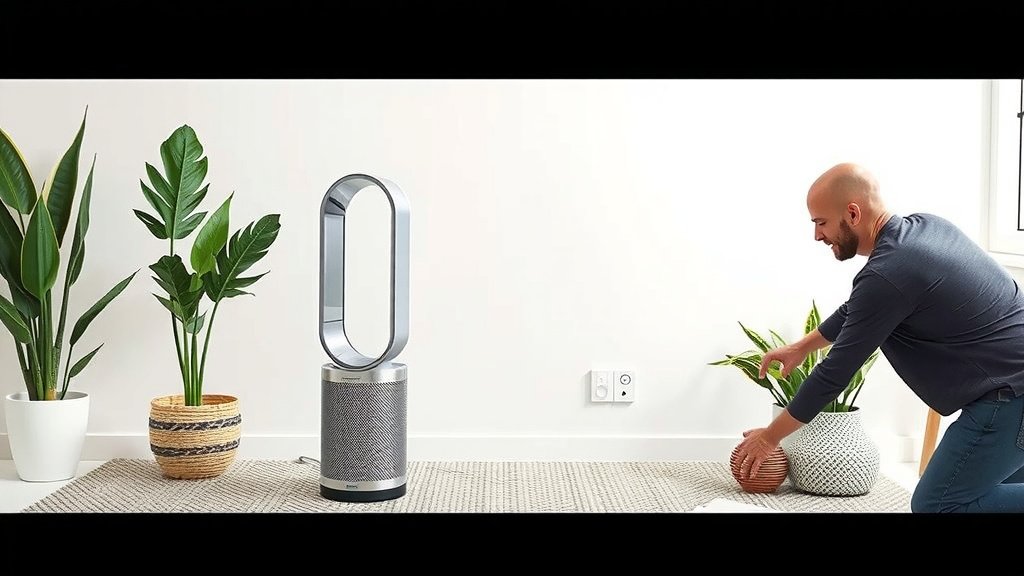
Once all parts are clean and completely dry, it’s time to put your Dyson purifier back together. Ensure the filter is properly seated in its housing. Reattach any panels or covers you removed. The process is usually straightforward, with clear clips or guides.
Running a Test Cycle
After reassembly, plug your Dyson purifier back in. Turn it on and run it for a few minutes. This allows you to check that everything is functioning correctly. Listen for any unusual noises and ensure the airflow feels strong. You should immediately notice the difference that a clean unit and filter make. Fresh air is a wonderful thing!
Maintenance Checklist for Your Dyson Air Purifier
To keep your Dyson air purifier running smoothly, consider these simple maintenance steps:
- Weekly: Dust the exterior loop amplifier and main unit with a dry cloth.
- Monthly: Wipe down the exterior surfaces with a damp cloth, followed by a dry cloth.
- As Needed/Alerted: Check the filter for dust buildup. Vacuum it gently if it’s a non-washable type.
- Every 6-12 Months: Replace the filter as recommended by Dyson or when performance decreases.
- Periodically: Check vents and openings for any blockages.
Conclusion
You’ve now learned the simple steps to keep your Dyson fan air purifier working effectively. Regular cleaning of the exterior and understanding your filter’s needs are key. By following this guide, you ensure your unit continues to deliver the fresh, clean air you deserve. Make this cleaning routine a habit, and you’ll enjoy a healthier home environment. Your next step is to grab that damp cloth and give your purifier a quick refresh – your lungs will thank you!
Frequently Asked Questions
How often should I really clean my Dyson air purifier?
We recommend a quick dusting of the exterior weekly. A more thorough wipe-down with a damp cloth should happen about once a month. Always check your Dyson’s alerts for filter replacement, which is typically every 6-12 months.
Can I use household cleaners on my Dyson purifier?
It’s best to avoid household cleaners. Research shows that harsh chemicals can damage the plastic and finish of your Dyson. Stick to a soft, damp microfiber cloth for the exterior and consult your manual for filter cleaning.
My Dyson purifier seems less effective; could it be the filter?
Yes, a clogged filter is often the culprit. If you notice reduced airflow or that the air isn’t as fresh, your filter likely needs attention. Gently vacuuming a non-washable filter can help, but a replacement might be necessary.
What’s the best way to dry the washable filter if I have one?
If your Dyson model has a washable filter, rinse it under cool water. Gently squeeze out excess moisture, then let it air dry completely for at least 24 hours. Never use heat sources or put it in a dryer, as this can damage the material.
Is it okay to run my Dyson purifier while cleaning it?
Absolutely not. Always unplug your Dyson purifier from the power source before you start any cleaning. This is a critical safety step to prevent electrical shock and damage to the unit.


![What Is The Best Air Purifier for Small Spaces [In 2026]](https://homeunderstandable.com/wp-content/uploads/2025/06/best-air-purifier-for-small-spaces.jpg)
![What Is The Best Home Air Purifier for Pets And Dust [In 2026]](https://homeunderstandable.com/wp-content/uploads/2025/05/best-home-air-purifier-for-pets-and-dust-enhance-indoor-air-quality-768x432.jpg)
