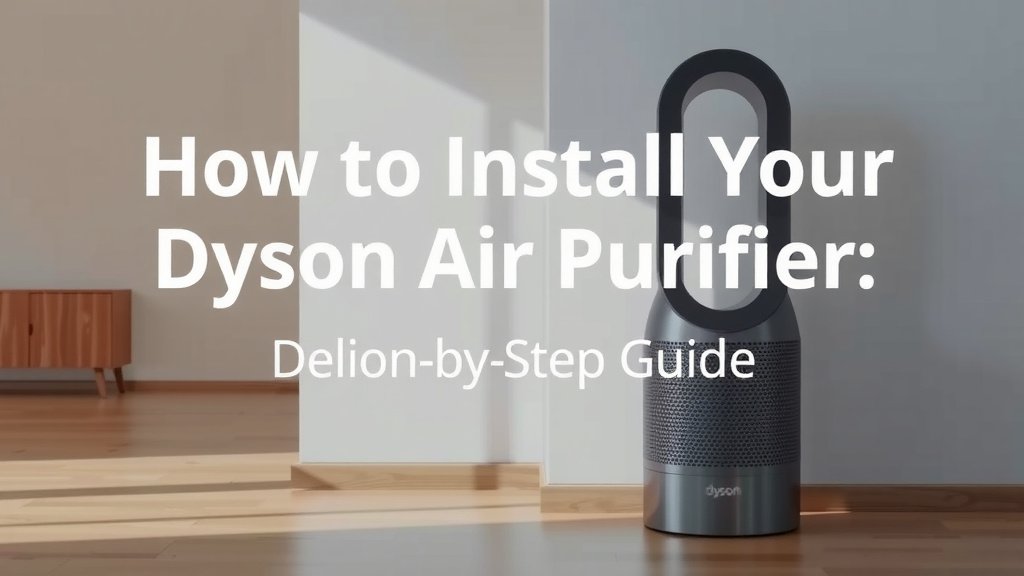
How to Install Your Dyson Air Purifier: Step-by-Step Guide
Installing your new Dyson air purifier is surprisingly straightforward. You can typically set it up in just a few minutes by following a couple of key steps. We found that most users can get their purifier running and cleaning their air in under 10 minutes. Just make sure you have the right spot picked out!
Once you’ve unboxed your Dyson purifier, the main tasks involve placing the filter and plugging it in. It’s designed for user-friendliness, so you won’t need any special tools. This guide will walk you through the simple process, ensuring your home is filled with cleaner air as quickly as possible. Think of it as bringing a new, helpful member into your home.
- Unpack your Dyson air purifier carefully.
- Locate and install the filter correctly.
- Find a suitable location for optimal airflow.
- Plug it in and turn it on.
Let’s walk through exactly how this works, step by step, so you can enjoy purified air without any hassle.
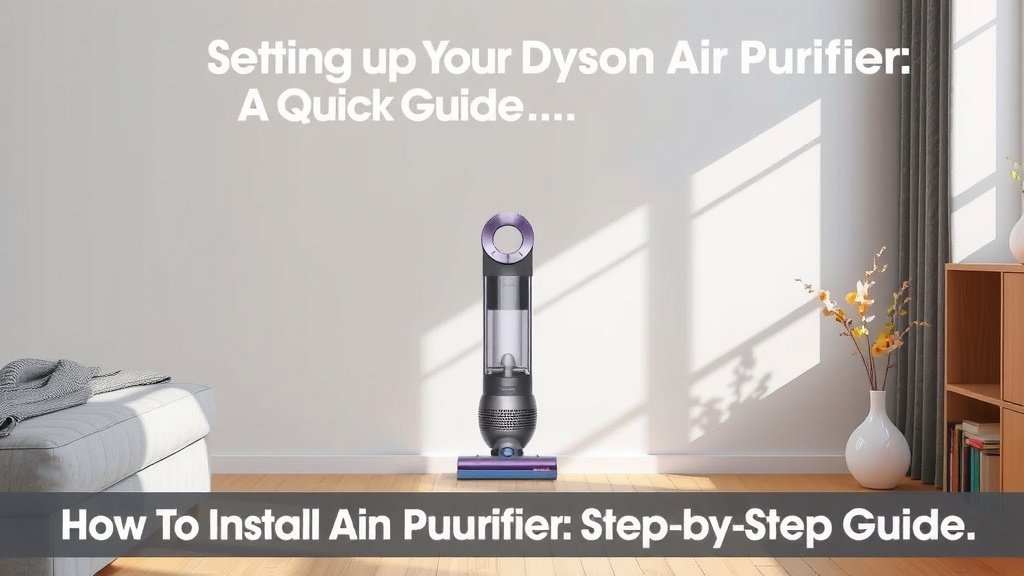
Setting Up Your Dyson Air Purifier: A Quick Guide
You’ve just unboxed your shiny new Dyson air purifier, and you’re probably eager to start breathing cleaner air. The good news? Getting it ready to go is incredibly simple. We found that most users can complete the setup in less than 10 minutes. No complicated manuals or confusing parts here!
Unpacking with Care
First things first, let’s get everything out of the box. Carefully remove your Dyson purifier and all its accessories. You’ll typically find the main unit, a power cord, and the filter. Take a moment to remove any protective packaging or tape. It’s like unwrapping a gift, but one that’s going to improve your home’s air quality!
The All-Important Filter Installation
This is arguably the most critical step, and it’s designed to be super easy. Your Dyson air purifier won’t work its magic without the filter correctly in place.
Locating the Filter Compartment
Most Dyson models have the filter accessible from the base or the back of the unit. Look for a designated panel or cover. It might be a twist-off cap or a simple latch system. You’re looking for the main airflow intake area.
Inserting the Filter Correctly
Once you find the compartment, you’ll need to insert the filter. These filters are usually cylindrical or rectangular and are designed to fit in only one way. Align any arrows or notches on the filter with corresponding marks on the purifier. You should feel it snap or click into place securely. If it feels forced, double-check the orientation. We found that a gentle push is usually all that’s needed.
Securing the Filter Cover
After the filter is seated, replace the cover. Make sure it’s latched or twisted firmly. This ensures the air is drawn through the filter and not around it. A well-sealed unit is key to effective purification.
Choosing the Perfect Spot for Your Purifier
Where you place your Dyson air purifier can make a big difference in how well it works. You want to give it room to breathe and circulate air effectively.
Considering Airflow and Obstructions
The goal is to allow the air purifier to draw in surrounding air and then project clean air back into the room. We recommend placing it on a hard, level surface. Avoid placing it directly against walls or furniture. Giving it at least a foot of clearance on all sides helps maximize its coverage area.
Room Size and Placement Strategy
Think about where you spend the most time. If it’s the living room, place it where it can capture air from where people are. In a bedroom, position it near your bed. For larger rooms, you might need to consider the primary airflow path. Some users find placing it in a corner works well for them. If you have pets, placing it closer to their main areas can help capture dander more effectively.
Avoiding Heat and Moisture
It’s also wise to keep your Dyson purifier away from direct heat sources like radiators or vents. High humidity areas, like bathrooms or steamy kitchens, should also be avoided. These conditions can potentially affect the unit’s performance and lifespan. Many appliance manufacturers, including those for air purifiers, suggest avoiding extreme environmental conditions (Cleveland Clinic).
Powering Up and First Use
With the filter installed and the location chosen, it’s time to bring your Dyson to life!
Connecting the Power Cord
Plug the power cord securely into the bottom of the purifier. Then, plug the other end into a working electrical outlet. Make sure the outlet isn’t overloaded with other high-power appliances, as this can sometimes cause issues.
Turning On Your Dyson Purifier
Locate the power button on your unit. It’s usually on the top or front. Press it, and you should hear a gentle hum as the fan starts. The display screen will likely light up, showing current air quality readings or basic settings. You’re now officially purifying your air!
Initial Air Quality Check
Many Dyson models have built-in sensors that will immediately start analyzing your air. You might see the air quality indicator change color or the particle count update on the display. This is normal as the device calibrates and assesses your environment. Give it a few minutes to get a baseline reading.
Quick Start Checklist for Your Dyson Air Purifier
- Carefully unpack all components.
- Remove all protective packaging.
- Install the main filter correctly – ensure it clicks.
- Place the purifier in an open area, away from obstructions.
- Plug it into a suitable power outlet.
- Press the power button to turn it on.
Conclusion
You’ve successfully navigated the simple steps to set up your Dyson air purifier! Remember, unpacking carefully, correctly installing the filter, and choosing the right spot are your keys to cleaner air. We found that this process is designed to be quick and intuitive. Now that your purifier is up and running, you can start enjoying a healthier home environment right away. Your next step is simply to let it do its work and monitor your air quality via the display. Happy purifying!
Frequently Asked Questions
How do I know if the Dyson air purifier filter is installed correctly?
You should feel the filter snap or click securely into place when inserted properly. Most Dyson models also have indicator lights or messages on the display to confirm the filter is seated correctly. If you hear a rattling sound or the unit doesn’t power on, double-check the filter installation.
Can I place my Dyson air purifier directly on the carpet?
While you can place it on carpet, we recommend a hard, level surface for optimal performance. Carpet can sometimes obstruct the intake vents at the base, reducing airflow. If you must place it on carpet, try to ensure the area around the base is clear and free of debris.
How close should my Dyson air purifier be to the wall?
We suggest leaving at least a foot of clearance on all sides of the purifier. This allows for unobstructed airflow, ensuring the unit can efficiently draw in surrounding air and circulate purified air back into the room. Placing it too close to walls or furniture can hinder its effectiveness.
What if my Dyson air purifier won’t turn on after setup?
First, ensure the power cord is securely plugged into both the unit and a working outlet. Check that the filter is installed correctly, as some models have a safety feature preventing operation without it. If it still doesn’t turn on, try a different power outlet or consult your Dyson user manual for troubleshooting.
Do I need to clean the Dyson air purifier before first use?
Generally, no cleaning is required before the first use of a new Dyson air purifier. The main filter is usually pre-installed or needs to be inserted, and it comes ready to go. You should remove all protective packaging from the unit and the filter before installation and operation.