Master Your Winix Air Purifier: A Simple How-To Guide
Using your Winix air purifier is a straightforward process, and getting it right means you can start enjoying cleaner air right away. Simply plug it in, select your desired fan speed, and let it do its magic to help remove pollutants and allergens from your home’s air. Most models also feature an auto mode which adjusts performance based on air quality, making it super easy.
Many people wonder about the best way to set up and operate their Winix purifier for maximum benefit. We found that understanding the basic functions, like the filter indicator and sleep mode, can really help you get the most out of your device. It’s all about ensuring your unit runs efficiently to capture dust, pollen, pet dander, and other common airborne irritants effectively.
TL;DR:
- Plug it in and choose a fan speed to start.
- Auto mode adjusts settings for you.
- Understand filter changes for best performance.
- Sleep mode is quiet for nighttime use.
- Keep it running for continuous air purification.
Let’s walk through exactly how to get your Winix air purifier set up and running to breathe easier.
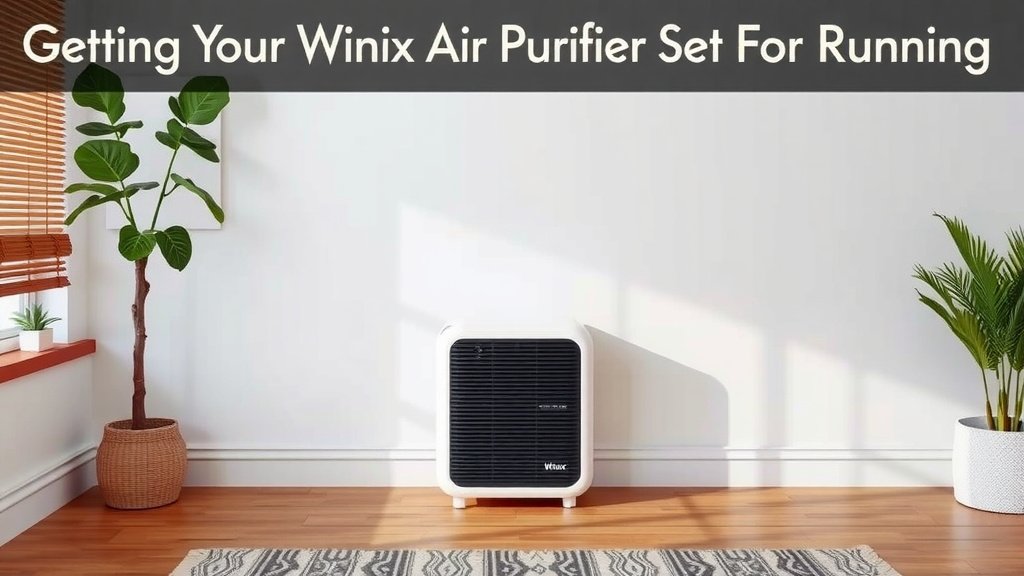
Getting Your Winix Air Purifier Set Up and Running
So, you’ve got your new Winix air purifier, and you’re ready to breathe a little easier. That’s fantastic! Setting it up is honestly a piece of cake. Think of it like plugging in a lamp, but instead of light, you get cleaner air. We’ve found that most users can have their purifier up and running in just a few minutes.
Unpacking and Initial Setup
First things first, let’s get everything out of the box. Carefully remove your Winix purifier and all its accessories. You’ll want to check that you have the main unit, the power cord, and any included filters. Most Winix models come with filters pre-installed, but it’s always good to double-check.
You’ll need to remove any protective plastic packaging from the filters before you start. This is a really important step. If you don’t remove the plastic, the filters won’t be able to do their job effectively. Just open the back or side panel of your unit – usually, there’s a simple latch or clip. Take out the filter, peel off the plastic, and pop it back in. Easy peasy!
Choosing the Right Spot for Your Purifier
Where you place your Winix air purifier can make a big difference in how well it works. We recommend putting it in the room where you spend the most time. This is often the living room or your bedroom. You want to give it enough space to circulate air freely. Avoid tucking it away in a corner behind furniture or curtains.
Try to place it on a flat, stable surface. This helps ensure the fan operates smoothly and prevents it from tipping over. Most importantly, make sure there’s at least a foot of clear space around all sides of the unit, especially the air intake and outlet. This allows for optimal airflow, which is key to capturing those pesky pollutants.
Understanding the Control Panel and Basic Functions
Once your Winix purifier is in its spot and plugged in, it’s time to get acquainted with the control panel. Every model is a little different, but the core functions are usually quite similar. You’ll typically find buttons for power, fan speed, and different modes.
Powering On and Off
Pressing the power button will turn your unit on or off. When you first turn it on, it usually starts at a medium fan speed. This is a good starting point. You can always adjust it from there. To turn it off, just press the power button again.
Fan Speed Settings
You’ll see options for different fan speeds. These are usually labeled as Low, Medium, High, and sometimes Turbo. A higher fan speed means the purifier will work harder and faster to clean the air. This is great for times when you notice a strong odor or lots of dust.
Lower fan speeds are quieter and use less energy. We found that using a lower setting is perfectly fine for continuous, everyday air purification. It’s all about finding the balance that works for your comfort and your air quality needs. Think of it like adjusting the volume on your stereo – you pick what sounds best.
Auto Mode: The Smart Choice
Many Winix models feature an Auto mode. This is a favorite for a reason! When you select Auto, your purifier uses built-in sensors to detect the air quality in the room. It then automatically adjusts the fan speed accordingly. If the air quality is good, it runs quietly on a low setting. If it detects pollutants, it ramps up to clean the air faster.
We found that Auto mode is incredibly convenient for busy households. You can just set it and forget it. It’s designed to be efficient and responsive, making sure your air is clean without constant manual adjustments. It takes the guesswork out of air purification.
Sleep Mode: Quiet Operation
Need some peace and quiet, especially at night? Sleep Mode is your best friend. When activated, the fan speed is set to its lowest setting, and the indicator lights dim or turn off. This creates a very quiet environment, perfect for bedrooms or living areas where you want minimal disturbance.
Research from organizations like the National Sleep Foundation highlights the importance of a quiet, dark bedroom for quality rest (National Sleep Foundation). Sleep Mode helps achieve that by running your purifier softly in the background.
Filter Status and Replacement: Keeping It Fresh
One of the most important aspects of using your Winix air purifier is keeping its filters in good shape. Your purifier will let you know when it’s time for a change. Many models have a “Filter Indicator” light that will illuminate.
Why is this so vital? Think of the filters as the lungs of your air purifier. They trap all the dust, pollen, pet dander, and other particles. Over time, they get full and clogged. A clogged filter can’t clean the air effectively, and it can even put a strain on the unit’s motor.
Understanding Different Filter Types
Your Winix likely has a few types of filters: a washable pre-filter, an activated carbon filter, and a True HEPA filter. The pre-filter catches larger particles like hair and dust bunnies. The carbon filter tackles odors and VOCs (volatile organic compounds). The True HEPA filter captures 99.97% of airborne allergens and particles as small as 0.3 microns.
We found that regular maintenance of these filters is key. The pre-filter can often be cleaned by vacuuming or a gentle rinse. The carbon and HEPA filters are typically not washable and will need to be replaced. Always refer to your specific model’s manual for the best cleaning and replacement schedule.
When and How to Replace Filters
The Filter Indicator light is your main cue. However, manufacturers often recommend specific replacement intervals, usually every 6 to 12 months for the carbon and HEPA filters, depending on usage and air quality. Always use genuine Winix replacement filters to ensure optimal performance and fit.
Replacing them is usually as simple as removing the old ones and inserting the new. You’ll want to dispose of the old filters properly. After replacing, you’ll often need to reset the Filter Indicator light. Your manual will guide you on how to do this, typically by pressing and holding a specific button for a few seconds.
Maximizing Air Purification: Tips for Best Results
To get the absolute most out of your Winix air purifier, a few simple habits can make a big difference. It’s not just about plugging it in and walking away; a little attention goes a long way.
- Keep it running: For continuous air cleaning, it’s best to leave your Winix on 24/7.
- Ensure good airflow: Don’t block the air vents. Give it space to breathe!
- Regular filter checks: Stay on top of filter replacements. This is crucial for performance.
- Clean the exterior: Wipe down the outside of your unit periodically with a soft, dry cloth.
- Consider placement: Place it in the room where you spend the most time.
We found that consistently following these steps helps maintain clean air quality throughout your home. It’s like taking care of a pet or a plant; a little regular attention ensures it thrives and does its job well.
Using Your Winix Purifier with Other Devices
You might wonder if using your Winix purifier alongside other devices is okay. Generally, yes! It’s perfectly fine to run your air purifier at the same time as your HVAC system or even a portable heater or fan. In fact, your HVAC system can help circulate air to the purifier.
However, avoid placing the air purifier directly in front of air vents from your central heating or cooling system. This could disrupt airflow patterns. Also, be mindful of using it with devices that might produce significant fumes or particles, like certain types of air fresheners or candles. While the carbon filter helps with odors, excessive fumes can overwhelm it.
Conclusion
You’re now well-equipped to make the most of your Winix air purifier! We’ve covered everything from initial setup and placement to understanding its smart features like Auto and Sleep modes. Remember, consistent use and timely filter changes are your keys to breathing cleaner air day after day. Don’t forget to give your unit adequate space for airflow and periodically clean its exterior. Your next step is simply to ensure your purifier is running optimally in your home’s most frequented spaces, enjoying the benefits of purified air.
Frequently Asked Questions
How often should I replace the filters in my Winix air purifier?
Most Winix models recommend replacing the True HEPA and activated carbon filters every 6 to 12 months. This timeframe can vary based on how much you use the purifier and the air quality in your home. Always check your specific model’s manual for the exact recommendation and refer to the filter indicator light on your unit.
Can I run my Winix air purifier all day and night?
Yes, for continuous air purification, it’s best to leave your Winix air purifier running 24/7. This ensures that pollutants are consistently being removed from your home’s air. Using Sleep Mode at night provides quiet operation, so it won’t disturb your rest.
What does the “Filter Indicator” light mean on my Winix?
The “Filter Indicator” light alerts you when it’s time to check and potentially replace the filters. This is a vital reminder because clogged filters reduce efficiency. Once you replace the filters, you’ll typically need to reset this light according to your user manual’s instructions.
Is it okay to place my Winix air purifier in a small room or closet?
We recommend placing your Winix air purifier in a room where you spend the most time, like a living room or bedroom, to maximize its benefits. Avoid placing it in enclosed spaces like closets, as this restricts airflow. Ensure there’s at least one foot of clear space around the unit for optimal air circulation.
How do I clean the washable pre-filter on my Winix air purifier?
Your Winix likely has a washable pre-filter designed to catch larger particles like pet hair and dust. You can usually clean this by vacuuming it gently or rinsing it under cool water. Make sure it’s completely dry before reinserting it into the unit to prevent any moisture damage.
![5 Best Air Purifier for Pets Large Room [In 2026]](https://homeunderstandable.com/wp-content/uploads/2025/05/best-air-purifier-for-pets-large-room-top-picks-for-fresh-air-768x384.jpg)