
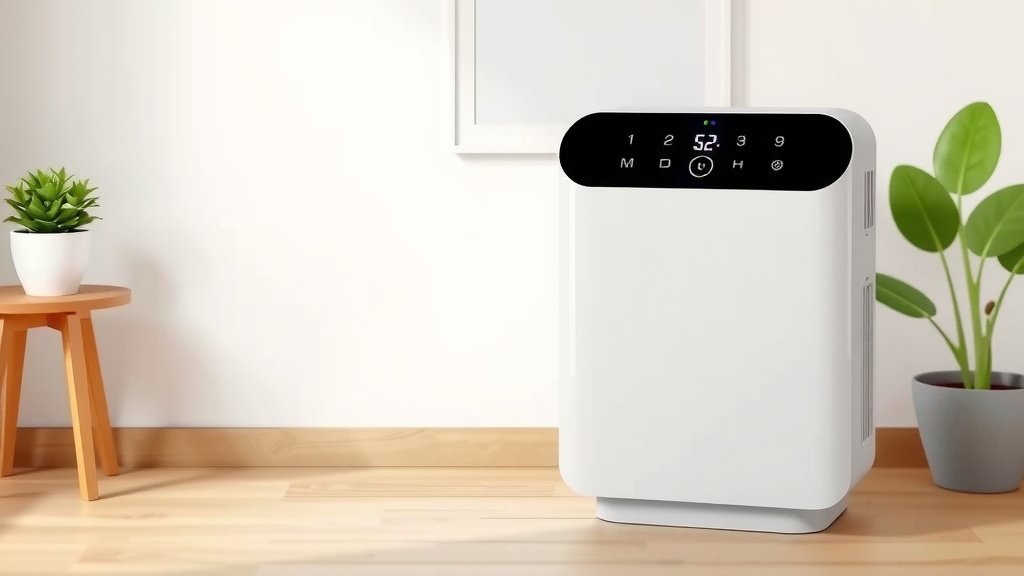
How to Reset Your Winix PlasmaWave Air Purifier
Resetting your Winix PlasmaWave air purifier is quite simple. You typically just need to press and hold a specific button, often the ‘Filter Reset’ or ‘Mode’ button, for about 3-5 seconds until you see a light change or hear a beep. This action will effectively reset the filter indicator, letting you know your purifier is ready for more clean air.
This reset process is important because your air purifier relies on it to track filter life. When the filter indicator lights up, it’s a gentle nudge to check or replace your filters. Properly resetting it ensures you maintain optimal air purification and get the most out of your device. Many users find this a straightforward maintenance step.
- Locate the correct button to press and hold.
- Press and hold for 3-5 seconds.
- Watch for a light change or sound cue.
- This resets the filter indicator.
Let’s walk through exactly how to reset your Winix PlasmaWave air purifier step by step.
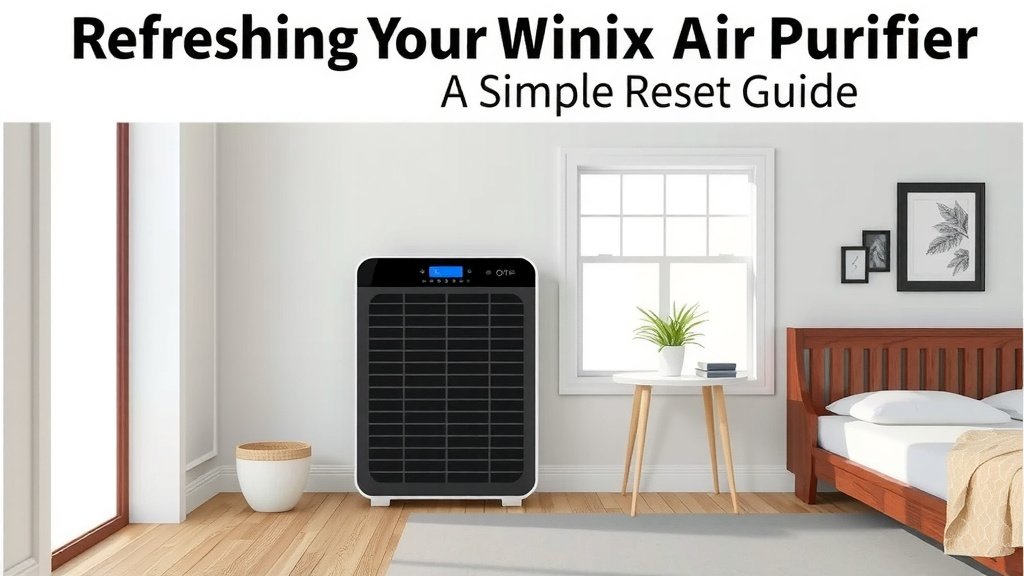
Refreshing Your Winix Air Purifier: A Simple Reset Guide
Keeping your Winix PlasmaWave air purifier running at its best is often a matter of simple maintenance. One key task is resetting the filter indicator. This light tells you when it’s time to check or replace your filters. Resetting it after you’ve done the work is essential. It tells the purifier that new filters are in place. This guide will walk you through how to reset your Winix air purifier.
Why Resetting Your Winix Air Purifier Matters
You might wonder why you need to reset anything. Think of it like a car’s oil change reminder. Your Winix purifier has a built-in timer for its filters. This timer doesn’t actually *know* if you changed the filter. It just counts down. When the filter indicator light comes on, it’s a signal. It means the estimated filter life is over. You should **check your filters** at this point. If they are dirty, it’s time for new ones. After replacing them, you must tell the purifier. Resetting the indicator is how you do that. This ensures your purifier continues to provide **clean, fresh air**. Not resetting it can lead to a dirty filter running longer than it should.
Understanding Filter Indicators
Most Winix PlasmaWave models have a specific light or icon for filter replacement. This indicator is your purifier’s way of communicating. It’s usually labeled “Filter” or “Filter Reset.” You might also see it as part of a set of lights showing the air quality or mode.
How the Filter Life is Tracked
The purifier estimates filter life based on usage time. It doesn’t measure air quality itself to decide filter replacement. This is why manual reset is so important. It ensures the tracking starts from zero after new filters are installed. Research shows that clogged filters can significantly **reduce air purifier efficiency** and even strain the motor (Environmental Protection Agency).
The Standard Winix Filter Reset Procedure
Resetting your Winix air purifier filter is generally a straightforward process. Most models follow a similar pattern. The key is finding the correct button and holding it for the right amount of time.
Step-by-Step Guide to Resetting
Here’s how to typically perform the reset:
- Locate the Filter Reset Button: Look at the control panel of your Winix air purifier. You’re searching for a button that is usually labeled “Filter Reset.” Sometimes, this function is combined with another button, like the “Mode” button or a general “Reset” button.
- Press and Hold the Button: Once you’ve found the correct button, press and hold it down. You’ll need to keep holding it for a specific duration.
- Watch for Confirmation: The required time is typically between 3 to 5 seconds. During this time, watch the control panel. You should see the “Filter” indicator light turn off. Some models might make a **gentle beep sound** to confirm the reset.
- Release the Button: As soon as you see the light go off or hear the beep, release the button.
And that’s it! Your filter indicator should now be reset. This tells your Winix purifier to start tracking the life of your new or cleaned filters from the beginning.
Common Variations Across Winix Models
While the core process is similar, there can be minor differences:
Models with a Dedicated “Filter Reset” Button
These are the easiest. You’ll see a button clearly marked “Filter Reset.” Just press and hold this one. This is common on many Winix 5500-2, HR900, and similar models. You’re usually looking for a 3-second hold here.
Models Where Reset is Part of Another Button
Some Winix purifiers, like certain older or more compact units, might not have a dedicated “Filter Reset.” In these cases, you might need to press and hold the “Mode” button or a button labeled simply “Reset.” The control panel will usually indicate if holding this button performs a reset function. Always check your user manual if you’re unsure. It’s your **best source of specific instructions**.
What if the Light Doesn’t Turn Off?
If you’ve held the button for the recommended time and the filter light stays on, don’t worry! First, try again. Make sure you’re pressing and holding the **correct button**. Sometimes, it needs a firm press. If it still doesn’t work, double-check your specific Winix model’s manual. There might be a unique sequence for your particular unit.
Resetting After Filter Cleaning vs. Replacement
It’s important to distinguish between cleaning filters and replacing them. Not all filters on your Winix are designed to be cleaned. Most True HEPA filters and activated carbon filters are **disposable**. You must replace these. However, some pre-filters might be washable. Always refer to your manual.
Replacing Disposable Filters
When you replace the True HEPA and/or carbon filters, you absolutely need to perform the reset procedure. These are the filters the indicator is primarily designed to track. After installing the new filters, proceed with the reset steps outlined above. This ensures the indicator accurately reflects the life of your **new, high-quality filters**.
Cleaning Washable Pre-Filters
If your Winix has a washable pre-filter, you should clean it regularly. This helps capture larger particles and extends the life of your other filters. Once cleaned and thoroughly dried, you can re-install the pre-filter. However, cleaning a washable pre-filter typically **does not require a filter reset**. The main filter indicator is usually tied to the HEPA and carbon filters. Check your manual to be sure, but generally, you only reset after replacing the main filter sets.
Troubleshooting Common Reset Issues
Sometimes, technology doesn’t cooperate. If you’re having trouble resetting your Winix air purifier, try these tips.
Is the Purifier Plugged In?
It sounds simple, but ensure your Winix air purifier is plugged into a working electrical outlet. The control panel needs power to register button presses and changes. A **secure connection** is the first step to any electronic function.
Have You Checked Your Manual?
As mentioned, different Winix models can have slight variations. Your owner’s manual is the ultimate authority. It will clearly state which button to use and for how long. You can usually find a digital copy on the Winix website if you’ve misplaced your physical manual. Don’t guess; consult the **official documentation**.
Try a Power Cycle
If the button-hold method isn’t working, sometimes a full power cycle can help reset the unit’s internal logic. Unplug the purifier from the wall outlet. Wait for at least 60 seconds. This allows any residual power to dissipate. Then, plug it back in. After plugging it back in, try the **filter reset button** sequence again. This sometimes clears minor glitches.
When to Contact Support
If you’ve tried all these steps and the filter indicator still won’t reset, it might be time to reach out to Winix customer support. There could be an issue with the control panel or the internal tracking mechanism. They can provide **model-specific advice** or discuss repair options if necessary.
Checklist: Your Quick Winix Reset Steps
Need a quick reminder? Here’s a handy checklist for your Winix filter reset:
- Locate the correct “Filter Reset” button (or equivalent).
- Ensure the unit is powered on.
- Press and firmly hold the button.
- Hold for 3-5 seconds.
- Watch for the filter light to turn off or listen for a beep.
- Release the button once confirmation is received.
Conclusion
You’ve learned that resetting your Winix PlasmaWave air purifier is a quick maintenance task. It’s vital for ensuring your filter indicator accurately reflects your filter’s life. Remember, this simple process involves locating the correct button and holding it for about 3-5 seconds. Doing this after replacing filters keeps your air purifier running efficiently. Always consult your manual for model-specific details. Now that you know how, go ahead and ensure your Winix is always ready to deliver the freshest air possible!
Frequently Asked Questions
How often should I reset my Winix air purifier?
You should reset your Winix air purifier only after you have replaced its main filters (HEPA and carbon filters). The reset process tells the unit that new filters are installed. It doesn’t need to be done on a regular schedule otherwise.
What’s the difference between cleaning a pre-filter and resetting the unit?
Cleaning a washable pre-filter is a maintenance task to capture larger particles. Replacing the HEPA and carbon filters is when the unit’s internal timer needs to be reset. Generally, cleaning pre-filters does not require a reset, as the indicator is tied to the main filter life.
Can I reset my Winix air purifier if it’s not plugged in?
No, your Winix air purifier must be plugged into a working power outlet to reset. The control panel needs power to register button presses and confirm the reset. Always ensure it has a secure connection before attempting a reset.
My Winix filter light is still on after trying the reset. What should I do?
If the filter light remains on, try the reset process again, ensuring you’re pressing the correct button firmly. If it still doesn’t work, a power cycle (unplugging for 60 seconds) might help. If that fails, consult your owner’s manual or contact Winix support.
Is the filter reset button the same for all Winix PlasmaWave models?
While many models use a dedicated “Filter Reset” button, some may combine this function with another button, like “Mode.” Check your specific model’s control panel and user manual for the exact button and procedure. Your manual is the best guide for your unit.

![5 Best Indoor Plant for Air Purifying [In 2026]](https://homeunderstandable.com/wp-content/uploads/2025/05/best-indoor-plant-for-air-purifying.jpg)
![What Is The Best Air Purifiers for Allergies [In 2026]](https://homeunderstandable.com/wp-content/uploads/2025/06/best-air-purifiers-for-allergies.jpg)
