Your Guide to Using a Personal Air Purifier
To use a personal air purifier effectively, simply place it on a level surface in the room where you spend the most time, ensure good airflow around it, and turn it on. You’ll want to position it away from walls and furniture. Keeping the filters clean is key for peak performance and cleaner air.
Personal air purifiers are designed to improve the air quality in your immediate vicinity. They work by drawing in air, filtering out pollutants like dust, pollen, and pet dander, and then releasing cleaner air back into your space. Many experts say consistent use can make a noticeable difference in your breathing comfort.
- Place purifier on a flat surface.
- Allow space for airflow around it.
- Turn it on and set your preferred fan speed.
- Remember to clean or replace filters regularly.
- Position it in the room you use most often.
Let’s walk through exactly how to set up and use your personal air purifier for the best results. We’ll cover placement, fan speeds, and the all-important filter maintenance.
Getting the Most From Your Personal Air Purifier
You’ve got your personal air purifier, and you’re ready for some cleaner air. That’s fantastic! But how do you make sure it’s working its best for you? It’s all about smart placement and a little bit of care. We’ll guide you through setting it up and keeping it running smoothly.
Where to Place Your Personal Air Purifier
The location of your air purifier makes a big difference. Think of it like giving it the best view of the room’s air. You want it where it can do its job without being blocked. This means keeping it away from obstacles.
Finding the Sweet Spot in Your Room
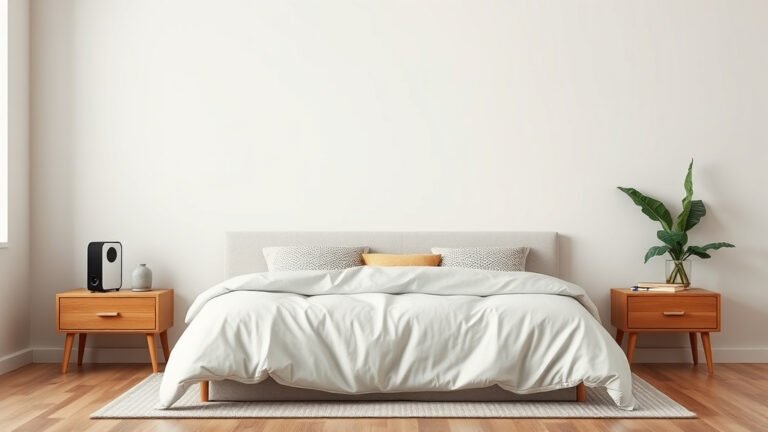
Your personal air purifier is designed for your immediate space. The goal is to capture airborne particles before they reach you. So, the best spot is often right beside you. Many people find placing it on their desk or a side table works well.
Consider where you spend the most time. Is it your home office? Your favorite reading chair? Placing it nearby ensures you get the maximum benefit. You’re essentially creating a bubble of cleaner air around you. This is especially helpful if you have allergies or are sensitive to air quality.
Ensuring Proper Airflow
Air needs to get *into* the purifier and *out* of it freely. This is key for efficient operation. Think of it like a fan – it needs space to move air. Don’t tuck it away in a corner behind furniture. This can starve the unit of air and make it work harder.
We found that leaving at least 12-18 inches of clear space around the unit is a good rule of thumb. This allows the air intake and outflow vents to work without restriction. Check your purifier’s manual for specific recommendations. Every model can be a little different.
Obstructions like walls, curtains, or large objects can really cut down on how much air the purifier can process. This means it won’t be as effective at cleaning the air in your personal space. So, give it room to breathe!
Placement on Different Surfaces
Most personal air purifiers work best on a stable, level surface. This prevents them from tipping over and ensures the internal components function correctly. A desk, nightstand, or a small table are usually ideal.
Avoid placing it on soft surfaces like carpets or thick rugs. The unit might sink in, blocking the air intake vents. This can lead to reduced performance and potentially overheat the motor. If you must use it on carpet, consider placing it on a small, firm mat or tray.
Using Your Personal Air Purifier Settings
Once your purifier is in place, it’s time to turn it on. Most units have a few simple controls. You’ll likely find options for fan speed and maybe even a timer. Let’s break down how to use them.
Understanding Fan Speeds
Your purifier probably has multiple fan speed settings. These control how quickly it draws in air and filters it. A higher speed cleans the air faster but can be louder.
For general use, a medium setting might be perfect. It offers a good balance between cleaning power and noise level. If you notice a lot of dust or allergens in the air, or if someone is cooking or there’s a strong odor, crank it up to a higher speed. This will give you quicker results.
When you’re sleeping or working and need a quieter environment, a lower setting is your friend. It still cleans the air, just at a more gradual pace. Many users find a low setting is quiet enough to not be disruptive.
Exploring Special Features (If Any)
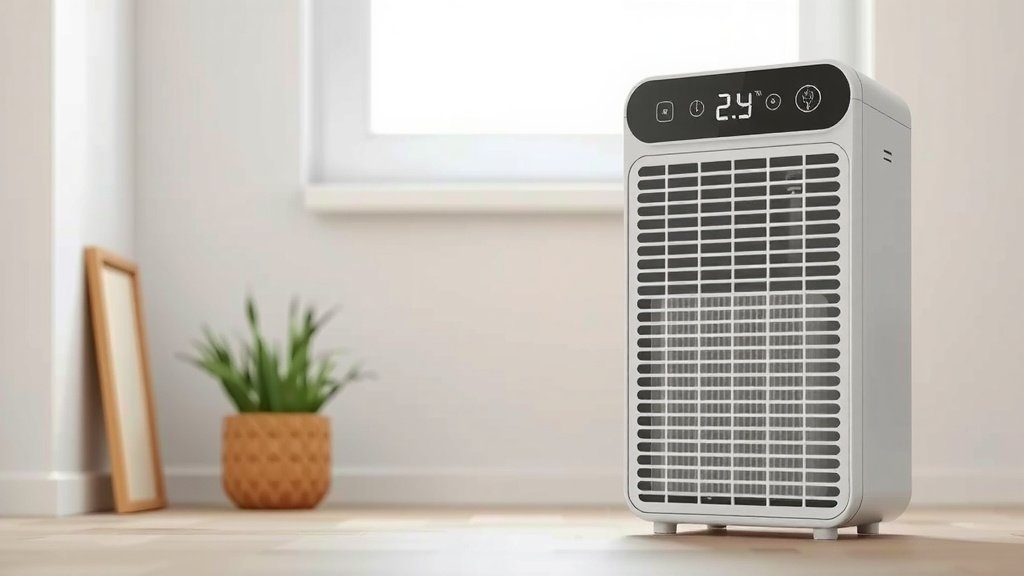
Some personal air purifiers come with extra features. You might see things like different modes (e.g., auto mode, sleep mode) or filter indicator lights. Auto mode often uses sensors to adjust fan speed based on air quality. Sleep mode typically reduces fan speed and dims indicator lights for a restful environment.
Always check your user manual to understand what each button or setting does. It’s the best way to get the most out of your specific model. These features are designed to make your experience easier and more effective.
The Importance of Filter Maintenance
This is arguably the most critical part of using your personal air purifier. Without clean filters, your purifier simply can’t do its job properly. Think of the filters like the lungs of the machine. When they get clogged, it’s hard to breathe!
How Often Should You Clean or Replace Filters?
The frequency depends on a few things: how often you use the purifier, the air quality in your home, and the type of filter. Most manufacturers recommend checking or replacing filters every 3-6 months. However, if you live in a dusty area or have pets, you might need to do it more often.
Many units have a filter replacement indicator light that will let you know when it’s time. This is a super helpful feature! Even if you don’t have an indicator, pay attention to the performance. If you notice reduced airflow or that the air isn’t as fresh, it’s likely time for new filters.
Cleaning Your Filters
Some purifiers have washable pre-filters. These are usually the first layer of defense against larger particles like hair and dust bunnies. Gently vacuuming or rinsing them can help extend the life of your main filter.
Always follow the manufacturer’s instructions for cleaning. Some filters can be damaged by water or harsh cleaning agents. A gentle rinse under cool water might be all that’s needed. Make sure the filter is completely dry before putting it back in the unit. This is super important to avoid mold or mildew.
Replacing Your Filters
When it’s time to replace a filter, it’s usually a straightforward process. You’ll need to purchase the correct replacement filters for your specific model. Using the wrong filters can damage your unit or reduce its effectiveness.
Typically, you’ll turn off and unplug the unit. Then, you’ll open the filter compartment, remove the old filter, insert the new one, and close it back up. It’s a simple swap that makes a huge difference in air quality. You can find replacement filters directly from the manufacturer or reputable online retailers.
What Happens If You Don’t Maintain Filters?
Skipping filter maintenance means your purifier can become less effective. It might not capture as many pollutants. We found research suggesting that clogged filters can even lead to reduced airflow, making the unit work harder and potentially shortening its lifespan (Consumer Reports). Eventually, a clogged filter can become a source of odor itself.
Quick Checklist for Optimal Use
Want a quick reminder? Here’s what to keep in mind:
- Place your purifier on a flat, stable surface.
- Ensure at least 12-18 inches of clear space around it for airflow.
- Position it where you spend the most time.
- Adjust fan speeds based on your needs – higher for quick cleaning, lower for quiet operation.
- Check your filter status regularly and replace/clean them as recommended.
- Always refer to your user manual for model-specific instructions.
Conclusion
You’ve now got a clear roadmap for making your personal air purifier work wonders. Remember, smart placement, understanding its settings, and that all-important filter maintenance are your keys to consistently cleaner air. By giving your purifier the right environment and a little regular care, you’re actively creating a healthier breathing zone for yourself. So, take that first step and position your purifier where you’ll benefit most. Enjoy the fresh air!
Frequently Asked Questions
Can I put my personal air purifier on the floor?
It’s best to place your personal air purifier on a stable, level surface like a desk or table. Placing it on soft flooring like carpet can block air vents and reduce its effectiveness. If you must use it on carpet, consider placing it on a small, firm mat.
How do I know if my air purifier needs a new filter?
Many purifiers have a filter indicator light that alerts you. Even without one, you’ll notice reduced airflow or that the air doesn’t feel as fresh. Pay attention to your unit’s performance; if it seems less effective, it’s likely time for a filter change.
Is a higher fan speed always better?
A higher fan speed cleans the air more quickly but can also be louder. For everyday use, a medium or low setting often provides a good balance of cleaning power and quiet operation. You might use a higher setting when dealing with strong odors or a lot of dust.
Can I use my air purifier while I sleep?
Yes, you absolutely can. Many personal air purifiers have a low setting that is very quiet, perfect for bedrooms. Some models even have a “sleep mode” that dims lights and reduces fan speed for a more restful environment.
Do personal air purifiers really make a difference?
Yes, when used correctly, they can make a noticeable difference. By capturing common airborne irritants like dust, pollen, and pet dander in your immediate space, they can improve your breathing comfort. Consistent use is key to experiencing these benefits.