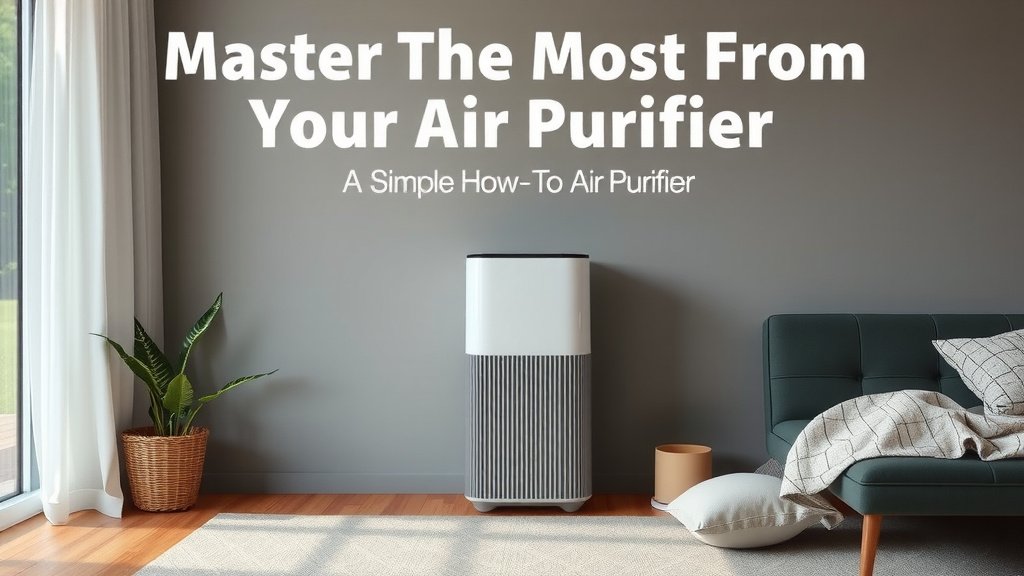
Master Your Air Purifier: A Simple How-To Guide
To properly use an air purifier, you should place it in the room you use most, ensure it’s the right size for your space, and change the filters regularly. Following these steps helps your purifier work its best to clean your air.
Air purifiers can make a big difference in your home’s air quality. They help remove common pollutants like dust, pollen, and even odors. Getting the most out of your device means understanding a few simple usage tips to ensure it’s effective and efficient.
- Place your purifier in the main living area.
- Match the purifier’s size to the room.
- Change filters according to the manufacturer’s guide.
- Keep the purifier running for optimal air cleaning.
- Ensure good air circulation around the unit.
Ready to breathe a little easier? Let’s walk through exactly how to get your air purifier set up and running for maximum benefit.
Getting the Most From Your Air Purifier
So, you’ve got an air purifier. That’s fantastic! Now, let’s make sure it’s working hard for you. Proper usage ensures you’re getting the cleanest air possible. We’ll cover placement, size, filter care, and more.
Smart Placement for Maximum Airflow
Where you put your air purifier matters. Think of it like placing a fan. You want it where the air can circulate freely.
The Golden Rule: Place It Where You Spend the Most Time
This is a big one. Your purifier should live where you live. This typically means your living room or bedroom. Placing it in a frequently used area means it’s constantly cleaning the air you breathe. It’s like having a personal air attendant always on duty.
Give Your Purifier Some Breathing Room
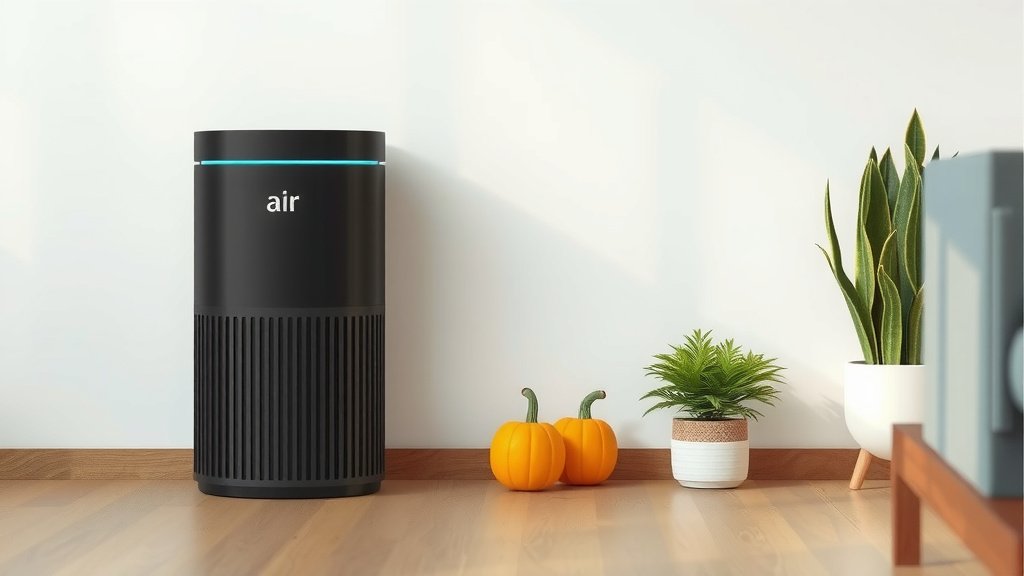
Air purifiers need space to work their magic. Don’t shove it into a tight corner. Keep it at least a foot or two away from walls and furniture. This allows air to enter and exit the unit without obstruction. Imagine trying to breathe with your hand over your mouth – not efficient, right? Your purifier feels the same way.
Avoiding Obstructions
Check the air intake and outlet vents. Ensure nothing is blocking them. This includes curtains, large plants, or even clutter. Clear pathways mean better airflow. Many experts suggest this simple step alone can improve performance by a significant margin (Cleveland Clinic).
Consider the Room’s Primary Airflow
Think about how air moves in your room. If your HVAC system blows air from one side, placing the purifier on the opposite side can help. It can then catch particles as they circulate. This creates a more thorough cleaning cycle for the entire space. You’re essentially working *with* your room’s natural air currents.
Choosing the Right Size for Your Space
Not all air purifiers are created equal, and neither are rooms. Using a purifier that’s too small is like trying to cool a mansion with a desk fan. It just won’t cut it. You need the right match.
Understanding Coverage Area (CADR Rating)
Look for the CADR rating (Clean Air Delivery Rate). This tells you how quickly the purifier can clean the air in a specific room size. Manufacturers usually list the recommended room size on the box or in the manual. Always aim for a purifier rated for a room slightly larger than the one you’re using it in. This gives you a buffer and ensures it can handle peak pollution moments.
What is CADR?
CADR measures three things: smoke, dust, and pollen. A higher CADR means faster cleaning. If your purifier has a high CADR for smoke, it’s also likely good at removing other small particles. This is a key metric to consider when buying and using your device (EPA).
Matching Purifier to Room Size
A simple rule of thumb is to match the purifier’s square footage rating to your room. For example, if your bedroom is 150 sq ft, choose a purifier rated for at least 150-200 sq ft. Many sources recommend aiming for a unit that can perform 4-5 air changes per hour (ACH) for optimal effectiveness. If your purifier’s specs aren’t clear, it’s worth checking the manufacturer’s website for detailed information.
Filter Maintenance: The Heart of Your Purifier
Filters are the workhorses of your air purifier. They trap all those nasty pollutants. Without clean filters, your purifier is just a fan moving dirty air around.
Know Your Filter Types
Most air purifiers use a multi-stage filtration system. This typically includes a pre-filter, a HEPA filter, and an activated carbon filter. The pre-filter catches larger particles like pet hair. The HEPA filter traps 99.97% of particles down to 0.3 microns. The carbon filter absorbs odors and VOCs (volatile organic compounds).
When to Change Your Filters
This is where many people slip up. Your air purifier’s manual is your best friend here. Filter life varies greatly depending on usage and air quality. Some last 6 months, others a year or more. Many units have indicator lights that tell you when it’s time for a change.
Don’t Wait Too Long!
Using dirty filters reduces airflow and makes your purifier work harder. This uses more energy and can shorten the lifespan of the motor. When filters get clogged, they can even start to release trapped particles back into the air. That’s the opposite of what you want! We found that regular filter changes are consistently cited as the most important maintenance task (NIH).
How to Change the Filters
This is usually a straightforward process. First, unplug your air purifier. Then, open the access panel (often on the back or bottom). Carefully remove the old filters and dispose of them. Insert the new filters, making sure they are oriented correctly. Close the panel securely and plug the unit back in. Some purifiers require you to reset a filter indicator light.
Keeping Your Purifier Running Smoothly
Beyond placement and filters, a few other habits ensure your purifier works its best. These are simple steps that make a real difference in air quality.
Run It Continuously
For maximum benefit, especially if you have allergies or sensitivities, run your air purifier 24/7. This keeps the air consistently clean. Turning it off and on frequently means pollutant levels can spike between cycles. Think of it like a refrigerator; you don’t turn it off when you leave for work, right? You want it constantly working to keep things fresh.
Clean the Exterior Regularly
While the filters do the heavy lifting inside, the outside needs a little love too. Dust can accumulate on the exterior of your purifier. This can impede airflow slightly. Gently wipe down the unit with a soft, dry cloth every few weeks. For stubborn dust, a slightly damp cloth works well, but ensure the unit is unplugged and completely dry before plugging it back in.
Understand the Fan Speeds
Most air purifiers have multiple fan speeds. Use the higher settings when air quality is poor (e.g., during allergy season or if you’ve been cooking strong-smelling food). For general, continuous use, a lower setting is often sufficient and quieter. Many experts suggest running it on a medium or high setting for at least an hour a day to really clear the air, then dropping it to a lower setting for ongoing maintenance.
Noise Considerations
Higher fan speeds are louder. If noise is a concern, especially in a bedroom, consider running it on a lower setting overnight. Some models also have a “sleep mode” that dims lights and reduces fan speed. Finding that balance between effective cleaning and comfortable noise levels is key.
Here’s a quick checklist to help you remember the essentials:- Place your purifier in the room you use most often.
- Ensure at least 1-2 feet of clear space around the unit.
- Check your manufacturer’s guide for filter replacement schedules.
- Change filters on time to maintain peak performance.
- Consider running your purifier continuously for best results.
- Wipe down the exterior periodically to keep it dust-free.
Conclusion
You’ve learned the essentials for getting the most out of your air purifier. Smart placement in rooms you frequent, ensuring the unit is the correct size for its space, and diligent filter maintenance are your keys to cleaner air. Running your purifier consistently and giving it adequate airflow will help it perform at its best. By following these practical steps, you’re taking active control of your home’s air quality. Start by checking where your purifier is currently located and make any necessary adjustments to optimize its performance today.
Frequently Asked Questions
Can I put my air purifier in a corner?
It’s best to avoid placing your air purifier in a tight corner. Experts recommend keeping it at least 1-2 feet away from walls and furniture. This allows for unobstructed airflow, ensuring the unit can effectively draw in and circulate clean air throughout the room.
How often should I really run my air purifier?
For the best results, especially if you have allergies or sensitivities, running your air purifier 24/7 is recommended. This maintains consistent air cleaning, preventing pollutant levels from rising between cycles. A lower setting can be used for continuous operation if noise is a concern.
What happens if I don’t change my air purifier filters on time?
If you don’t change your filters regularly, they can become clogged. This reduces airflow, makes the purifier work harder, and can even cause it to release trapped pollutants back into the air. Research indicates that timely filter changes are critical for maintaining performance.
My air purifier seems loud. What can I do?
Many air purifiers have multiple fan speeds. Higher speeds clean the air faster but are also louder. If noise is an issue, try using a lower fan speed for general use. Many models also offer a “sleep mode” that dims lights and reduces fan speed for quieter operation.
Is it okay to put my air purifier behind curtains?
No, you should not place your air purifier behind curtains or any other obstructions. Curtains can block the air intake and outlet vents, significantly hindering the unit’s ability to circulate and clean the air effectively. Ensure there’s at least 1-2 feet of clear space around the unit.