How to Use an Air Purifier in Your Room Effectively
Using an air purifier in your room is straightforward. You simply place it on the floor, plug it in, and turn it on. For the best results, place it in the room where you spend the most time, like your bedroom or living room. Keep it away from walls or furniture to ensure good airflow, and remember to change the filters regularly. That’s the basic rundown for cleaner air! For more details on initial setup, our guide on how to set up your air purifier covers all the essentials.
Air purifiers work by pulling in air, filtering out pollutants, and releasing cleaner air back into your space. This can help reduce common indoor allergens and irritants like dust, pollen, and pet dander. Many people find that using one helps them breathe easier, especially those with allergies or asthma. It’s a simple step toward a healthier home environment.
- Place your air purifier in a central location.
- Ensure it has space for proper air circulation.
- Plug it in and turn it on.
- Change filters according to the manufacturer’s instructions.
Ready to get your air purifier set up for maximum benefit? Let’s walk through exactly how to use it effectively to improve your indoor air quality, step by step.
Getting Your Air Purifier Set Up for Success
So, you’ve got your air purifier ready to go. That’s fantastic! You’re on your way to breathing a little easier at home. But simply plugging it in might not give you the full benefit. Let’s make sure you’re using it in the best way possible for your specific room.
Finding the Perfect Spot: Location, Location, Location!
Where you place your air purifier is more important than you might think. It’s like finding the right spot for a plant so it gets just the right amount of sun. You want it to work efficiently without being in the way.
Central Placement is Key
Many experts recommend placing your air purifier in a central location within the room. This allows the air to circulate more freely. Think about the middle of your living room or the center of your bedroom. This isn’t always practical, so aim for the most open space available.
Give It Some Breathing Room
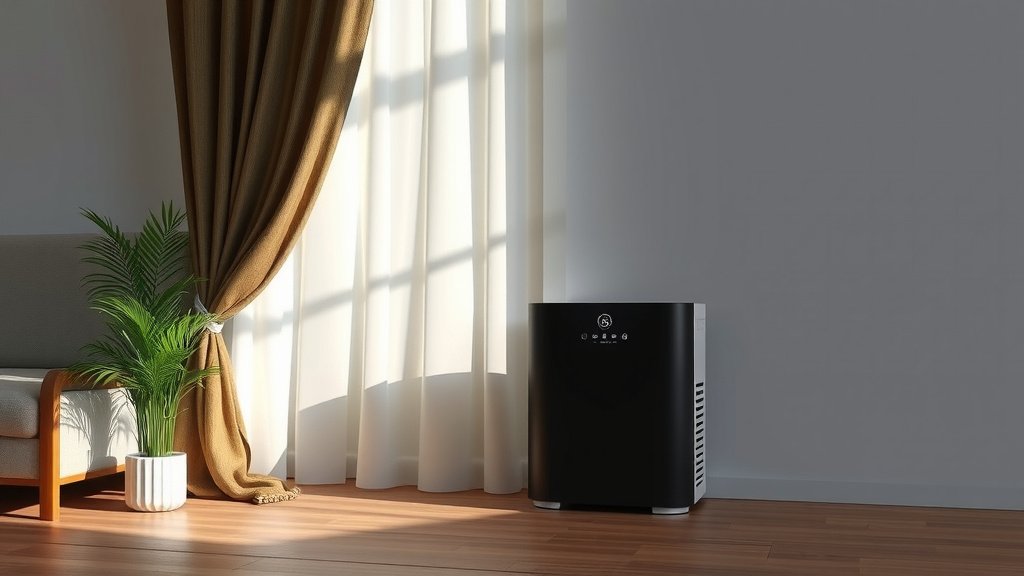
Air purifiers work by drawing air in and pushing cleaner air out. If the vents are blocked, this process gets seriously hampered. We found that leaving at least a foot of space around your unit is ideal. Keep it away from walls, curtains, and large pieces of furniture.
Imagine trying to breathe through a stuffy nose – it’s hard work! Your air purifier feels the same way when its vents are blocked. So, give it that clear space it needs to do its job effectively.
Consider Your Room’s Layout
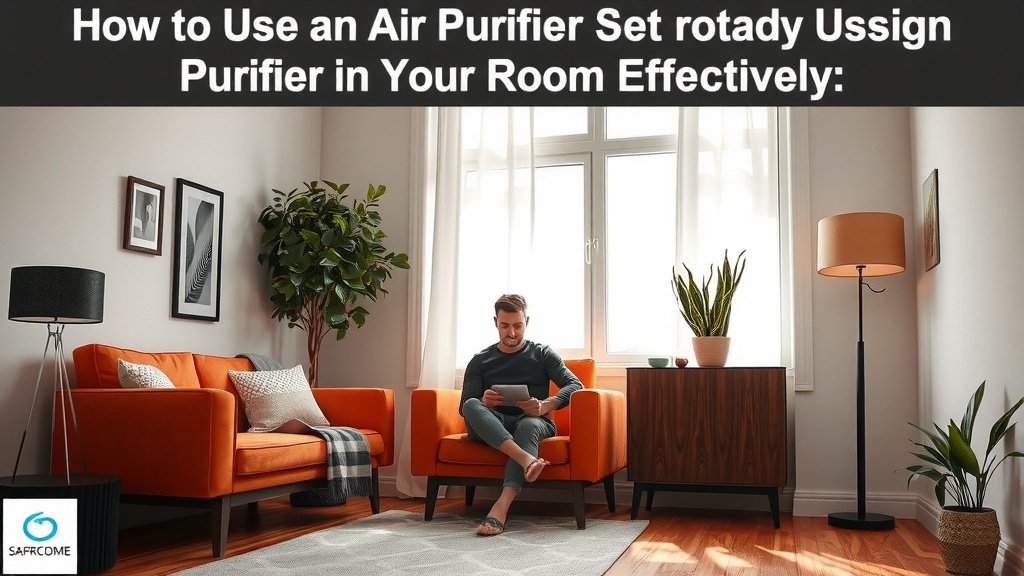
Think about where you spend most of your time in that room. If you have a favorite reading chair in a corner, placing the purifier closer to that area might offer more direct benefit. However, remember to still keep those clearance guidelines in mind for optimal circulation.
Operating Your Air Purifier: Simple Steps to Cleaner Air
Using the actual controls on your air purifier is usually very straightforward. Most models are designed for ease of use, even if you’re not a tech wizard.
Powering Up
First things first, find a suitable power outlet. Make sure it’s not overloaded with other appliances. Then, simply plug in your air purifier. You’ll usually see a power button, often with an indicator light.
Fan Speed Settings: Finding Your Sweet Spot
Most air purifiers come with different fan speed settings. These range from low, which is quiet and uses less energy, to high, which cleans the air more quickly but is also louder.
- Low Speed: Great for overnight use or when you’re in the room and want minimal noise. It’s still working to clean the air, just at a slower pace.
- Medium Speed: A good balance between cleaning power and noise level. This might be your go-to for daily use.
- High Speed: Use this setting when you first enter a room that might have stale air, or if you’re cooking and want to clear out odors quickly. It will be the loudest setting.
Some newer models even have an “auto” mode. This uses sensors to detect air quality and adjust the fan speed automatically. We found this to be incredibly convenient.
Understanding Other Modes (If Applicable)
Depending on your model, you might see other buttons or modes:
- Sleep Mode: This usually dims the lights and runs the fan at its lowest, quietest setting. Perfect for bedrooms.
- Timer: Allows you to set the purifier to turn off after a certain period.
- Ionizer/UV-C Light: Some units have these extra features. Ionizers release negative ions to help particles clump together, and UV-C light targets certain germs. Check your manual if you’re unsure about these.
The Importance of Filter Maintenance: Don’t Forget This!
This is arguably the **most critical step** for keeping your air purifier effective. A dirty filter is like a clogged drain – it just doesn’t work well anymore. Regularly checking and knowing when to replace your air purifier filter is crucial for maintaining performance.
When to Change Your Filters
Manufacturers provide recommended filter replacement schedules. These are usually based on average usage and air quality. You’ll typically see recommendations for replacing HEPA filters every 6-12 months and pre-filters more often.
However, your actual replacement time can vary. We found that if you live in a dusty area, have pets, or experience frequent smoke, you might need to change them sooner. A good rule of thumb is to check your filters visually every month.
Signs Your Filter Needs Replacing
Your air purifier might give you clues:
- Reduced Airflow: If you notice less air coming out of the unit, the filter is likely clogged.
- Unpleasant Odors: If the air coming out doesn’t smell fresh, or if you notice new odors, the filter is probably saturated.
- Visible Dirt: If the filter itself looks visibly dirty, dusty, or discolored, it’s time for a change.
- Indicator Lights: Many modern units have a “filter replacement” indicator light.
How to Replace Filters
Always unplug your air purifier before changing filters. Consult your owner’s manual for specific instructions, as the process varies by model. Generally, you’ll need to remove the back panel or base, take out the old filters, insert the new ones, and replace the cover.
It’s important to use the correct replacement filters for your specific air purifier model. Using incorrect filters can damage the unit or reduce its performance. Many manufacturers offer them directly, or you can find them at major retailers.
Quick Checklist for Optimal Air Purifier Use
Here’s a handy list to keep in mind:
- Place purifier in a central, open area.
- Ensure at least one foot of clearance around the unit.
- Select the appropriate fan speed for your needs.
- Regularly check filter condition.
- Replace filters according to manual recommendations or signs of wear.
- Clean the exterior of the unit occasionally.
Conclusion
You’ve learned how to place, operate, and maintain your air purifier for the best results. Remember that proper placement and regular filter changes are your most powerful tools for cleaner air. Don’t forget to give your unit space to breathe and select the right fan speed for your needs. By following these simple steps, you’re actively creating a healthier environment in your room. Now, go ahead and enjoy that fresher air!
Frequently Asked Questions
How often should I run my air purifier?
For optimal results, it’s generally recommended to run your air purifier continuously, especially when you are in the room. Many people choose to run theirs 24/7, particularly in bedrooms, to maintain consistent air quality. Using lower fan speeds when you’re present can help manage noise levels.
Can I put an air purifier on a table or shelf?
While you can place an air purifier on a sturdy surface like a table or shelf, it’s often best to keep it on the floor. Placing it on a raised surface can sometimes obstruct airflow. Always ensure there’s adequate space around the unit, regardless of its placement.
Do air purifiers actually make a difference for allergies?
Yes, air purifiers can significantly help reduce allergens like dust, pollen, and pet dander in your room. By capturing these airborne particles, they can lessen allergy symptoms for many individuals. Consistent use and proper filter maintenance are key to seeing these benefits.
What’s the difference between an ionizer and a HEPA filter?
HEPA filters physically trap particles like dust and pollen. Ionizers release charged ions to make particles clump together, which can help them settle or be more easily captured by a filter. Some purifiers use both technologies, but always check your manual regarding ionizer use.
How do I know if my air purifier needs cleaning?
You’ll often notice a decrease in airflow from the unit if the filters are clogged. Some models have indicator lights that signal when it’s time to change filters. Visually inspecting the filters for dust buildup can also tell you if cleaning or replacement is needed.
![What Is The Best Air Purifier for Fungus [In 2026]](https://homeunderstandable.com/wp-content/uploads/2025/05/best-air-purifier-for-fungus.jpg)