HEPA Air Purifier: Your Essential Guide to Use
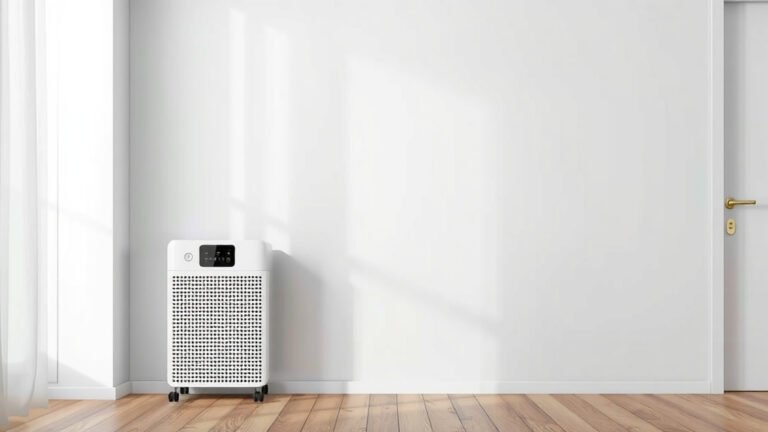
To use your HEPA air purifier effectively, start by placing it in the room where you spend the most time. Ensure it’s on a level surface and at least a foot away from walls or furniture. This allows for optimal air circulation and purification. Remember to follow the manufacturer’s specific instructions for your model.
Using a HEPA air purifier is simpler than you might think! It’s all about setting it up correctly and understanding how to get the most clean air possible. We found that regular maintenance is key to keeping it running efficiently. Think of it as giving your purifier a little spa day so it can do its best work for you.
- Place your purifier in the room you use most.
- Keep it away from walls and furniture for better airflow.
- Check your manual for specific setup steps.
- Remember filter changes for peak performance.
- Clean your purifier regularly as advised.
Ready to breathe easier? Let’s walk through exactly how to get your HEPA air purifier set up and running perfectly in your home.
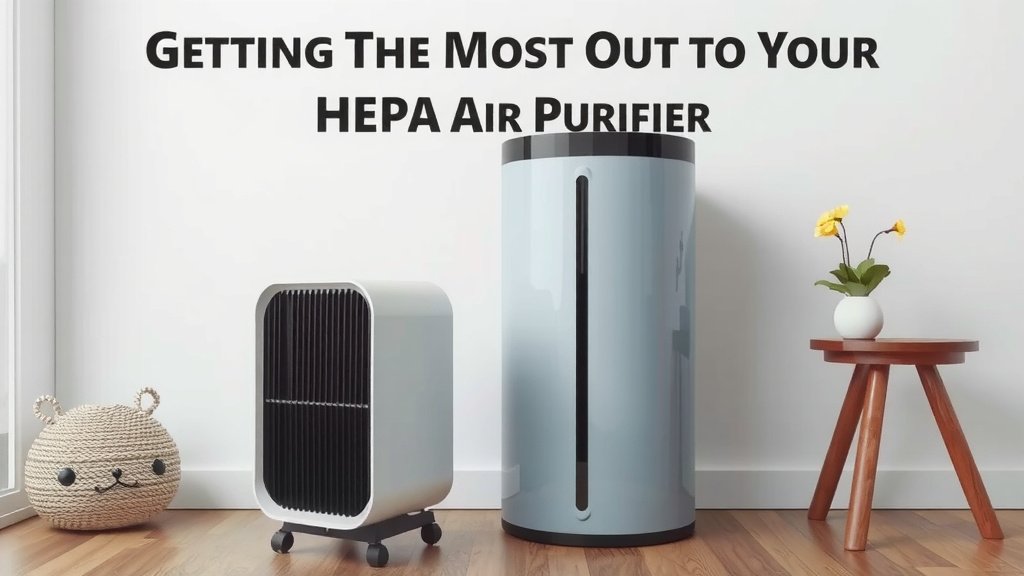
Getting the Most Out of Your HEPA Air Purifier
You’ve got your new HEPA air purifier, and you’re ready to breathe cleaner air. That’s fantastic! Using it effectively isn’t complicated, but a few simple steps can make a big difference. We’ve found that understanding the basics helps you enjoy fresh air without any guesswork. Let’s make sure yours is set up for peak performance right from the start.
Proper Placement is Key for Clean Air
Where you put your air purifier matters a lot. Think of it like placing a fan; you want it where it can actually move air around effectively. For HEPA purifiers, this means positioning it where the air can circulate freely around the unit.
Choosing the Best Room
The first step, as mentioned, is to place it in the room you use most. For many people, this is the bedroom or the living room. If you spend a significant amount of time in your home office, that might be the ideal spot. You want the purifier working hard where you’ll benefit the most from cleaner air.
Ensuring Optimal Airflow
Once you’ve picked your room, give your purifier some breathing room. You’ll want to keep it at least a foot away from walls, furniture, curtains, or anything that might block the air intake or outflow. Imagine you’re giving it its own personal space. This allows the machine to draw in air efficiently and push out purified air effectively.
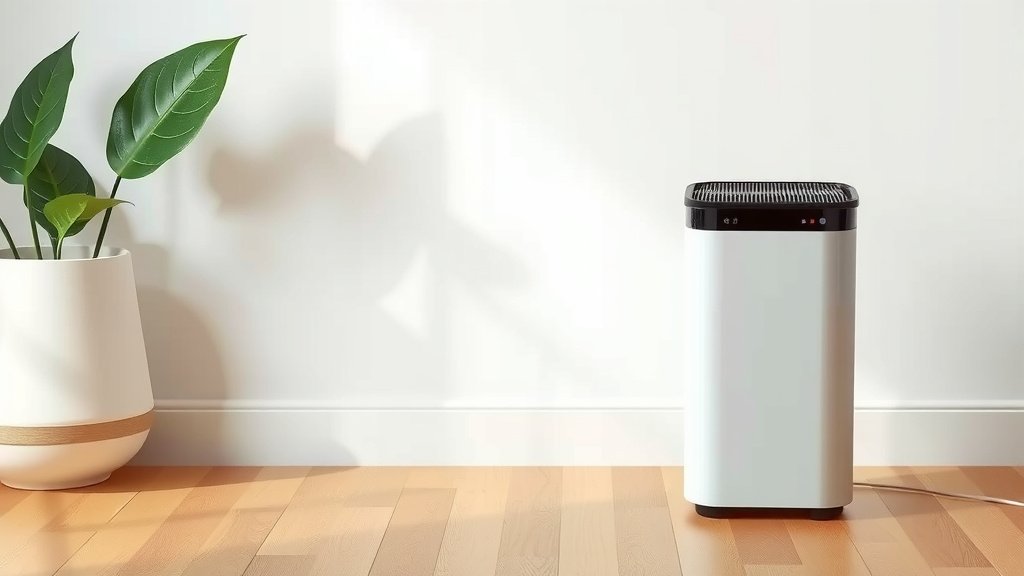
Many manufacturers suggest placing the unit on a level surface. This prevents the motor from working harder than it needs to and ensures the fan operates smoothly. We found that a sturdy table, a shelf, or even the floor (if the manual allows) works perfectly. Just avoid placing it on soft surfaces like thick rugs or bedding, as this can hinder airflow.
Understanding Your Air Purifier’s Settings
Most HEPA air purifiers come with straightforward controls. You’ll typically find power buttons, fan speed settings, and sometimes even timers or air quality indicators.
Fan Speed Explained
Fan speed is your main control for how much air the purifier processes. Higher speeds clean the air faster but can be noisier. Lower speeds are quieter but take longer to circulate the room’s air. For general use, a medium setting often provides a good balance.
When are higher speeds useful? If you’ve just cooked something smoky, if someone is feeling under the weather, or if there’s a noticeable odor, bumping up the fan speed can clear the air more quickly. Many experts suggest using the highest setting for the first 15-30 minutes when you first turn it on in a room to rapidly reduce existing pollutants (Cleveland Clinic).
Using Timers and Sleep Modes
Some models have timer functions. This can be handy if you want the purifier to run for a specific period, like while you’re sleeping or when you’re out of the house. Sleep mode usually dims the lights and runs the fan at its quietest setting, perfect for light sleepers.
Maintenance: The Secret to Long-Term Performance
Your air purifier is like any other appliance; it needs a little care to keep it running smoothly. The most important part of this is the filter.
The HEPA Filter: What It Does and When to Replace It
The HEPA filter is the heart of your air purifier. It’s designed to capture tiny particles like dust, pollen, mold spores, and even some bacteria. Because it’s catching so much, it eventually gets full and needs replacing.
How often? This varies by model and how much you use the purifier. A good rule of thumb is to check your user manual. Many suggest replacing the HEPA filter every 6 to 12 months. If you live in a dusty area, have pets, or suffer from allergies, you might need to replace it sooner. You’ll often notice a drop in performance or the need to clean the pre-filter more often when it’s time for a change.
Cleaning the Pre-Filter
Many purifiers have a pre-filter, usually a mesh layer. This catches larger particles like pet hair and visible dust. Cleaning this regularly can extend the life of your main HEPA filter. You can typically vacuum it or gently wash it with mild soap and water. Always make sure it’s completely dry before putting it back.
Keeping the Exterior Clean
Don’t forget the outside! Dust can settle on the purifier’s housing too. Simply wipe it down with a soft, dry cloth. For tougher spots, a slightly damp cloth can work, but avoid harsh chemicals or getting water into the motor. Keeping the exterior clean also helps ensure proper airflow.
A Quick Maintenance Checklist
Here’s a simple checklist to keep your purifier in top shape:
- Check your HEPA filter replacement schedule (usually every 6-12 months).
- Vacuum or wash the pre-filter monthly.
- Wipe down the exterior with a soft cloth regularly.
- Ensure the unit is in a spot with good airflow.
- Listen for any unusual noises – they might signal a need for attention.
- Review your user manual for any model-specific tips.
Troubleshooting Common Issues
Sometimes, you might run into minor hiccups. Here’s how to handle them.
Unusual Noises
If your purifier starts making loud or strange noises, first check that it’s on a level surface. Make sure no cords are hitting the fan. The most common cause is a filter that’s not seated correctly or is overdue for replacement. If the problem persists, consult your manual or the manufacturer.
Reduced Airflow
Is it not seeming to push out as much air as before? This almost always means the filters are clogged. Check your pre-filter and your main HEPA filter. A dirty filter is the biggest culprit for reduced airflow.
Lingering Odors
If you’re still noticing odors after running the purifier, it might be time for a filter change. The carbon filter (sometimes combined with the HEPA filter) can become saturated with odor molecules. Also, ensure you’re not placing the purifier too close to the source of the odor. Give it space to work!
Conclusion
You’ve learned how to set up and maintain your HEPA air purifier for the best results. Proper placement, understanding the settings, and regular filter care are your keys to breathing cleaner air. Think of it as a simple routine for a healthier home environment. Your next step? Take a moment today to check your purifier’s manual and confirm your filter replacement schedule. This small action ensures your purifier keeps working effectively for you and your family.
Frequently Asked Questions
How often should I run my HEPA air purifier?
For continuous benefits, you can run your HEPA air purifier 24/7. Many people choose to run it on a lower, quieter setting overnight or when they are home. Adjust the fan speed based on your air quality needs and how much time you spend in the room.
Can I leave my air purifier on when I’m not home?
Yes, you can generally leave your HEPA air purifier on when you’re not home. Modern units are designed for safe, continuous operation. Using a timer function can also help manage its run time and energy consumption.
What’s the difference between a HEPA filter and a regular filter?
A true HEPA filter is certified to capture at least 99.97% of airborne particles 0.3 microns in size. Regular filters may capture larger particles but lack the fine-mesh density required for HEPA-level filtration of allergens and microscopic pollutants.
Will my air purifier remove odors?
Many HEPA air purifiers include an activated carbon filter, which is effective at absorbing odors and gases. The HEPA filter itself primarily captures particles. Check your model’s specifications to see if it includes odor-reducing capabilities.
Can I clean my HEPA filter with water?
No, you should never wash a true HEPA filter with water. Water can damage the delicate fibers and reduce its effectiveness. Always replace HEPA filters as recommended by the manufacturer; only the pre-filter is typically washable.