
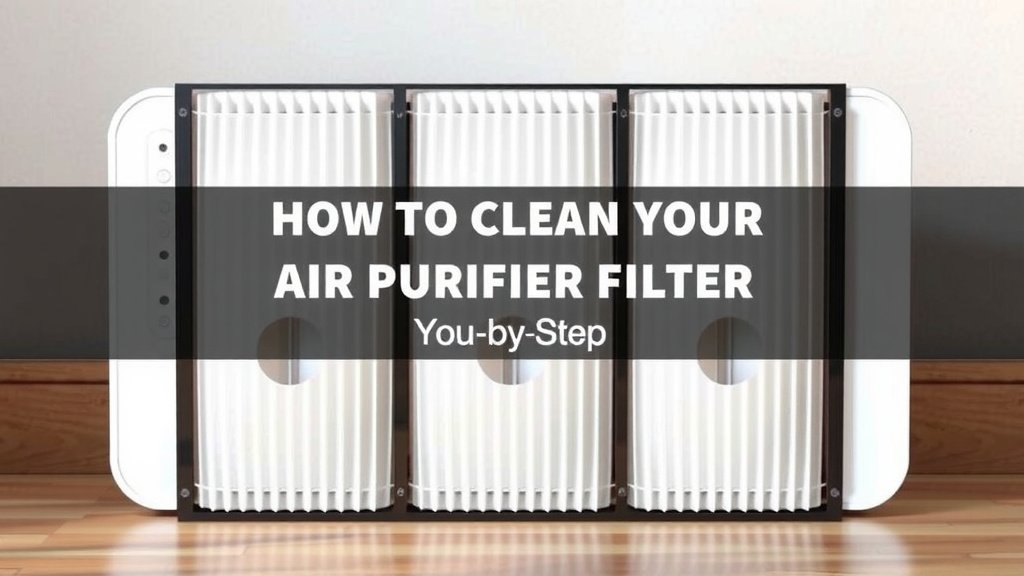
How to Clean Your Mooka Air Purifier Filter: Step-by-Step
The easiest way to clean your Mooka air purifier filter is by vacuuming it gently. You can do this about once a month to keep it working its best. This helps remove larger dust particles before they clog the filter.
Keeping your Mooka filter clean is important for maintaining good air quality in your home. A dirty filter can make your purifier less effective. We found that regular cleaning can also help your purifier last longer.
- Gently vacuum your Mooka filter monthly.
- Use a soft brush attachment if you have one.
- Never wash or rinse HEPA filters.
- Replace filters according to the manufacturer’s guide.
Let’s walk through exactly how to clean your Mooka air purifier filter step by step so you can breathe easier.
Caring for Your Mooka Air Purifier Filter
Keeping your Mooka air purifier filter clean is simpler than you might think. Regular maintenance ensures your home stays filled with fresh air. Let’s look at how to get the job done right. We’ll guide you through each step.
Understanding Your Mooka Filter Types
Before you start cleaning, it’s important to know what kind of filter you have. Mooka air purifiers typically use a combination of filters. These usually include a pre-filter, a HEPA filter, and an activated carbon filter. Each one has its own cleaning needs.
The Pre-Filter: Your First Line of Defense
The pre-filter is usually a mesh layer. Its job is to catch the biggest particles. Think pet hair, large dust bunnies, and lint. It’s designed to be cleaned most frequently. This protects the more sensitive filters behind it. Many experts say a clean pre-filter significantly extends the life of the entire filter system (Cleveland Clinic).
The HEPA Filter: Handle with Care
This is where things get a bit delicate. HEPA stands for High-Efficiency Particulate Air. It’s designed to trap tiny particles like pollen, mold spores, and fine dust. These are the things that really impact your air quality. Unfortunately, HEPA filters are **not washable**. Water can damage their delicate structure. If you try to rinse them, you’ll likely ruin their ability to filter effectively.
The Activated Carbon Filter: Odor Absorption
This filter is usually black and has a granular or fibrous texture. Its main purpose is to absorb odors and gases. This includes things like smoke, cooking smells, and volatile organic compounds (VOCs). Like the HEPA filter, activated carbon filters are also **not meant for washing**. Water can saturate the carbon, reducing its ability to trap smells.
How to Gently Clean Your Mooka Air Purifier Filter
So, how do you actually tackle the cleaning? For most Mooka models, the primary method involves a vacuum cleaner. This is your best friend for routine filter maintenance. We found that a monthly vacuum session makes a big difference.
Step 1: Safety First – Power Down!
Before you do anything else, make sure your Mooka air purifier is **unplugged**. This is crucial for your safety. You don’t want any accidental power surges or shocks. Just pull that plug from the wall outlet.
Step 2: Accessing the Filter
Next, you need to get to the filter. Most Mooka purifiers have a back panel or side cover that you can open. Check your user manual if you’re unsure. Sometimes, there are latches or clips. Gently release them to open the compartment. Be careful not to force anything.
Step 3: Removing the Filters
Once open, you can carefully slide out the filters. Note the order in which they come out. This will help you put them back in correctly. The pre-filter usually comes out first. Then you’ll see the HEPA and carbon filters.
Step 4: Vacuuming the Pre-Filter
Now for the cleaning itself. Take your vacuum cleaner. Use the **soft brush attachment** if you have one. This is the gentlest way to vacuum. Move the brush attachment slowly over the surface of the pre-filter. You want to suck up the accumulated dust and debris. Don’t press too hard. You’re just removing surface gunk.
A Gentle Touch is Key
Think of it like dusting a delicate picture frame. You don’t want to scratch or damage anything. A light, sweeping motion is all that’s needed. We found that paying attention to the corners and edges helps a lot. They tend to collect more stubborn particles.
Step 5: Cleaning the HEPA and Carbon Filters (The No-Water Rule!)
Now, what about those other filters? As we mentioned, **never wash HEPA or activated carbon filters**. For these, a very light vacuuming might be permissible. Check your Mooka manual specifically. If it says you can, use the same soft brush attachment. Again, be **extremely gentle**. Just a light pass to remove loose surface dust. Many sources suggest that for HEPA filters, it’s best to just replace them when they’re dirty.
Why Not Wash Them?
Let’s reiterate: washing HEPA filters damages the fine fibers that trap microscopic particles. It’s like trying to clean a coffee filter by rinsing it. You might wash off some grounds, but you’ll also ruin its ability to filter the next brew. For activated carbon, water can displace the odor-absorbing molecules. This makes the filter less effective at removing smells. So, resist the urge to give them a bath!
Step 6: Reassembly
After vacuuming, carefully place the filters back into the purifier. Make sure they are in the **correct order and orientation**. Refer to your notes or the manual if you’re unsure. Then, close the compartment cover securely. You should hear or feel it click into place.
Step 7: Plug In and Power On
Finally, plug your Mooka air purifier back into the wall outlet. You can now turn it on. You should notice it running smoothly. It might even sound a bit quieter with a cleaner filter!
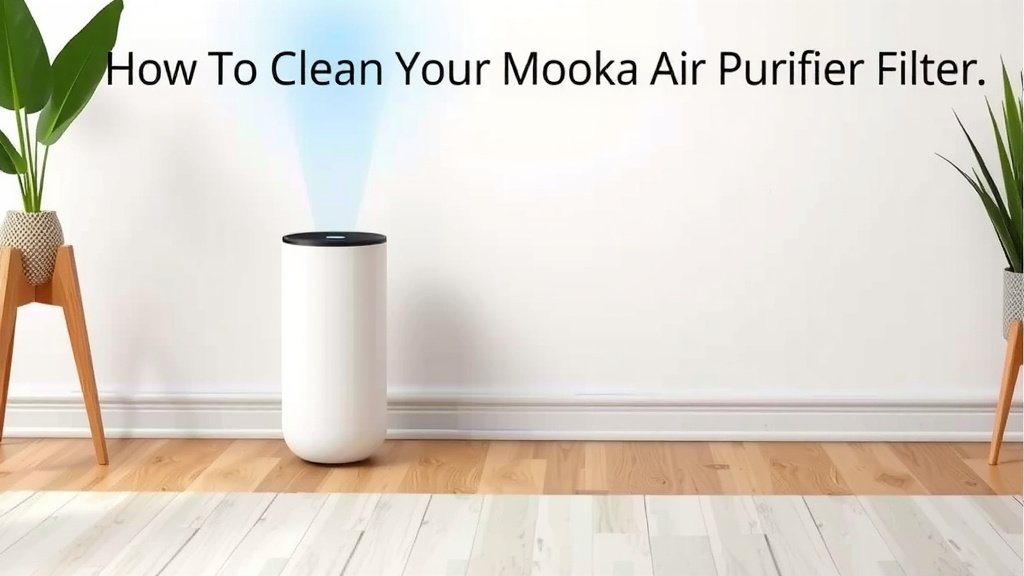
When to Replace Your Mooka Filters
Even with regular cleaning, filters don’t last forever. You’ll need to replace them eventually. The exact timing depends on several factors. These include how often you use the purifier and the air quality in your home. Many experts suggest replacing the HEPA and carbon filters every 6 to 12 months. The pre-filter might need cleaning more often, perhaps monthly. Always refer to your Mooka user manual for the most accurate replacement schedule. It’s your best guide.
Quick Filter Cleaning Checklist
Here’s a handy checklist to keep your Mooka filter in top shape:
- Unplug the air purifier before starting.
- Open the filter compartment carefully.
- Remove filters and note their order.
- Vacuum the pre-filter with a soft brush attachment.
- Gently vacuum HEPA/carbon filters ONLY if manual allows.
- Never wash HEPA or carbon filters.
- Reassemble filters in the correct order.
Conclusion
You’ve learned how simple it is to keep your Mooka air purifier working efficiently. Regular, gentle vacuuming of your pre-filter makes a big difference. Remember, the HEPA and carbon filters are delicate; always avoid washing them. By following these steps, you ensure cleaner air and extend the life of your purifier. Your next step is to schedule that monthly filter check. A few minutes now means healthier air for your home.
Frequently Asked Questions
How often should I vacuum my Mooka air purifier filter?
We recommend vacuuming your Mooka’s pre-filter about once a month. This helps remove larger dust particles and pet hair. For the HEPA and carbon filters, only vacuum them very lightly if your manual allows, and never wash them.
Can I wash my Mooka HEPA filter?
No, you should **never wash** your Mooka HEPA filter. Water can damage the delicate fibers that trap tiny particles. Washing will make it less effective at cleaning your air. It’s best to replace HEPA filters as recommended.
What if my Mooka air purifier filter looks very dirty?
If your pre-filter is heavily soiled after vacuuming, it might be time for a replacement. For HEPA and carbon filters, extreme dirtiness usually means they need to be replaced according to the manufacturer’s schedule, typically every 6-12 months.
How do I know if I have different types of filters in my Mooka?
Most Mooka air purifiers use a multi-stage filtration system. You’ll likely find a washable pre-filter (often a mesh screen), followed by a HEPA filter, and then an activated carbon filter. Check your Mooka’s user manual to confirm the types and their order.
Where can I find the specific instructions for my Mooka model?
Your Mooka air purifier’s user manual is the best resource for model-specific cleaning and replacement guidance. It will detail how to access the filters and any specific care instructions for your unit.
![5 Best Hepa Air Purifier for Viruses [In 2026]](https://homeunderstandable.com/wp-content/uploads/2025/05/best-hepa-air-purifier-for-viruses-top-picks-for-clean-air-768x512.jpg)