Air Purifier Setup Guide: Easy Steps for Clean Air
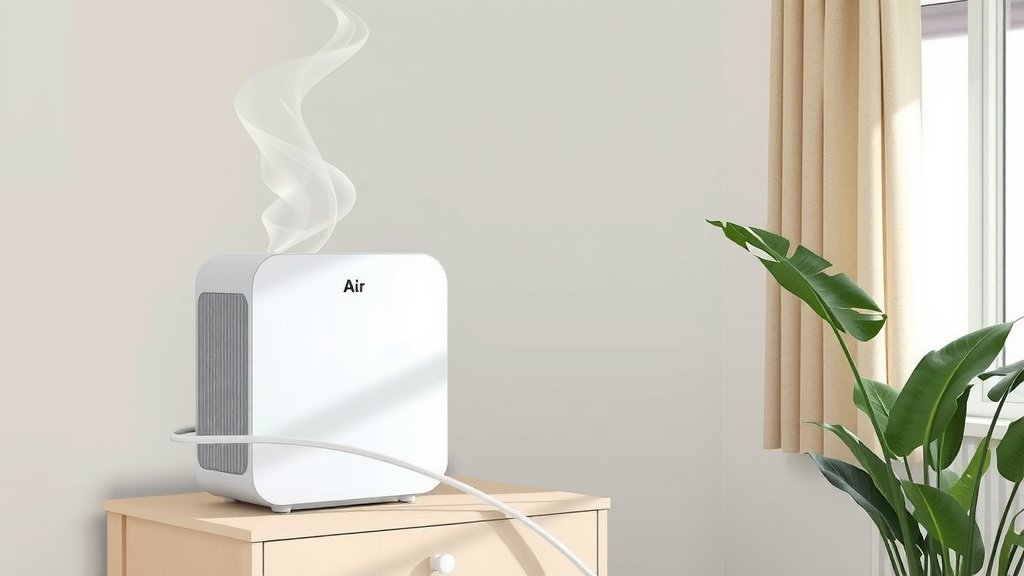
Putting your air purifier to work is usually a super simple process. You basically just plug it in and turn it on, but there are a few smart tips to make sure you’re getting the most out of your new air cleaner for cleaner, fresher air.
Getting your air purifier set up correctly can make a big difference. We found that placing it in the right spot and understanding its settings helps it work its best. This is key to breathing easier in your home or office.
- Plug it in and turn it on.
- Choose the right room.
- Adjust fan speed and modes.
- Understand filter replacement.
Let’s walk through exactly how to set up your air purifier step by step to get the best results.
Setting Up Your Air Purifier for Optimal Performance
So, you’ve got your new air purifier, and you’re ready to breathe a little easier. That’s fantastic! Properly setting it up is the key to unlocking its full potential. We’re going to walk through the simple steps to ensure your air purifier works its magic in your home.
It’s not just about plugging it in; a few thoughtful placements and adjustments can make a world of difference in air quality. Let’s get started!
Choosing the Right Location for Your Air Purifier
Where you place your air purifier is more important than you might think. It needs space to work effectively. Think of it like giving your purifier room to breathe!
Maximizing Airflow and Coverage
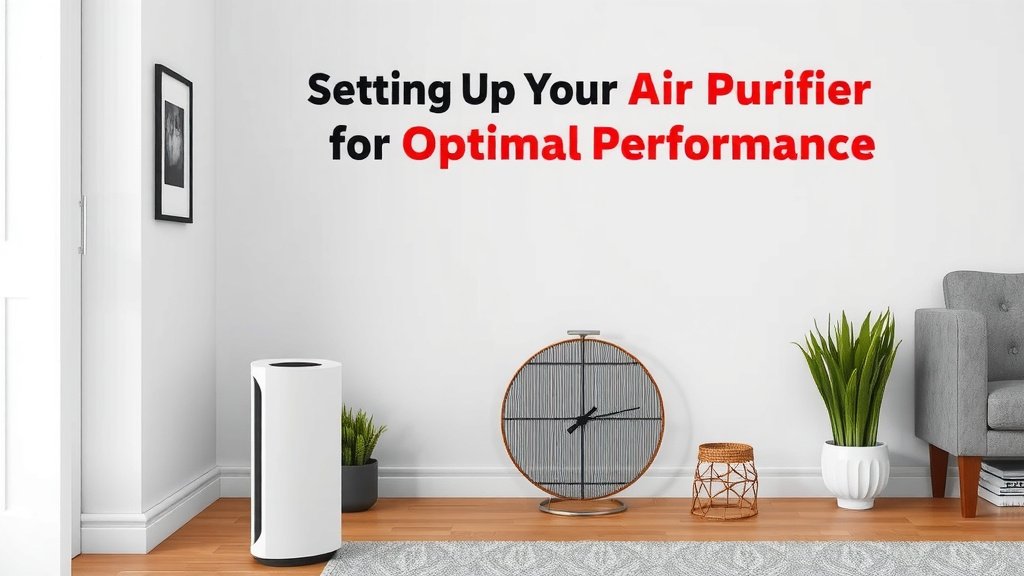
For the best results, position your air purifier in the room where you spend the most time. This is often the bedroom or living room. You want the clean air where you can benefit from it the most.
It’s recommended to place the unit at least 1 to 3 feet away from walls and furniture. This allows for unimpeded airflow. Obstructions can seriously limit how much air the purifier can cycle through. Many experts suggest positioning it in a central location within the room, if possible.
Avoiding Common Placement Mistakes
There are a few spots that aren’t ideal for your air purifier. Avoid placing it directly next to curtains or drapes, as these can block the air intake. Don’t tuck it away in a dark corner either; it needs to be able to draw in air freely.
Also, keep it away from kitchens where grease and cooking fumes might clog the filters faster. And while it might seem convenient, avoid placing it in damp areas like bathrooms, as this can affect its performance and potentially damage the unit.
Understanding Your Air Purifier’s Controls and Settings
Once you’ve found the perfect spot, it’s time to get acquainted with the controls. Most air purifiers have a pretty straightforward interface, but understanding the settings can help you tailor its operation to your needs.
Fan Speed and Modes Explained
Your air purifier likely has several fan speed settings: low, medium, and high. A lower speed is quieter and uses less energy, perfect for overnight use or when you’re just looking for gentle air circulation.
A higher speed will clean the air more quickly, which is great for removing strong odors or during allergy season. Many units also come with an ‘auto’ mode. This uses sensors to detect air quality and automatically adjusts the fan speed as needed. This is a set-it-and-forget-it kind of feature that many find incredibly convenient.
Special Features to Look For
Some air purifiers offer additional modes like a ‘sleep’ mode, which dims the lights and runs the fan at its lowest, quietest setting. Others might have a ‘turbo’ mode for a rapid clean. Keep an eye out for features like timers, which allow you to set the purifier to run for a specific duration.
The Crucial Role of Air Purifier Filters
Filters are the heart of your air purifier. They’re what actually capture the pollutants. Without clean filters, your purifier is just a fan.
Understanding Different Filter Types
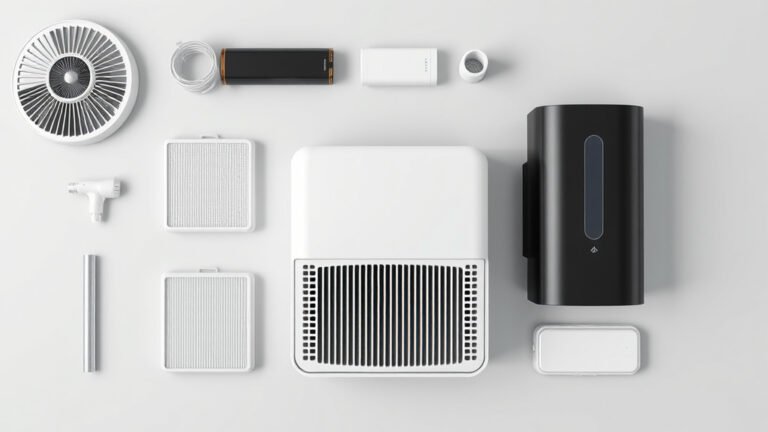
Most air purifiers use a combination of filters. A pre-filter usually captures larger particles like dust and pet hair. This protects the more sensitive filters underneath. Then comes the HEPA filter, which is designed to capture at least 99.97% of airborne particles 0.3 microns in size, including allergens and mold spores (CDC).
Many also include an activated carbon filter. This is brilliant for absorbing odors and gases from cooking, pets, or smoke.
When and How to Replace Filters
Filter replacement is non-negotiable for optimal performance. How often you need to replace them depends on the unit, the filter type, and your environment. Generally, manufacturers recommend replacing HEPA filters every 6 to 12 months and carbon filters every 3 to 6 months.
Always check your air purifier’s manual for specific recommendations. Many modern units have a filter indicator light that will alert you when it’s time for a change. Replacing them yourself is usually a simple process. You typically just open the back or bottom panel, remove the old filter, and pop in the new one. It’s a task that often takes less than five minutes.
A Quick Checklist for Proper Air Purifier Setup
To make sure you’ve got everything covered, here’s a handy checklist:
- Unpack Carefully: Remove all packaging, including any plastic wraps on the filters inside.
- Choose the Right Room: Place it where you spend the most time.
- Ensure Ample Space: Keep it 1-3 feet from walls and furniture.
- Check Filter Installation: Make sure filters are correctly seated if you had to install them.
- Select Initial Settings: Start with a medium fan speed or auto mode.
- Power On: Plug it in and turn it on! Enjoy cleaner air.
Following these steps ensures your air purifier is set up for success. You’re well on your way to enjoying fresher, cleaner air in your home. It’s a simple process with a big payoff for your well-being.
Conclusion
You’ve now learned how to set up your air purifier for the best results. Proper placement and understanding its settings are key to breathing cleaner air. Remember to give your unit space to work and check on its filters regularly. You’re on your way to a healthier indoor environment. Your next step is to follow the quick checklist to ensure you’ve covered all the essentials for effective air purification in your home.
Frequently Asked Questions
How do I know if my air purifier is working?
You can often tell your air purifier is working by listening for the fan and checking if air is being drawn into and released from the unit. Many models also have indicator lights that show the current air quality or fan speed.
Can I leave my air purifier on all the time?
Yes, most modern air purifiers are designed for continuous operation. Leaving it on will provide consistent air purification, especially if you have allergies or live in an area with poor outdoor air quality.
Should I move my air purifier from room to room?
It’s best to place your air purifier in the room where you spend the most time, like a bedroom or living room. Moving it frequently can be less effective than allowing it to continuously clean the air in one primary space.
What’s the best fan speed to use?
The best fan speed depends on your needs. Use a lower speed for quiet operation, like overnight. A higher speed is better for quickly removing odors or during allergy season. Auto mode is often a good choice for balanced performance.
Do I need to assemble my air purifier?
Most air purifiers come fully assembled. You typically just need to remove all packaging, including any protective plastic wrap from the filters inside, before plugging it in and turning it on.

![How Long Should Air Purifier Stay On [In 202]](https://homeunderstandable.com/wp-content/uploads/2025/06/how-long-should-air-purifier-stay-on-expert-advice-768x432.jpg)