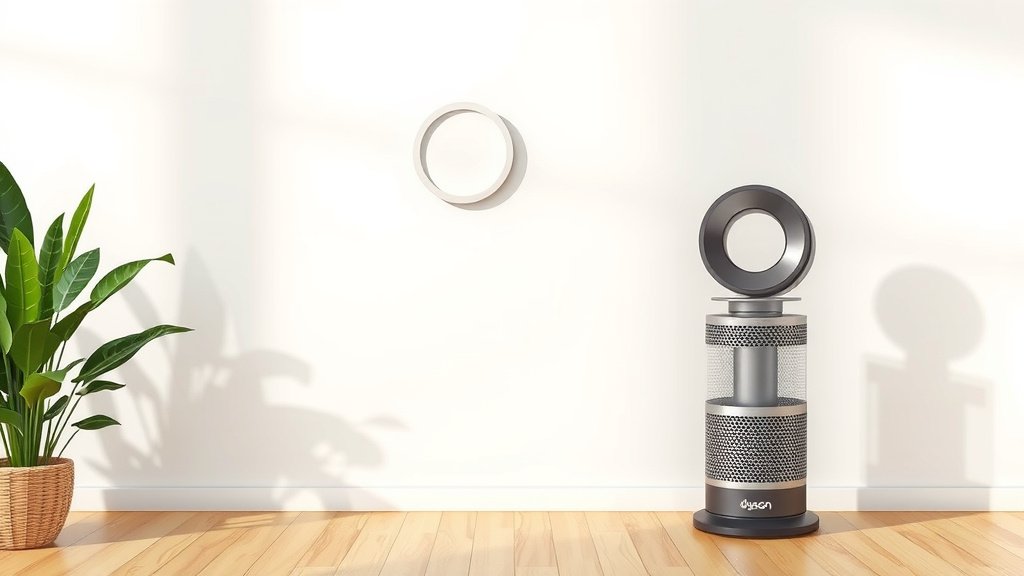
Reset Your Dyson Air Purifier Filter: Easy Steps
Resetting your Dyson air purifier filter is a simple process that ensures your machine works its best. You can typically reset it by pressing and holding a specific button on the device for a few seconds. This action tells your purifier that a new filter is installed and it’s time to start counting again.
Keeping your Dyson filter clean and reset is key for maintaining optimal air quality. A dirty or un-reset filter can reduce the purifier’s efficiency and lead to inaccurate readings. Many users find that a quick reset makes a noticeable difference in their purifier’s performance and air circulation.
- Dyson filters need regular resetting.
- Press and hold a specific button to reset.
- This confirms a new filter is in place.
- It ensures your purifier runs efficiently.
- Proper resetting improves air quality.
Ready to get your Dyson purifier back to peak performance? Let’s walk through exactly how to reset that filter, step by step.
Keeping Your Dyson Air Purifier Running Smoothly: The Filter Reset Guide
Resetting your Dyson air purifier filter is a critical step after you’ve replaced it. This simple action tells your machine it’s time to start a fresh cycle. You’re essentially letting your purifier know a new filter is installed and ready to go.
When you skip this step, your Dyson might still think the old filter is in place. This can lead to inaccurate air quality readings and reduce the overall effectiveness of your purifier. Think of it like forgetting to reset your watch after changing the battery – it’ll still tell time, but maybe not the right time!
Why Resetting Your Dyson Filter Matters
Your Dyson air purifier is designed to be a smart device. It monitors air quality and tracks filter usage. When the filter reaches the end of its lifespan, the machine will alert you. This alert is your signal that it’s time for a replacement.
Maintaining Optimal Airflow and Filtration
A key reason for resetting is to ensure your purifier continues to operate at its best performance level. A filter does the heavy lifting of capturing pollutants. Once it’s saturated, its ability to pull in air diminishes. Resetting confirms the system is ready for a clean filter’s full capacity.
Accurate Air Quality Monitoring
Dyson purifiers use sensors to measure the air around you. These sensors rely on the filter’s condition to give you reliable data. When a filter isn’t reset, the machine might not accurately reflect your current air conditions. This means you could be missing out on important air quality information (Cleveland Clinic).
Preventing Unnecessary Filter Replacements
Some users might worry about needing to replace filters more often than necessary. Resetting the filter indicator correctly means your purifier will track the new filter’s life accurately. This prevents premature alerts for a new, perfectly functional filter.
How to Reset Your Dyson Air Purifier Filter: Step-by-Step
The exact button and process can vary slightly between Dyson models. However, the general principle remains the same: you’ll need to interact with a specific button on the unit. We’ve found that most Dyson purifiers require a button press-and-hold.
Locating the Correct Button
First, take a look at your Dyson air purifier. You’ll typically find the necessary button on the main unit itself, often near the power button or on the base. For many Dyson models, this is the standby mode button or a dedicated filter reset button.
Common Button Locations
On models like the Dyson Pure Cool™ series, you might be looking for a button on the remote control or directly on the unit. For the Dyson Purifier Cool™ or Hot+Cool™ models, it’s often a button on the device itself. We recommend checking your specific model’s manual if you’re unsure.
The Reset Procedure
Once you’ve located the correct button, the next step is to press and hold it. The duration you need to hold it can differ, but it’s usually for about 5 to 10 seconds. You’re usually looking for an audible confirmation or a visual cue on the display.
What to Expect During the Reset
As you hold the button, you might see the filter life indicator on the screen change or disappear temporarily. Some models emit a chime or beep to signal that the reset was successful. It’s a bit like a digital high-five from your machine, letting you know it registered the action.
Resetting After Filter Installation
It’s best to perform the reset immediately after you’ve installed the new filter. Don’t wait until the machine alerts you that the old filter is depleted. Doing it right away ensures the tracking begins from the moment the new filter is in place.
Troubleshooting Common Issues
What if the reset doesn’t seem to work? Don’t worry, it happens! Sometimes it’s just a matter of holding the button a little longer or ensuring the purifier is in standby mode.
Is Your Filter Properly Seated?
Before attempting a reset, double-check that the new filter is installed correctly. A filter that isn’t fully secured might prevent the machine from recognizing the reset command. Make sure it clicks into place securely.
Power Cycle Your Dyson
If holding the button doesn’t do the trick, try a simple power cycle. Unplug your Dyson purifier from the wall for a minute, then plug it back in. After it powers up, try the reset procedure again. This can often clear any temporary glitches.
Consult Your User Manual
Every Dyson model is a little different. Your user manual is your best friend for specific instructions. It will have clear diagrams and precise steps tailored to your particular air purifier. If you’ve misplaced yours, a quick search online for your model number and “user manual” should help you find a digital copy.
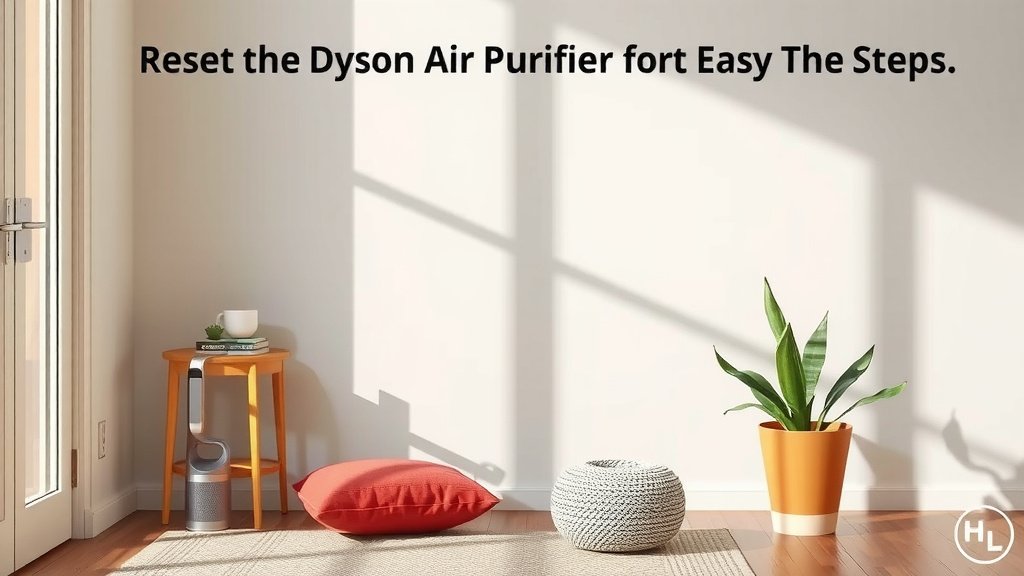
Quick Filter Reset Checklist
Here’s a simple checklist to make sure you’ve got the reset process down pat:
- Ensure your new Dyson filter is properly installed.
- Locate the correct reset button on your Dyson unit.
- Press and hold the button for the recommended duration (usually 5-10 seconds).
- Listen for an audible confirmation or watch for a visual cue on the display.
- If it doesn’t work, try unplugging the unit for a minute and then re-attempting the reset.
- Refer to your specific Dyson model’s user manual for precise instructions.
Taking these small steps ensures your Dyson air purifier continues to provide you with clean, healthy air. It’s a simple task that makes a big difference in the long run for your home’s air quality.
Conclusion
You’ve now learned the simple steps to reset your Dyson air purifier’s filter. This quick action ensures your machine works at its best, giving you accurate air quality readings and optimal airflow. Remember, a reset confirms your purifier knows a new filter is installed, starting its tracking cycle anew. Don’t forget to check your specific model’s manual if you’re ever unsure. The next time you replace your filter, you’ll know exactly how to get your Dyson purifier back to peak performance. Just a few seconds of your time makes a big difference for your home’s air!
Frequently Asked Questions
How long do I need to hold the reset button on my Dyson air purifier?
Generally, you’ll need to press and hold the correct button for about 5 to 10 seconds. Look for a visual cue on the display or an audible chime to confirm the reset was successful. This tells your Dyson that the filter has been reset.
What happens if I don’t reset the filter on my Dyson air purifier?
If you don’t reset the filter indicator, your Dyson purifier will continue to believe the old filter is still in place. This can lead to inaccurate air quality reports and reduce the overall effectiveness of your purifier’s cleaning cycles.
Can I reset the filter on a Dyson air purifier without replacing it?
The filter reset function is designed to be used immediately after installing a new filter. Resetting it without replacing the filter wouldn’t be accurate and would defeat the purpose of the tracking system.
My Dyson filter reset didn’t seem to work. What should I do?
If the reset doesn’t register, try unplugging your Dyson purifier from the wall for a minute, then plug it back in and attempt the reset again. Also, ensure the new filter is seated properly, as a loose filter can sometimes prevent the reset from working.
Which button on my Dyson air purifier is the filter reset button?
The specific button can vary by model. For many Dyson purifiers, it’s often the standby mode button or a button located on the device’s base or remote. Your user manual will have the exact location for your specific model.

![5 Best Hepa Air Purifier for Large Rooms [In 2026]](https://homeunderstandable.com/wp-content/uploads/2025/05/best-hepa-air-purifier-for-large-rooms-top-picks-for-clean-air-768x512.jpg)