How to Turn On Your Air Purifier: Quick Start Guide
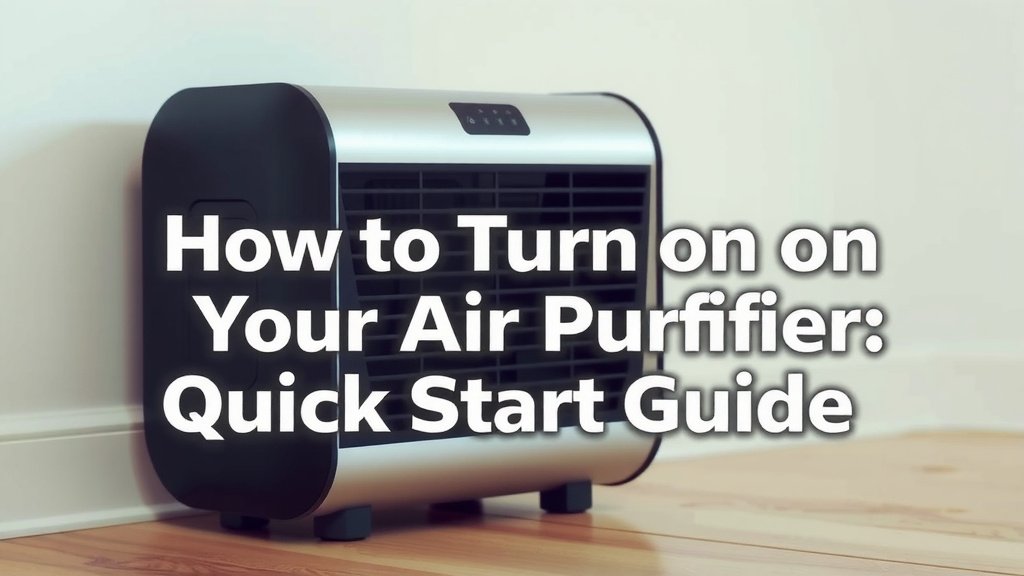
Turning on your air purifier is usually a simple process. Most models just require you to plug them in and press the power button. You’ll typically find this button prominently located on the top or front of the unit. Once powered on, it often starts on an automatic or medium setting.
Air purifiers help remove allergens and pollutants from your home’s air. They work by pulling air through a filter system. Different models have varying features like speed controls and air quality sensors. Knowing how to operate yours ensures you get the best possible air quality.
- Plug in your air purifier.
- Locate and press the power button.
- Check for indicator lights.
- Adjust settings as needed.
- Ensure it’s placed correctly.
Ready to breathe easier? Let’s walk through how to get your air purifier up and running step by step.
Getting Your Air Purifier Started
You’ve got your new air purifier, and you’re eager to start breathing cleaner air. It’s simpler than you might think! Most units are designed for straightforward setup. Let’s make sure you get it running correctly.
Step 1: Find the Perfect Spot
Before you even plug it in, think about placement. Your air purifier needs space to work its magic. It needs to draw in air from all around it. Placing it too close to a wall or furniture can block the airflow. We found that leaving at least 12 to 24 inches of clear space around your unit is often recommended (Consumer Reports).
- Avoid corners.
- Keep it away from curtains or blinds.
- Don’t hide it behind large furniture.
Step 2: Powering Up Your Device
Once you’ve found a good spot, it’s time to plug it in. Locate a standard wall outlet. Your air purifier won’t do much without power, so this is a key step. Make sure the power cord isn’t kinked or damaged. A safe connection ensures it runs smoothly.
Finding the Power Button
The power button is usually pretty obvious. You’ll often find it right on the top control panel of the unit. It might be a distinct button or part of a touch-sensitive area. Sometimes, it’s on the front face. Look for a universal power symbol, like a circle with a line through the top.
What Happens When You Press It?
Pressing the power button once is usually all it takes. Many air purifiers will boot up on a default setting. This is often a medium fan speed or an automatic mode. You might hear a gentle hum as it starts working. Indicator lights should also come on.
Step 3: Understanding the Lights and Sounds
Those little lights and the hum are important. They tell you your air purifier is active and working. Don’t be alarmed by the initial sound; it’s just the fan starting up. The lights confirm it’s receiving power and that its systems are engaged.
Indicator Lights Explained
Different lights mean different things. A power light will usually be steady. You might see lights indicating fan speed, mode (like auto or sleep), or filter status. Refer to your user manual for the exact meaning of each light. We found that most manuals clearly explain these indicators.
Sound Levels
Air purifiers make noise because they have a fan moving air. The noise level depends on the fan speed. Higher speeds are louder but clean air faster. Lower speeds are quieter and good for nighttime. Some models have special “sleep modes” that are nearly silent (American Lung Association).
Fine-Tuning Your Air Purifier’s Settings
Turning it on is just the beginning. Most air purifiers offer settings to customize their performance. Adjusting these can make a big difference in your comfort and the air quality. Think of it like setting your thermostat for optimal home comfort.
Fan Speed Adjustments
You’ll likely see buttons or touch controls for fan speed. These usually range from low to high. Start with a medium setting to see how it performs. If you need faster air cleaning, crank it up. If the noise bothers you, dial it back down.
Automatic Mode
Many modern units feature an “auto” mode. This uses built-in sensors to detect air quality. If it senses pollutants, it will automatically increase the fan speed. When the air clears, it will slow down. This is a great energy-saving feature. It ensures you’re always breathing the best air possible without constant adjustments.
Sleep Mode and Other Special Settings
Some purifiers have a “sleep” or “night” mode. This typically dims the indicator lights and reduces the fan speed to its lowest, quietest setting. This is perfect for bedrooms. You might also find timer functions. These allow you to set the purifier to run for a specific number of hours.
Filter Indicators and Maintenance
Air purifiers rely on filters to do their job. These filters capture dust, pollen, pet dander, and other particles. Over time, these filters get clogged. Your air purifier will likely have a way to tell you when it’s time for a change.
Recognizing Filter Change Alerts
This could be a blinking light or a specific indicator message. It’s usually a strong signal that your filter is no longer effective. Continuing to run a clogged filter reduces performance and can strain the motor. Many experts say replacing filters on time is Replacing filters on time is critical for effectiveness, as our guide explains.critical for effectiveness (EPA).
Filter Types and Replacement
Most purifiers use HEPA filters and often an activated carbon pre-filter. HEPA filters capture tiny particles. Carbon filters absorb odors and gases. Always replace filters with the type recommended by the manufacturer. Replacement is typically a simple process of opening a panel, swapping the old for the new, and closing it back up.
The Importance of Correct Placement Revisited
We touched on this earlier, but it’s worth repeating. Where you place your air purifier matters. Ensure it’s on a stable, flat surface. Avoid placing it directly on carpet if possible, as this can sometimes impede airflow from the bottom vents. Placing it in the room where you spend the most time, like your living room or bedroom, will yield the best results for your immediate environment.
Maximizing Air Circulation
Think of your air purifier as a fan for clean air. It needs to draw air in and push clean air out. Obstructions prevent this cycle. Position it so the air can flow freely in and out. This allows the unit to process the room’s air efficiently.
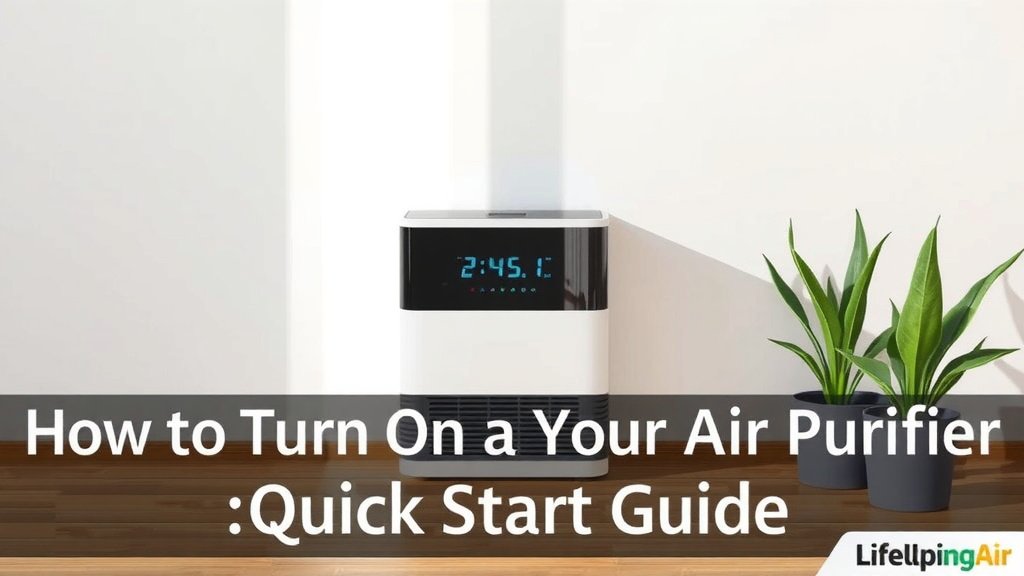
Quick Checklist for Turning On Your Air Purifier
- Plug the power cord into a working outlet.
- Find and press the power button.
- Note the initial indicator lights and fan sound.
- Adjust fan speed or select a mode if desired.
- Ensure the unit has adequate space around it.
Conclusion
You’ve learned the straightforward steps to get your air purifier up and running. From finding the perfect spot for optimal airflow to pressing that power button, you’re now equipped to start enjoying cleaner air. Remember to pay attention to indicator lights and sounds – they’re your guide to performance. Regularly check your user manual for specific settings. Your next step is to simply enjoy the benefits of a healthier indoor environment.
Frequently Asked Questions
What’s the first thing I should do after plugging in my air purifier?
After plugging in your air purifier, the very next step is to locate and press the power button. This usually starts the unit on a default setting, like medium fan speed or auto mode. You should then notice indicator lights and hear the fan begin to operate.
Can I turn on my air purifier without adjusting any settings?
Yes, absolutely! Most air purifiers are designed to start on a default setting when you press the power button. This typically means it will begin cleaning the air immediately at a medium fan speed or in automatic mode. You can always adjust settings later if you wish.
How do I know if my air purifier is actually working after I turn it on?
You’ll know your air purifier is working by listening for the fan sound and observing the indicator lights. A steady power light confirms it has power. Lights indicating fan speed or mode also show it’s active. The gentle hum of the fan is the sound of it cleaning your air.
Is it okay to place my air purifier on the floor when I first turn it on?
While you can place it on the floor, we recommend a stable, flat surface. Some units have bottom vents, and placing them directly on carpet might slightly impede airflow. Ensure there’s at least 12 to 24 inches of clear space around it for the best circulation.
What if my air purifier doesn’t turn on when I press the button?
If your air purifier doesn’t turn on, first double-check that the power cord is securely plugged into a working outlet. Ensure the outlet itself has power by testing it with another small appliance. If it still doesn’t power on, consult your user manual or the manufacturer for troubleshooting steps.

![What Is The Best Air Purifier for Bedroom Pets [In 2026]](https://homeunderstandable.com/wp-content/uploads/2025/06/best-air-purifier-for-bedroom-pets-eliminate-allergies-and-odors-effortlessly-768x904.jpg)