How to Turn On Your Levoit Air Purifier Easily
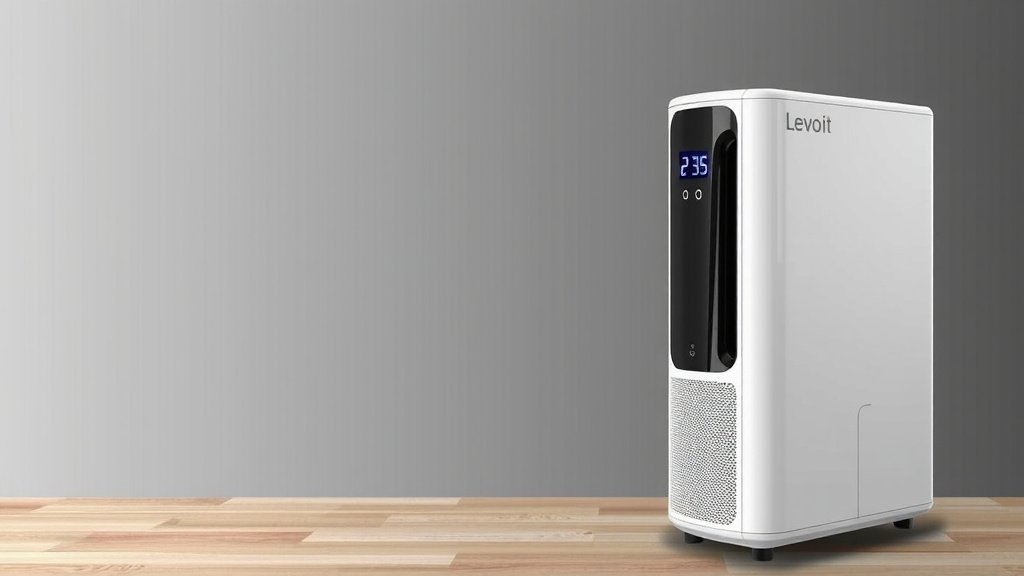
Turning on your Levoit air purifier is surprisingly simple! You’ll typically find the power button right on the top control panel. Just press it, and your purifier will begin its magic, helping you breathe easier. Many models will then cycle through their basic settings, ready to clean your air.
Once it’s on, you might want to adjust fan speeds or set a timer. Levoit air purifiers are designed for user-friendly operation. They aim to make improving your home’s air quality as straightforward as possible. You’ll be enjoying cleaner air in no time. For more detailed instructions on setting up your air purifier, check out this guide.
- Press the power button on top.
- Your purifier starts automatically.
- Adjust settings like fan speed if needed.
- Enjoy fresher air!
Ready to get your Levoit humming and cleaning? Let’s walk through the simple steps to get it up and running.
Getting Your Levoit Air Purifier Up and Running
So, you’ve got your shiny new Levoit air purifier, and you’re ready to start breathing cleaner air. Excellent choice! Turning it on is generally a breeze. Most models have the power button prominently placed. You’ll want to give it a gentle press. This action signals your purifier to wake up and get to work. It’s like giving it a little tap to say, “Okay, time to shine!”
Where to Find the Power Button
The exact location can vary slightly between Levoit models. However, the power button is almost always on the top of the unit. You’ll find it on the control panel. It’s usually one of the first buttons you see. Often, it’s clearly marked with a standard power symbol. Think of a circle with a vertical line cutting through the top half. It’s designed to be easily accessible. You won’t have to hunt for it.
Initial Power-Up Sequence
Once you press the power button, your Levoit purifier will typically perform a quick self-check. The lights on the control panel might flash or light up briefly. This is perfectly normal. It’s just the machine confirming all its systems are go. Then, it will usually start on a default setting. This might be a low fan speed or an auto mode. It’s ready to start filtering your air right away. You don’t need to do anything else for it to begin cleaning.
Understanding Your Levoit’s Control Panel
While turning it on is simple, understanding the other controls will help you get the most out of your Levoit. The control panel is your command center. It’s where you manage all the purifier’s functions. Levoit designs these panels to be intuitive. You’ll find most options are clearly labeled. Let’s break down what you can typically expect to see. Understanding how to take apart your Levoit is useful for maintenance.
Fan Speed Settings
Most Levoit air purifiers offer adjustable fan speeds. You’ll usually see buttons or icons representing different fan levels. These often range from low to high. Sometimes there’s a quiet or sleep mode. Lower speeds are great for continuous operation. They are quieter and use less energy. Higher speeds are for when you need quick air purification. Think of after cooking or when pollen counts are high. You can select the speed that best suits your needs.
Timer Functionality
Many Levoit models include a timer function. This lets you set the purifier to run for a specific duration. You might see options like 2, 4, or 8 hours. This is handy for saving energy. For instance, you can set it to run while you’re sleeping. Then, it turns off automatically. It’s a great way to ensure clean air without leaving the unit running all day. Check your specific model for available timer settings.
Sleep Mode and Other Features
Sleep mode is a favorite feature for many users. When activated, it dims or turns off all the indicator lights. The fan speed is usually set to its lowest setting. This creates a peaceful environment for sleeping. Other common features can include filter replacement indicators. These lights will alert you when it’s time for a new filter. Some advanced models might even have air quality sensors. These can automatically adjust fan speed based on the detected air quality.
Ensuring Optimal Placement and Setup
Before you even think about turning it on, proper placement is key. Where you put your air purifier can affect its performance. Think of it like giving your purifier the best chance to do its job.
Choosing the Right Spot
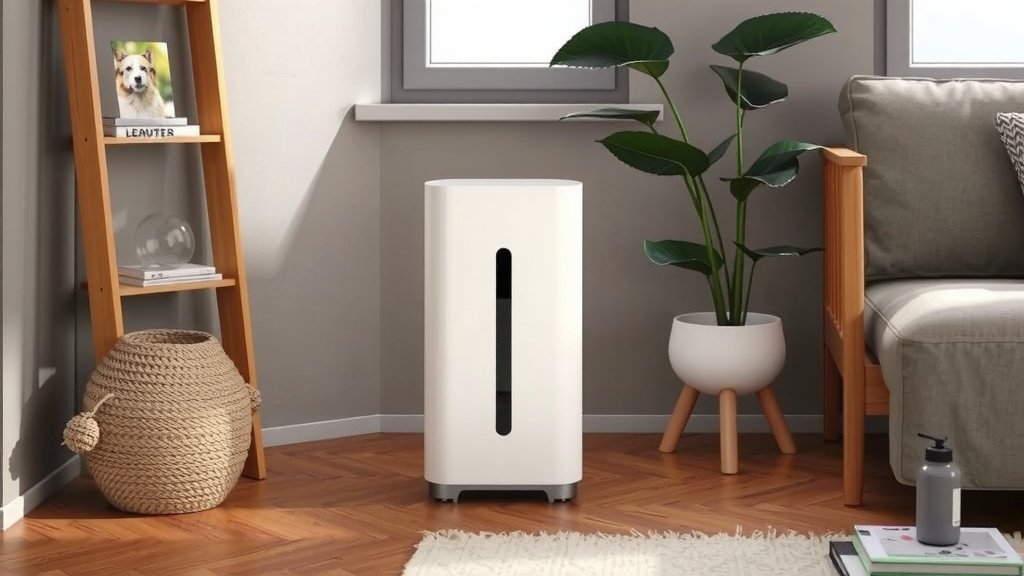
You’ll want to place your Levoit purifier in the room where you spend the most time. This is often the bedroom or living room. Make sure there’s enough space around the unit. We recommend at least 12-18 inches of clearance. This allows for good airflow. Don’t place it directly against walls or furniture. Avoid blocking the air intake and outlet vents. Placing it on a hard, flat surface is best. This prevents vibrations and ensures stability.
Avoiding Certain Locations
It’s also wise to avoid certain areas. Don’t put your air purifier near sources of extreme heat or moisture. This includes ovens, humidifiers, or steamy bathrooms. These conditions can damage the unit. Also, keep it away from curtains or drapes that could be sucked into the vents. Levoit recommends keeping them away from areas with heavy dust or grease buildup, like workshops.
Pre-Operation Checklist
Before you hit that power button for the first time, a quick check can prevent issues. Levoit designs their units to be ready to go. But a little preparation goes a long way.
- Confirm the power cord is securely plugged in.
- Ensure the unit is on a stable, level surface.
- Check that all packaging materials have been removed from the filter.
- Make sure the filter cover is properly secured.
- Verify that the air intake and outlet vents are clear.
First-Time Use Considerations
When you first turn on your Levoit air purifier, you might notice a slight smell. This can happen as the new filter begins to work. It’s typically harmless and should dissipate quickly. Some sources suggest running the purifier on a medium to high setting for the first few hours. This helps to clear out any residual manufacturing odors. After that initial period, you can switch to your preferred settings.
Here’s a quick summary of what to do:
- Press the power button.
- Let the unit run for a bit.
- Adjust fan speed or set a timer if desired.
- Enjoy your newly purified air!
Conclusion
You’ve now got the know-how to easily turn on and start using your Levoit air purifier. Remember, the power button is usually right on top, and a simple press gets things going. You can then fine-tune settings like fan speed and timer for your comfort. Taking a moment for proper placement and a quick pre-operation check ensures your purifier works its best. Now, enjoy the fresh, clean air you’ve created in your home!
Frequently Asked Questions
What if my Levoit air purifier doesn’t turn on?
First, double-check that the power cord is securely plugged into both the purifier and a working wall outlet. If it’s still not turning on, try a different outlet to rule out an issue with the power source. If the problem persists, it might be time to consult your Levoit manual or contact customer support.
Do I need to do anything after pressing the power button?
After pressing the power button, your Levoit air purifier will typically start on a default setting, like a low fan speed or auto mode. You don’t necessarily need to do anything else for it to begin purifying. However, you can then adjust the fan speed, set a timer, or activate sleep mode based on your preferences and needs.
Can I turn on my Levoit air purifier remotely?
Some newer Levoit models feature smart capabilities, allowing for remote control via a smartphone app or voice commands. You’ll need to connect your purifier to your home Wi-Fi network and set up the Levoit app. Check your specific model’s manual to see if remote operation is an available feature.
Is it okay to leave my Levoit air purifier on all the time?
Yes, most Levoit air purifiers are designed for continuous operation. Leaving it on helps maintain consistent air quality. Using features like the timer or sleep mode can help manage energy consumption if you prefer not to run it at full power 24/7.
What does the initial smell mean when I first turn on my Levoit?
When you first turn on a Levoit air purifier with a new filter, you might notice a slight, unusual smell. This is often a harmless residual scent from the manufacturing or packaging process of the filter. Running the purifier on a higher setting for a few hours should help dissipate this odor quickly.

![5 Best Air Purifier for Office Desk [In 2026]](https://homeunderstandable.com/wp-content/uploads/2025/05/best-air-purifier-for-office-desk-top-choices-for-clean-air-768x512.jpg)