Connect Blueair Purifier to Wi-Fi: A Step-by-Step Guide

Connect Blueair Purifier to Wi-Fi: A Step-by-Step Guide

Connecting your Blueair air purifier to Wi-Fi is a straightforward process that unlocks smart features. You can typically do this using the Blueair app on your smartphone or tablet. This connection allows for remote control and access to air quality data. Once connected, your purifier can work smarter for your home. You’ll be able to…
Connect Your Dyson Air Purifier: A Step-by-Step Guide

Connect Your Dyson Air Purifier: A Step-by-Step Guide

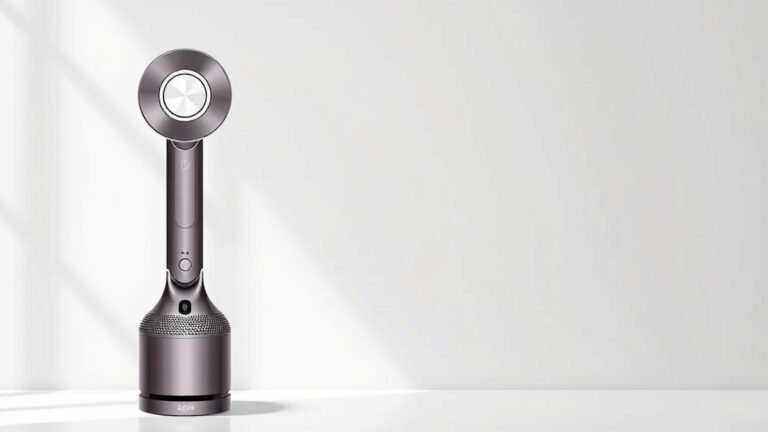
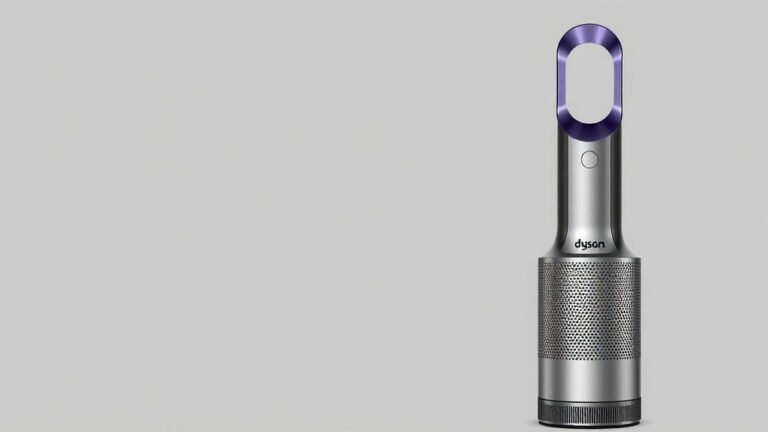
Connecting your Dyson air purifier to its app is a straightforward process. You’ll typically use your smartphone and the Dyson Link app to get your purifier online. This lets you monitor air quality and control settings remotely, making it super convenient. Once connected, your Dyson air purifier becomes a smart home device. This connection unlocks…

Connect Your Dyson Air Purifier to Alexa: Easy Setup

Connect Your Dyson Air Purifier to Alexa: Easy Setup

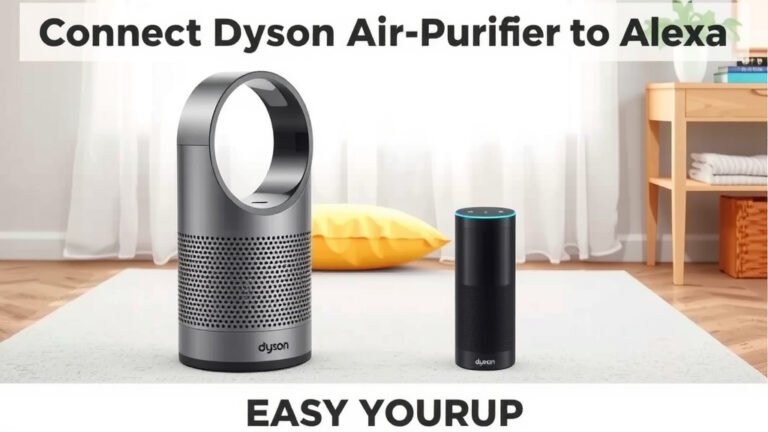
Yes, you can absolutely connect your Dyson air purifier to Alexa. This allows for hands-free voice control and easy integration into your smart home. You’ll be able to turn your purifier on or off, change modes, and check air quality using simple voice commands. Connecting your Dyson to Alexa means more convenience for your home’s…

Connect Dyson Air Purifier to New WiFi: Step-by-Step Guide

Connect Dyson Air Purifier to New WiFi: Step-by-Step Guide

Connecting your Dyson air purifier to new Wi-Fi is a straightforward process. You’ll typically use the Dyson Link app on your smartphone or tablet to guide you through the steps. This ensures your purifier can be controlled remotely and receive software updates. Sometimes your Wi-Fi network changes due to a new router or internet provider….

How to Clean Your Sharper Image Air Purifier Effectively

How to Clean Your Sharper Image Air Purifier Effectively

The easiest way to clean your Sharper Image air purifier is to regularly wipe down the exterior and clean or replace the filters according to the manufacturer’s instructions. Keeping your air purifier in top shape ensures you’re always breathing the cleanest air possible. Don’t let dust bunnies win this battle! A clean air purifier works…

Connect Your Levoit 200S to Wi-Fi: Step-by-Step Guide

Connect Your Levoit 200S to Wi-Fi: Step-by-Step Guide

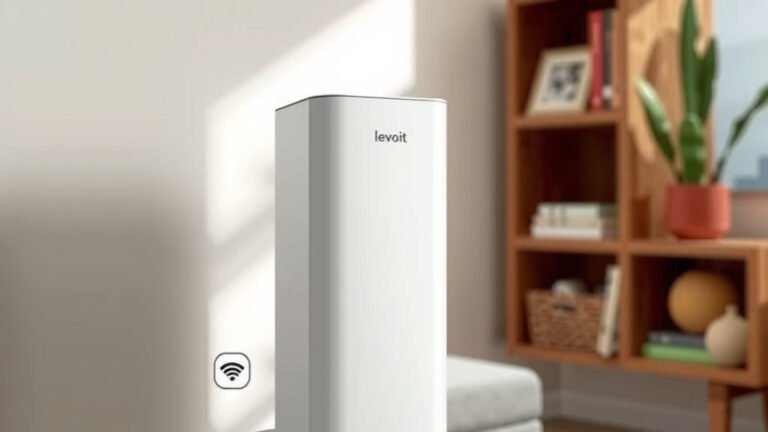
Connecting your Levoit 200S air purifier to WiFi is surprisingly straightforward. You’ll need your home WiFi network name and password ready. The process involves downloading the VeSync app and following a few simple on-screen prompts. This lets you control your purifier remotely and access smart features. Once connected, your Levoit 200S becomes a truly smart…