Master Your Dyson Air Purifier: Simple Setup & Use
Using your Dyson air purifier is surprisingly simple. You just need to plug it in, turn it on, and let it work its magic. Most models offer automatic modes that adjust fan speed based on air quality, making it truly a set-it-and-forget-it device for cleaner air in your home.
These purifiers are designed with user-friendliness in mind. They aim to remove pollutants and allergens efficiently without requiring a degree in engineering. Understanding the basic controls and maintenance will help you get the most out of your Dyson for a healthier living environment.
- Plug it in and turn it on.
- Use auto mode for hands-free operation.
- Check the filter light for replacement needs.
- Clean the exterior periodically.
Let’s walk through exactly how to get your Dyson air purifier up and running, and keep it performing at its best.
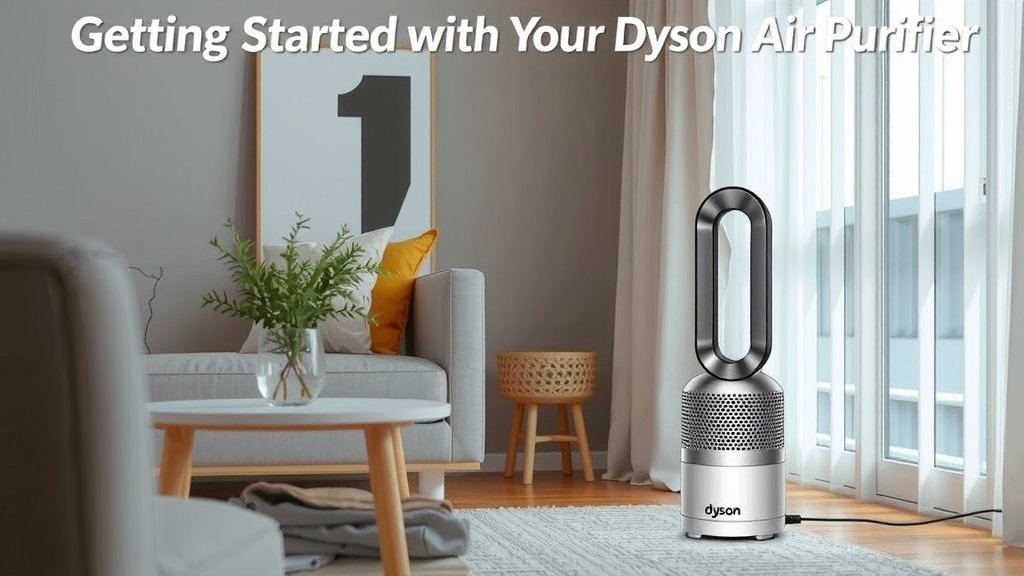
Getting Started with Your Dyson Air Purifier
So, you’ve got a new Dyson air purifier. That’s fantastic! You’re probably eager to breathe cleaner air. Let’s get it set up and running in just a few easy steps. We’ll cover everything from plugging it in to understanding its different modes. Let’s get it set up and running in just a few easy steps.
Unboxing and Placement: Giving Your Purifier Room to Breathe
First things first, carefully unbox your Dyson. You’ll want to remove all the protective packaging. Then, find the perfect spot for it in your room. Ideally, place it away from walls and furniture.
This allows for maximum airflow. Good air circulation is key to efficient purification. Think of it like giving your purifier the space it needs to do its job effectively. We found that placing it in a central location often works best.
Powering On and Initial Setup
Locate the power cord and plug it into a suitable outlet. Once plugged in, you should see a light or a small display indicating it’s ready. To turn it on, simply press the power button. It’s usually quite prominent.
Many Dyson models will perform a quick diagnostic when first powered up. This helps ensure all systems are go. You don’t need to do anything special here; just let it complete its check. It’s like a quick stretch before a workout!
Understanding Your Dyson Air Purifier’s Controls and Modes
Dyson purifiers are designed to be intuitive. You’ll find the controls are straightforward, whether they’re on the unit itself or via a remote. Let’s break down what each setting does so you can use it to its full potential.
The Remote Control: Your Command Center
Most Dyson purifiers come with a sleek remote control. It usually attaches magnetically to the top of the unit for safekeeping. This remote allows you to adjust settings without having to get up.
Key functions you’ll find on the remote include power, fan speed adjustment, oscillation control, and mode selection. Keep it handy, but remember where you put it! Losing remotes is a common household adventure.
Manual Fan Speed Control: Setting It Just Right
You can manually set the fan speed if you prefer. Look for buttons with fan icons or +/- symbols. Pressing these will increase or decrease the fan speed.
A lower setting is quieter and perfect for nighttime. A higher setting is great for quickly clearing the air after cooking or when you have guests. We found that experimenting with different speeds helps you find your comfort zone.
Auto Mode: Let Dyson Do the Thinking
This is where your Dyson purifier truly shines. Auto mode uses built-in sensors to detect air quality. It then automatically adjusts the fan speed accordingly.
If the air quality dips (think cooking fumes or dust), the purifier will ramp up. Once the air is clean again, it will reduce its speed. This is fantastic for energy efficiency and ensuring you always have clean air without constant adjustments. Many experts recommend using Auto mode for daily operation (CDC).
Night Mode: Peaceful Purification
Night mode is specifically designed for sleeping environments. It dims the display lights and switches to the quietest fan speeds. This ensures your sleep isn’t disturbed by bright lights or loud noises.
It still purifies the air effectively, just in a more subdued manner. This is a thoughtful feature for bedrooms and nurseries. You get the benefits of clean air without the distractions.
Oscillation: Spreading the Clean Air
Some Dyson models offer an oscillation feature. This feature gently rotates the purifier, helping to circulate purified air around the room. It’s like a gentle breeze circulating freshness.
You can usually control the angle of oscillation. This helps ensure that clean air reaches all corners of your space. We found that using oscillation with Auto mode provides excellent room-wide air quality.
Maintaining Your Dyson Air Purifier for Peak Performance
A little maintenance goes a long way in keeping your Dyson air purifier working efficiently for years to come. It’s not complicated at all, and most tasks are quick and easy.
Filter Replacement: The Heart of Purification
The filter is the most critical component. Over time, it captures pollutants and will eventually become saturated. Your Dyson will alert you when it’s time for a replacement. Resetting your Dyson air purifier filter is a simple process that ensures your machine works its best.
Look for a filter indicator light on the unit or display. Many models will also show this information on the Dyson Link app if you’ve connected it. Replacing the filter regularly is essential for effective air cleaning. A clogged filter can’t do its job properly, and it might even reduce airflow.
How to Replace the Filter
Replacing the filter is usually a simple process. Most Dyson units have a clear compartment for the filter.
You’ll typically need to twist or unclip the filter housing. Remove the old filter and insert the new one, making sure it’s seated correctly. Then, close the compartment securely. Your purifier will likely need to be reset to acknowledge the new filter; check your manual for specifics.
Cleaning the Exterior: Keeping It Looking Good
The exterior of your Dyson purifier can be cleaned periodically. Use a soft, dry, or slightly damp cloth to wipe down the casing. Avoid harsh chemicals or abrasive cleaners.
You might also want to gently clean the grille or mesh areas. A soft brush or a vacuum cleaner with a brush attachment can help remove dust buildup. Keeping the outside clean ensures your purifier looks as good as it performs.
Cleaning the Sensors: Ensuring Accuracy
Your Dyson purifier has sensors that monitor air quality. These sensors can occasionally get dusty, which might affect their accuracy.
Consult your user manual for the exact location of your sensors. Often, you can gently wipe them with a dry cotton swab. This simple step ensures your purifier is always getting accurate readings and responding appropriately.
Dyson Link App Integration: Smart Control
If your model supports it, connecting to the Dyson Link app adds another layer of convenience. You can monitor your home’s air quality in real-time, track filter life, and control your purifier remotely.
The app can also provide insights into pollution sources in your home. It’s a great way to stay informed and manage your air quality proactively. We found that the app makes filter replacement reminders particularly helpful.
Quick Maintenance Checklist:
- Check filter indicator for replacement alerts.
- Wipe down exterior with a soft cloth weekly.
- Clean sensors gently with a dry swab monthly.
- Ensure proper placement for unobstructed airflow.
- Update firmware via the Dyson Link app if available.
- Store remote securely (magnetically or in a safe spot).
Conclusion
You’re now well-equipped to use your Dyson air purifier to its full potential. We’ve covered setup, understanding modes like Auto and Night, and essential maintenance like filter changes. Your Dyson is designed to be user-friendly, simplifying the process of achieving cleaner air in your home.
Remember to keep it placed with ample airflow and replace filters when prompted. The Dyson Link app can offer even more control and information. Take the next step by checking your air purifier’s current filter status and scheduling your next maintenance task today.
Frequently Asked Questions
How often should I replace my Dyson air purifier’s filter?
You should replace your Dyson air purifier’s filter when the unit or the Dyson Link app indicates it’s time. This is usually based on usage hours and the type of pollutants it has captured. Skipping this step can reduce purification effectiveness.
Can I run my Dyson air purifier 24/7?
Yes, your Dyson air purifier is designed for continuous operation to maintain optimal air quality. Running it in Auto mode ensures it works efficiently without constant manual adjustments throughout the day and night.
What is the best placement for my Dyson air purifier?
For best results, place your Dyson air purifier in a central location away from walls and obstructions. This allows for unobstructed airflow, enabling it to circulate purified air effectively throughout the room.
How do I clean the Dyson air purifier sensors?
To clean your Dyson air purifier’s sensors, gently wipe them with a dry cotton swab. Consult your user manual to locate the sensors accurately. Keeping them clean ensures accurate air quality readings.
Is the Dyson Link app necessary to use my air purifier?
No, the Dyson Link app is not strictly necessary, but it enhances your experience. It allows for remote control, air quality monitoring, and timely filter replacement alerts. Your purifier will function well using its onboard controls even without the app.