Choosing the Right Air Purifier Size for Your Room

Choosing the Right Air Purifier Size for Your Room

Determining the right size air purifier for your space involves looking at the room’s square footage and the purifier’s CADR rating. A larger room needs a purifier with a higher clean air delivery rate (CADR) to effectively clean the air. It’s essential to match these two factors for optimal performance and cleaner air. Choosing the…

Honeywell Air Purifier Disassembly: Step-by-Step Guide

Honeywell Air Purifier Disassembly: Step-by-Step Guide

Disassembling your Honeywell air purifier is surprisingly straightforward. The primary goal is usually to access the filters for cleaning or replacement. Most models allow you to easily remove the outer casing and then the filter compartments with simple latches or clasps. You typically won’t need any special tools for this process. Taking apart your Honeywell…

Levoit Air Purifier Disassembly Guide: Easy Steps

Levoit Air Purifier Disassembly Guide: Easy Steps

Disassembling your Levoit air purifier is straightforward and often necessary for a thorough cleaning or filter replacement. You can typically access the interior by gently prying off the outer casing or unscrewing a base panel, depending on your specific model. Always ensure the unit is unplugged before you begin. Understanding how to take apart your…

Connect Blueair Purifier to Wi-Fi: A Step-by-Step Guide

Connect Blueair Purifier to Wi-Fi: A Step-by-Step Guide

Connecting your Blueair air purifier to Wi-Fi is a straightforward process that unlocks smart features. You can typically do this using the Blueair app on your smartphone or tablet. This connection allows for remote control and access to air quality data. Once connected, your purifier can work smarter for your home. You’ll be able to…

Connect Your Dyson Air Purifier: A Step-by-Step Guide

Connect Your Dyson Air Purifier: A Step-by-Step Guide

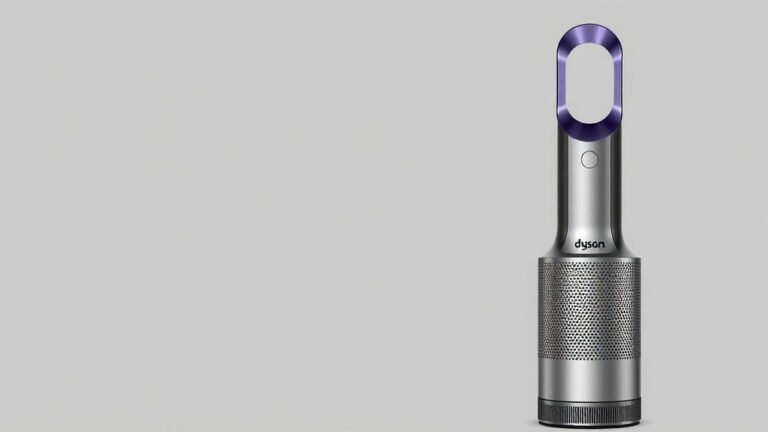
Connecting your Dyson air purifier to its app is a straightforward process. You’ll typically use your smartphone and the Dyson Link app to get your purifier online. This lets you monitor air quality and control settings remotely, making it super convenient. Once connected, your Dyson air purifier becomes a smart home device. This connection unlocks…

Connect Your Dyson Air Purifier to Alexa: Easy Setup

Connect Your Dyson Air Purifier to Alexa: Easy Setup

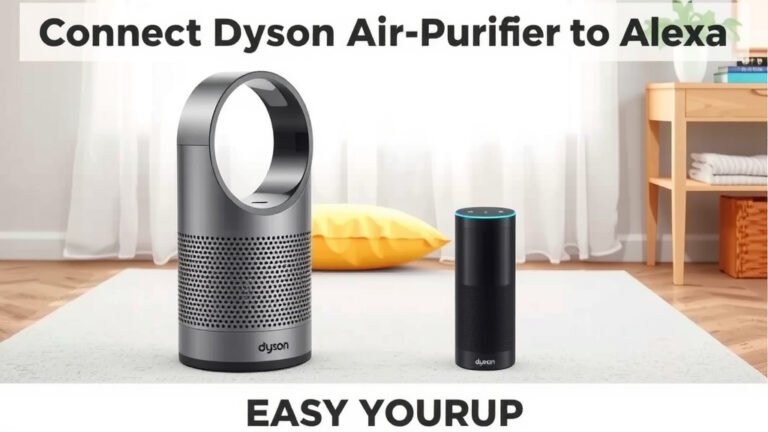
Yes, you can absolutely connect your Dyson air purifier to Alexa. This allows for hands-free voice control and easy integration into your smart home. You’ll be able to turn your purifier on or off, change modes, and check air quality using simple voice commands. Connecting your Dyson to Alexa means more convenience for your home’s…

Connect Dyson Air Purifier to New WiFi: Step-by-Step Guide

Connect Dyson Air Purifier to New WiFi: Step-by-Step Guide

Connecting your Dyson air purifier to new Wi-Fi is a straightforward process. You’ll typically use the Dyson Link app on your smartphone or tablet to guide you through the steps. This ensures your purifier can be controlled remotely and receive software updates. Sometimes your Wi-Fi network changes due to a new router or internet provider….