Reset Honeywell Air Purifier Pre-Filter Light Quickly
Resetting the pre-filter light on your Honeywell air purifier is a simple process, usually just requiring a press and hold of a specific button. You’ll typically find this light illuminates when it’s time to clean or replace the pre-filter, which is essential for maintaining air quality.
This indicator light is your purifier’s way of telling you it needs a little attention. Ignoring it can reduce your unit’s efficiency. Many users find it easy to reset once they know which button to use. We’ll show you exactly how to get that light off.
- Locate the correct button.
- Press and hold it for a few seconds.
- Ensure the light turns off.
- Clean or replace the pre-filter as needed.
Let’s walk through exactly how to reset that pre-filter light on your Honeywell air purifier step by step, so you can get back to breathing easy.
So, that pre-filter light on your Honeywell air purifier has blinked on, and you’re wondering what’s next. Don’t worry, it’s a super common situation! This little light is just your purifier’s friendly reminder that it’s time for a little TLC. Think of it like a car’s “check engine” light, but for your air. It’s not a sign of a major problem, just a prompt for routine maintenance.
Getting Your Honeywell Pre-Filter Light Off
Resetting this light is typically a straightforward task. You won’t need any special tools or technical expertise. Mostly, it involves locating a specific button and giving it a good press and hold. We’ll guide you through the most common methods. This ensures your purifier keeps running efficiently and your air stays clean.
Why Does the Pre-Filter Light Come On?
Your Honeywell air purifier has a pre-filter for a reason. It’s the first line of defense against larger particles like dust, pet hair, and lint. These particles can clog up your main filters, reducing their effectiveness and lifespan. The pre-filter light illuminates to signal that it’s time to clean or replace this crucial first layer. This maintenance is vital for maximizing your unit’s air-purifying power.
The Role of the Pre-Filter
Research from environmental health experts highlights the importance of pre-filters in multi-stage air purification systems (National Center for Healthy Housing). They trap the bigger stuff before it can reach the more sensitive HEPA or activated carbon filters. A clogged pre-filter means less air can pass through. This forces your purifier to work harder, using more energy and potentially leading to premature wear and tear.
Locating the Reset Button: Your First Step
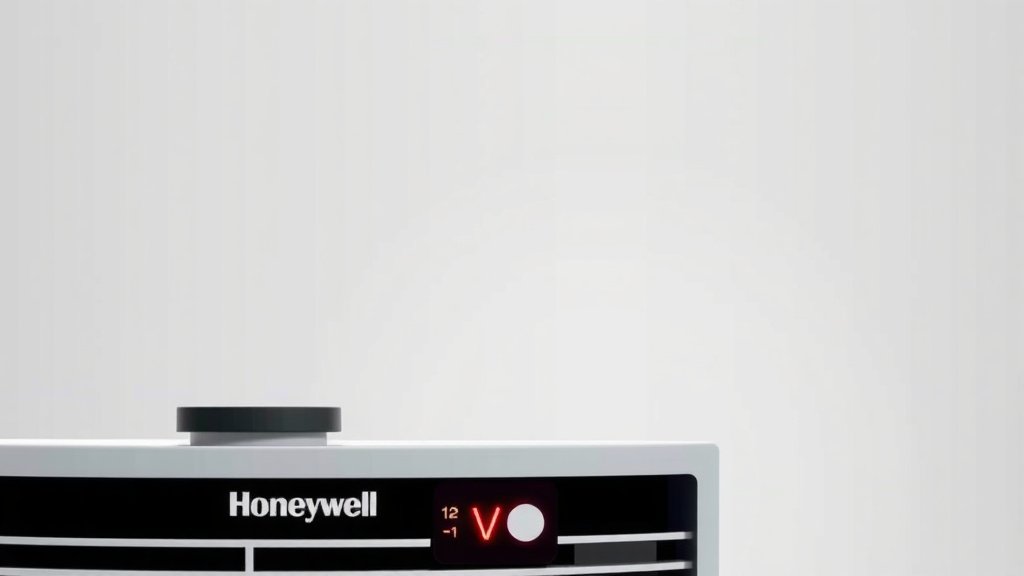
The exact location of the reset button can vary slightly depending on your specific Honeywell model. However, it’s usually found on the main control panel of your unit. Take a moment to look closely at the buttons and labels. You’re often looking for a button with a label like “Filter Reset,” “Pre-Filter Reset,” or sometimes just a filter icon. Some models might even have a small, recessed button that requires a paperclip to press.
Common Button Locations and Labels
On many popular Honeywell models, you’ll find the reset button integrated with other controls. It might be a dedicated button, or it could be a function you access by holding down another button for a specific duration. For instance, some units require you to press and hold the “On/Off” button for about three seconds after cleaning the filter. Always refer to your specific user manual if you’re unsure.
The Reset Process: Step-by-Step
Once you’ve identified the correct button, the reset procedure is generally very simple. The goal is to signal to the purifier that you’ve performed the necessary maintenance. Here’s the typical sequence of events:
- Ensure the unit is on. For most models, the purifier needs to be powered on for the reset function to work.
- Locate the designated reset button. This is the button we discussed in the previous section.
- Press and hold the button. You’ll usually need to hold it down for a specific amount of time. This is commonly 3 to 5 seconds.
- Listen and observe. You might hear a beep, or the light itself should turn off. Some units have a blinking light that stops blinking and turns off.
This simple sequence tells your Honeywell air purifier that the pre-filter has been attended to. It resets the internal timer or sensor that triggered the light. You’ve successfully completed the reset!
What If the Light Doesn’t Turn Off?
If you’ve followed the steps and the pre-filter light remains illuminated, don’t panic. There are a couple of common reasons this might happen. First, double-check that you pressed and held the correct button for the appropriate amount of time. Sometimes, you might need to hold it a little longer.
Troubleshooting Common Reset Issues
Another possibility is that the unit needs to be powered off and on again before attempting the reset. Some models require this sequence: turn off the unit, clean the filter, turn the unit back on, then perform the button press. If you’re still having trouble, consulting your user manual is your best bet. It will have model-specific instructions for the reset procedure. You can usually find these manuals online on the Honeywell website by searching for your model number.
When to Clean vs. Replace Your Pre-Filter
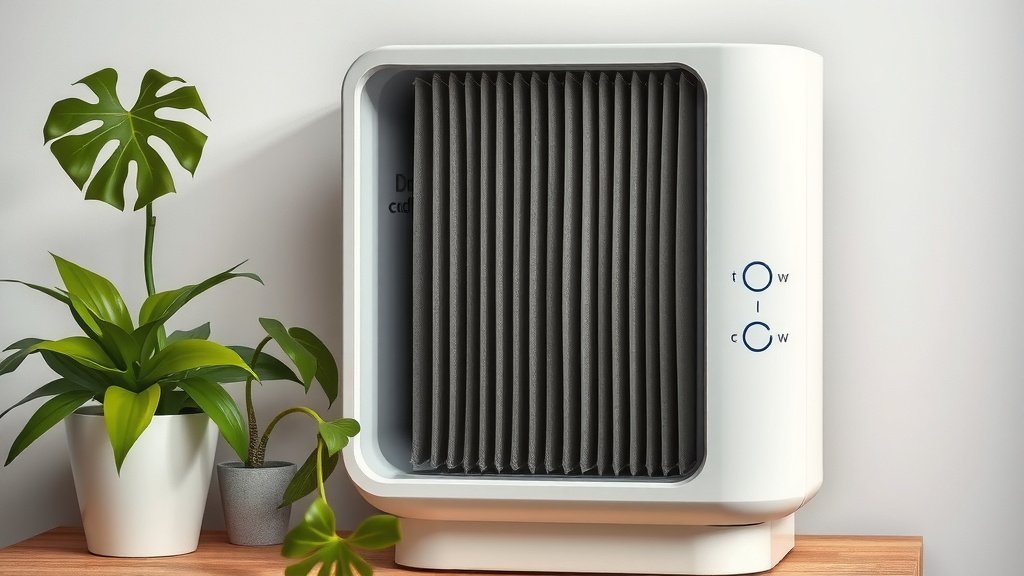
The pre-filter light typically indicates it’s time for cleaning. These are often washable or vacuumable. You can usually rinse them under cool water or gently vacuum them. However, if you notice tears, significant wear, or if cleaning doesn’t seem to restore its condition, it might be time for a replacement. A damaged pre-filter won’t effectively capture particles.
Understanding Your Honeywell Model’s Needs
Different Honeywell models might have slightly different requirements for their pre-filters. Some have permanent, washable pre-filters. Others may have disposable ones that need replacing periodically. Your user manual will be the definitive source for this information. Following the manufacturer’s guidelines helps ensure you’re always using the right maintenance strategy for your specific unit.
Keeping Your Air Purifier in Top Shape
Resetting the pre-filter light is just one part of keeping your Honeywell air purifier running optimally. Regular cleaning and filter replacement are key to achieving the best air quality in your home. By staying on top of these simple tasks, you ensure your purifier continues to do its job effectively for years to come. Think of it as a small investment of time for a big return in cleaner air.
A Quick Checklist for Pre-Filter Maintenance
To make things even easier, here’s a quick checklist to help you manage your pre-filter maintenance:
- Check the light: Notice the pre-filter indicator light.
- Consult your manual: Confirm cleaning/replacement needs.
- Clean or replace: Perform the necessary action.
- Power on unit: Ensure the purifier is running.
- Locate reset button: Find the correct control.
- Press and hold: Reset the indicator light as instructed.
Following these steps ensures you’re always keeping your air purifier in its best working condition. You’re doing a great job taking care of your air!
Conclusion
You’ve successfully learned how to reset the pre-filter light on your Honeywell air purifier. This simple maintenance task is key to keeping your unit running efficiently. Remember, this light is a helpful reminder, not a cause for alarm. By performing regular pre-filter cleaning or replacement, you ensure your air purifier continues to deliver the clean air you deserve. Don’t forget to consult your user manual for your specific model’s needs. Taking these small steps now will help you breathe easier for years to come.
Frequently Asked Questions
Will my Honeywell air purifier stop working if I don’t reset the pre-filter light?
Most Honeywell air purifiers will continue to operate even with the pre-filter light on. However, the efficiency of your unit may decrease as the pre-filter becomes clogged. It’s best to reset the light to ensure optimal performance.
Can I reset the pre-filter light without cleaning the filter?
While you can press the reset button without cleaning the filter, it’s not recommended. The light is indicating a maintenance need. Ignoring the need to clean or replace the filter means you’re not addressing the issue, and your air quality could suffer.
My Honeywell air purifier has multiple filter lights. Do I reset them all the same way?
Generally, no. Different filter indicator lights, such as for HEPA or activated carbon filters, often have separate reset procedures. Always check your specific user manual to confirm the correct method for each indicator light.
How often should I expect the pre-filter light to come on?
The frequency of the pre-filter light varies based on your home environment and how often you run your air purifier. In homes with pets or high dust levels, you might see it illuminate more often, typically every 2 to 4 weeks. Regular visual checks are also recommended.
What if my Honeywell model doesn’t have an obvious “Filter Reset” button?
Some Honeywell models combine the reset function with other buttons. For instance, you might need to press and hold the power button or another control for a specific duration after cleaning the filter. Your user manual is the best resource for finding this information for your model.